
King of Billiards
即将推出

About the game
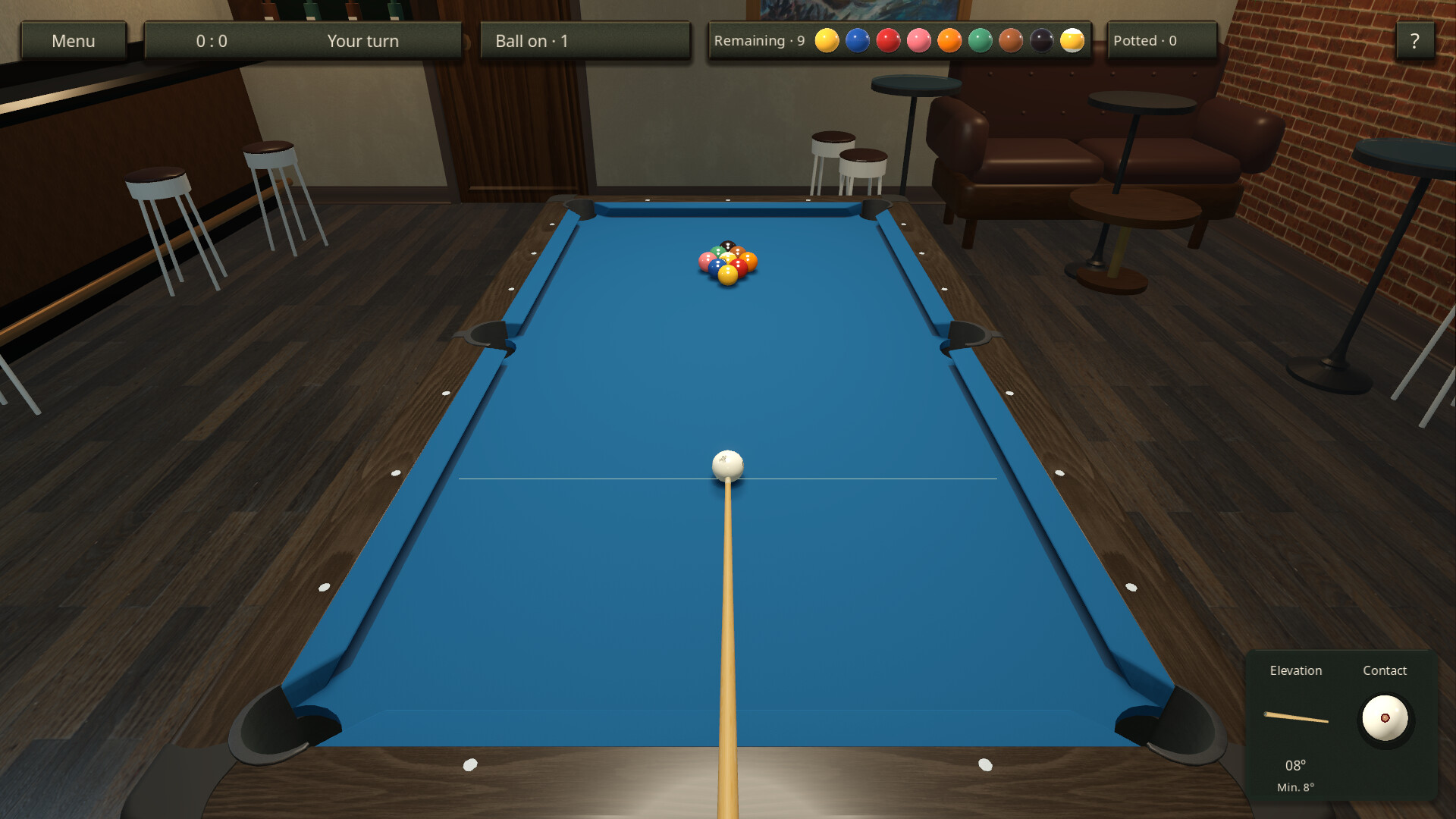
在球桌前就位。用鼠标瞄准,感受每一次击球,畅玩中式八球、九球、斯诺克或技巧对决。让球跃过障碍,用技能卡改变球桌,独自练习,或挑战 AI 和好友。
Steam 原始说明
Your cue. Your next move.
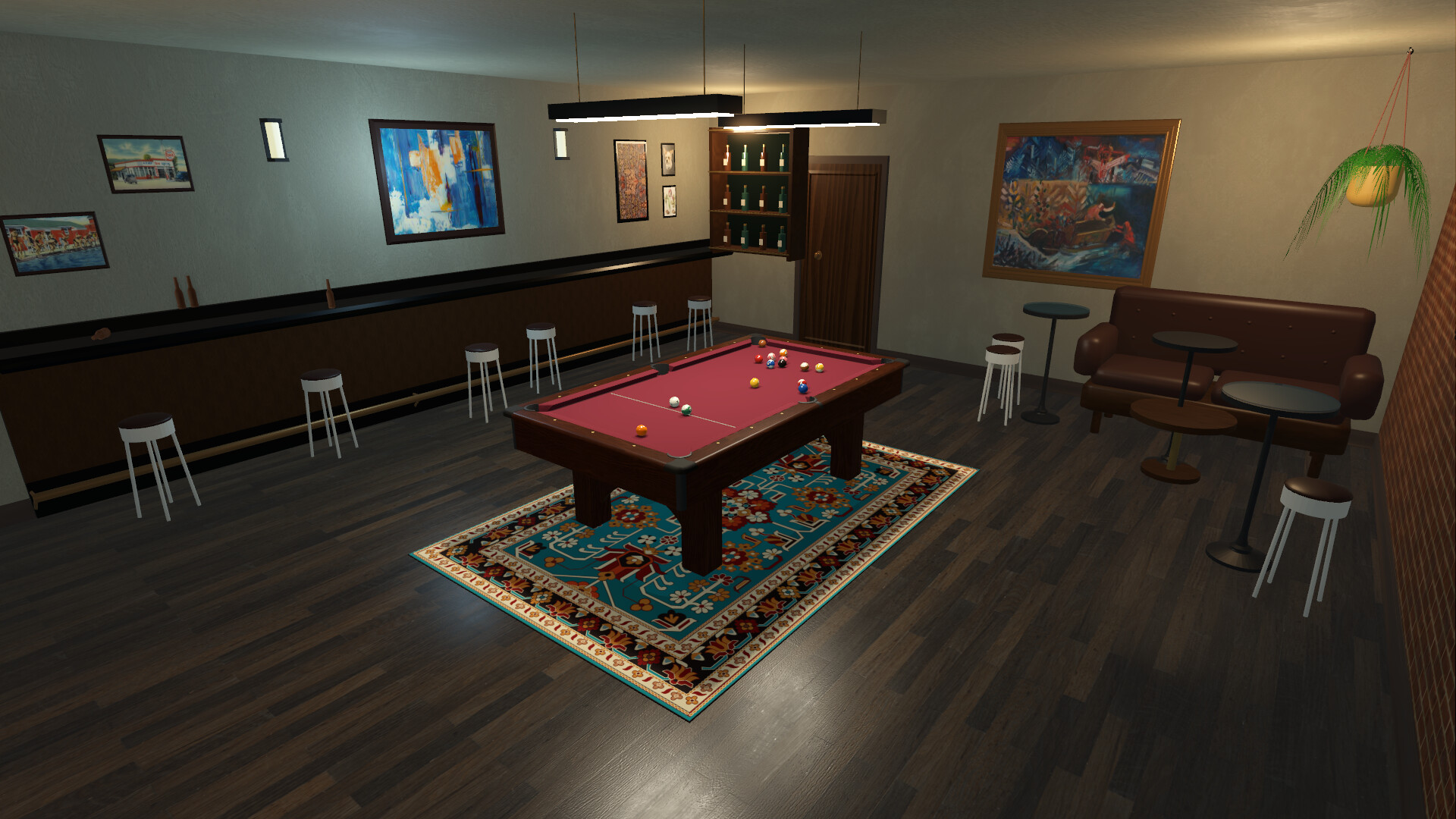
King of Billiards brings you into a warmly lit billiards club with a low, first-person aiming view. Line up the shot with your mouse, hold Ctrl and move back and forward to strike, and hold Shift to raise the cue. Choose the cue-ball contact point for spin and find your own rhythm at the table.A little precision. A little surprise.
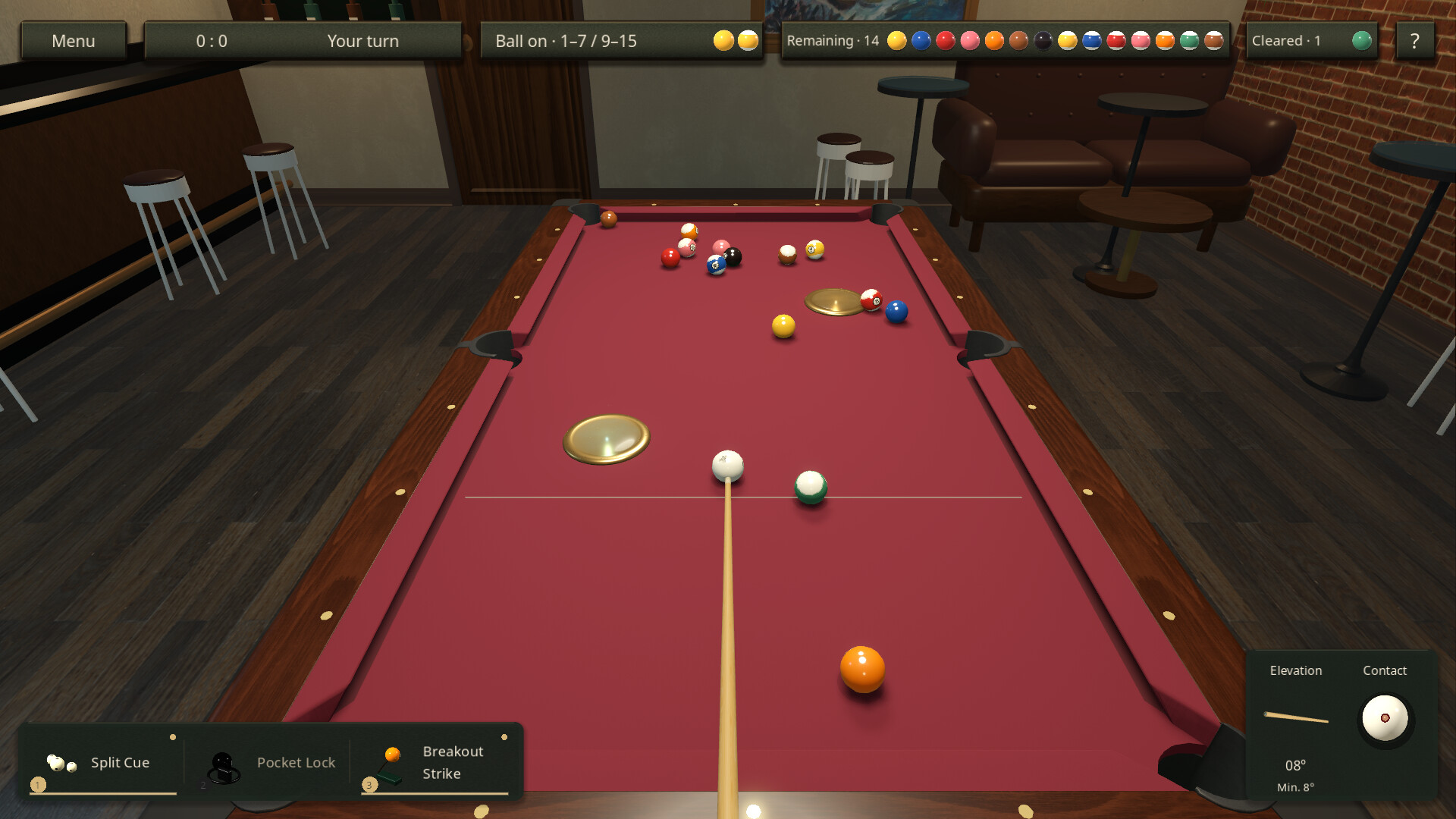
Play Chinese 8-ball, 9-ball and a casual Snooker ruleset, or try Skill Duel: each player receives three random cards per rack, while nine changing arena effects reshape the contest. Swap solids and stripes, split the cue ball, open portals, attract balls toward a pocket, or leave your opponent just one open pocket. Cards have their own timing and conditions; hold Alt to inspect your hand before making a move.Learn the shot. Make it yours.
Practise at your own pace, challenge the computer, or face another player over LAN or the internet. Steam players can host a room and invite friends. Raise the cue for controlled jumps, use cushion rebounds and carefully placed spin, and follow the action as the camera opens up after a shot. Optional aiming guides can be disabled for both players by the room host.A club to return to
- Four rulesets, AI opponents, free practice and two-player matches.
- 25 skill cards and nine random arena effects in Skill Duel.
- 40 achievements for progress, match wins, shot-making and experimentation.
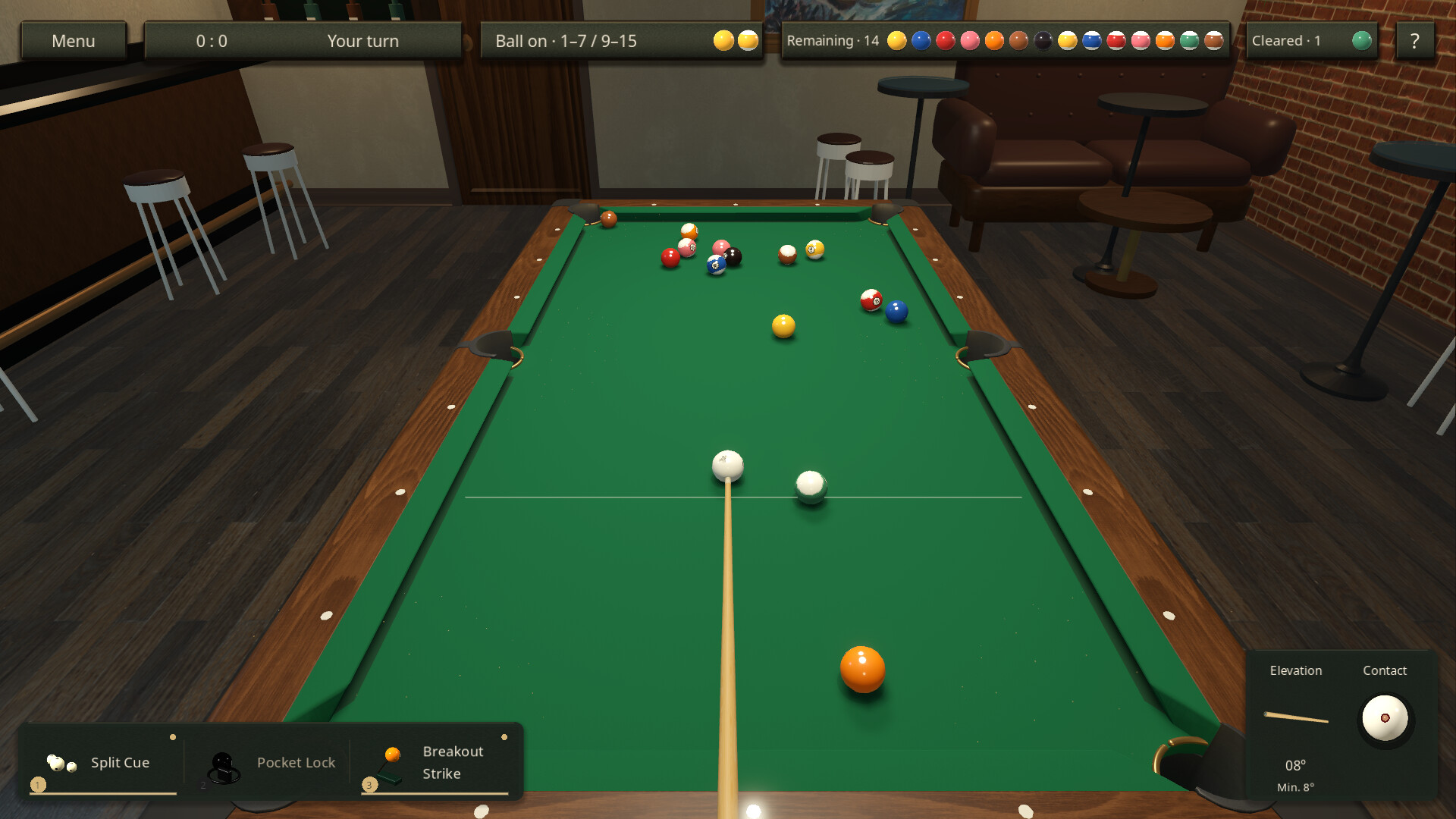
- Table and cue styles, adjustable sensitivity and a choice of background music.
- 31 interface language options. Achievement descriptions currently support Chinese and English.
试玩版与发售信息
当前检查数据尚未确认有可用的试玩版。这并不代表该游戏从未提供过试玩版;请前往其 Steam 页面查看最新情况。
信息与图片:Steam · 最后检查 UTC