
TaskBar VendingMachine
Disponible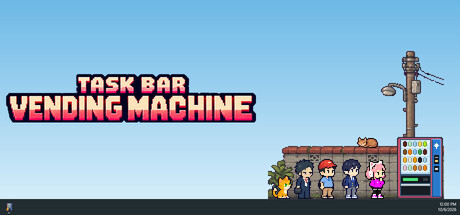

About the game
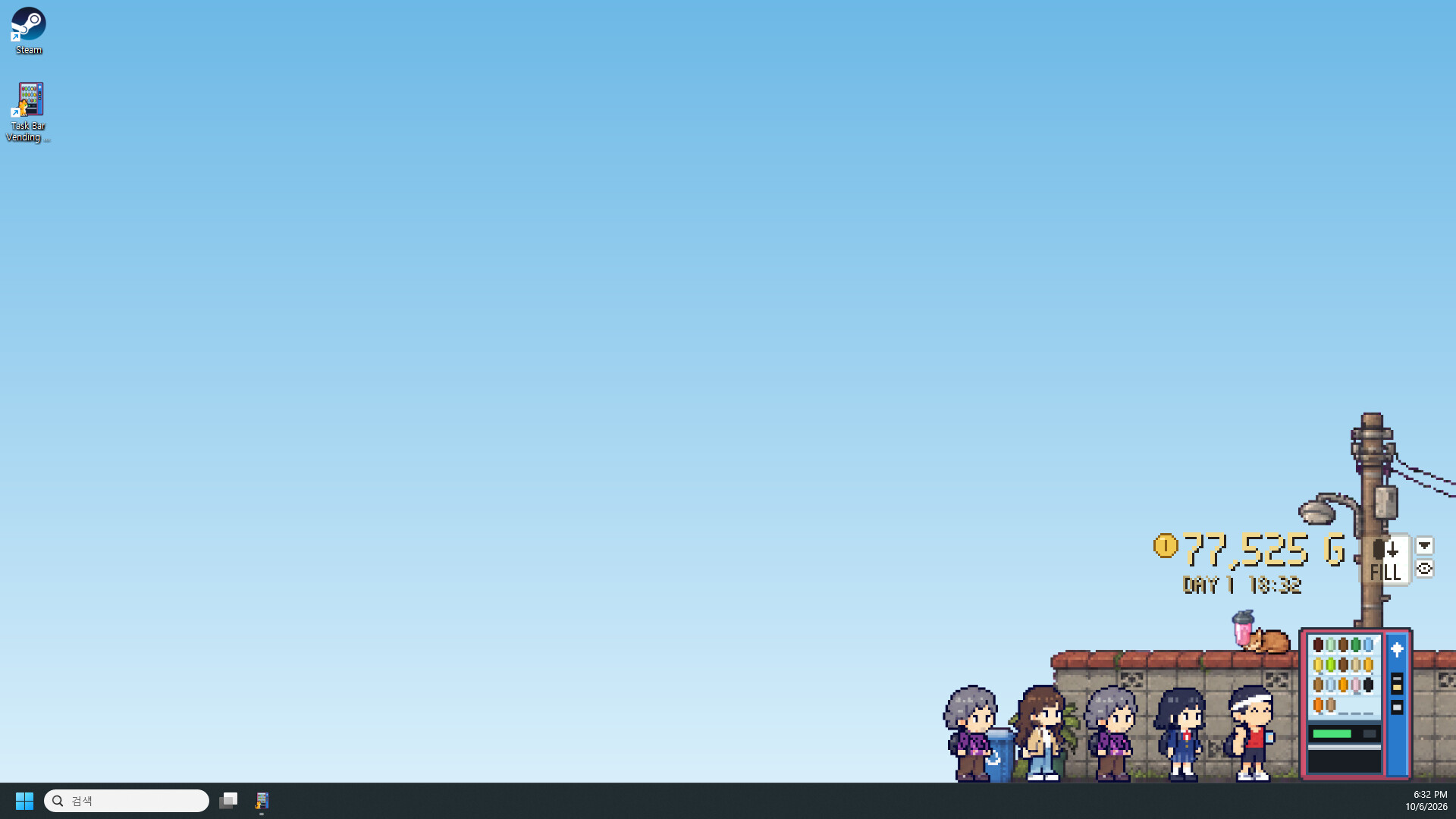
Un minuscule distributeur automatique en pixel art qui vit dans votre barre des tâches Windows. Les clients font la queue pendant que vous travaillez ou jouez. Remplissez les rayons, fixez vos prix, lisez les nouvelles du jour pour anticiper la prochaine tendance et rencontrez des habitués hauts en couleur, sans jamais quitter votre bureau.
Description d’origine sur Steam

A vending machine for your taskbar
Task Bar Vending Machine is a cozy idle game that sits right on top of your Windows taskbar. Sell drinks to passing customers while you work or browse the web!
It sells while you work
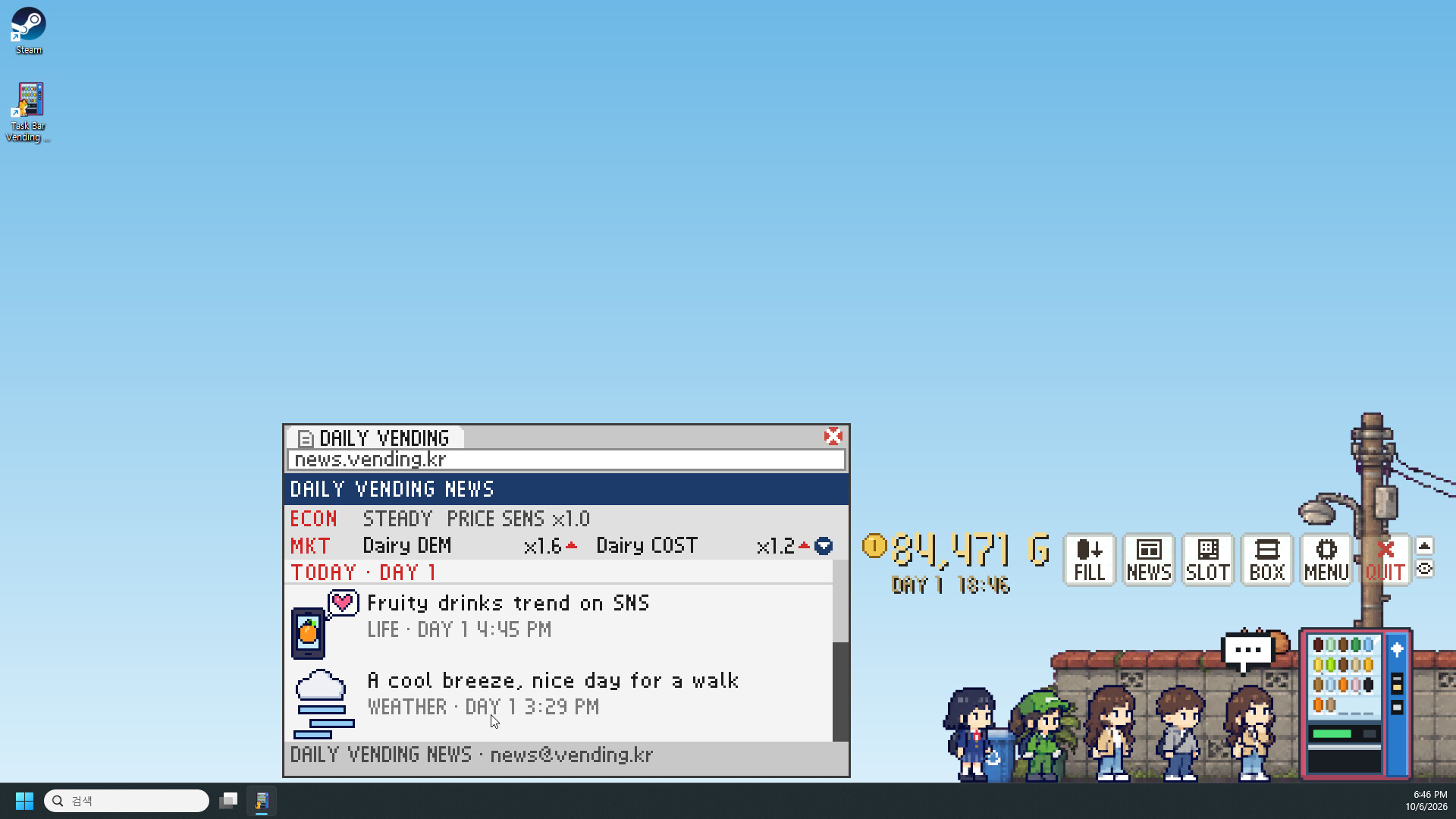
Customers walk up, think it over for a moment, and buy a drink. The in-game clock follows your real clock, so office workers stop by on their way home and students drop in after school. Just don't forget to keep the machine stocked!
Run your machine
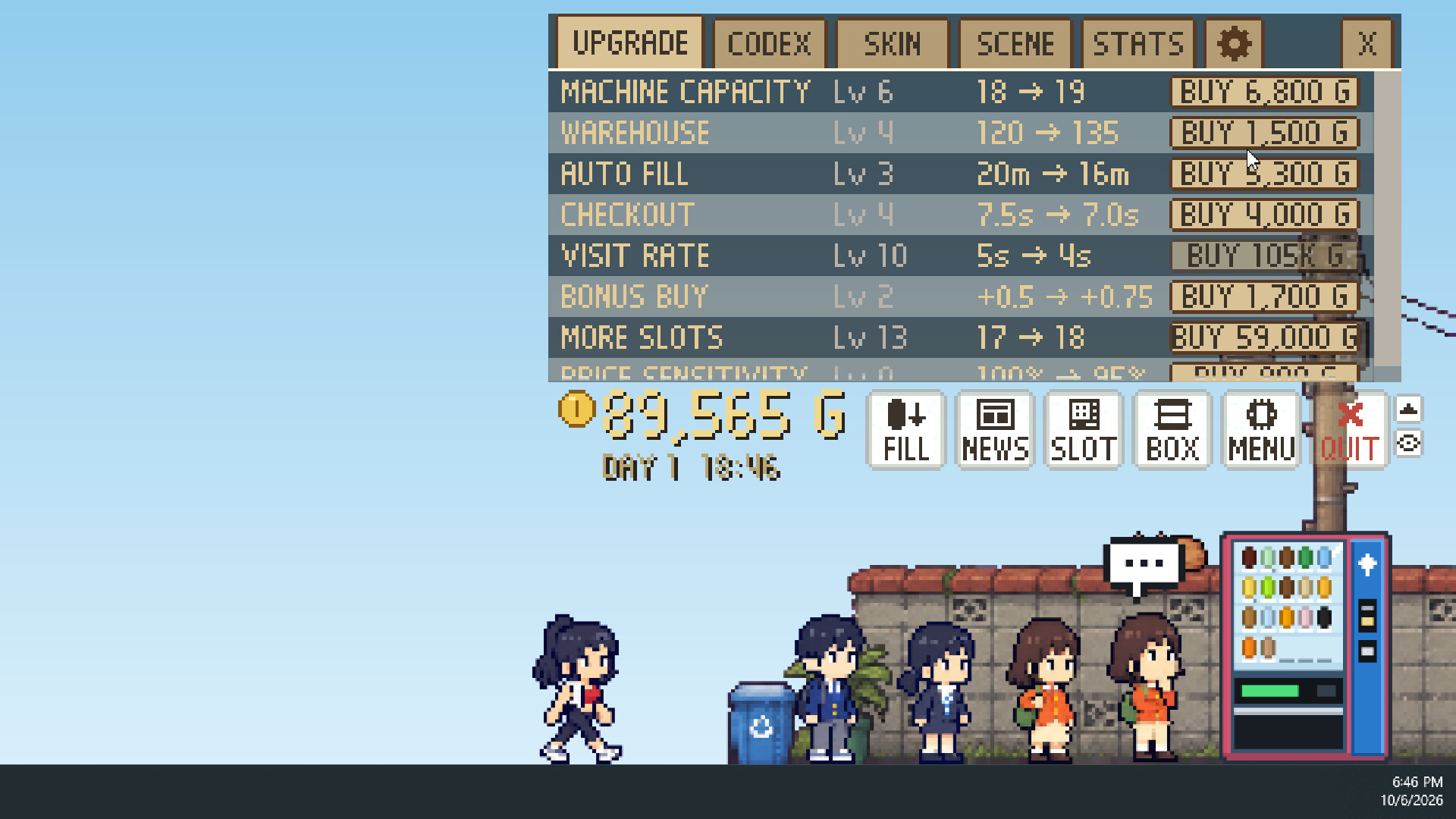
Buy stock for your warehouse, keep an eye on expiry dates, and fill the machine before it sells out. Set a price for every slot, check what sells best in the stats, and spend your earnings on 8 upgrades such as Auto Fill, Checkout speed, and Visit Rate.
Read the news, ride the trends
A daily newspaper tells you what is coming: a heat wave, a fizzy drink challenge sweeping social media, even a sugar tax. Stock up before demand spikes, and steer clear of drinks that are about to cost more.
Make it yours
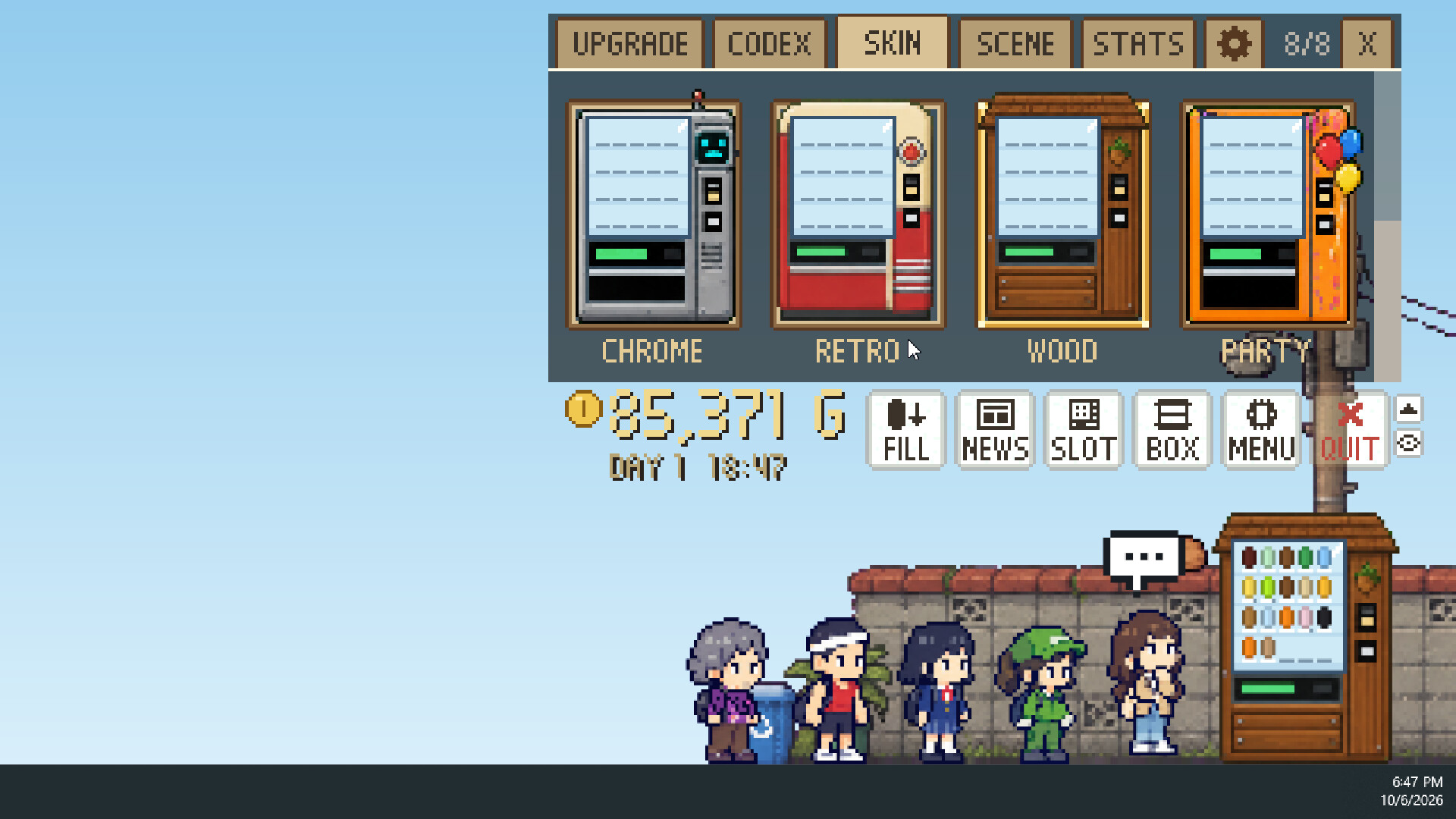
Switch between 8 machine skins, each with its own small bonus, and change the mood with 8 backgrounds, from a quiet alley to a neon street and a hanok village. You can also go fully transparent and leave just the machine standing on your taskbar.
Meet the regulars
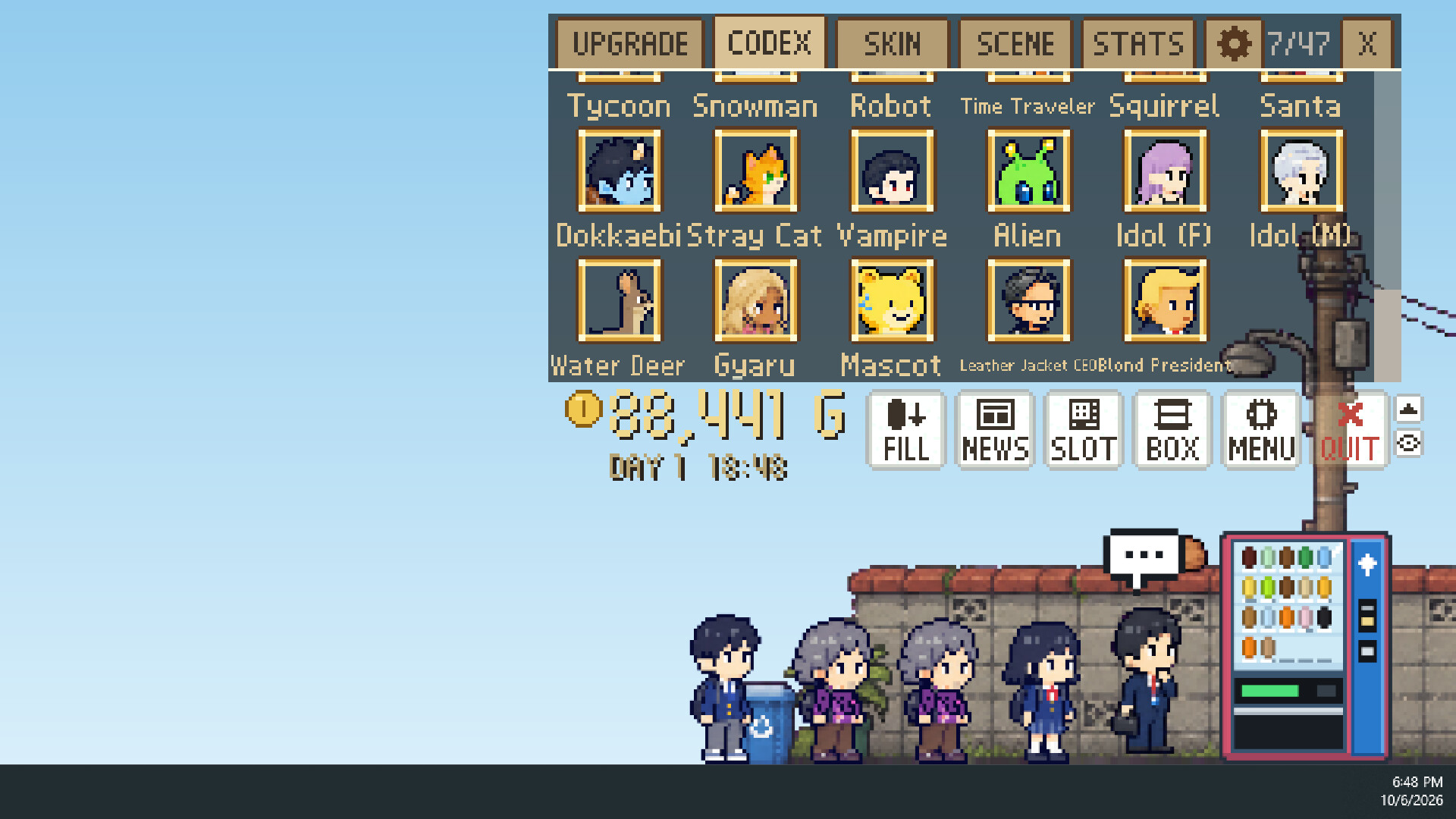
Every customer has their own favorite drinks and their own reasons to stop by. Some only show up at certain hours, during special events, or when you use a certain skin. Fill the codex with everyone from office workers and students to a stray cat, a robot, and a time traveler.
Informations sur la démo et la sortie
Aucune démo n’est confirmée dans les données de vérification actuelles. Cela ne signifie pas que le jeu n’a jamais eu de démo ; consultez sa page Steam pour connaître sa disponibilité actuelle.
Démo Steam, playtest et accès anticipé : quelle est la différence ?
Informations et visuels : Steam · Dernière vérification UTC