
Screen Monster
即将推出
About the game
一款温馨的桌面伴侣:你工作时,像素宠物就生活在真实的Windows桌面上。抚摸它们、投掷玩具,提升羁绊以解锁新朋友,使用宠物点数购买食物和玩具;需要休息时,还能随时和它们玩几局简短的小游戏。
Steam 原始说明
Short description
A cozy pixel pet that lives on your real Windows desktop. Keep it company while you work, grow Bond, unlock new friends, and play short mini-games when you need a break.
About This Game
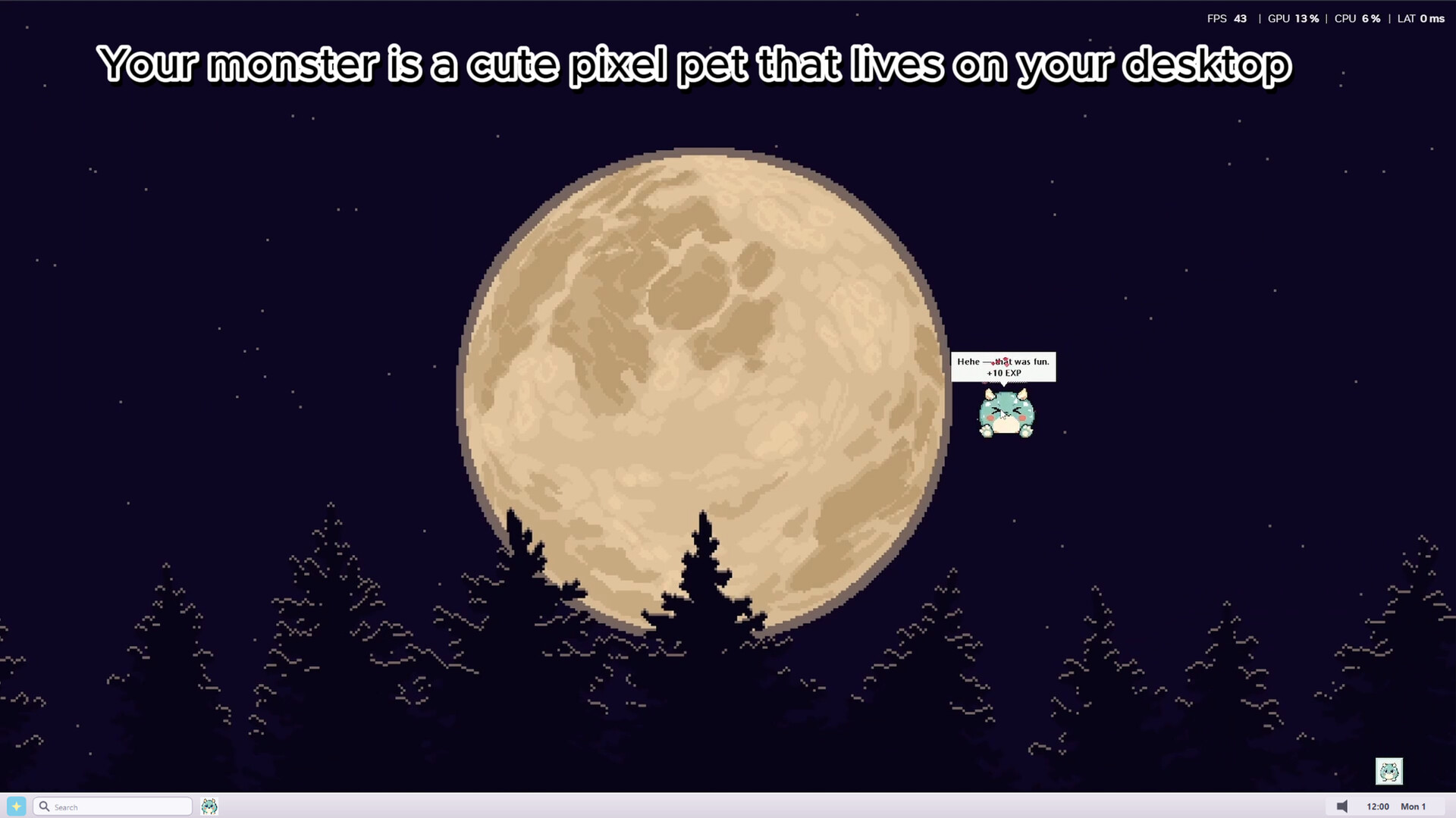
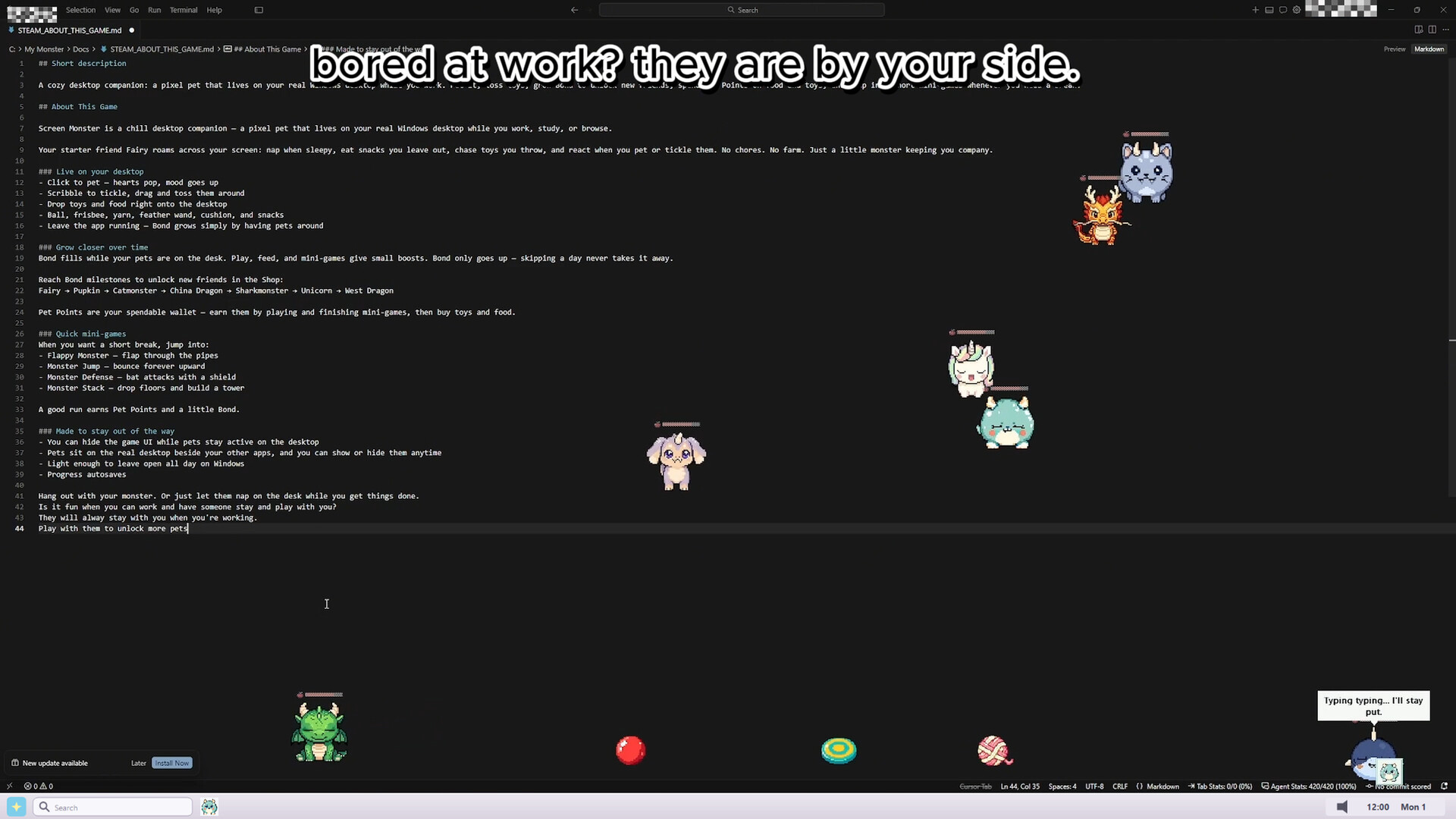
Screen Monster is a chill desktop companion — a pixel pet that lives on your real Windows desktop while you work, study, or browse.
Your pets roam across your screen: nap when sleepy, eat snacks you leave out, chase toys you throw, and react when you pet or tickle them. No chores. No farm. Just a little monster keeping you company.
Live on your desktop
Click to pet — hearts pop, mood goes up
Scribble to tickle, drag and toss them around
Drop toys and food right onto the desktop
Ball, frisbee, yarn, feather wand, cushion, and snacks
Leave the app running — Bond grows simply by having pets around
How To Play
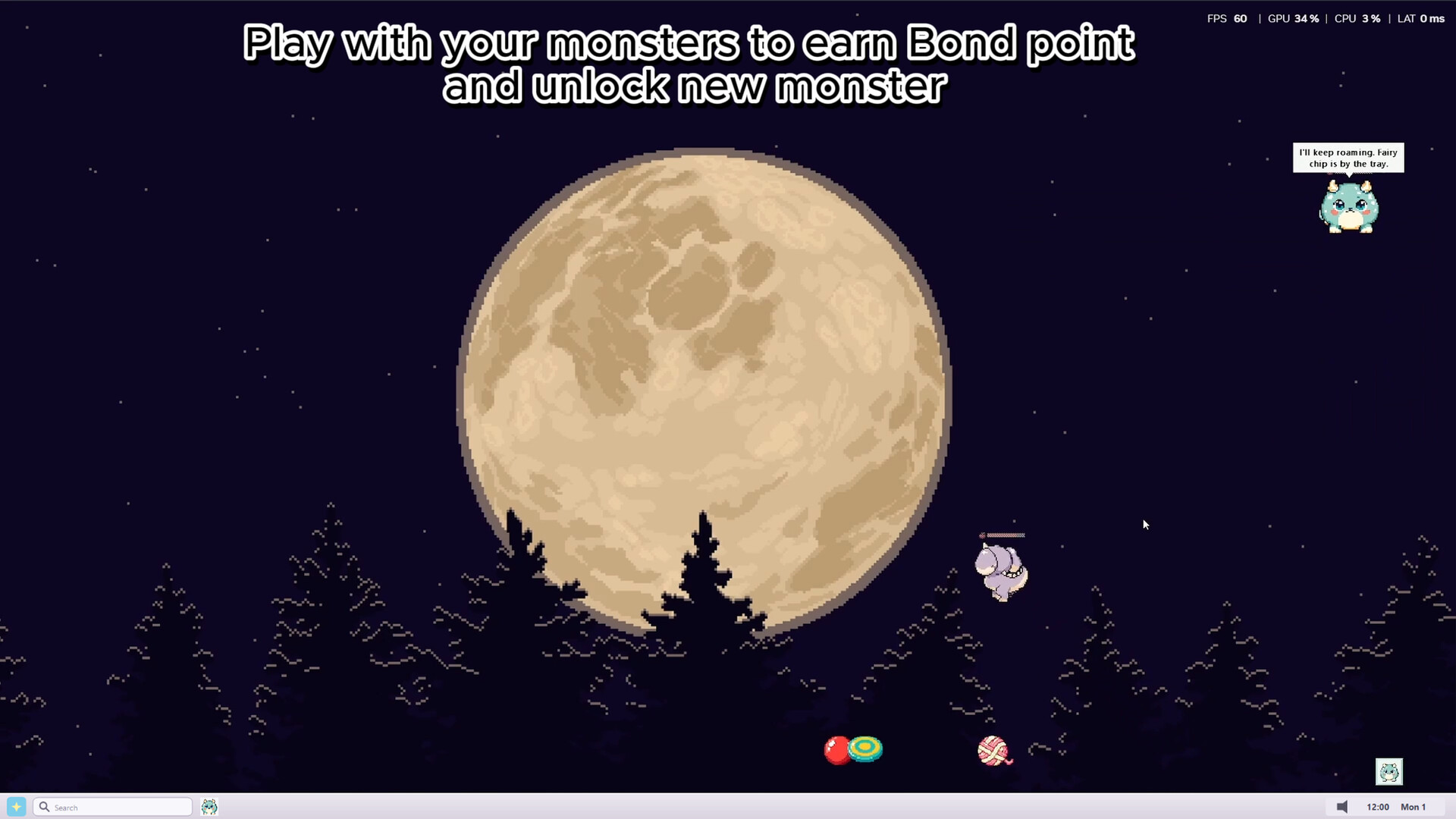
Bond fills while your pets are on the desk. Play, feed, and mini-games give small boosts. Bond only goes up — skipping a day never takes it away.
Reach Bond milestones to unlock new friends in the Shop.
Pet Points are your spendable wallet — earn them by playing and finishing mini-games, then buy toys and food.
Quick mini-games
When you want a short break, jump into:
Flappy Monster — flap through the pipes
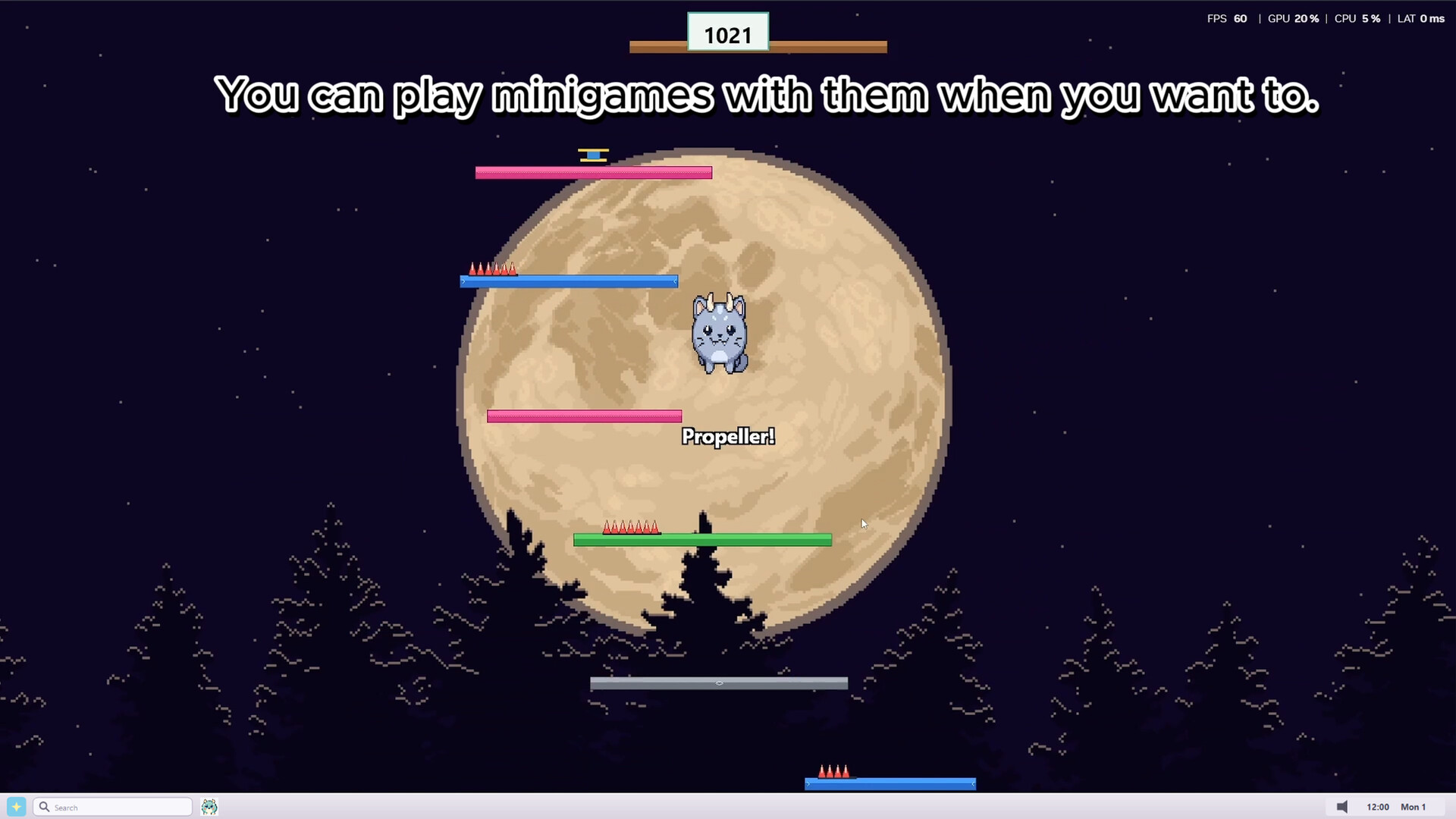
Monster Jump — bounce forever upward
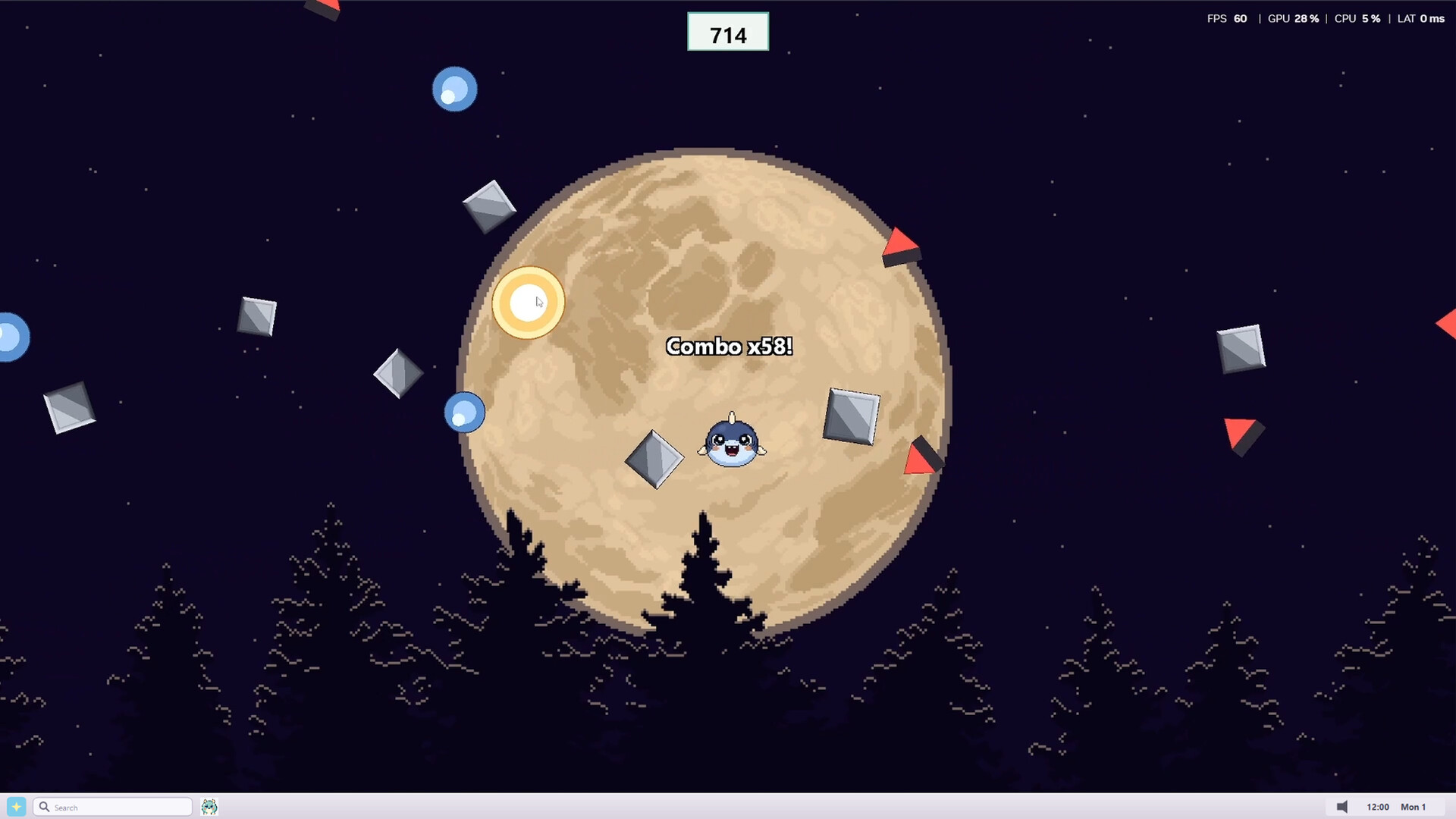
Monster Defense — bat attacks with a shield
Monster Stack — drop floors and build a tower
A good run earns Pet Points and a little Bond.
Made to stay out of the way
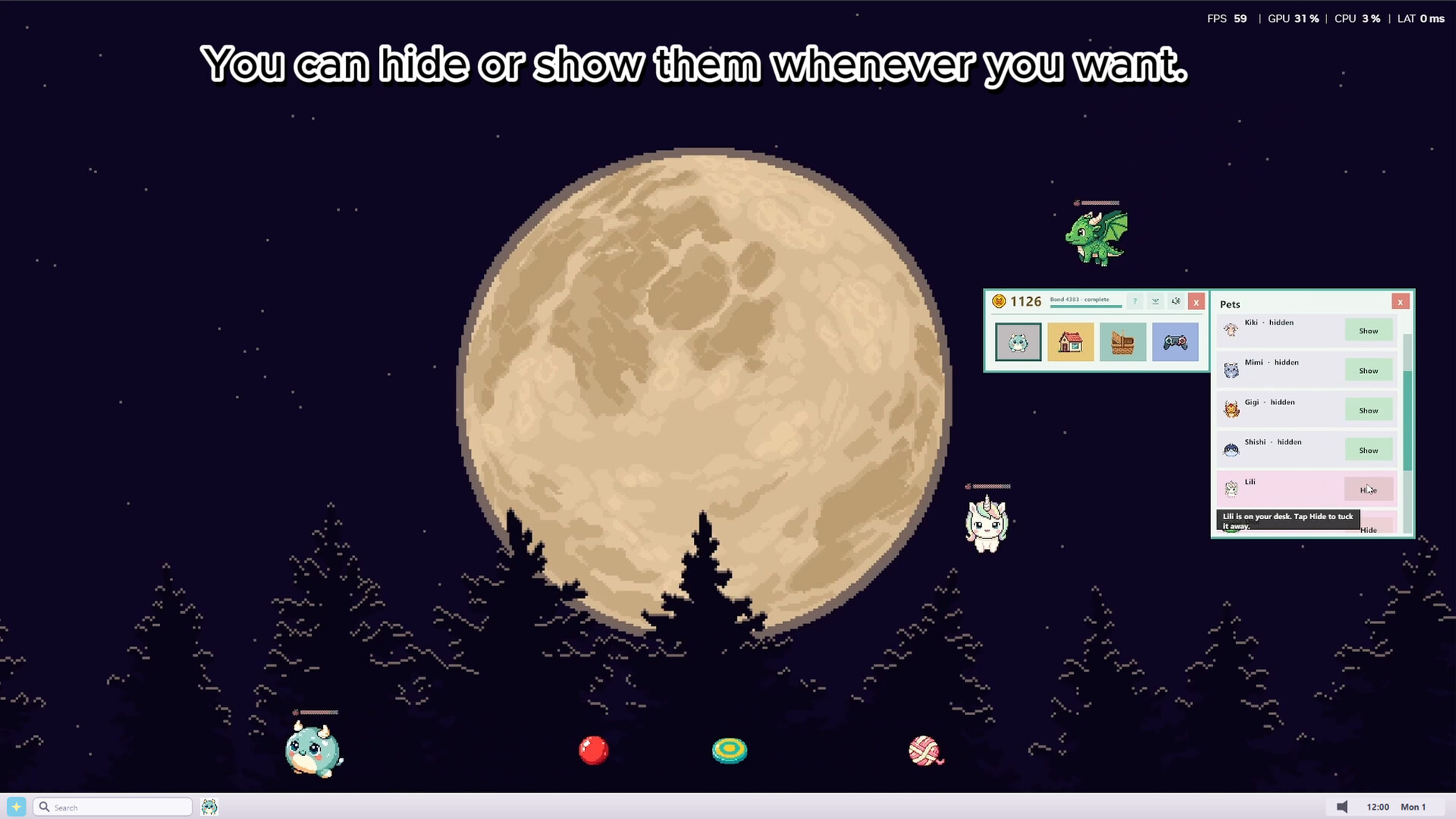
You can hide the game UI while pets stay active on the desktop.
Pets sit on the real desktop beside your other apps, and you can show or hide them anytime.
Light enough to leave open all day on Windows
Progress autosaves
Hang out with your monster. Or just let them nap on the desk while you get things done.
试玩版与发售信息
当前检查数据尚未确认有可用的试玩版。这并不代表该游戏从未提供过试玩版;请前往其 Steam 页面查看最新情况。
信息与图片:Steam · 最后检查 UTC