
Thumb Hiker
In arrivo

About the game
Trasforma i movimenti delle levette analogiche in un viaggio. Thumb Hiker funziona insieme ai tuoi giochi e monitora entrambe le levette mentre avanzi, raggiungi traguardi significativi e sblocchi obiettivi. Partecipa all'escursione globale condivisa e aiuta la comunità ad andare ancora più lontano.
Descrizione originale su Steam
Your game in the foreground. Your hike in the background.
How far do your thumbs travel while you play? Thumb Hiker turns your controller’s thumbstick movements into a growing virtual journey.
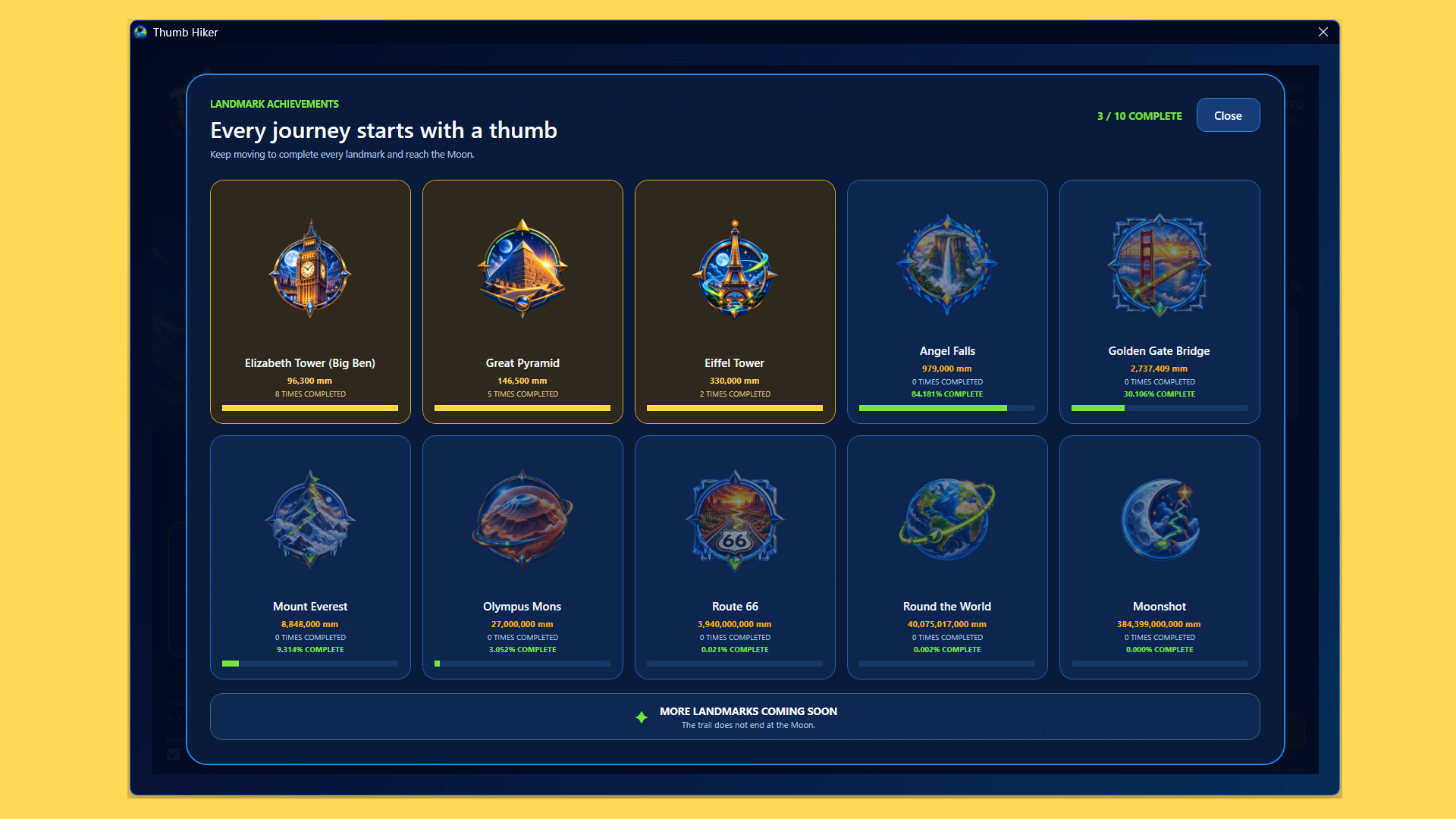
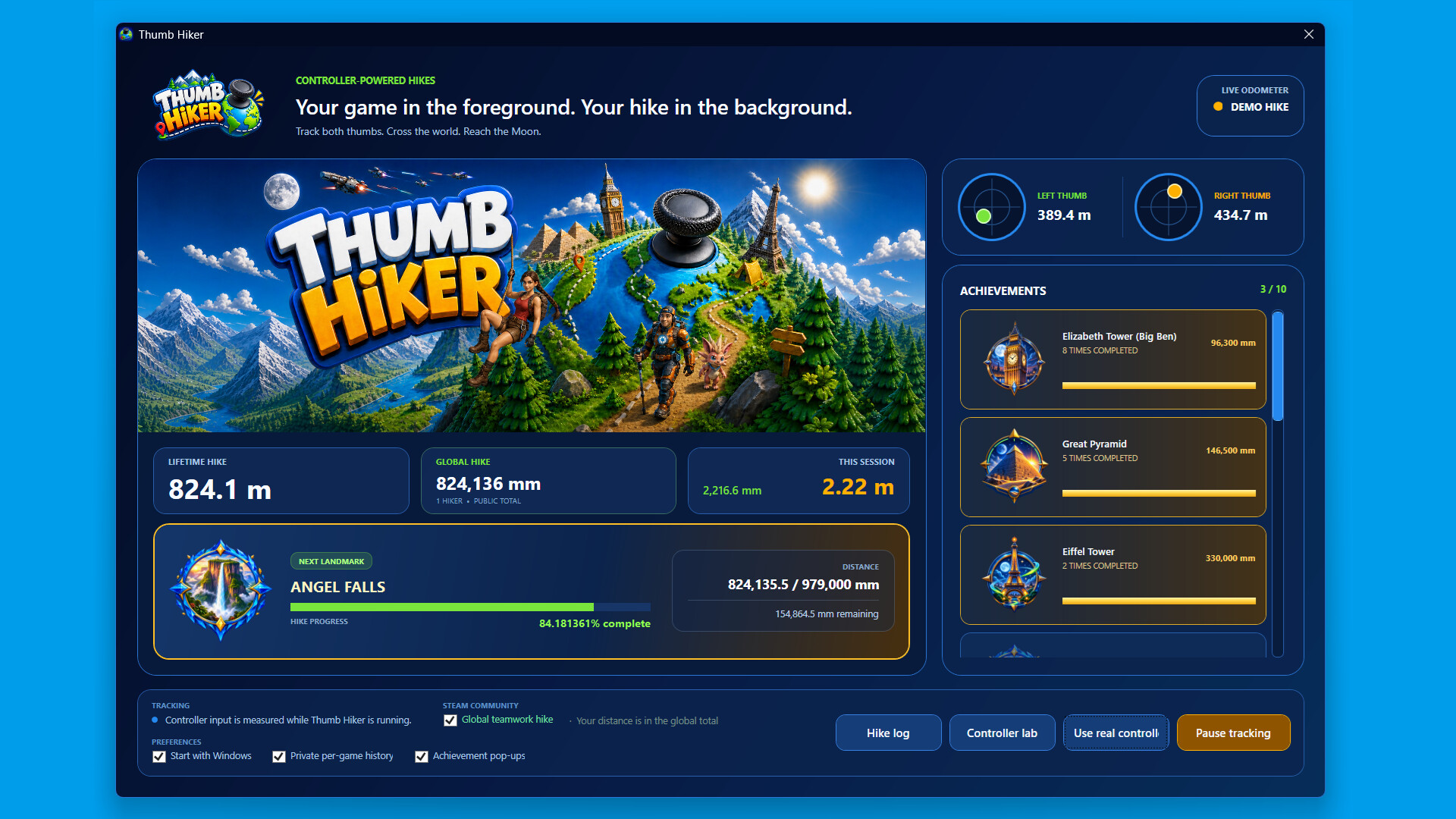
Keep playing your favourite controller games while Thumb Hiker runs in the background. Track both sticks, build your lifetime distance, and reach milestones inspired by famous landmarks—from Big Ben and the Great Pyramid to Angel Falls and beyond.
Every movement adds up
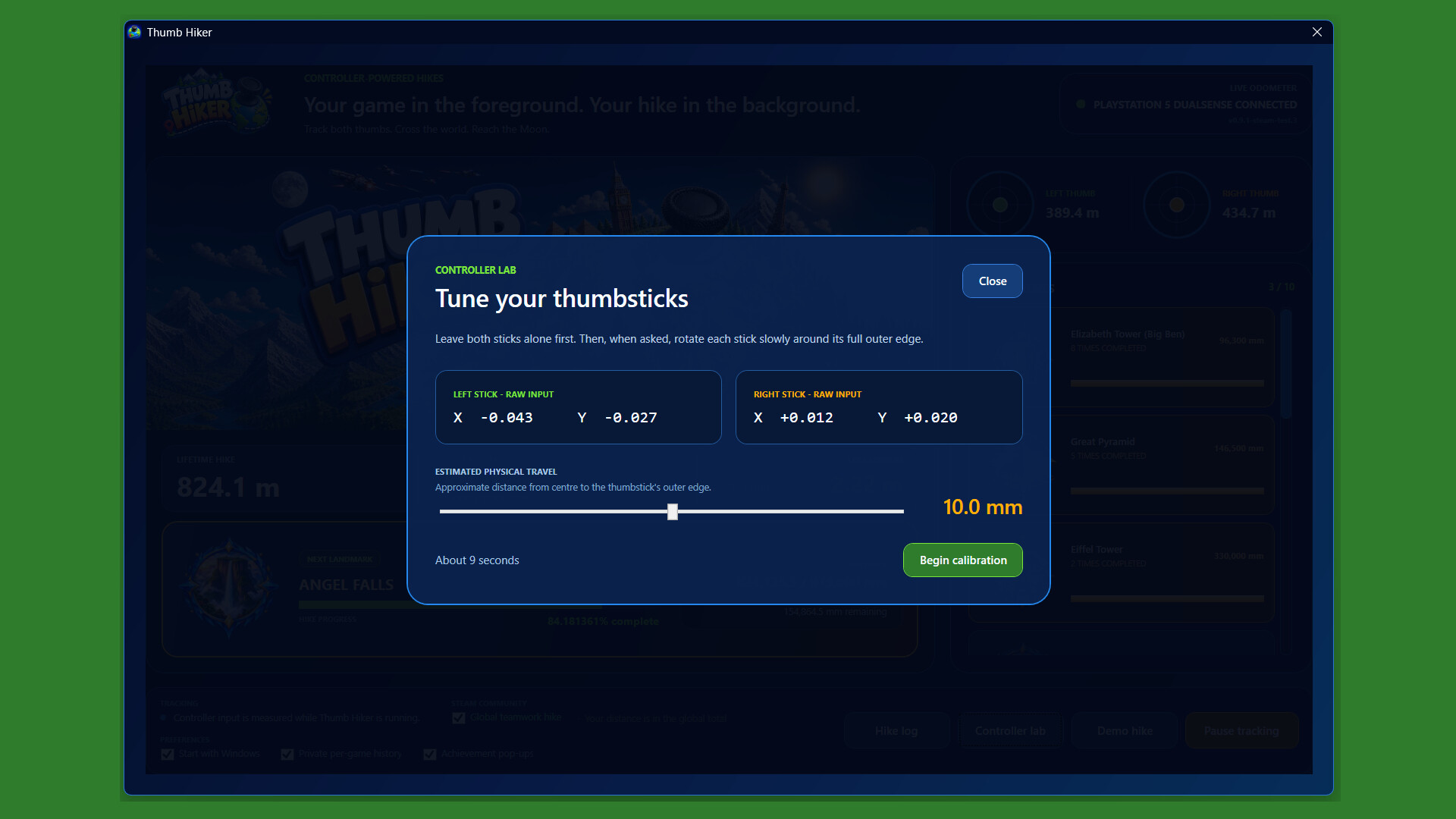
Follow your left- and right-stick distances, session totals, and lifetime progress. Calibrate your controller and adjust tracking settings to suit your setup.
Reach landmarks and unlock achievements
Watch your progress towards the next milestone and earn Steam achievements along the way.
Look back on your journey
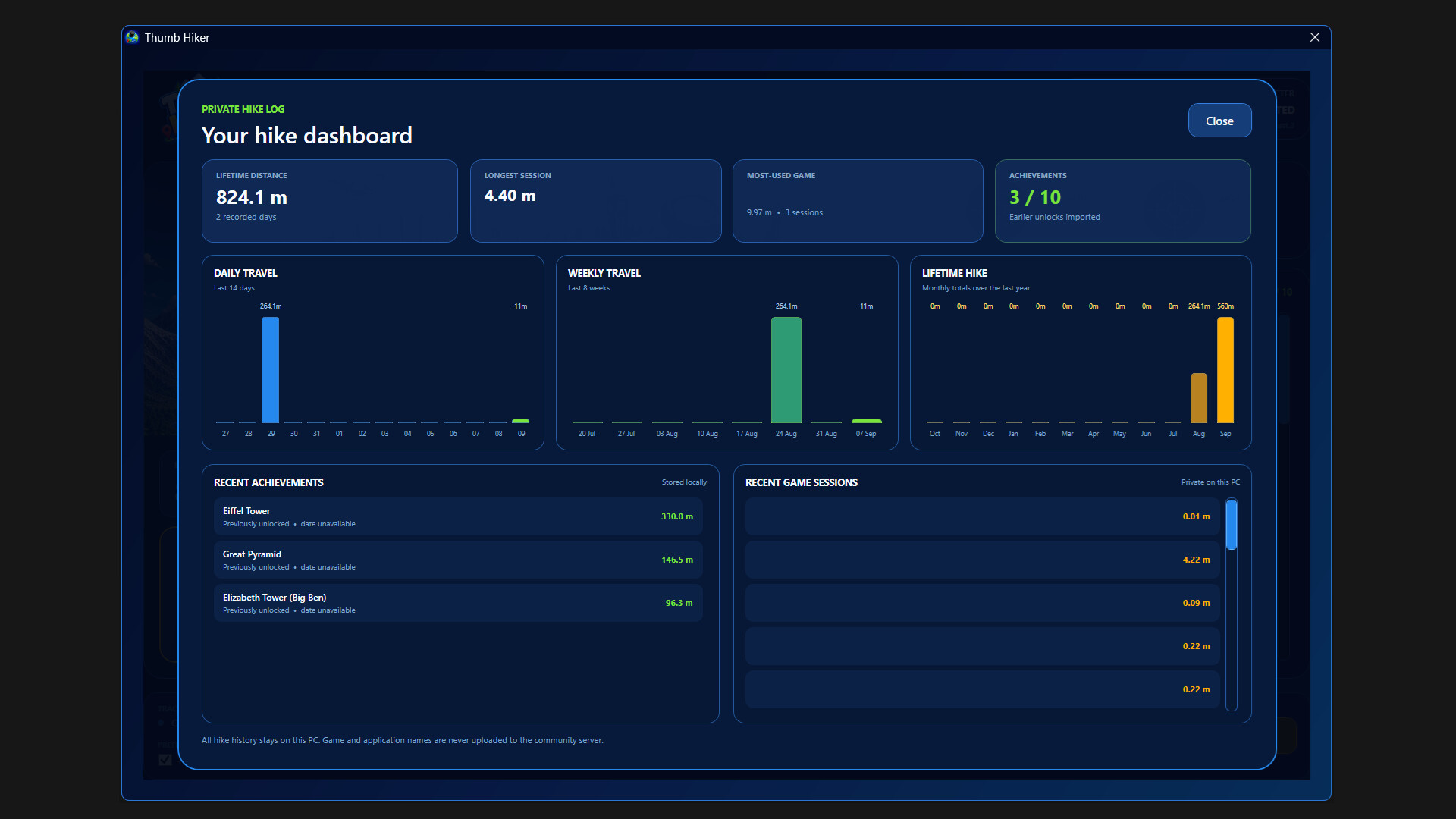
Explore your hike log, review past sessions, and see how your distance builds over time. Optional private per-game history helps you understand where those miles came from.
Join the global hike
Choose whether to contribute your distance to the shared community total. Participation is optional—you can keep tracking your own journey without joining.
Built to run alongside your games
Keep Thumb Hiker in the system tray, pause tracking whenever you like, and optionally start it with Windows so you don't miss a hike.
Please note:
Thumb Hiker tracks physical thumbstick movement, not your character’s movement or distance travelled inside another game. A compatible twin-stick controller is required for tracking, with keyboard and mouse used for setup. Internet access is required for online community features.
Informazioni sulla demo e sull’uscita
I dati del controllo attuale non confermano alcuna demo. Ciò non significa che il gioco non ne abbia mai avuta una; consulta la sua pagina Steam per verificarne la disponibilità attuale.
Demo di Steam, playtest e accesso anticipato: qual è la differenza?
Informazioni e immagini: Steam · Ultima verifica UTC