
Thumb Hiker
À venir

About the game
Transformez les mouvements de vos sticks en voyage. Thumb Hiker fonctionne en parallèle de vos jeux et suit les mouvements des deux sticks tandis que vous progressez, franchissez des étapes marquantes et débloquez des succès. Rejoignez la randonnée mondiale commune et aidez la communauté à aller encore plus loin.
Description d’origine sur Steam
Your game in the foreground. Your hike in the background.
How far do your thumbs travel while you play? Thumb Hiker turns your controller’s thumbstick movements into a growing virtual journey.
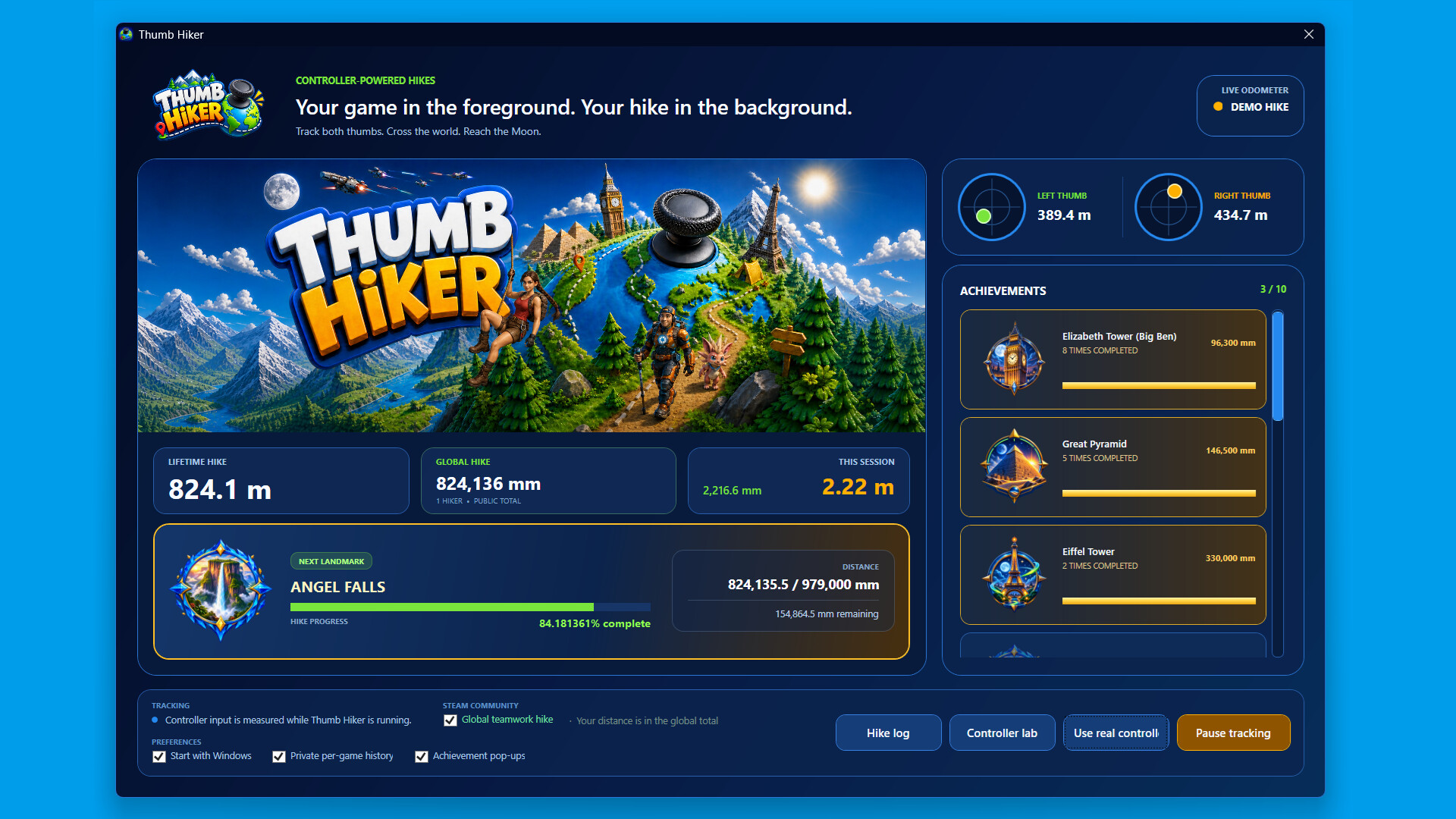
Keep playing your favourite controller games while Thumb Hiker runs in the background. Track both sticks, build your lifetime distance, and reach milestones inspired by famous landmarks—from Big Ben and the Great Pyramid to Angel Falls and beyond.
Every movement adds up
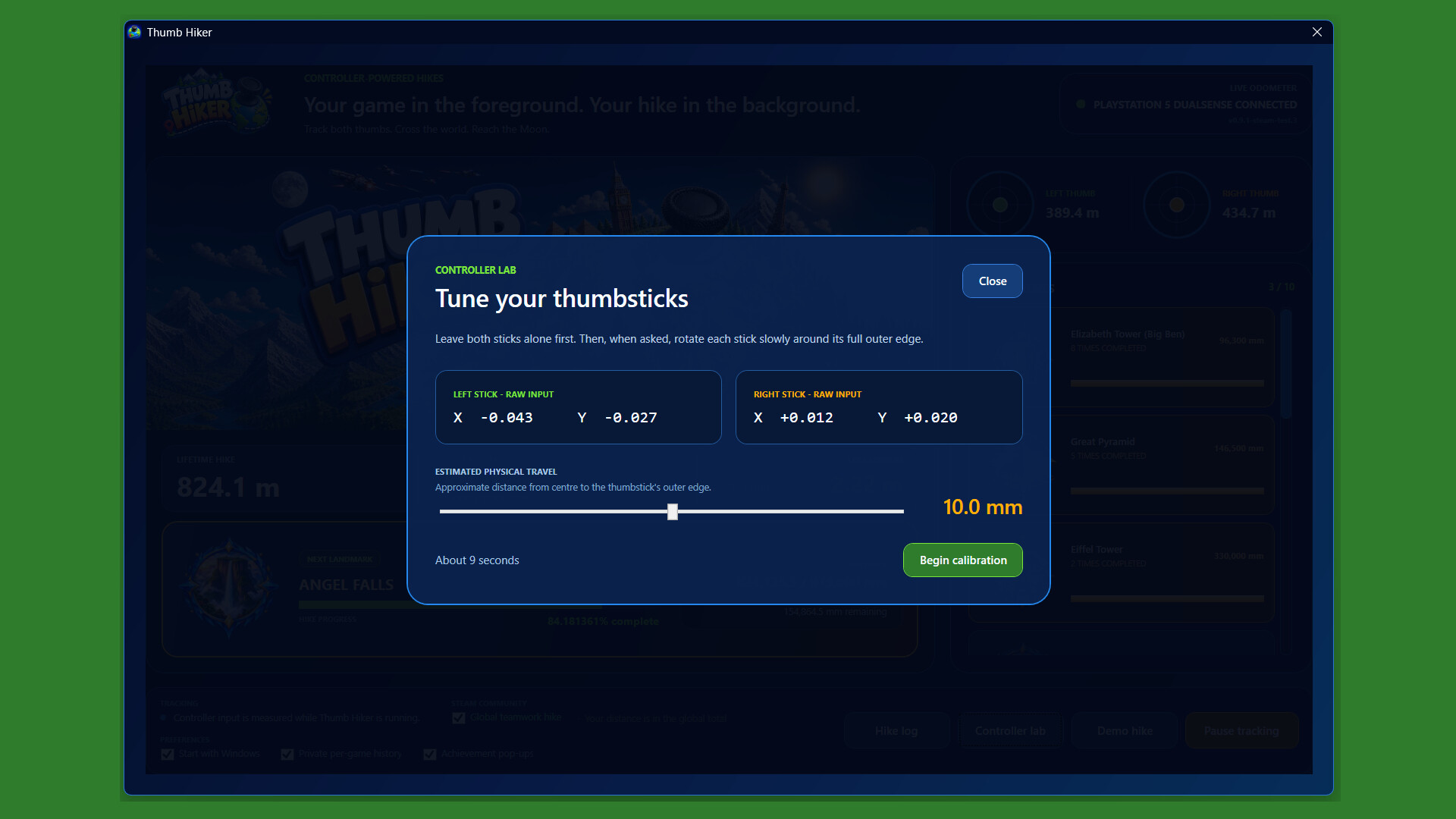
Follow your left- and right-stick distances, session totals, and lifetime progress. Calibrate your controller and adjust tracking settings to suit your setup.
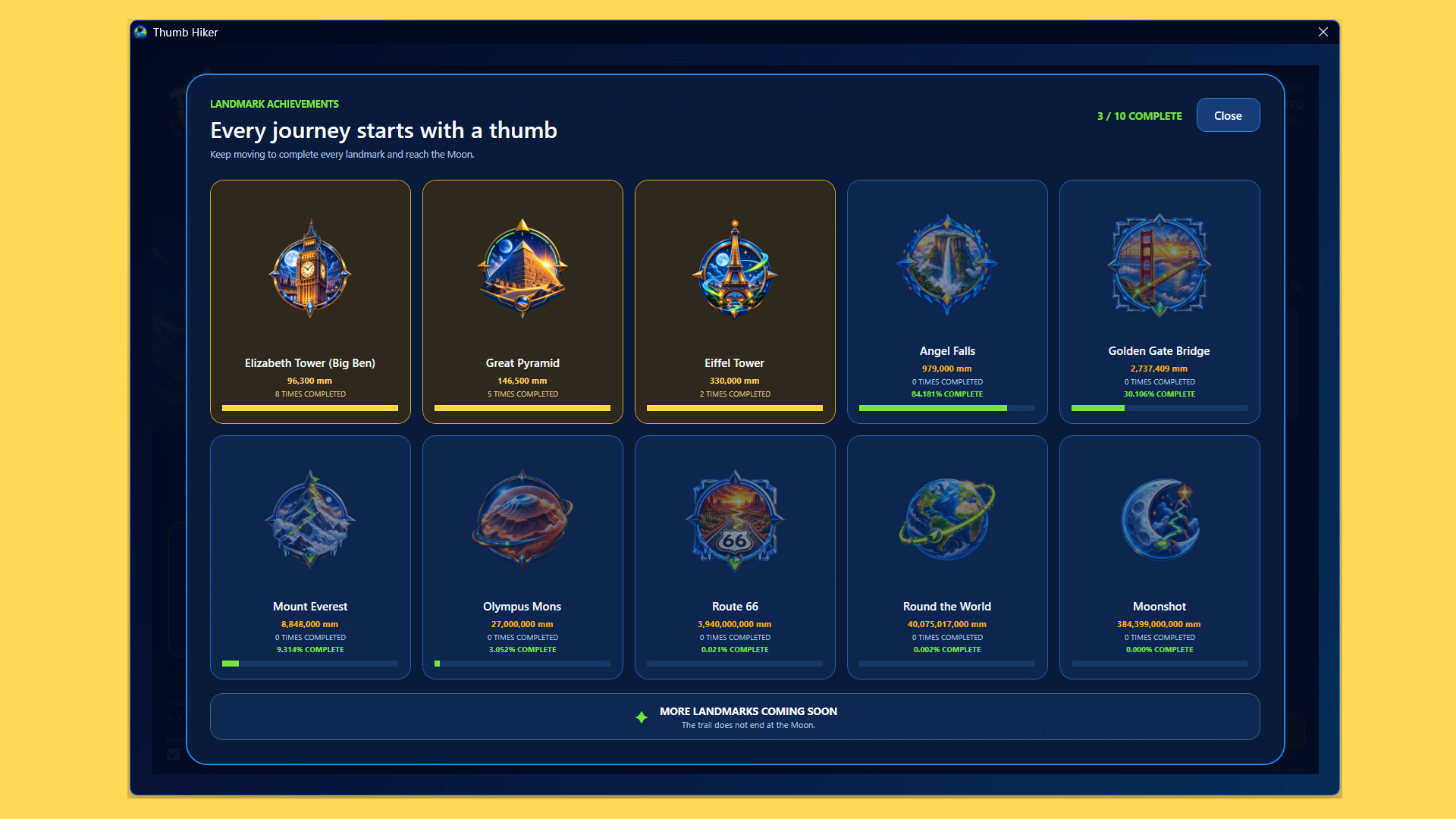
Reach landmarks and unlock achievements
Watch your progress towards the next milestone and earn Steam achievements along the way.
Look back on your journey
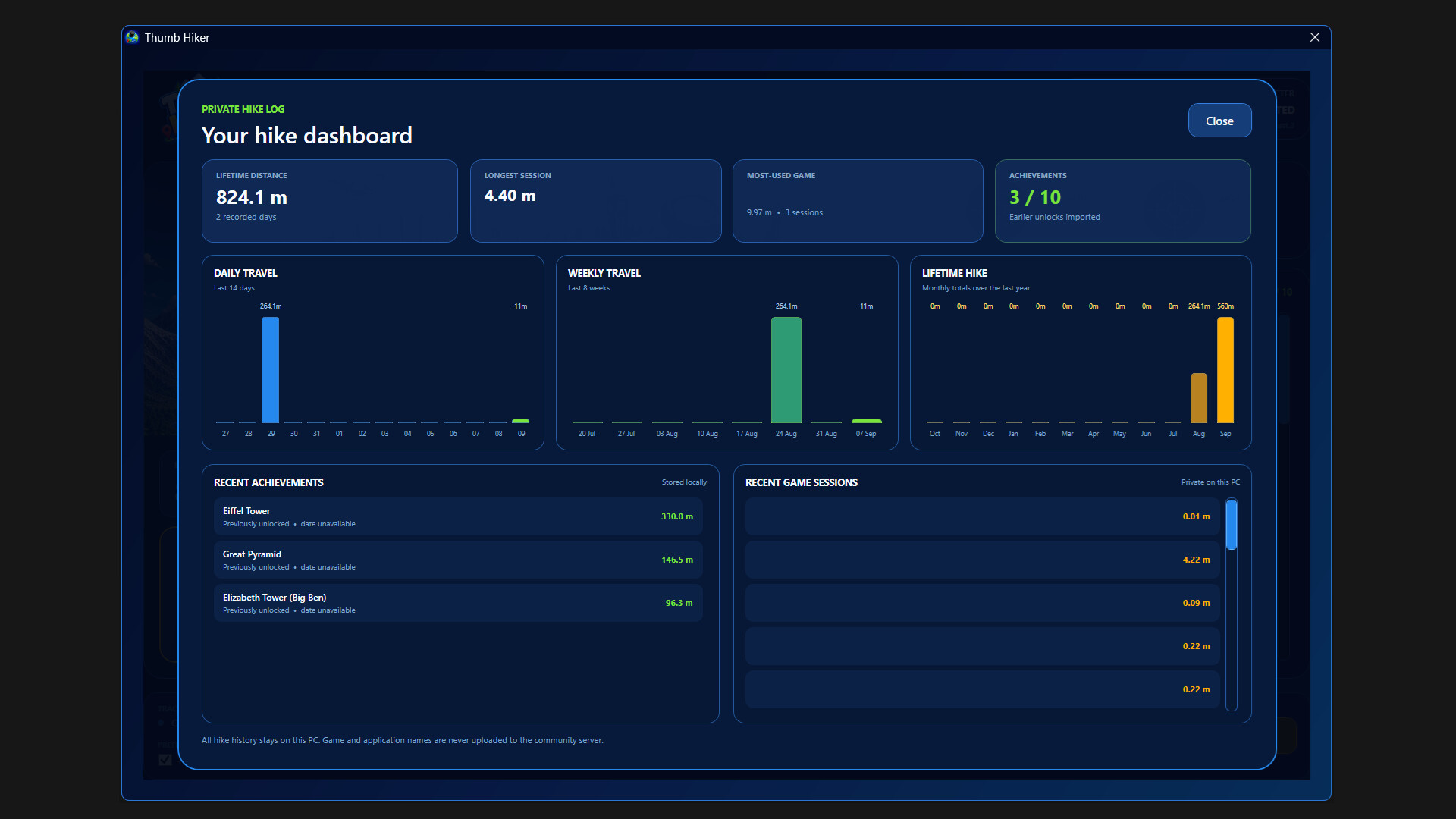
Explore your hike log, review past sessions, and see how your distance builds over time. Optional private per-game history helps you understand where those miles came from.
Join the global hike
Choose whether to contribute your distance to the shared community total. Participation is optional—you can keep tracking your own journey without joining.
Built to run alongside your games
Keep Thumb Hiker in the system tray, pause tracking whenever you like, and optionally start it with Windows so you don't miss a hike.
Please note:
Thumb Hiker tracks physical thumbstick movement, not your character’s movement or distance travelled inside another game. A compatible twin-stick controller is required for tracking, with keyboard and mouse used for setup. Internet access is required for online community features.
Informations sur la démo et la sortie
Aucune démo n’est confirmée dans les données de vérification actuelles. Cela ne signifie pas que le jeu n’a jamais eu de démo ; consultez sa page Steam pour connaître sa disponibilité actuelle.
Démo Steam, playtest et accès anticipé : quelle est la différence ?
Informations et visuels : Steam · Dernière vérification UTC