
Thumb Hiker
Demnächst

About the game
Verwandle die Bewegungen deiner Analogsticks in eine Reise. Thumb Hiker läuft parallel zu deinen Spielen und erfasst beide Sticks, während du vorankommst, markante Meilensteine erreichst und Erfolge freischaltest. Nimm an der gemeinsamen weltweiten Wanderung teil und hilf der Community, noch weiter zu kommen.
Originalbeschreibung auf Steam
Your game in the foreground. Your hike in the background.
How far do your thumbs travel while you play? Thumb Hiker turns your controller’s thumbstick movements into a growing virtual journey.
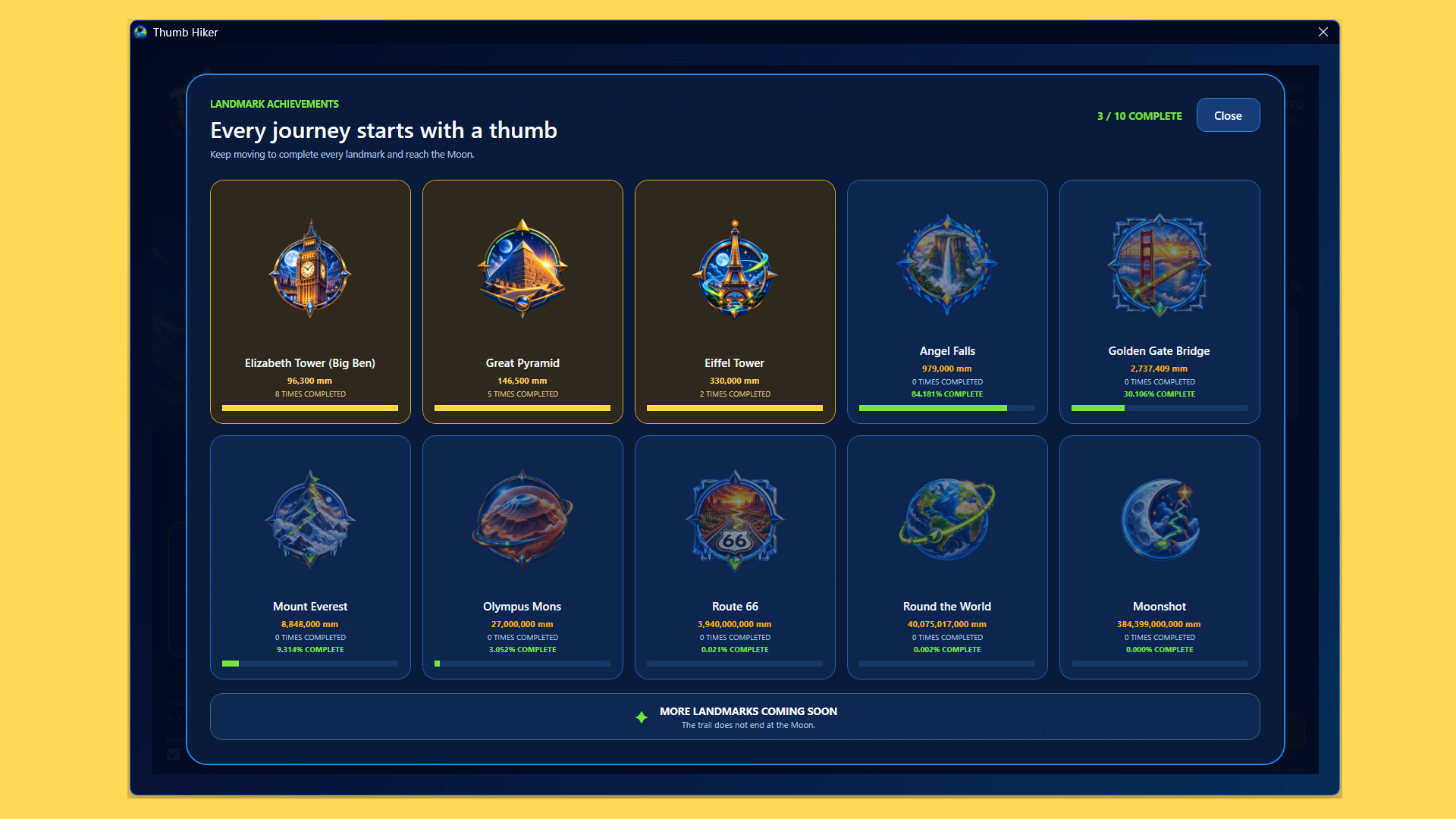
Keep playing your favourite controller games while Thumb Hiker runs in the background. Track both sticks, build your lifetime distance, and reach milestones inspired by famous landmarks—from Big Ben and the Great Pyramid to Angel Falls and beyond.
Every movement adds up
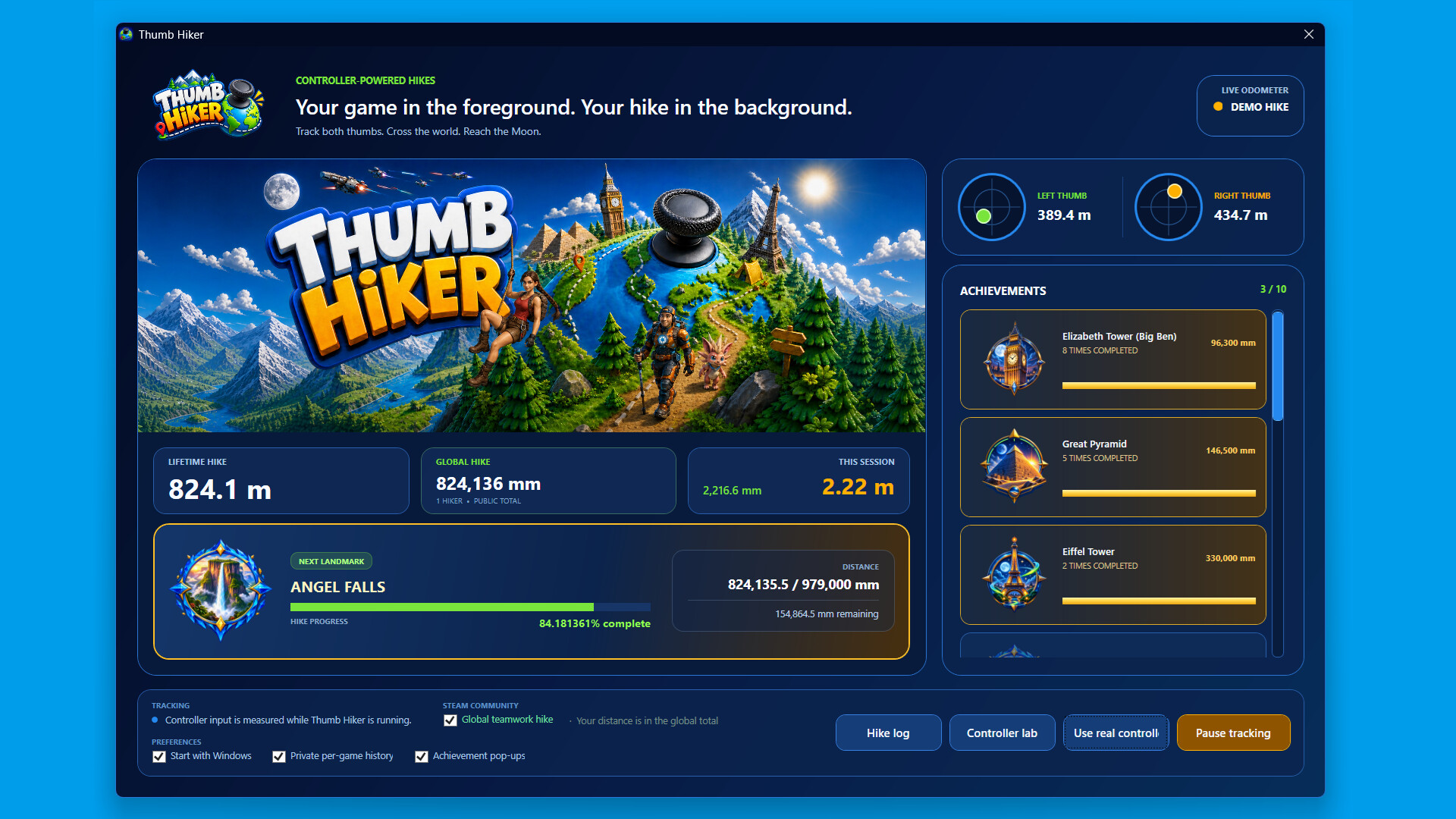
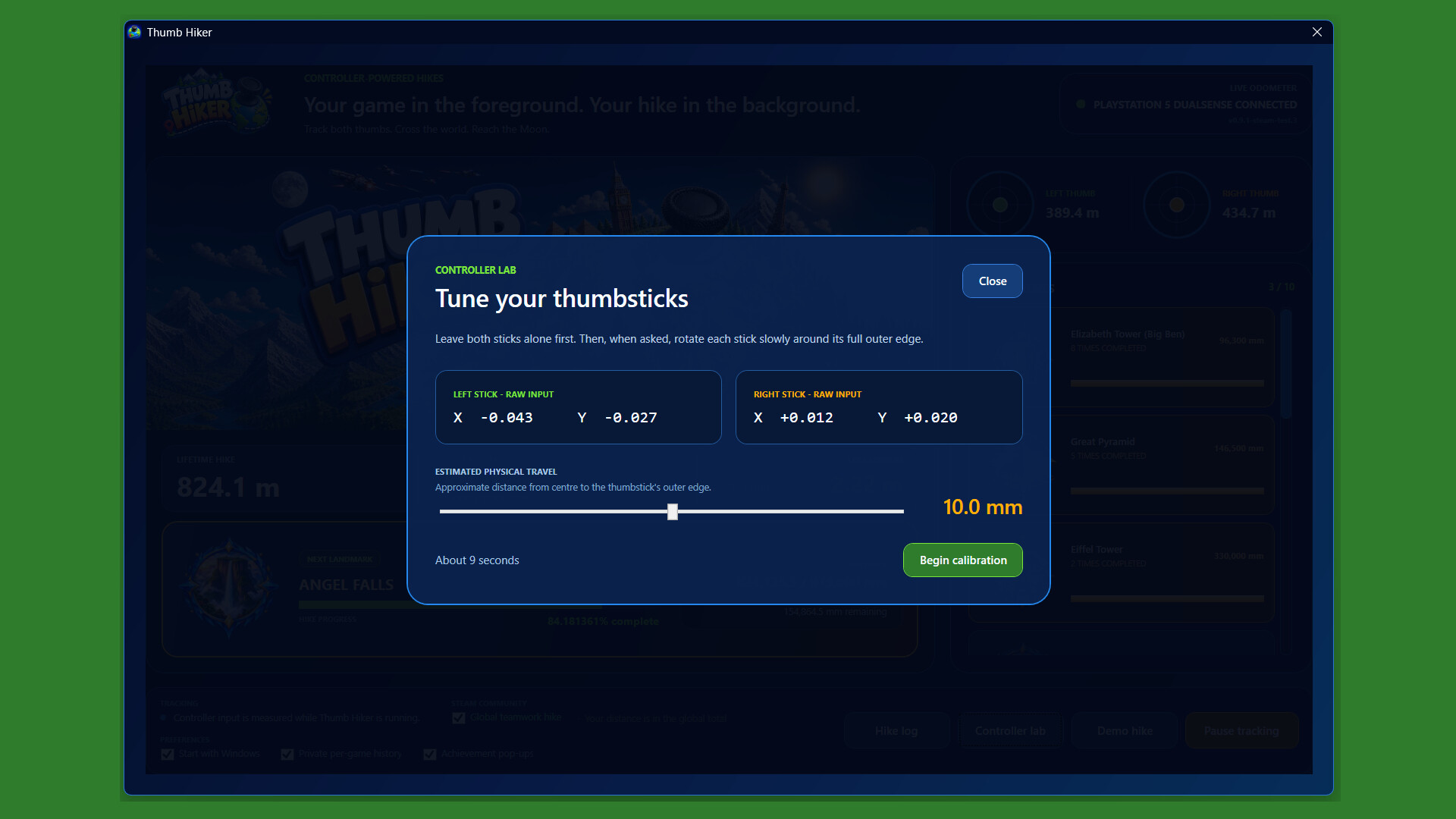
Follow your left- and right-stick distances, session totals, and lifetime progress. Calibrate your controller and adjust tracking settings to suit your setup.
Reach landmarks and unlock achievements
Watch your progress towards the next milestone and earn Steam achievements along the way.
Look back on your journey
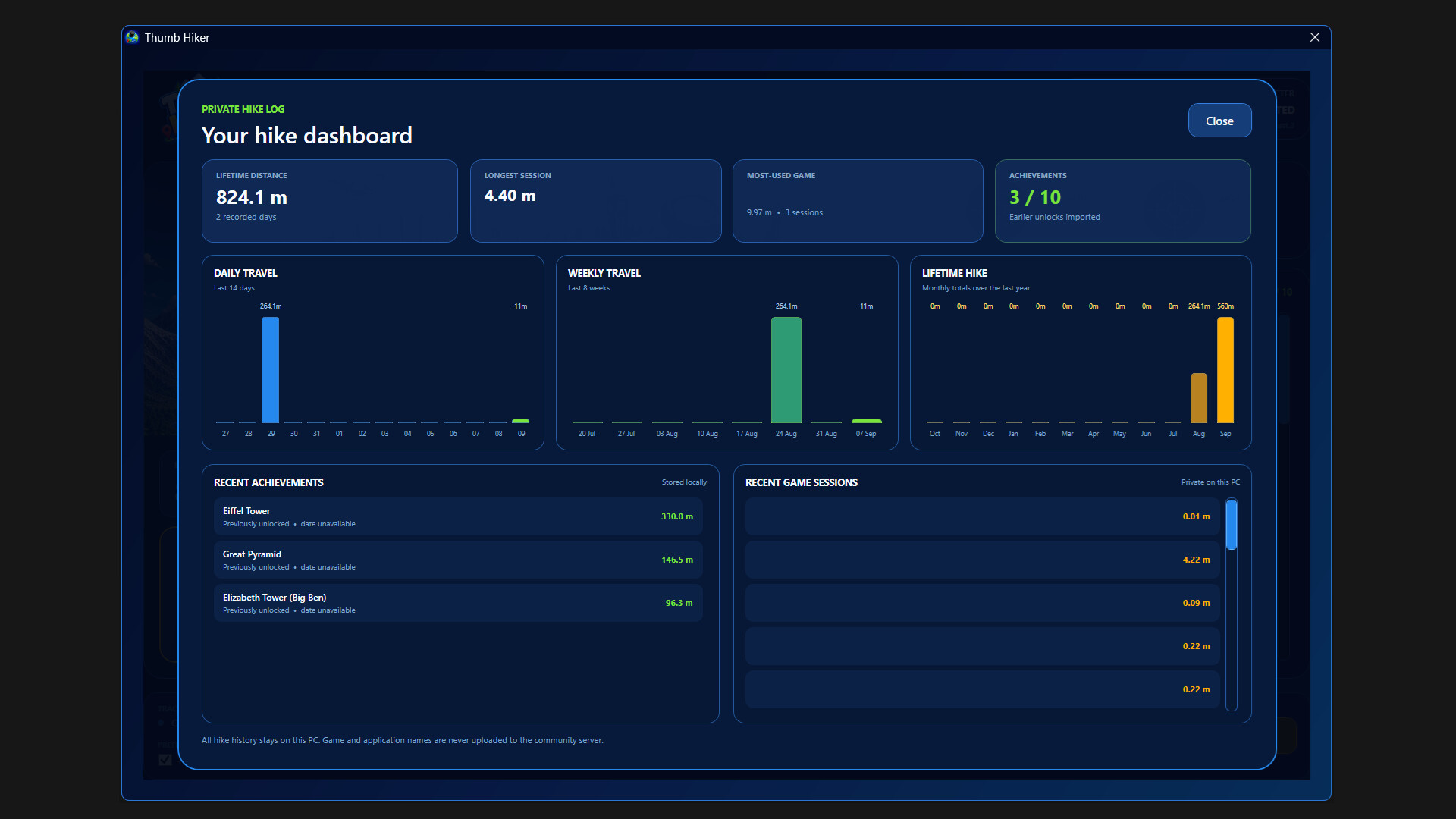
Explore your hike log, review past sessions, and see how your distance builds over time. Optional private per-game history helps you understand where those miles came from.
Join the global hike
Choose whether to contribute your distance to the shared community total. Participation is optional—you can keep tracking your own journey without joining.
Built to run alongside your games
Keep Thumb Hiker in the system tray, pause tracking whenever you like, and optionally start it with Windows so you don't miss a hike.
Please note:
Thumb Hiker tracks physical thumbstick movement, not your character’s movement or distance travelled inside another game. A compatible twin-stick controller is required for tracking, with keyboard and mouse used for setup. Internet access is required for online community features.
Informationen zu Demo und Veröffentlichung
In den aktuellen Prüfdaten ist keine Demo bestätigt. Das bedeutet nicht, dass das Spiel nie eine Demo hatte. Prüfe die aktuelle Verfügbarkeit auf der Steam-Seite.
Steam-Demo, Playtest und Early Access: Was ist der Unterschied?
Informationen und Bilder: Steam · Zuletzt geprüft UTC