
Wizard Jars: Tidy Up Together
有试玩版


About the game
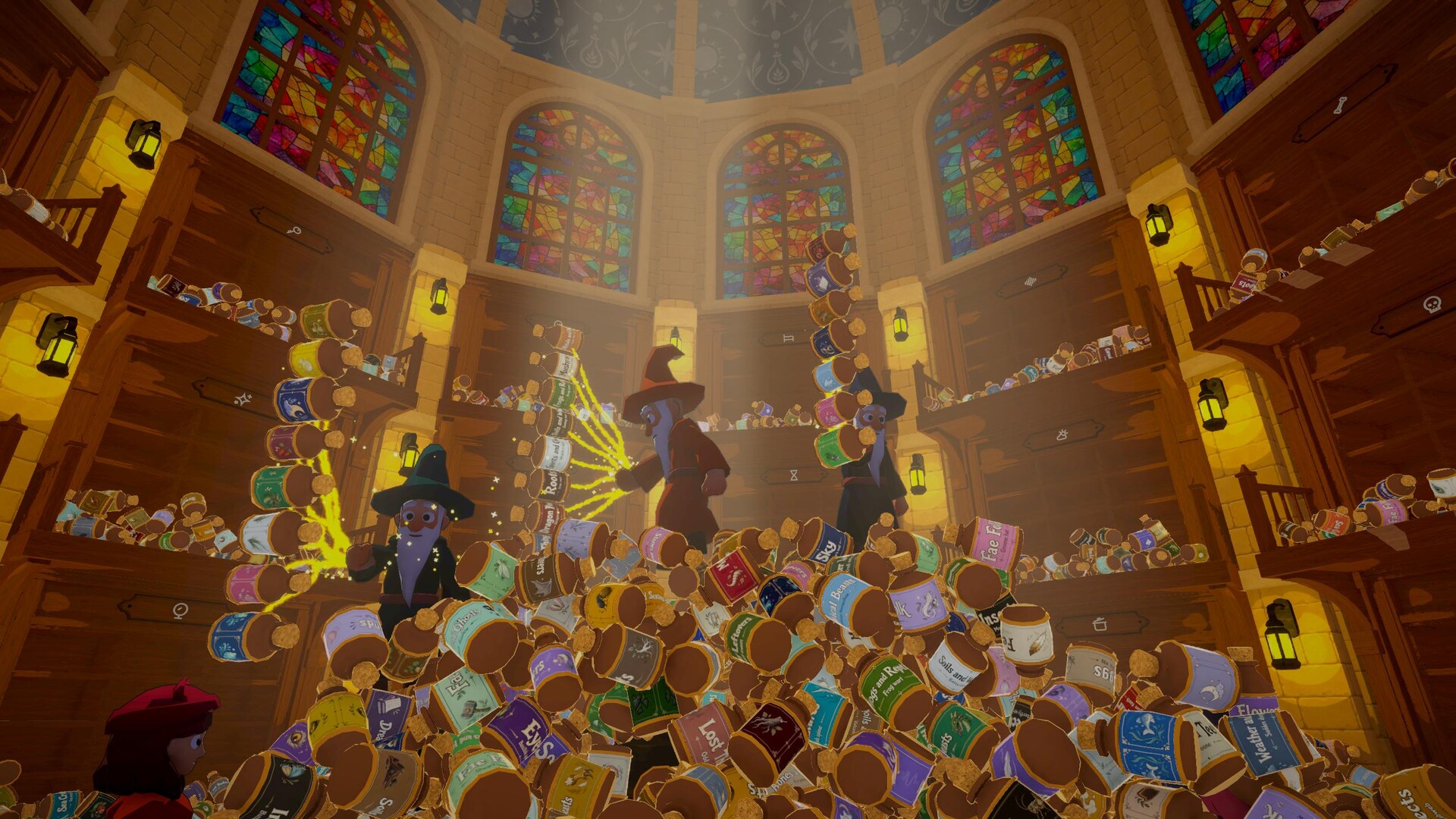
Wizard Jars 是一款温馨的单人及合作整理游戏,你将在一间混乱的魔法药剂店里整理3,240个魔法罐。把每个罐子放回所属的架子,满足顾客的魔法需求,解锁实用升级,让药剂店恢复得井井有条。
Steam 原始说明
A wizard’s apothecary. 3,240 magical jars scattered across its halls. Customers are already arriving, and somehow it is your job to put everything back in order.
Wizard Jars: Tidy Up Together is a cozy co-op sorting game about restoring a massive magical apothecary, helping customers, and bringing order back to the chaos — alone or with friends.
Put 3,240 Jars Back Where They Belong
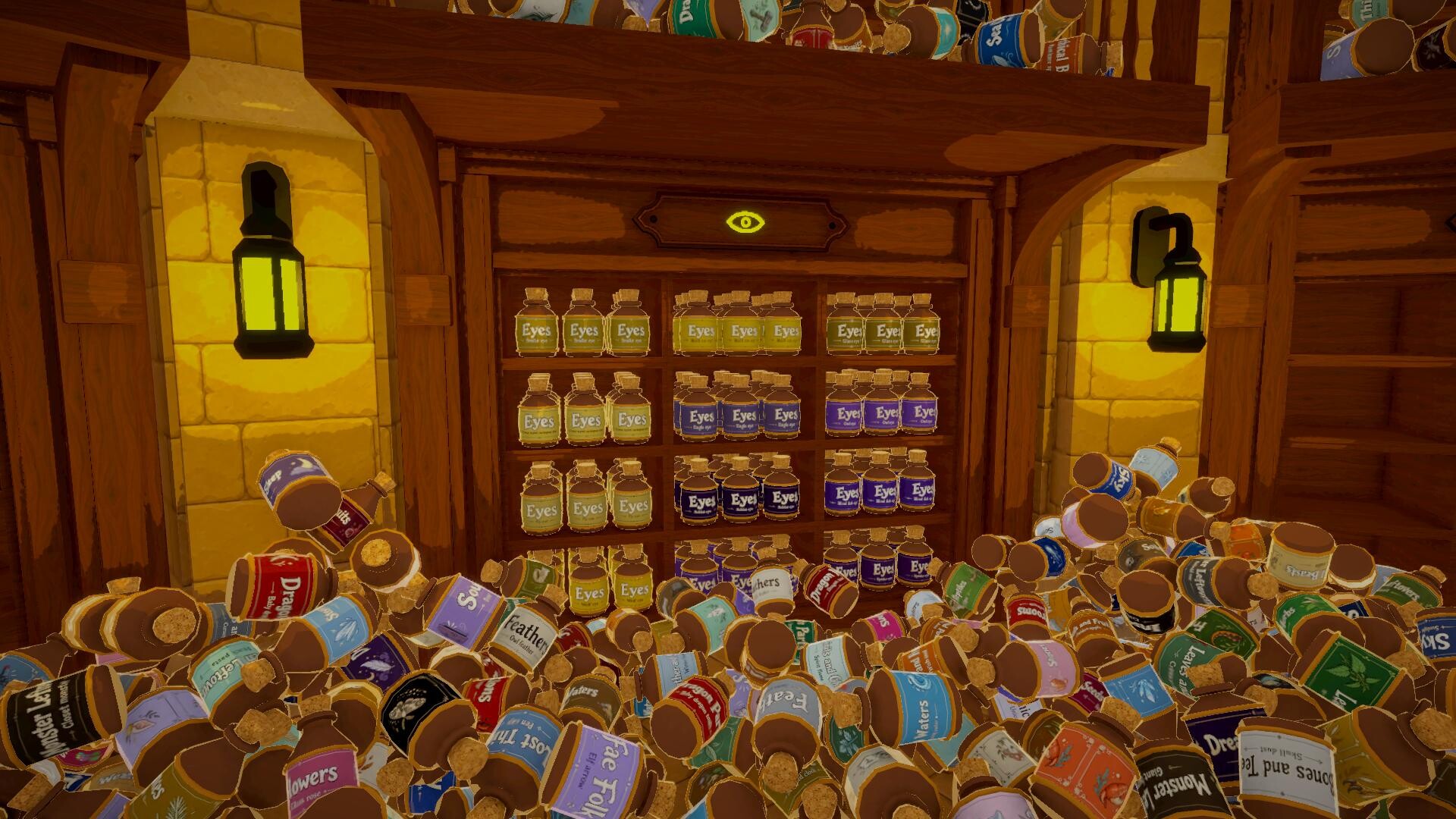
Pick up thousands of jars scattered across the halls and return them to their proper shelves.
Watch empty shelves slowly fill up as the mess disappears and the apothecary begins to feel organized again.
Help Your Customers
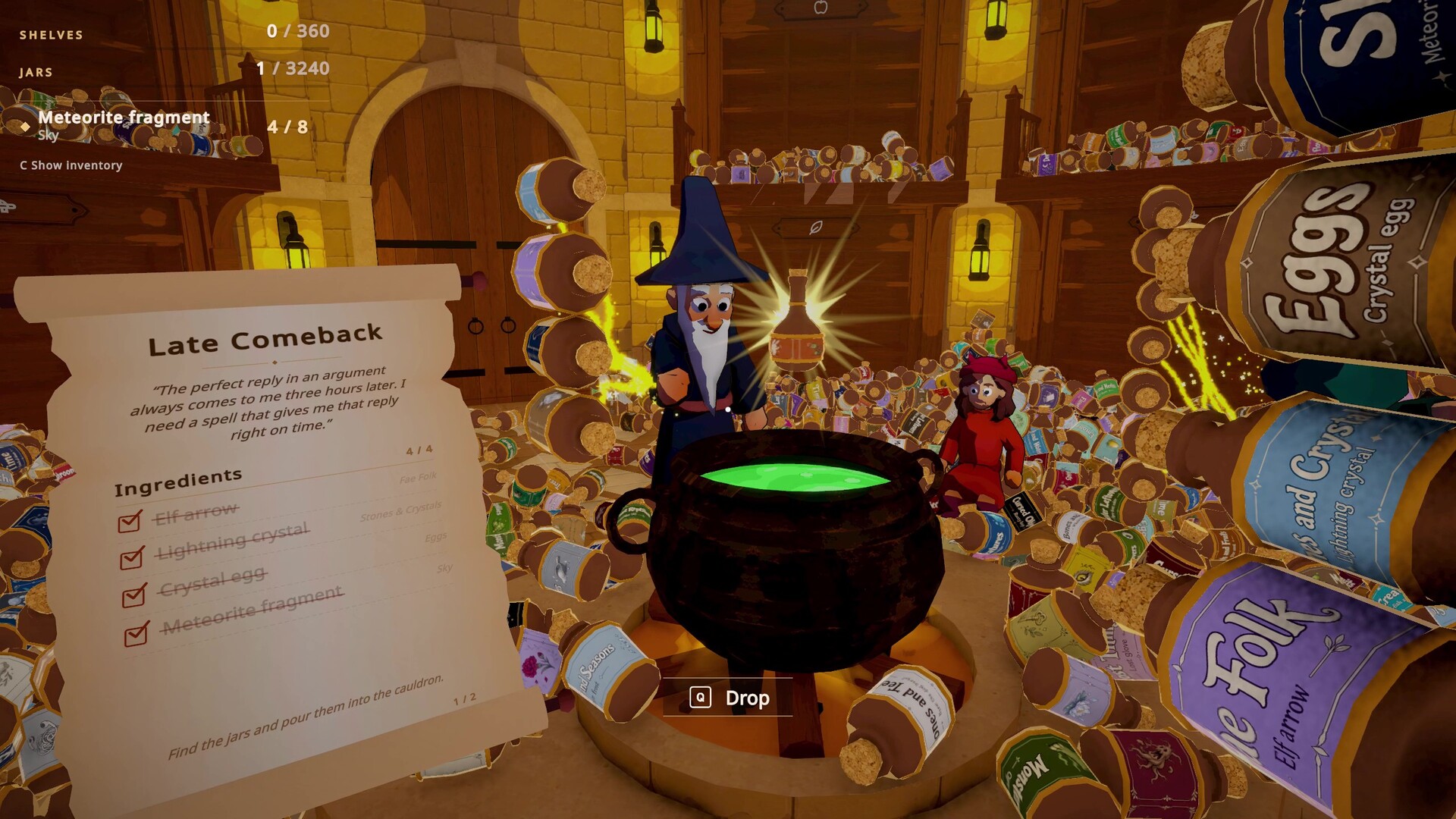
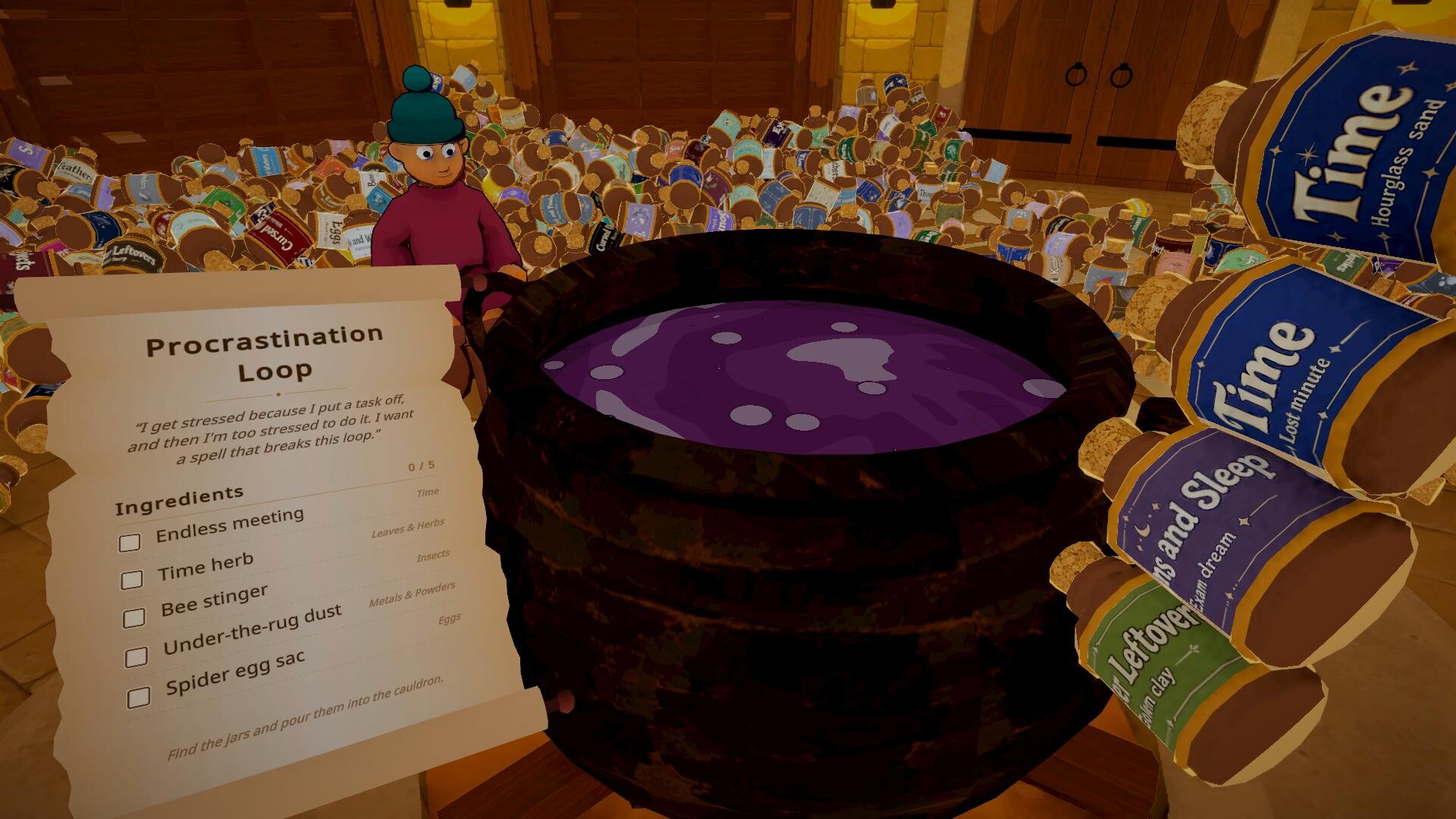
Customers arrive with unusual problems and magical requests.
Find out what they need, search the shelves for the right ingredients, and complete their requests.
The better you know your shelves, the faster you can find exactly what you need.
Work Faster
Organize shelves and complete customer requests to unlock new upgrades.
Use the upgrade system to make collecting, carrying, and organizing faster and more efficient as you progress.
Work Together
Play alone at your own pace or invite your friends online.
Split up the halls, search for ingredients together, help customers, and coordinate using in-game voice chat.
Everything can start organized.
How long it stays that way is up to you.
Features
Collect and organize 3,240 magical jars
Restore a huge magical apothecary filled with shelves
Complete customer requests and find the right ingredients
Unlock upgrades that make your work faster
Solo play and online co-op
In-game voice chat
Relaxing, low-pressure progression
A satisfying transformation from chaos to order
Collect the jars. Fill the shelves. Help your customers. Bring the apothecary back to life.
试玩版与发售信息
上次检查时发现了 Steam 试玩版。下载前,请在 Steam 上确认您所在地区是否仍可使用。
信息与图片:Steam · 最后检查 UTC