
MadKeys
已发行

About the game
让每一次击键都变成物理狂欢!MadKeys是一款悬浮在桌面上的打字练习与解压利器:键帽飞舞、碰撞弹跳、字母射击、单词挑战、拼音对战——打字从未如此有趣。
Steam 原始说明
🎹 What Is This?
MadKeys is a unique desktop typing game. It's not a standalone window—it floats directly on your desktop with a transparent, always-on-top interface, letting you dive into a fingertip frenzy anytime, whether you're working, studying, or slacking off.
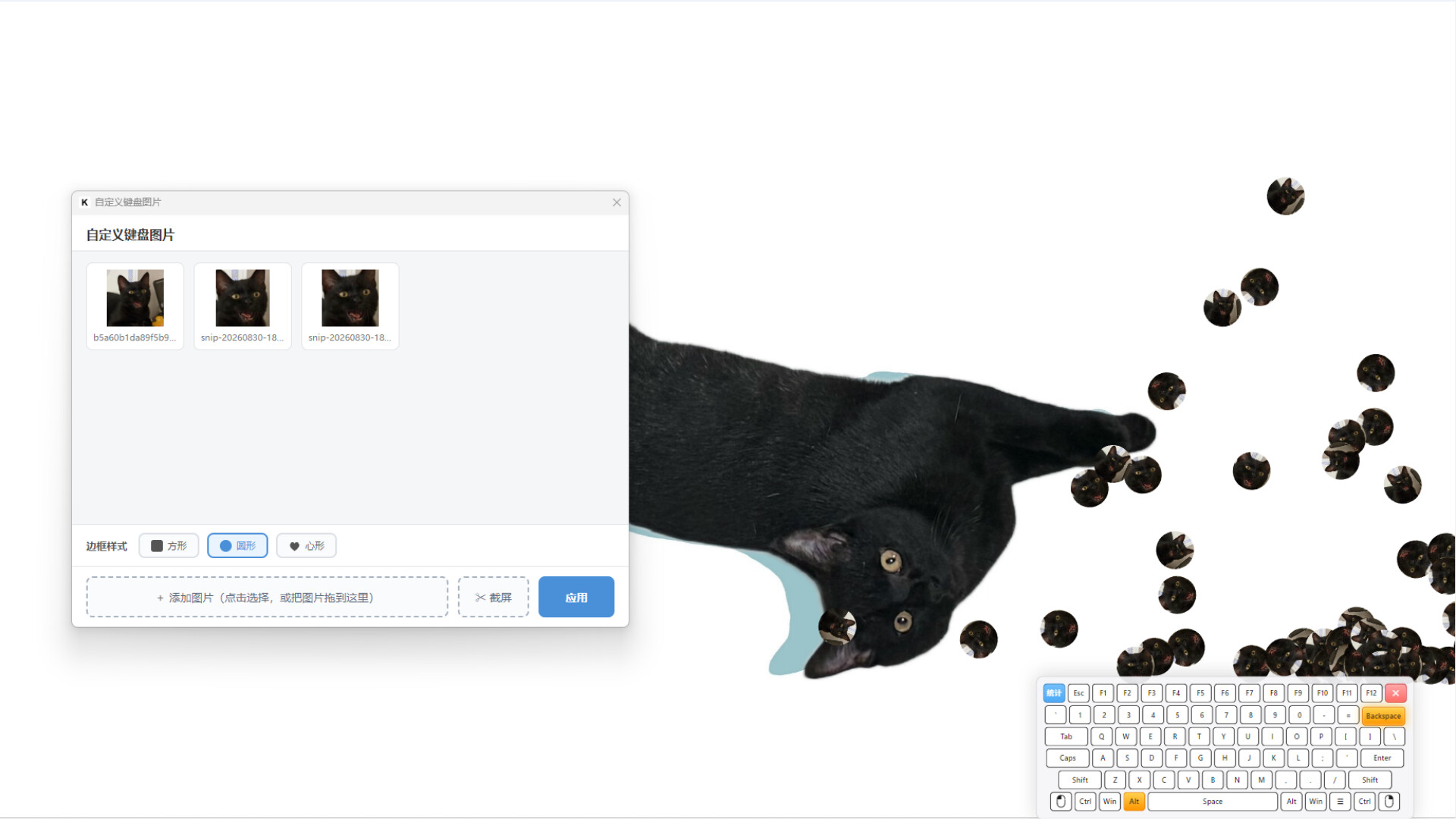
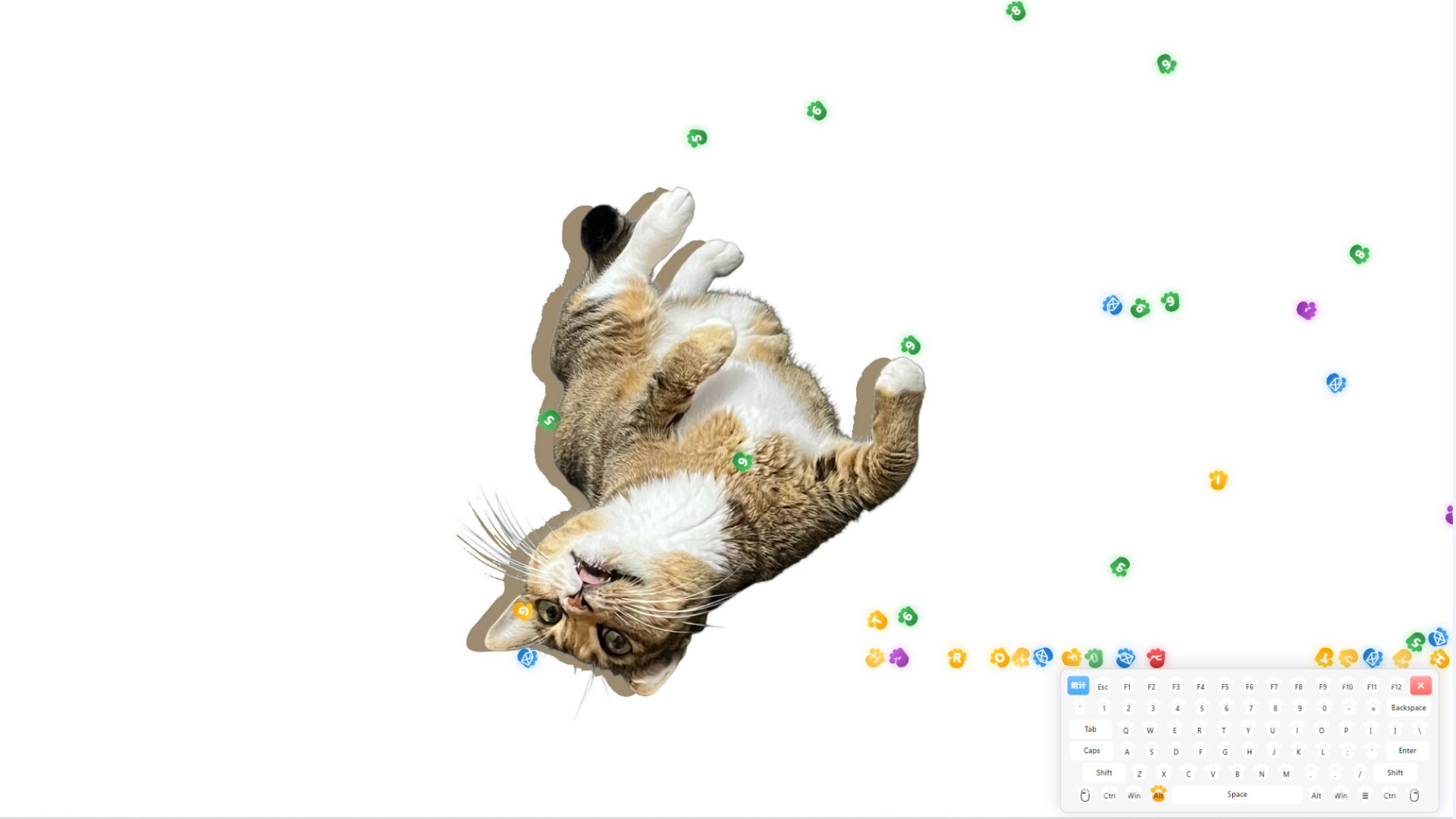
Every time you press a key, an icon carrying that letter flies off the keycap, bouncing, tumbling, and stacking under the laws of gravity and collision physics—every keystroke is a tiny physics performance.
🎯 Three Practice Modes, From Beginner to Pro
⌨️ Letter Practice
Letters and numbers keep falling from the top of the screen. Press the matching key to fire a projectile and shatter them! The drop speed gets faster and faster—how long can you last before your 10 HP runs out?
📝 Word Practice
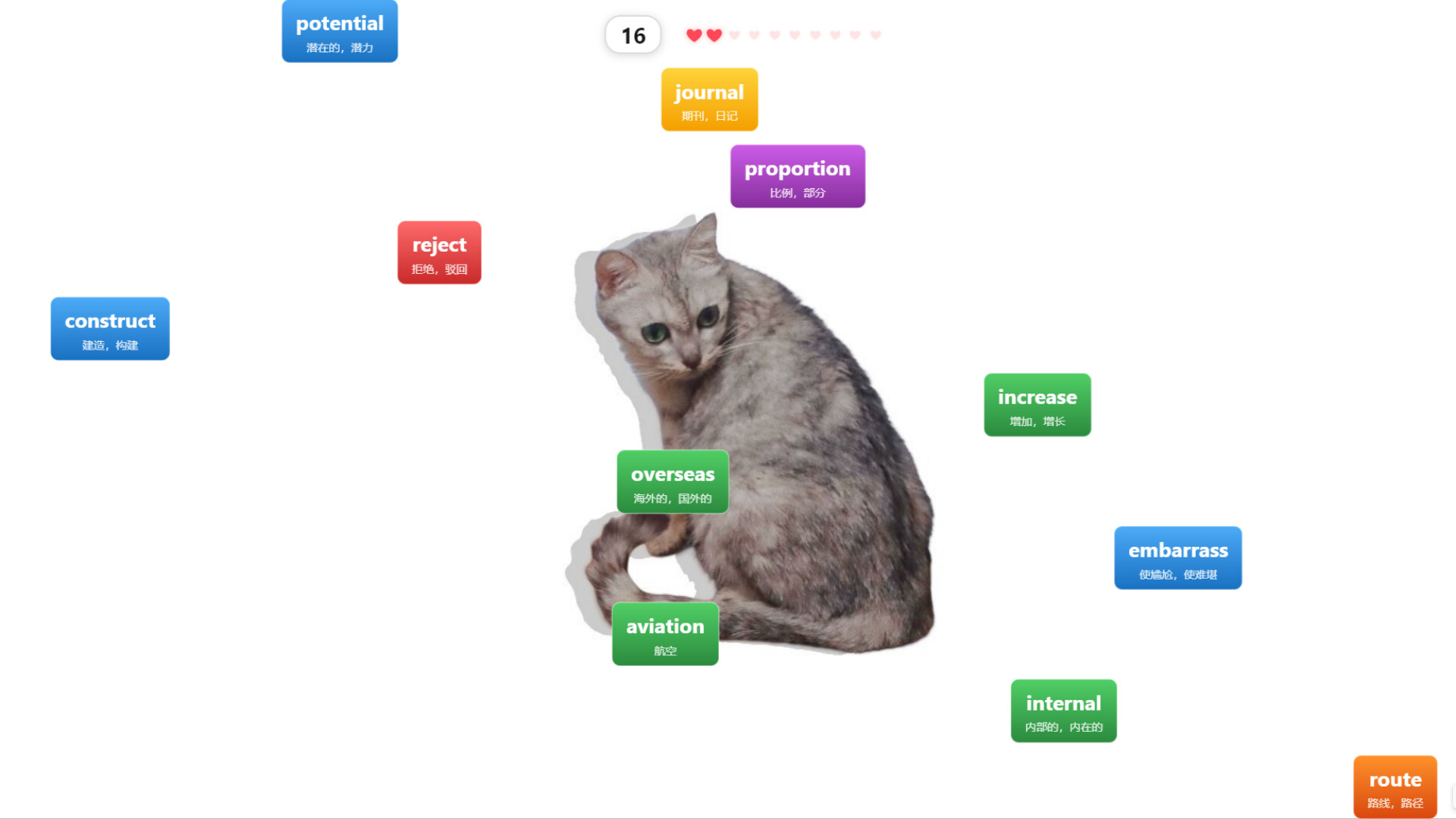
1,000 high-frequency CET-4 & CET-6 vocabulary words descend from the sky. Type out each word letter by letter. Letters you've already typed are highlighted, locking onto your target and flowing to completion—memorizing English vocabulary has never been this addictive.
🇨🇳 Chinese Practice
1,000 common Chinese words with tone-free pinyin displayed alongside. Type the pinyin to smash the words. Learn pinyin, practice typing, and recognize Chinese characters—three birds with one stone.
✨ Core Features
🖥️ Desktop-Level Immersion: Transparent window + click-through, blending the game seamlessly into your desktop
⚛️ Real Physics Engine: Gravity, bounce, collision, friction—every icon that flies out obeys the laws of physics
🎨 5 Keyboard Themes: Black keyboard, white keyboard—switch at will
🌫️ Immersion Mode: Hide the keyboard and let icons fly straight from the bottom of the screen for pure visual delight
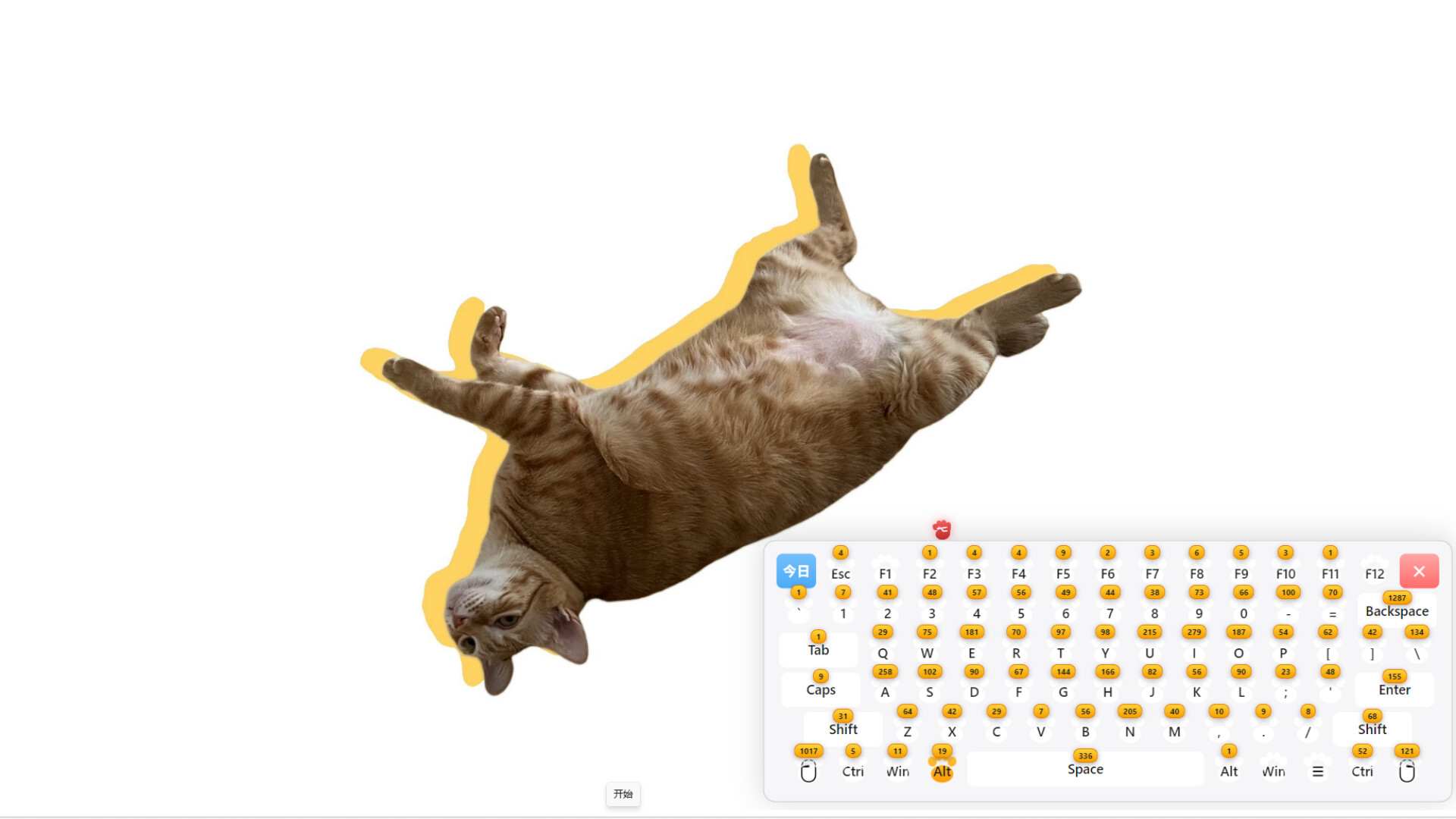
📊 Keystroke Stats: Track every single keystroke and find out which key is your true love
🌐 Bilingual EN/CN: Interface supports both Chinese and English
🎮 Who Is It For?
Office workers looking to improve their typing speed
Students grinding for CET-4 & CET-6 vocabulary
Chinese learners wanting to master pinyin
Anyone who just wants to blow off some steam—watch the letters fly and your worries fly away with them
💡 Tips
The game stays always-on-top and won't interfere with your normal computer use
Left-click and drag to move the keyboard position; right-click and drag to resize
In practice mode, press Ctrl + Space to restart
Press Ctrl + Shift + Q to quit anytime
Your keyboard deserves a party.
试玩版与发售信息
当前检查数据尚未确认有可用的试玩版。这并不代表该游戏从未提供过试玩版;请前往其 Steam 页面查看最新情况。
信息与图片:Steam · 最后检查 UTC