
Keyboard Companion
Demo disponibile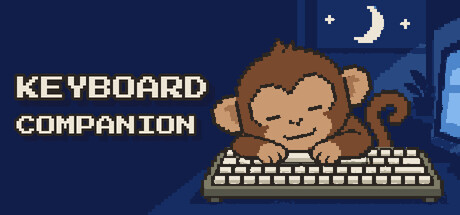

About the game
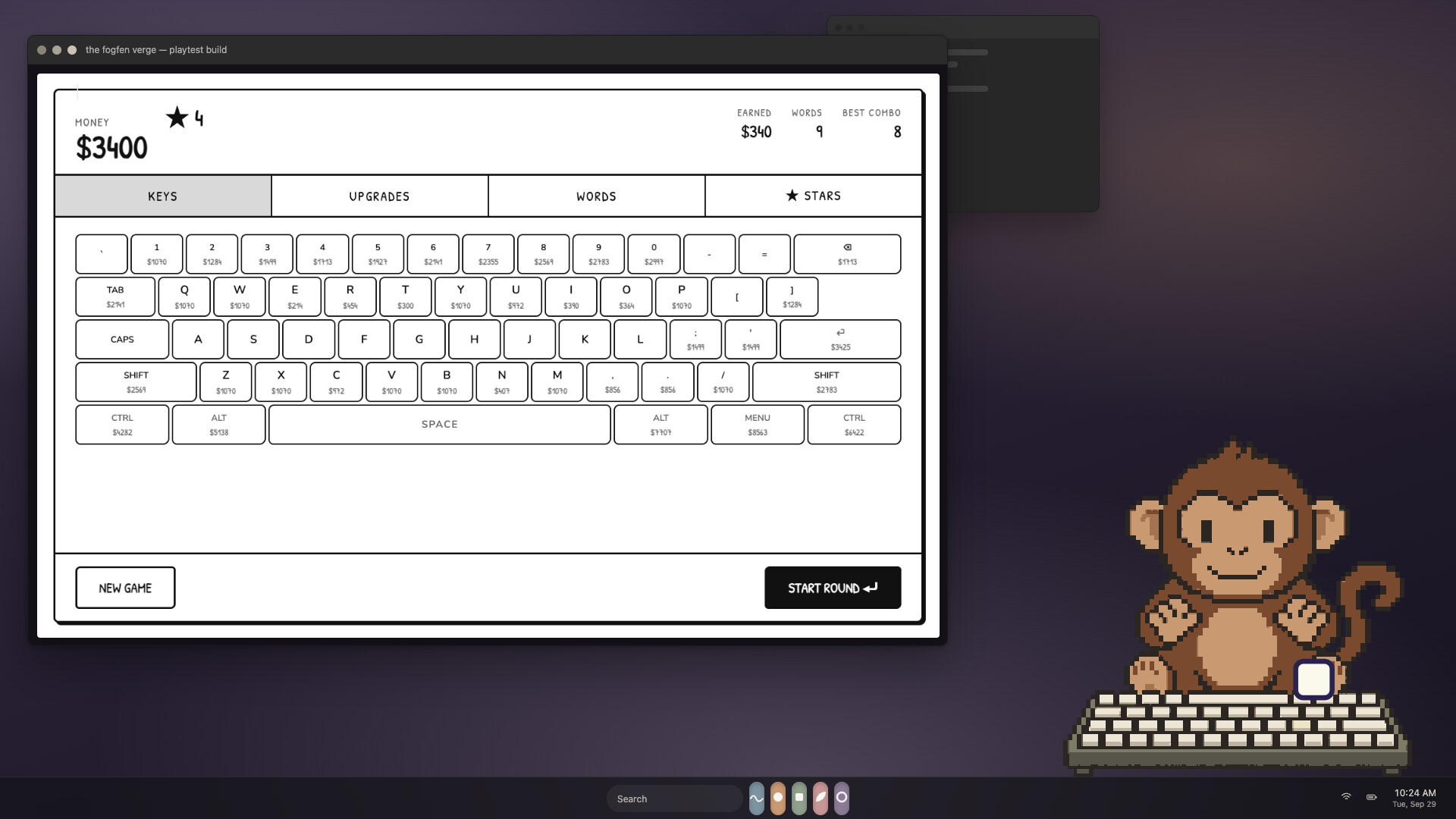
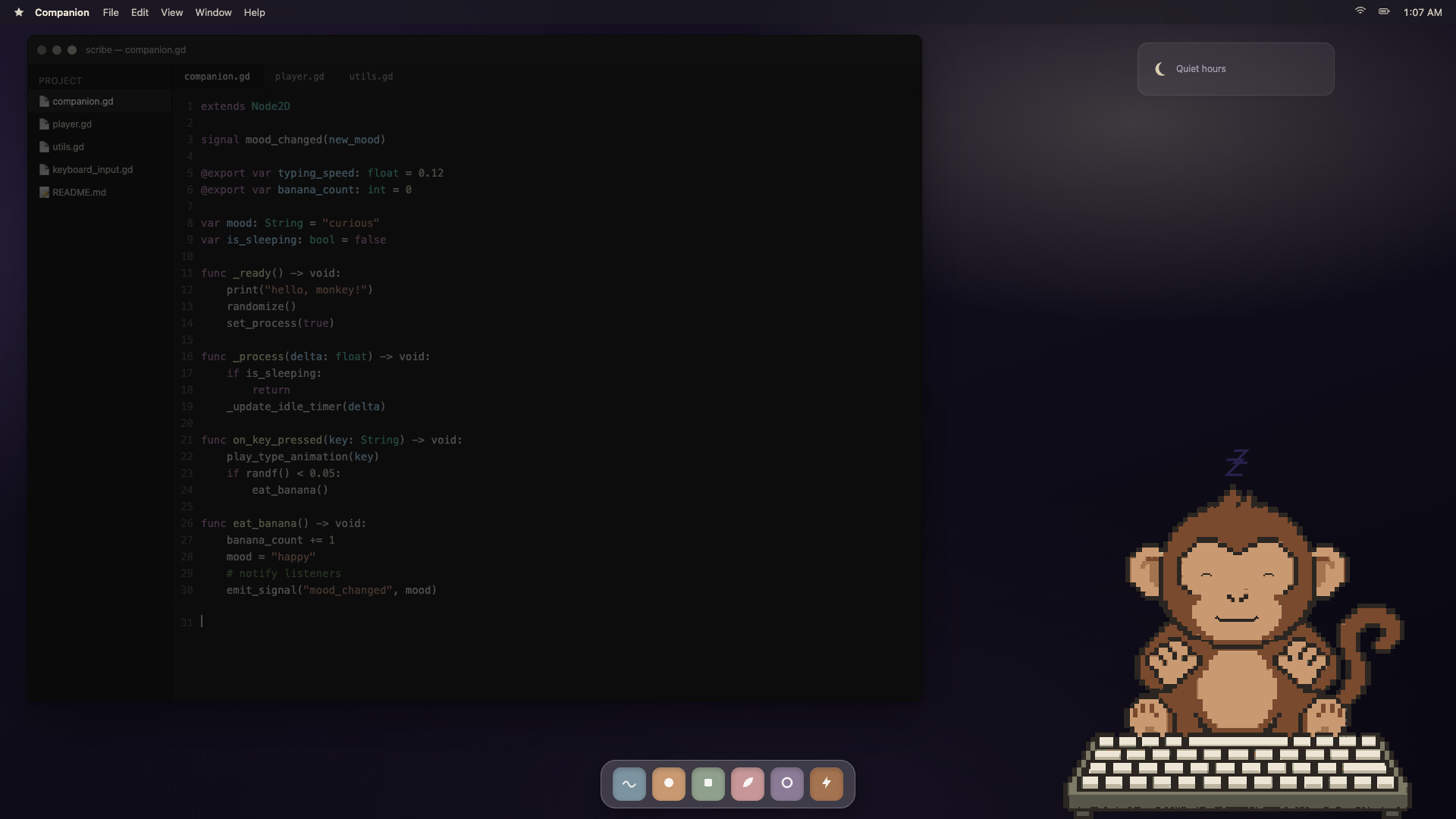
Una minuscola scimmietta in pixel art che scrive insieme a te. Se ne sta in fondo allo schermo, preme i tuoi stessi tasti e, quando fai una pausa, sgranocchia banane, sbadiglia e si appisola. Non registra mai ciò che digiti.
Descrizione originale su Steam
A tiny monkey that types along with you.
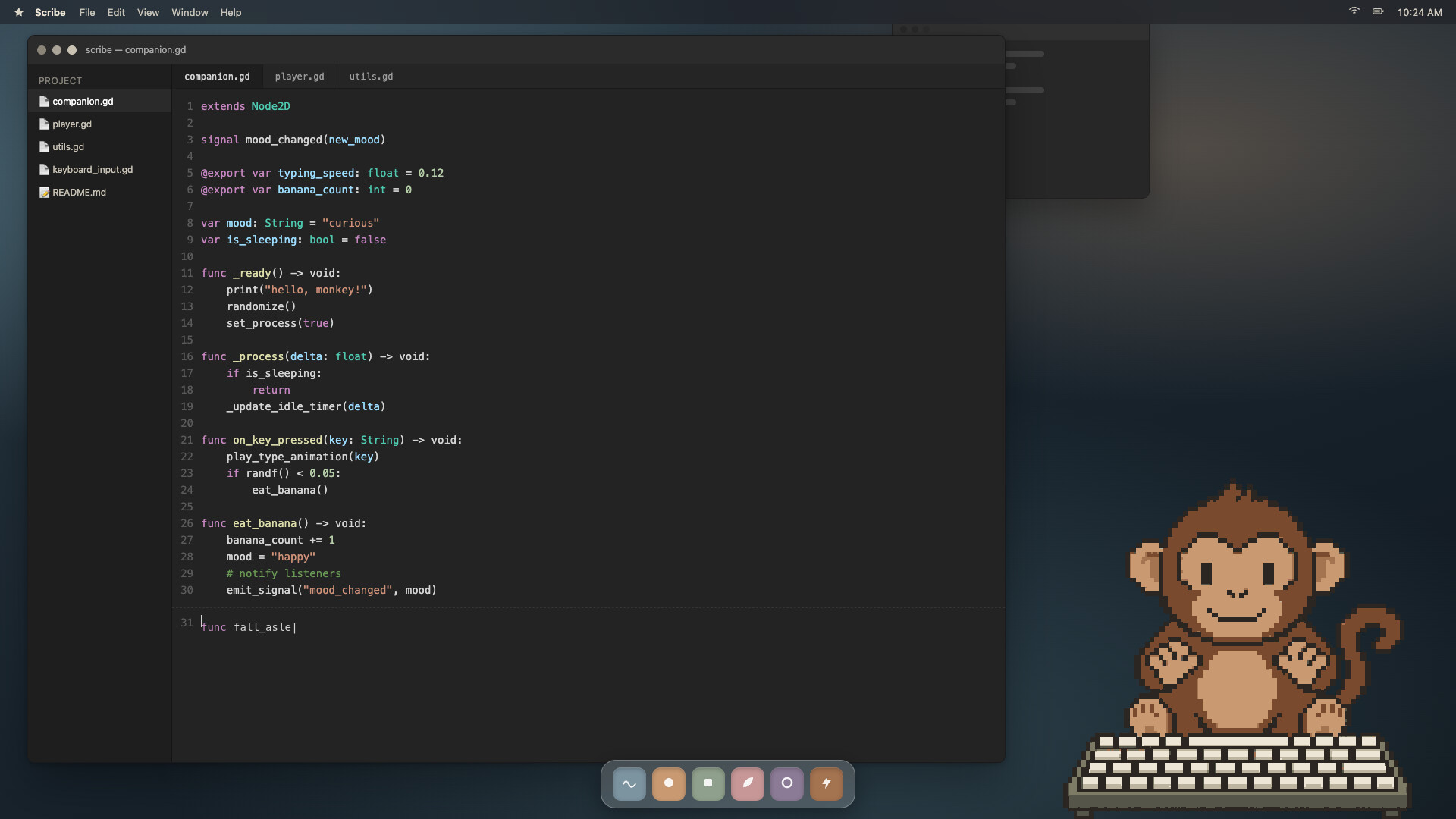
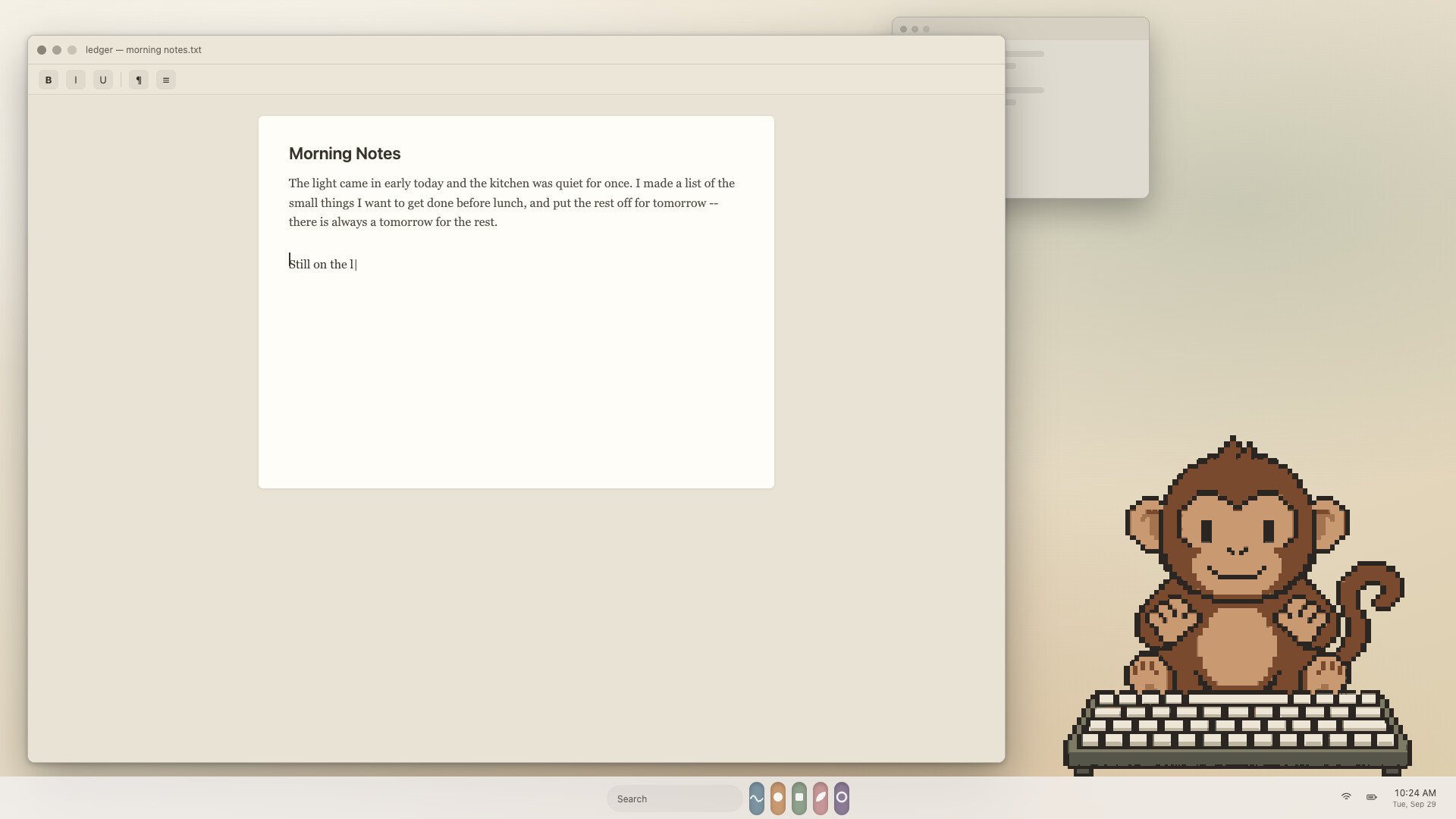
Keyboard Companion puts a little pixel monkey at the bottom of your screen. He sits behind his own keyboard, and whenever you type, he types too. In whatever app you're using, all day long.
He has a life of his own
Stop typing for a moment and he gets busy: he peels a banana, scratches his head, looks around, yawns, and eventually nods off. Press a key and he wakes right up, a little startled, and gets back to work.
Every key you press, he presses too
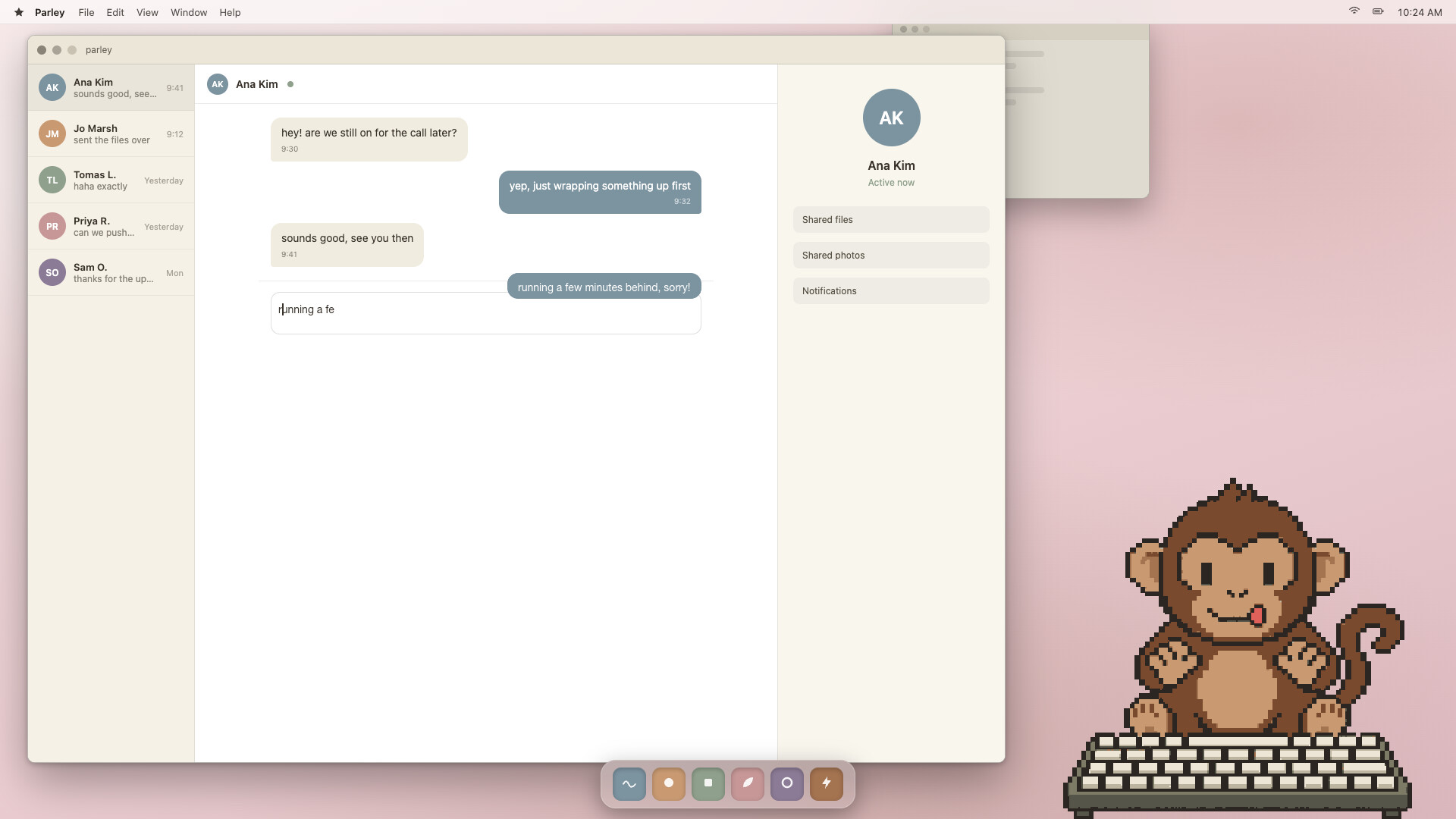
The exact key you hit lights up on his keyboard and a little keycap pops into the air. Type long enough and his tongue sneaks out in concentration.
Stays out of your way
Sits on top of your other windows without stealing focus. Clicks go straight through to what's behind him
Drag him anywhere and scale him to any size you like
Lightweight, made to run all day while you work, write, chat or play
Your keystrokes stay yours
Keyboard Companion never records what you type. No words, no text, no order of keys, nothing is sent anywhere. It only counts how many keys you press per day, and that count stays on your computer. The "light up keys" effect can be turned off when you share your screen.
Informazioni sulla demo e sull’uscita
Durante l’ultimo controllo è stata trovata una demo su Steam. Prima di scaricarla, verifica su Steam che sia ancora disponibile nella tua regione.
Demo di Steam, playtest e accesso anticipato: qual è la differenza?
Informazioni e immagini: Steam · Ultima verifica UTC