
Graphmat
Démo disponible
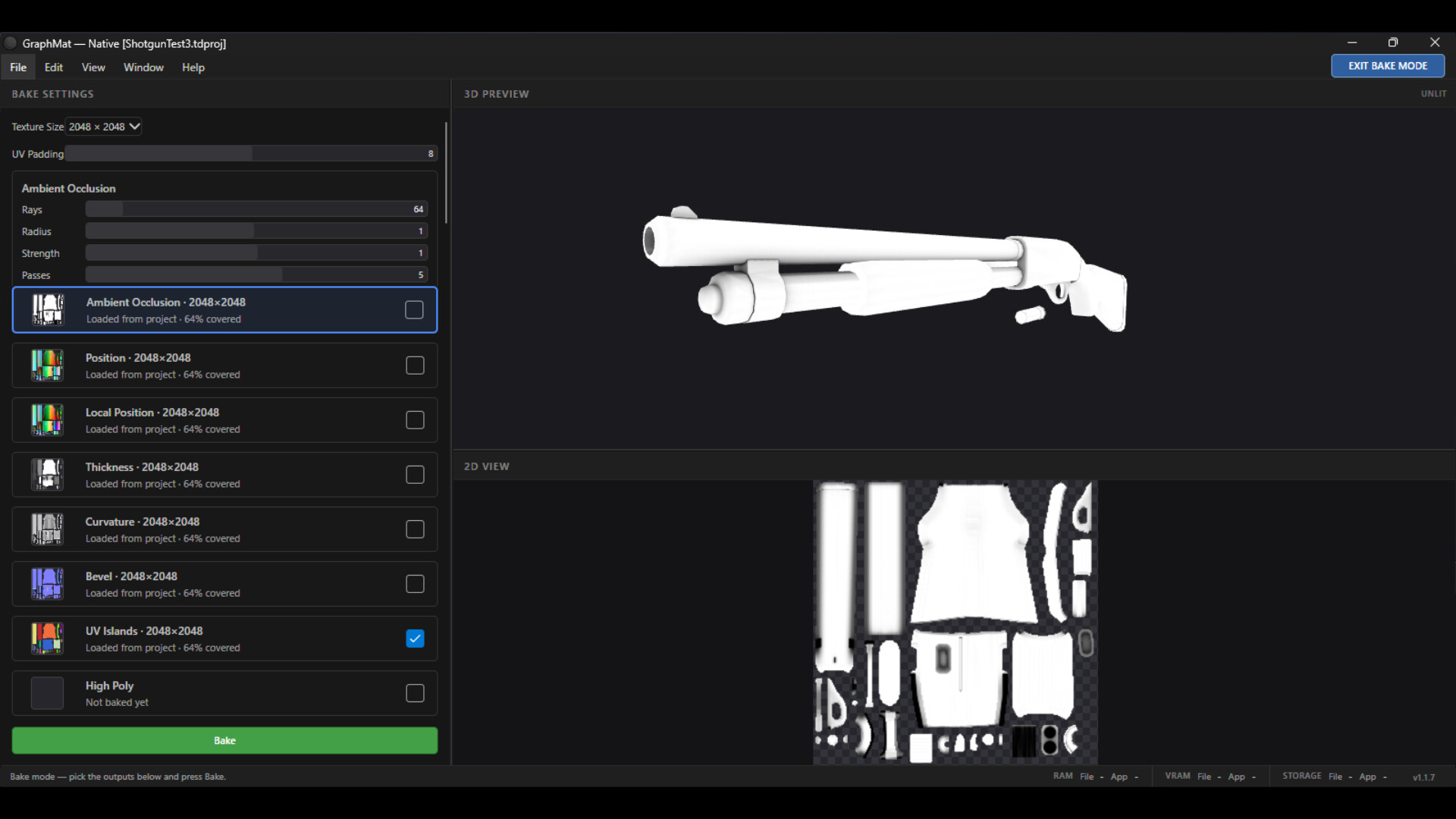
About the game
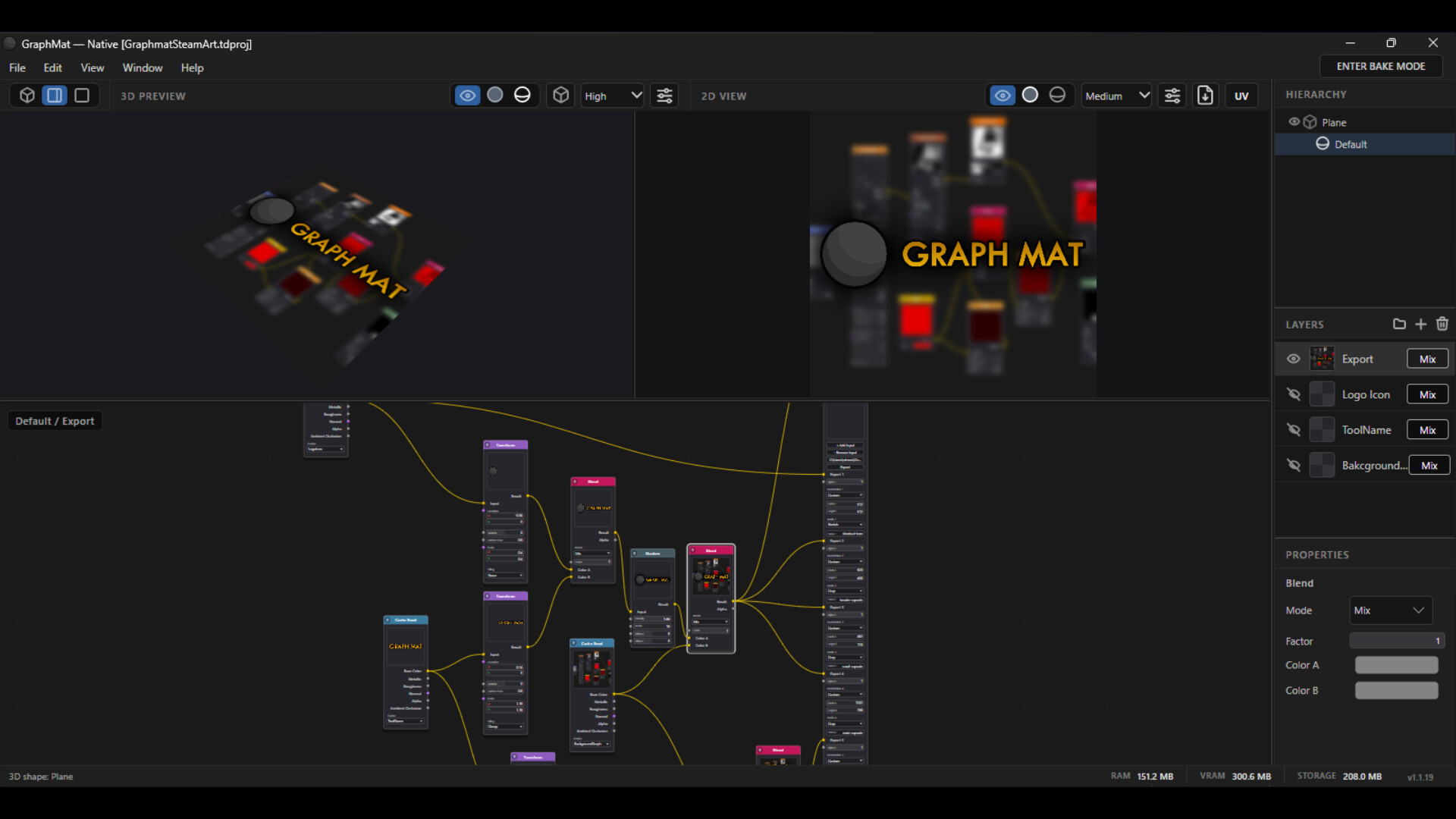
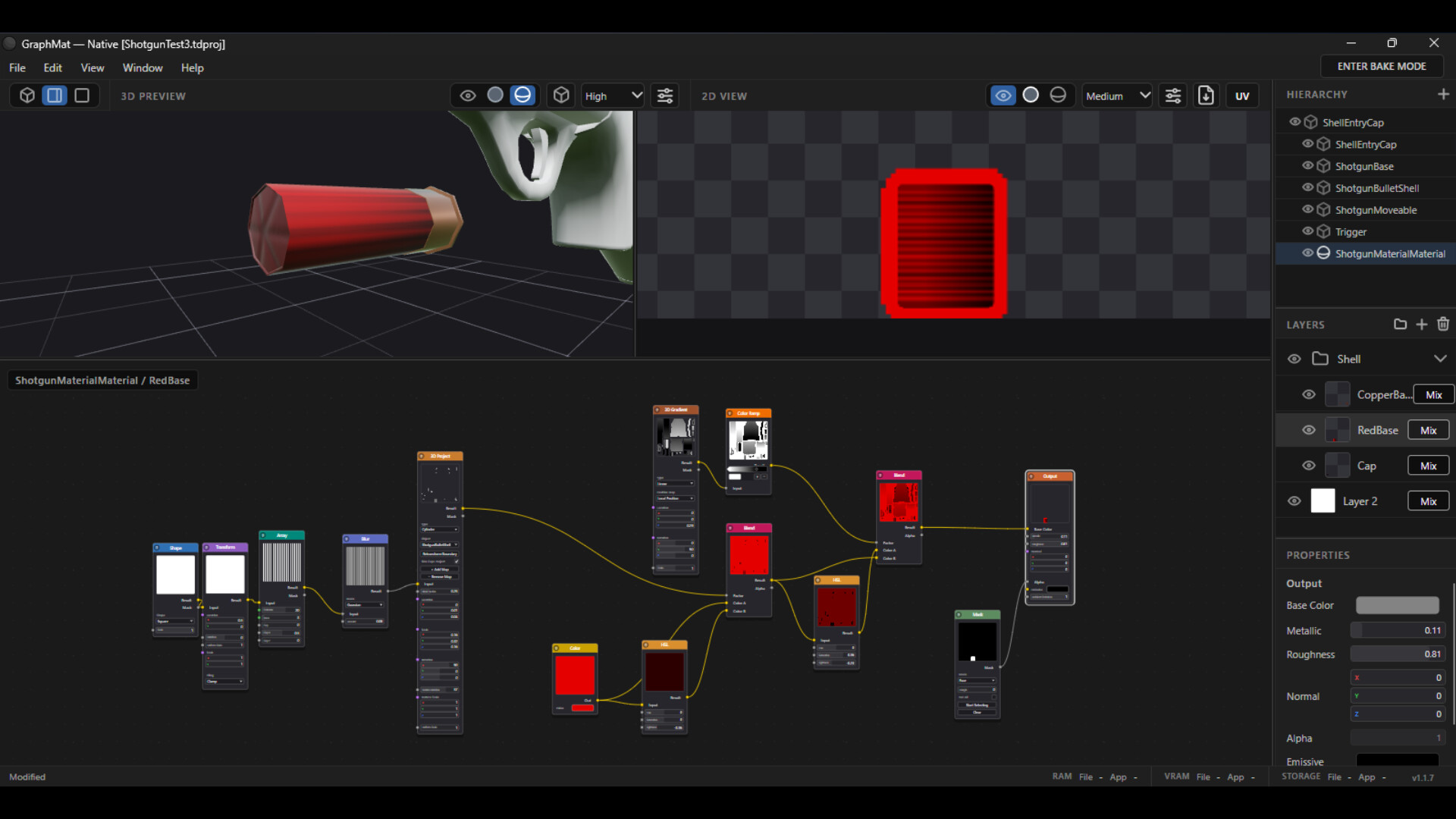
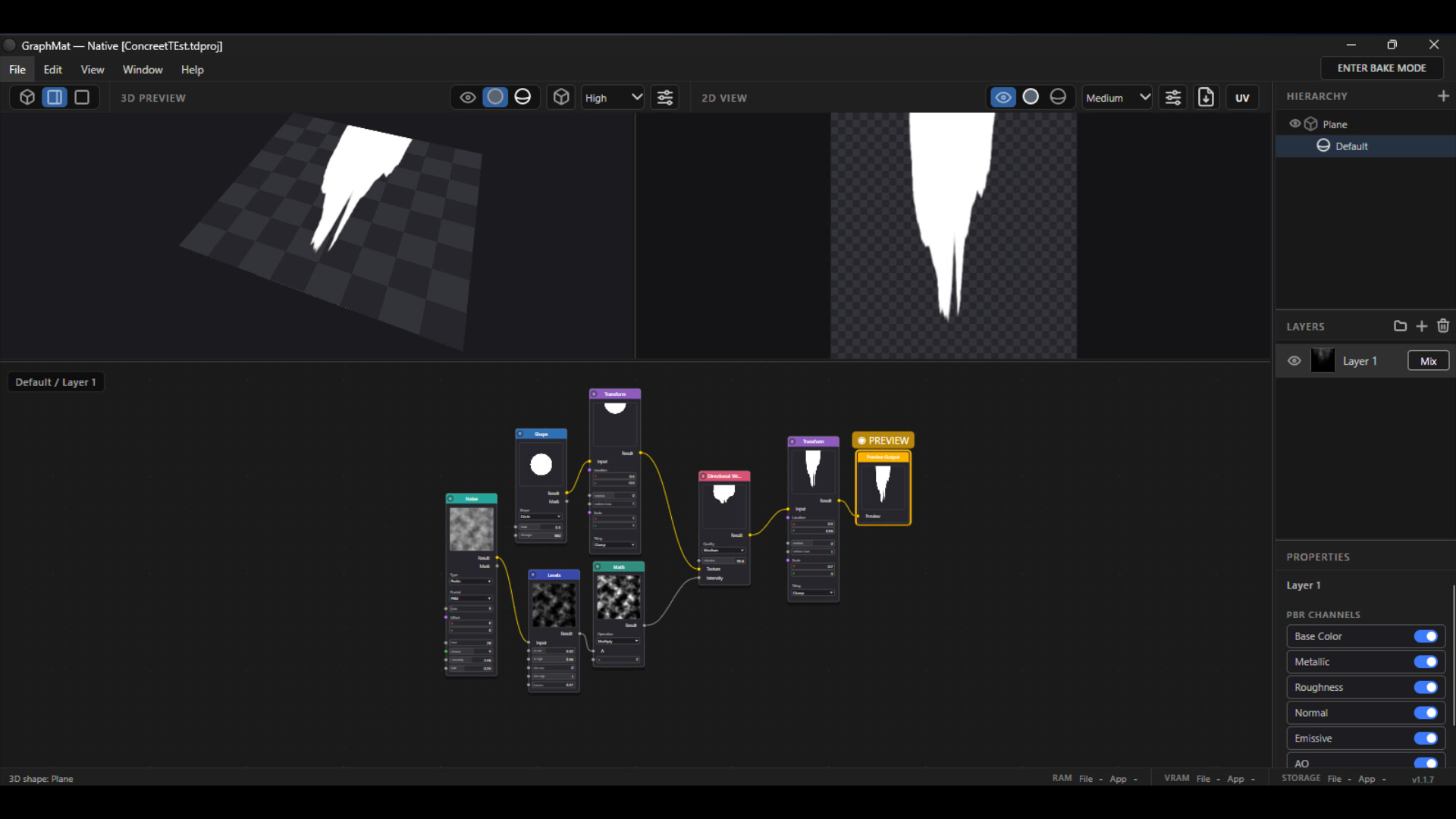
GraphMat est un éditeur de matériaux en temps réel qui associe des processus basés sur des nœuds à des calques familiers, offrant ainsi une méthode rapide et flexible pour concevoir et exporter des textures PBR raccordables destinées aux jeux et aux projets 3D. Une solution performante et abordable pour les développeurs et les artistes.
Description d’origine sur Steam
KEY FEATURES:
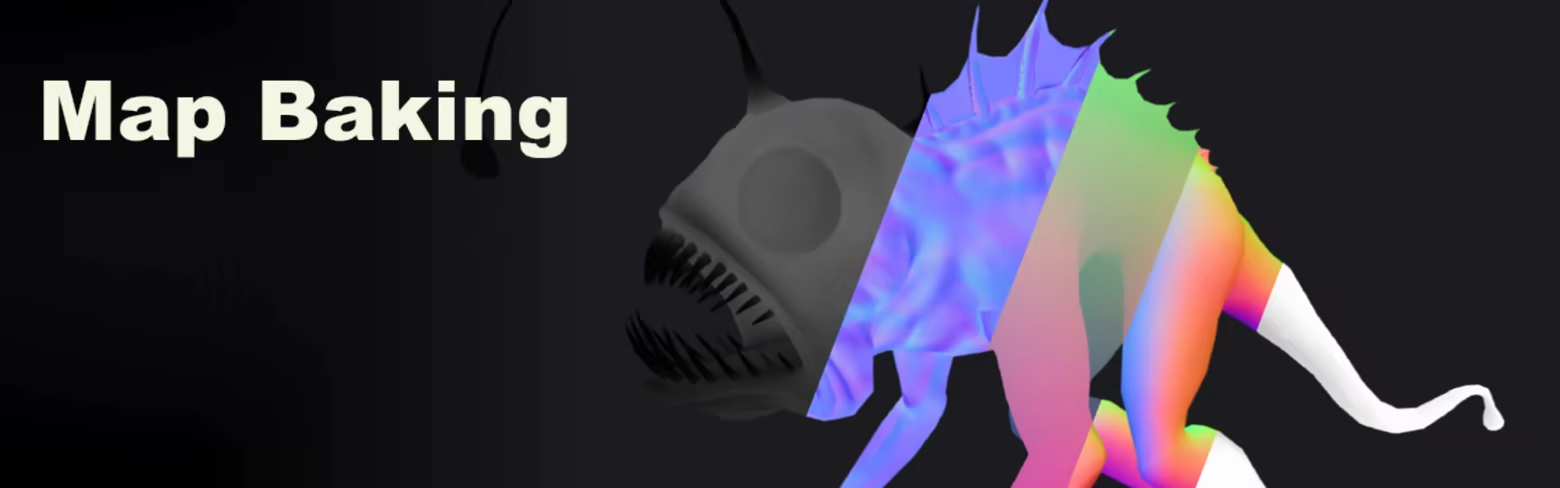
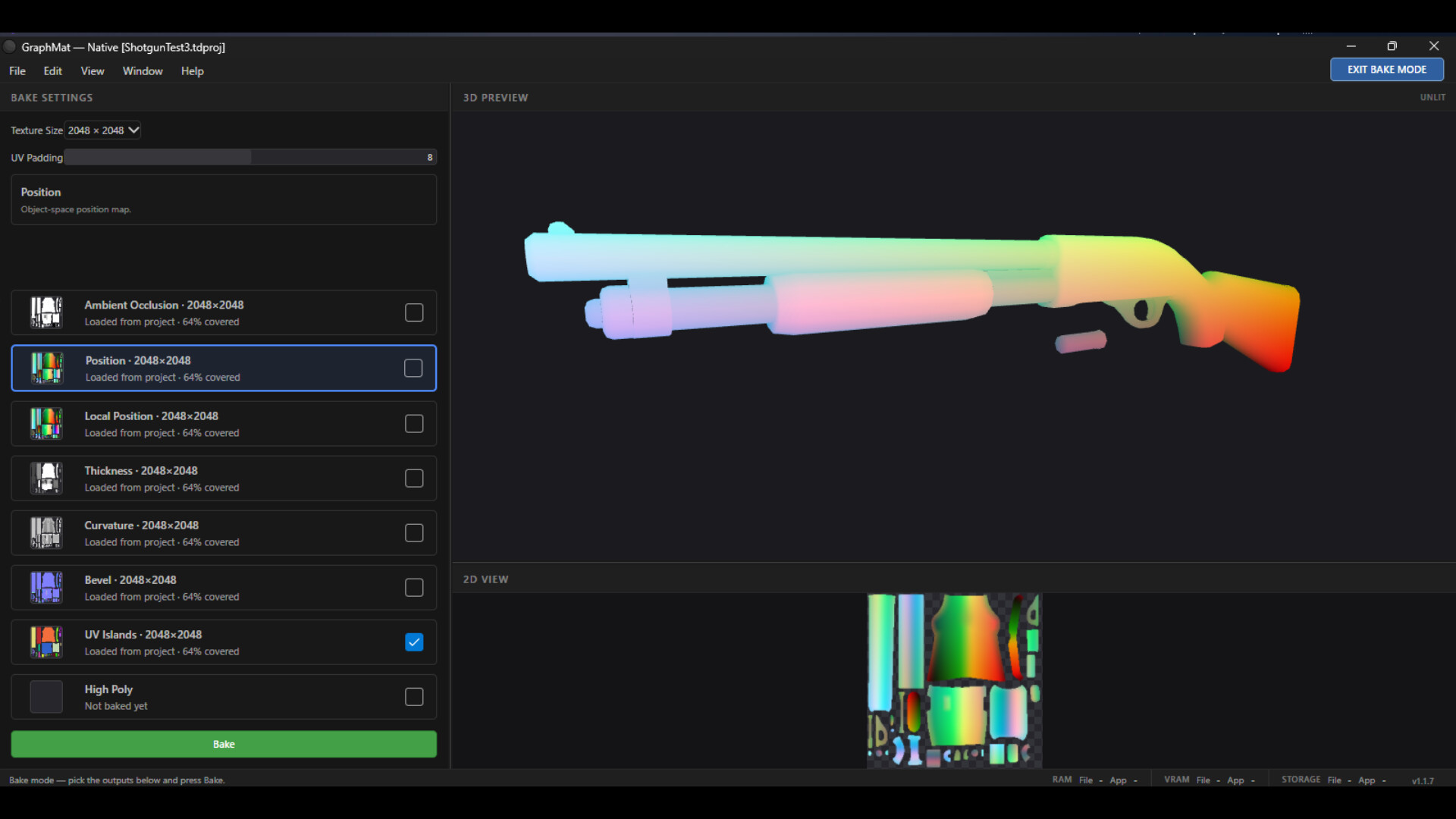
Containing Bake Maps: (Thickness, Highpoly Normal Map, Position (World/Local), World Normal, UV Islands, Ambient Occlusion, Curvature, Tangent)
Instant real time for all nodes supported by GPU (hardware accelerated) for fast and efficient iterations
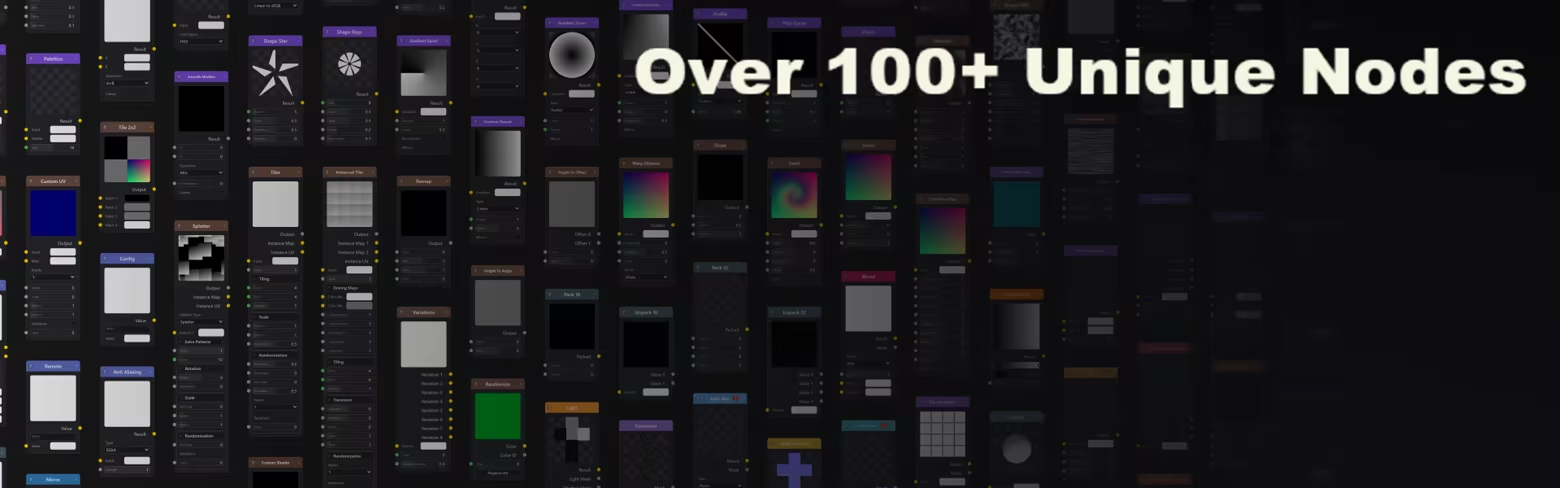
And more:
User Friendly UI
Built in MCP
Exporting System
Advance 3D Nodes
What is GraphMat?
GraphMat is a material creation tool for designing PBR textures for games and 3D projects. It provides a simple and flexible workflow for creating anything from basic surfaces to detailed procedural materials, then exporting them for use in your preferred game engine or 3D software.
Why GraphMat?
Professional texturing software can be expensive, especially for indie developers, students and hobbyists. GraphMat aims to provide an affordable and capable alternative without sacrificing the tools needed for everyday material creation.
It is designed to be easy to learn, quick to work with and flexible enough to grow with your projects.
Who is it for?
GraphMat is built for game developers, 3D artists, students and hobbyists who want to create their own materials without committing to expensive software.
Whether you're creating textures for an indie game, learning material design, building reusable assets or simply experimenting with procedural workflows, GraphMat gives you the tools to turn your ideas into game-ready materials.
Informations sur la démo et la sortie
Une démo Steam a été trouvée lors de la dernière vérification. Avant de la télécharger, vérifiez sur Steam qu’elle est toujours disponible dans votre région.
Démo Steam, playtest et accès anticipé : quelle est la différence ?
Informations et visuels : Steam · Dernière vérification UTC