
Fidget Toy Engine
Pubblicato



About the game
Fidget Toy Engine è un'applicazione desktop che ti permette di divertirti con una varietà di giocattoli interattivi. Falli girare, cliccali, schiacciali, falli rotolare, lanciali e personalizzali mentre lavori, studi o ti rilassi. Tieni i tuoi preferiti a portata di mano in una finestra trasparente, con suoni appaganti e stili variopinti.
Descrizione originale su Steam
Fidget Toy Engine brings a collection of interactive toys directly to your desktop. Open a compact transparent window, choose a toy, and keep a satisfying little distraction within reach while you work, study, chat, or take a break.
DISCOVER A VARIETY OF TOYS
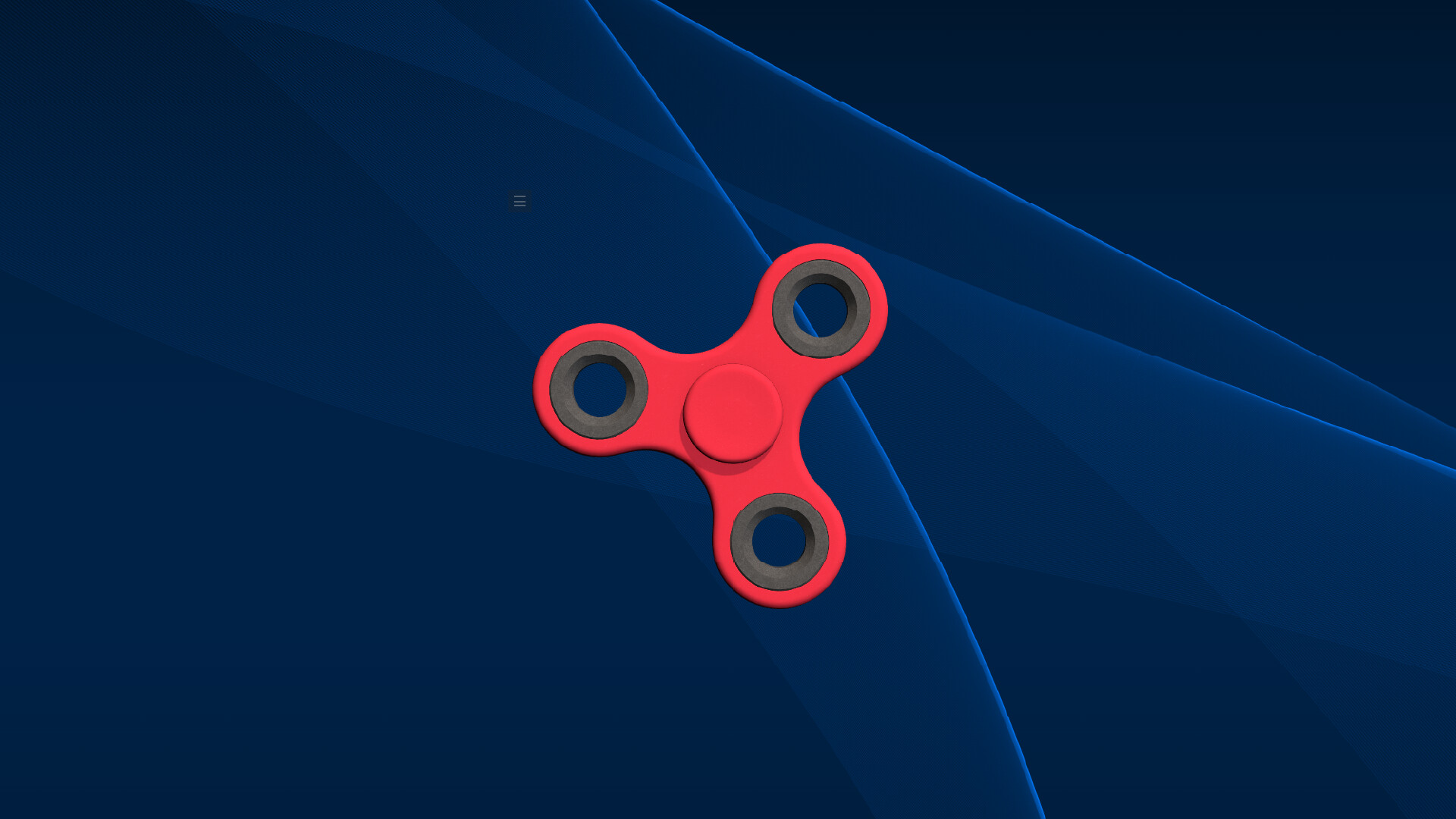
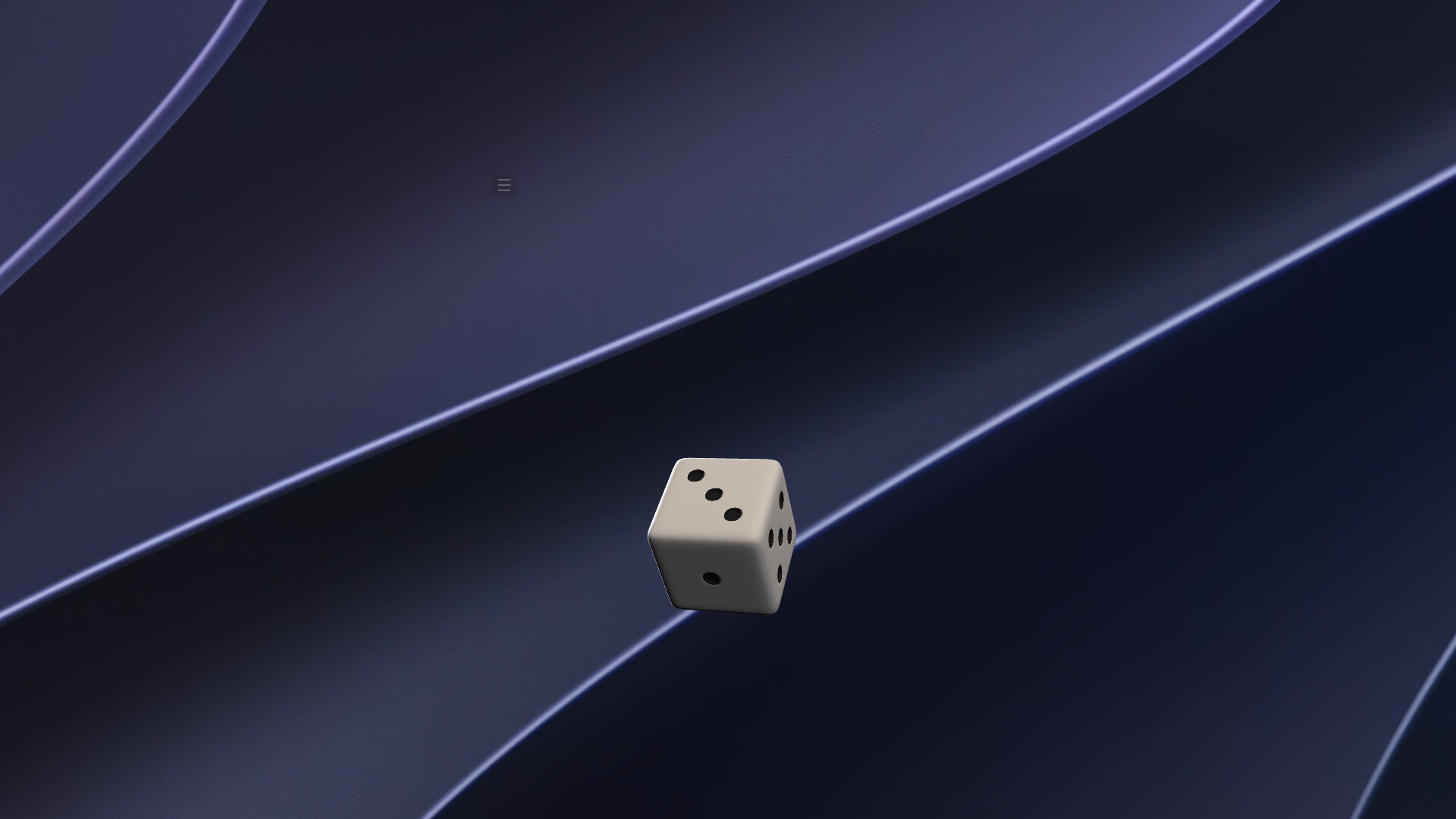
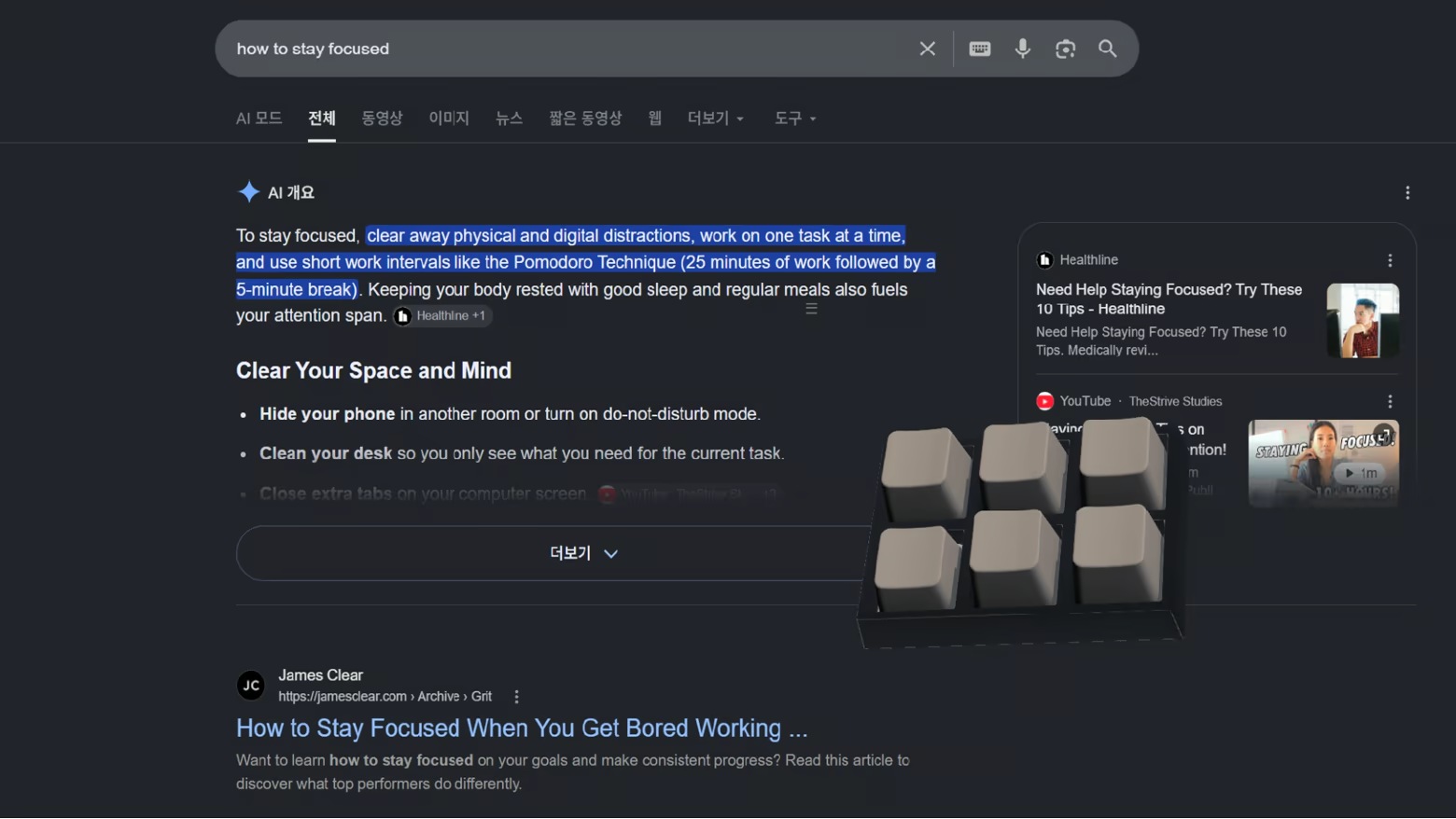
Spin a fidget spinner or shuriken, squish slime, tap the keys on a mini keyboard, roll dice, fire a slingshot, send a roulette ball around the wheel, watch a DVD logo bounce, and discover much more. Every toy has its own way to move, react, or play.
Fidget Toy Engine is designed to keep growing, with more toys planned for future updates.
MAKE IT YOURS
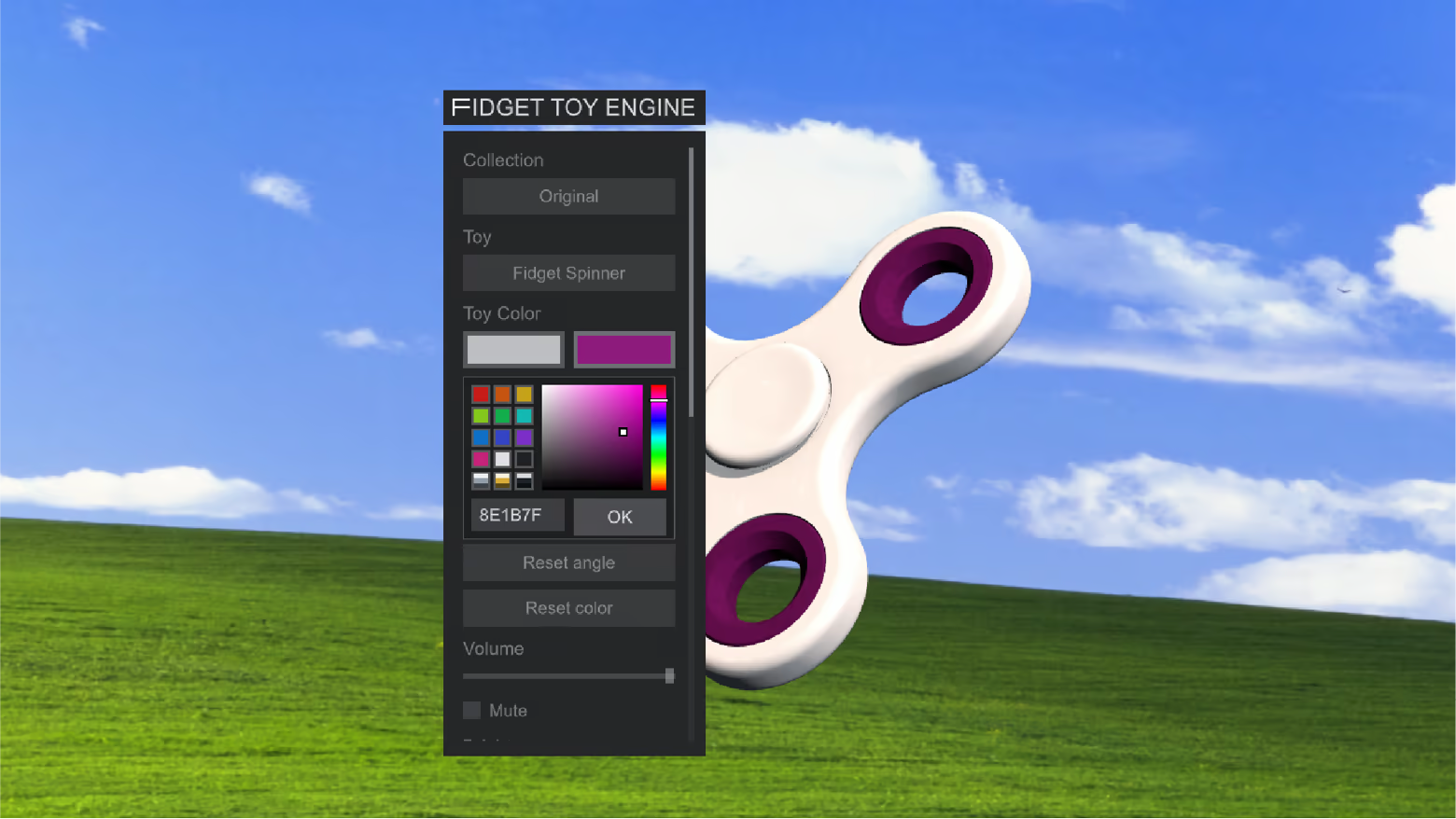
Save your favorites or let Random choose for you. Resize the app, adjust volume and brightness, and recolor selected toys with custom colors and metallic finishes.
BUILT FOR YOUR DESKTOP
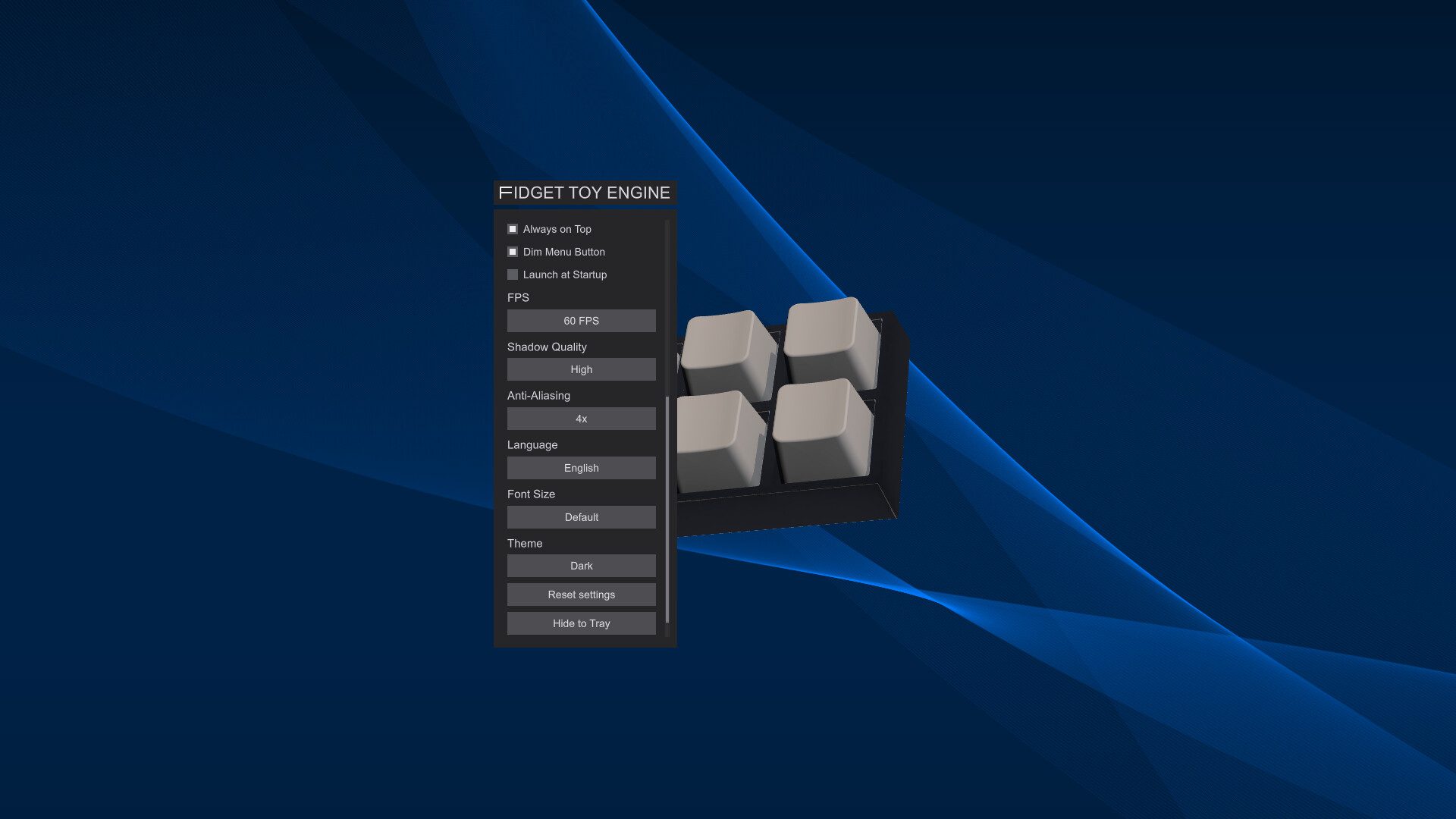
Place the transparent window wherever it works best for you. Keep it above other apps, minimize it to the system tray, or have it launch automatically when your computer starts. Stereo sound subtly shifts with the window's position across your desktop,
COMFORTABLE TO USE
Choose a dark or light theme, enlarge interface text, and tune frame rate, anti-aliasing, and shadow quality for your setup. The interface supports ten languages.
PLAY AT YOUR OWN PACE
Steam achievements mark playful milestones, while Steam Cloud keeps supported preferences in sync. There is no fixed way to play—play with a toy for a few seconds or leave one beside you for longer.
Informazioni sulla demo e sull’uscita
I dati del controllo attuale non confermano alcuna demo. Ciò non significa che il gioco non ne abbia mai avuta una; consulta la sua pagina Steam per verificarne la disponibilità attuale.
Demo di Steam, playtest e accesso anticipato: qual è la differenza?
Informazioni e immagini: Steam · Ultima verifica UTC