
Fidget Toy Engine
Publicado



About the game
Fidget Toy Engine es una aplicación de escritorio que te permite disfrutar de una gran variedad de juguetes interactivos. Gíralos, púlsalos, estrújalos, hazlos rodar, lánzalos y personalízalos mientras trabajas, estudias o te relajas. Ten tus favoritos siempre a mano en una ventana transparente, con sonidos satisfactorios y estilos llenos de color.
Descripción original de Steam
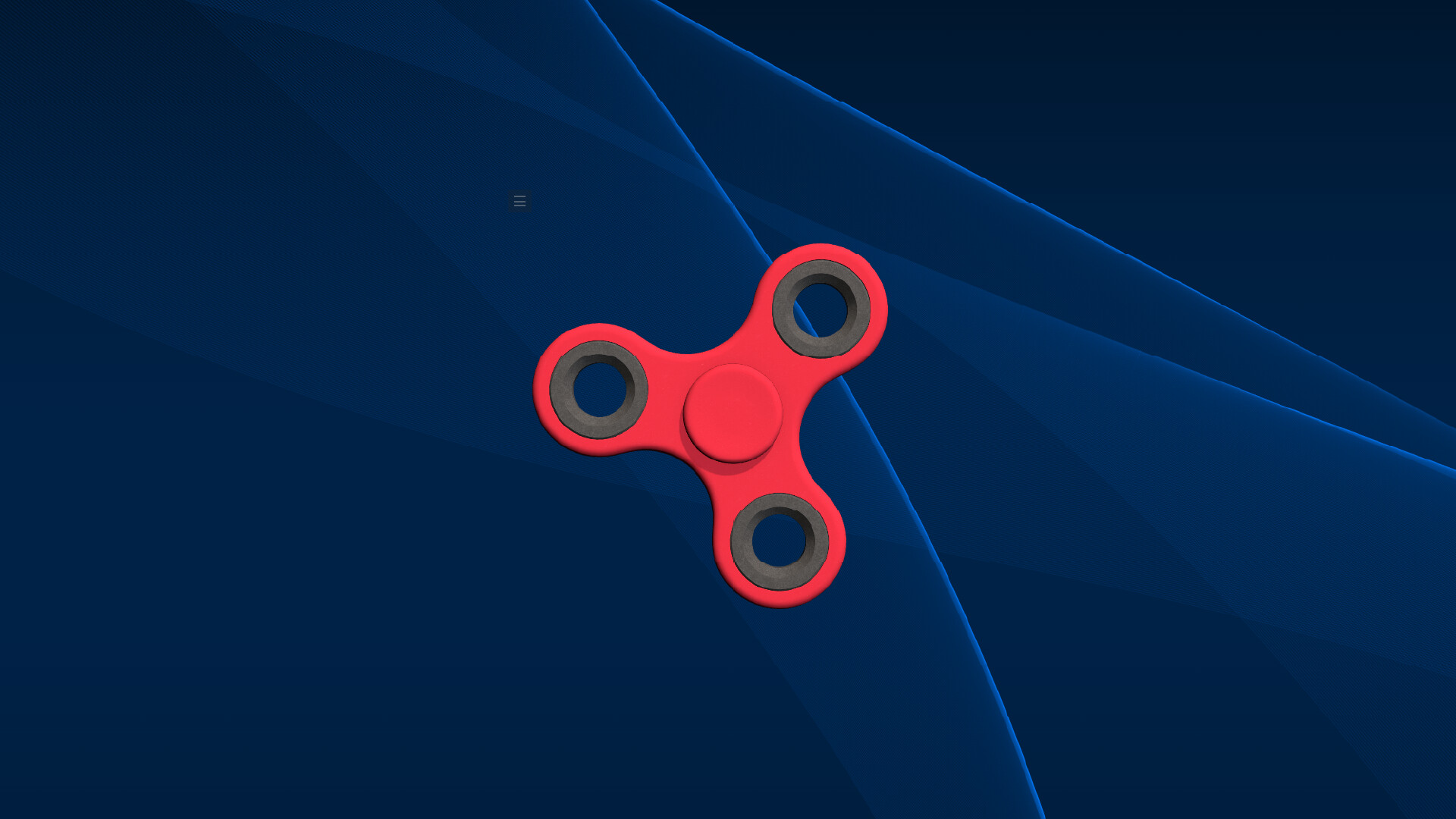
Fidget Toy Engine brings a collection of interactive toys directly to your desktop. Open a compact transparent window, choose a toy, and keep a satisfying little distraction within reach while you work, study, chat, or take a break.
DISCOVER A VARIETY OF TOYS
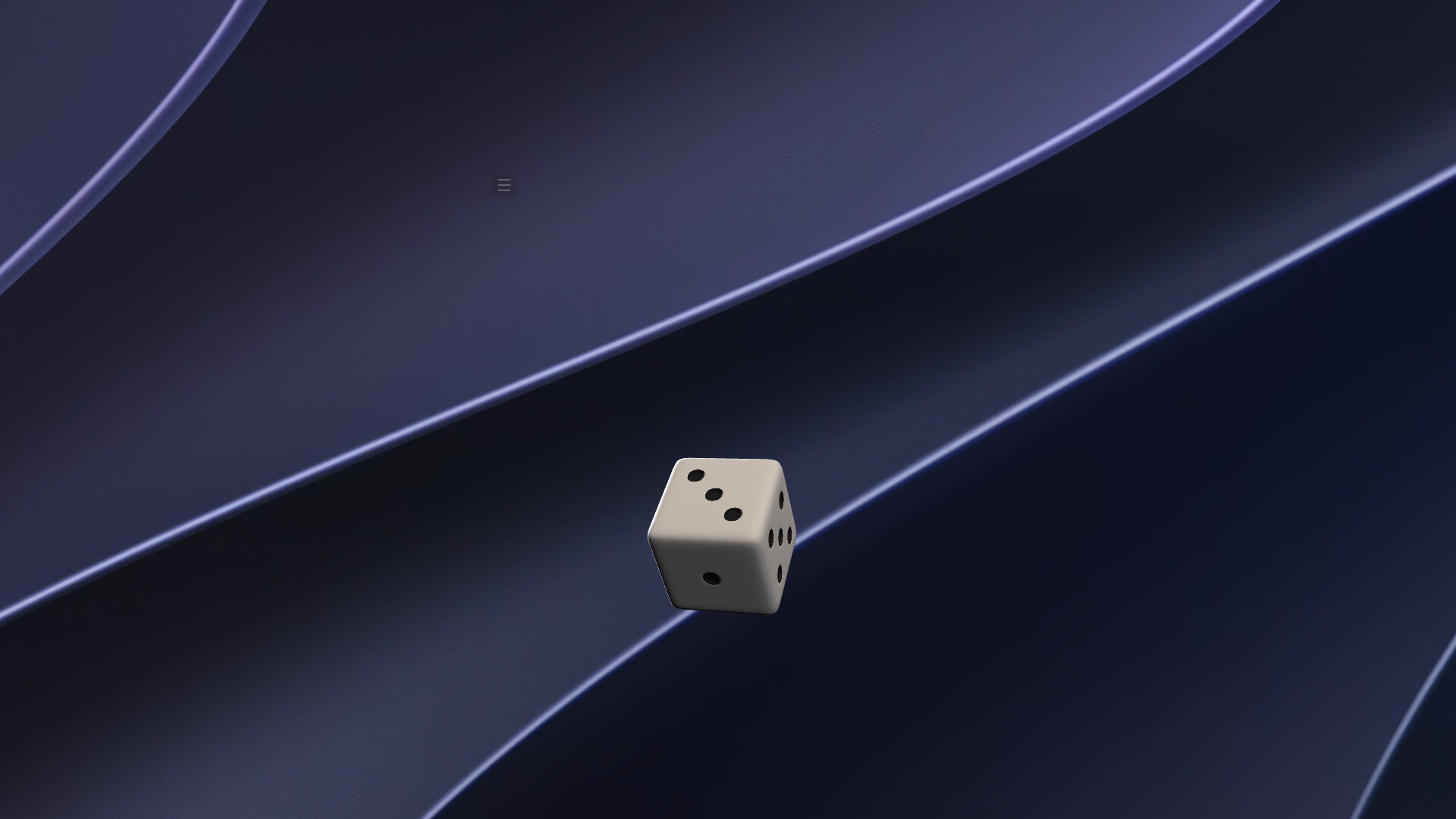
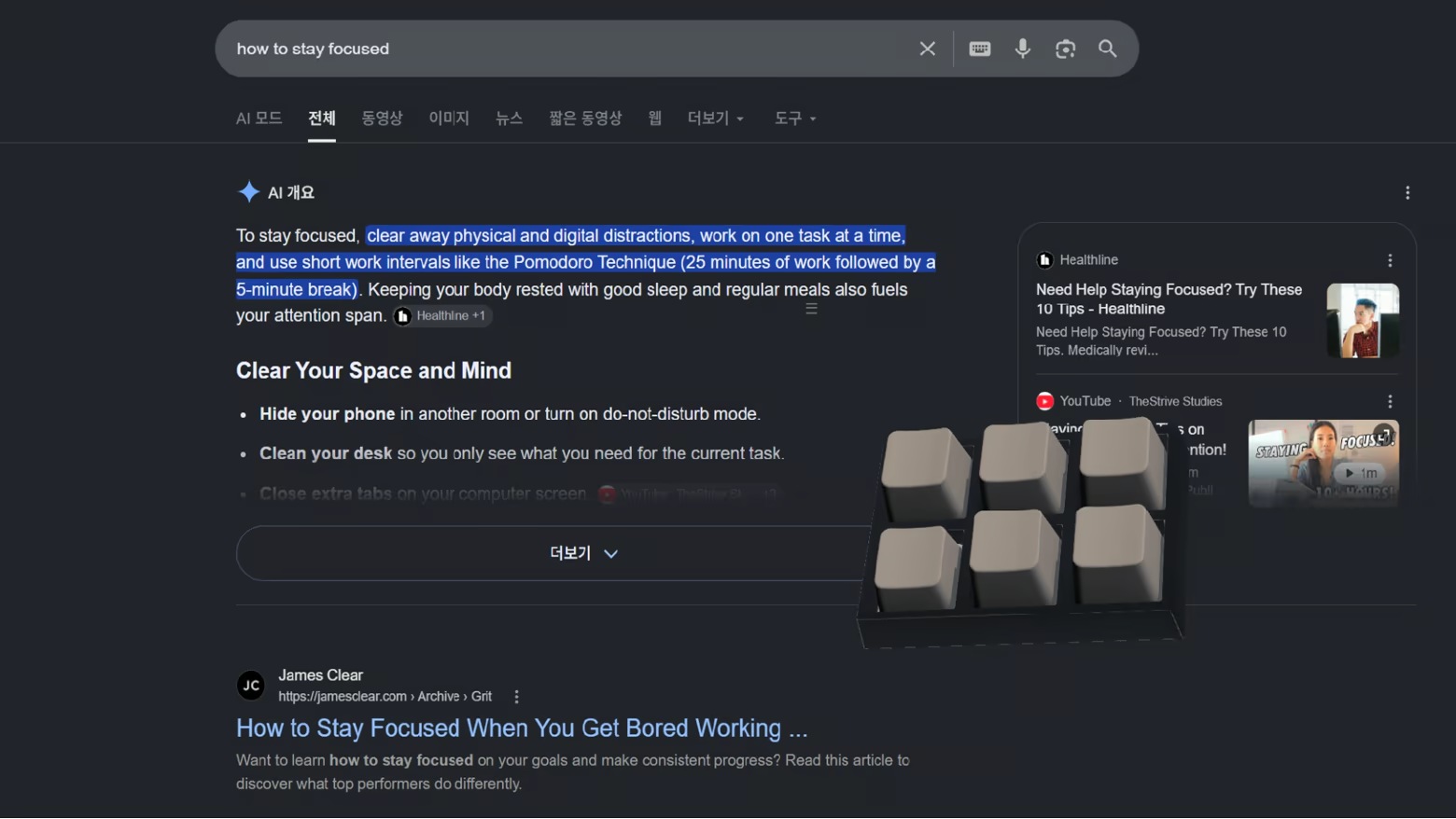
Spin a fidget spinner or shuriken, squish slime, tap the keys on a mini keyboard, roll dice, fire a slingshot, send a roulette ball around the wheel, watch a DVD logo bounce, and discover much more. Every toy has its own way to move, react, or play.
Fidget Toy Engine is designed to keep growing, with more toys planned for future updates.
MAKE IT YOURS
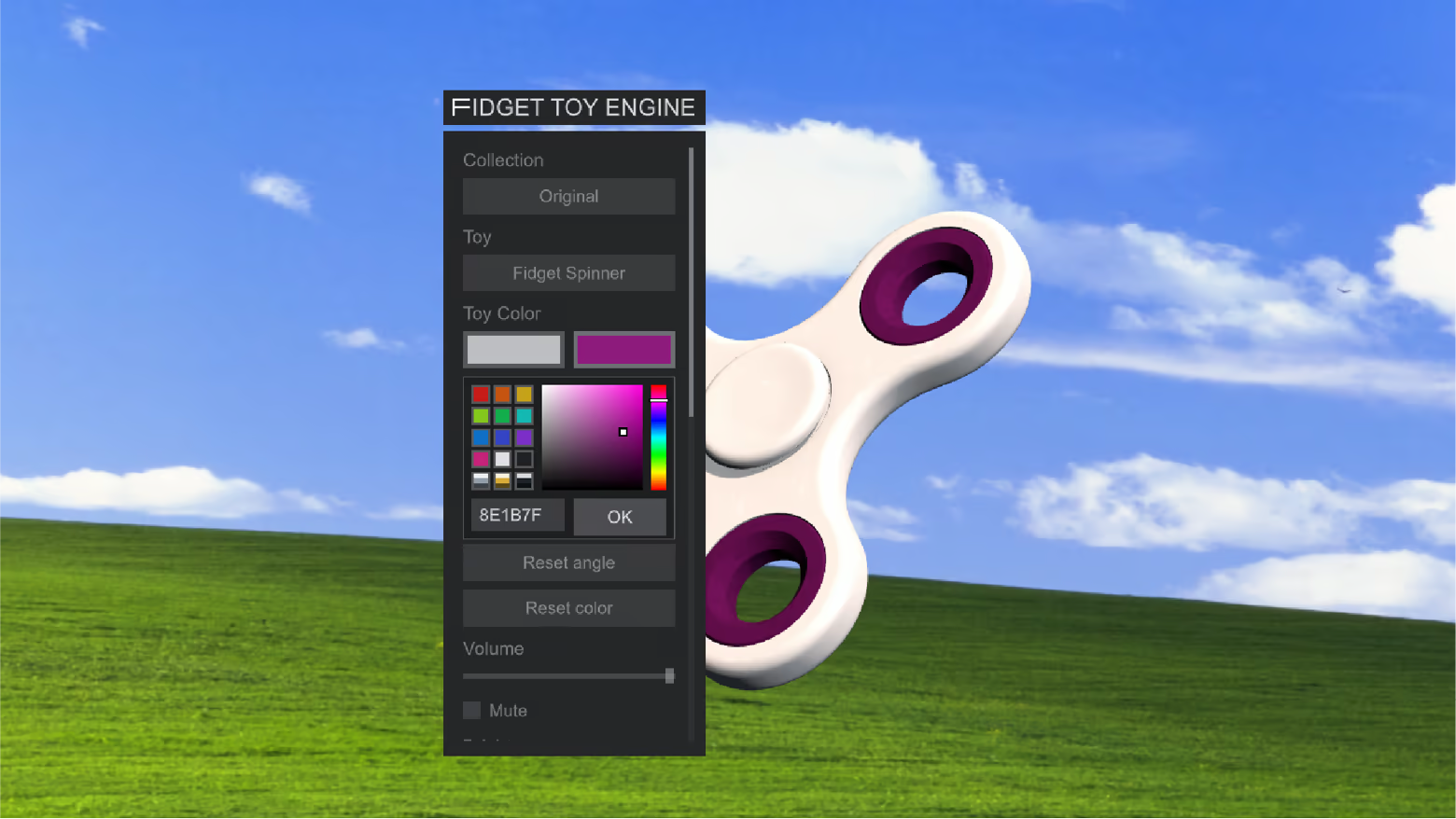
Save your favorites or let Random choose for you. Resize the app, adjust volume and brightness, and recolor selected toys with custom colors and metallic finishes.
BUILT FOR YOUR DESKTOP
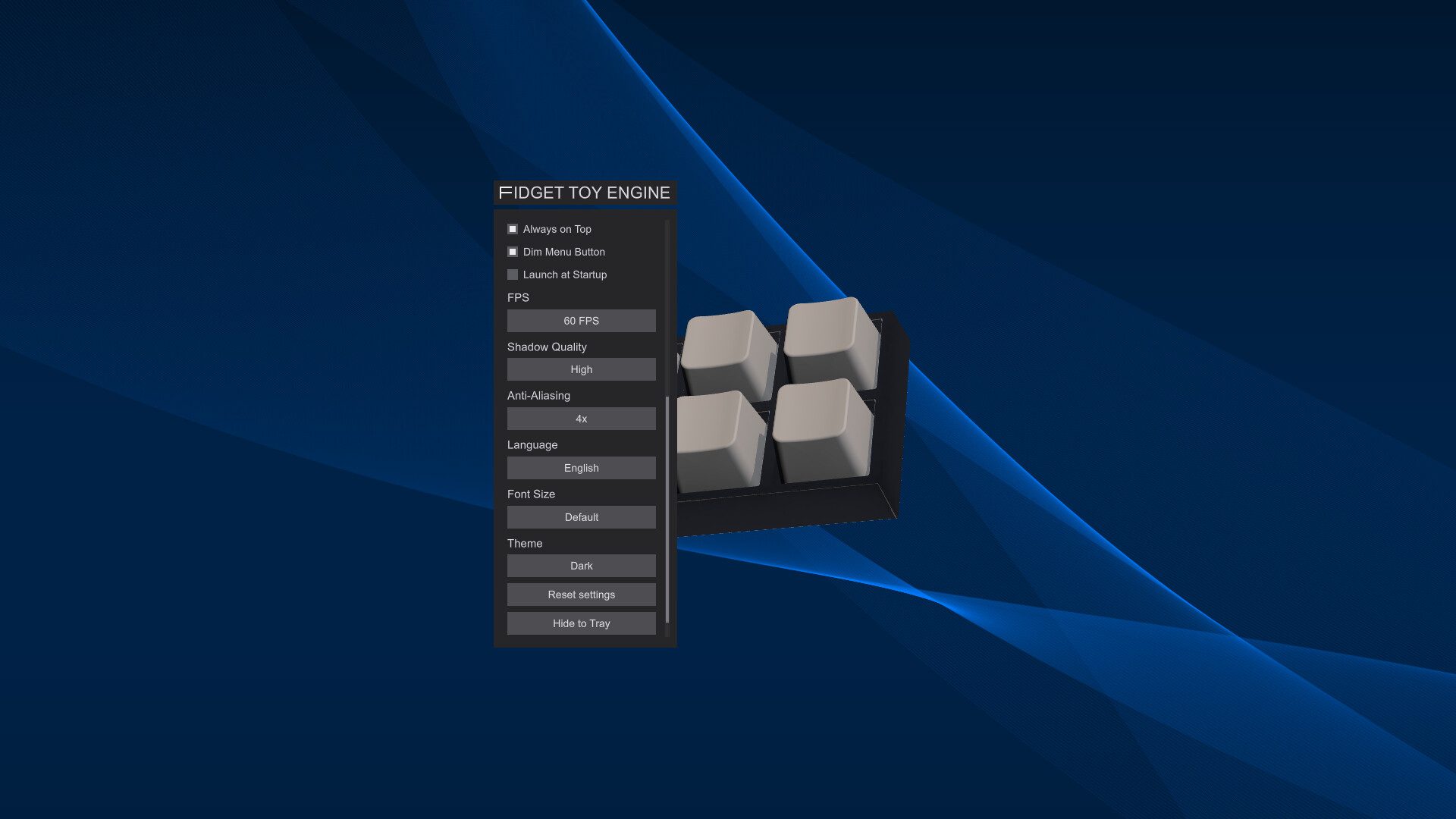
Place the transparent window wherever it works best for you. Keep it above other apps, minimize it to the system tray, or have it launch automatically when your computer starts. Stereo sound subtly shifts with the window's position across your desktop,
COMFORTABLE TO USE
Choose a dark or light theme, enlarge interface text, and tune frame rate, anti-aliasing, and shadow quality for your setup. The interface supports ten languages.
PLAY AT YOUR OWN PACE
Steam achievements mark playful milestones, while Steam Cloud keeps supported preferences in sync. There is no fixed way to play—play with a toy for a few seconds or leave one beside you for longer.
Información sobre la demo y el lanzamiento
Los datos de la comprobación actual no confirman ninguna demo. Esto no significa que el juego nunca haya tenido una; consulta su página de Steam para conocer la disponibilidad actual.
Demo de Steam, prueba de juego y acceso anticipado: ¿cuál es la diferencia?
Información e imágenes: Steam · Última comprobación UTC