
Taskbar Garden
近日発売
About the game
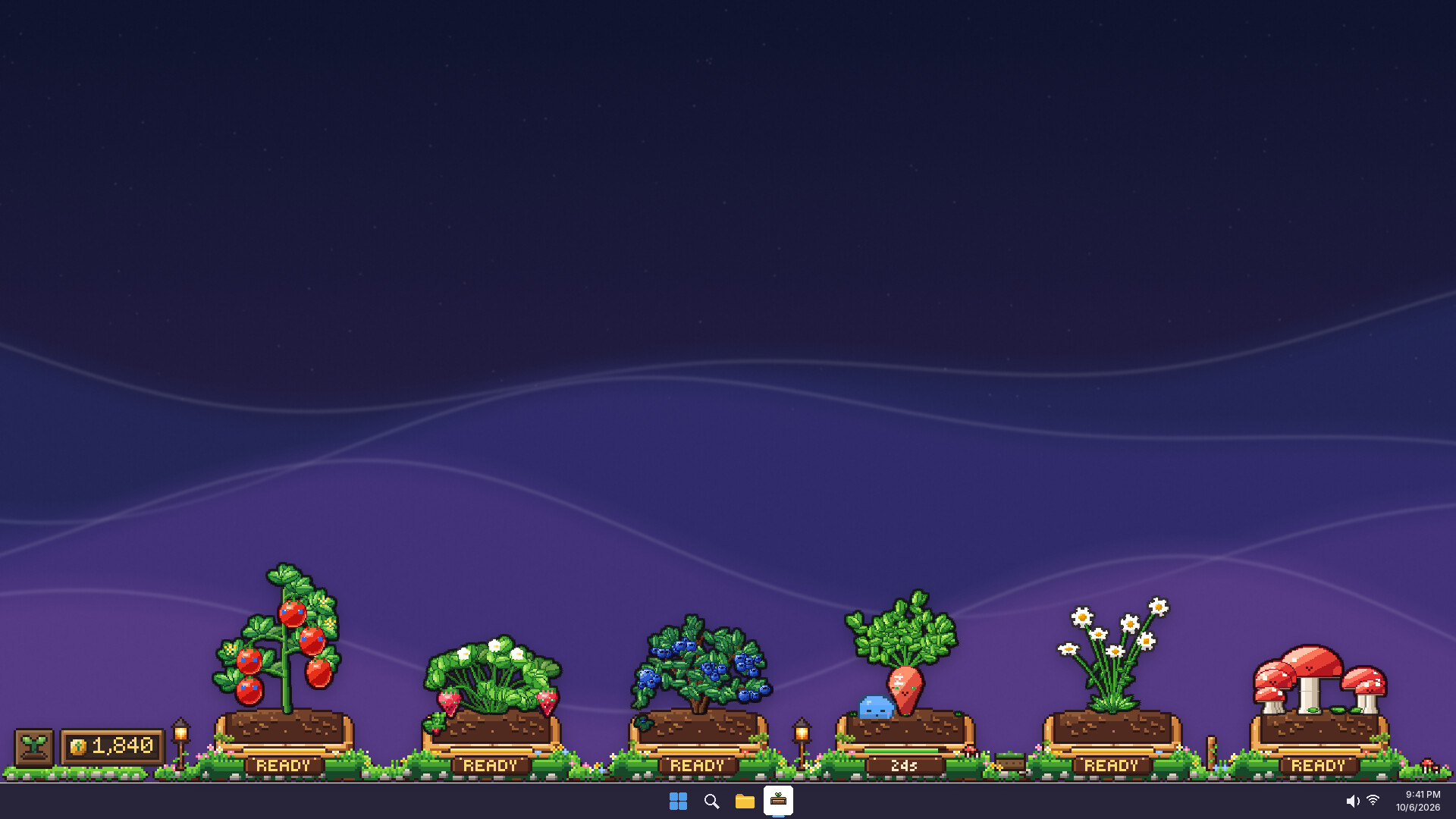
仕事中やくつろいでいる間に、デスクトップ上でプロシージャル生成される生きた庭を育てましょう。植物を収穫して利益を得たり、植物を交配したり、遺伝子を持つ種を融合したりしながら、すべての種が完全に固有の植物へと成長する中で希少な突然変異を発見できます。
Steamの原文説明
A tiny garden that lives on your taskbar
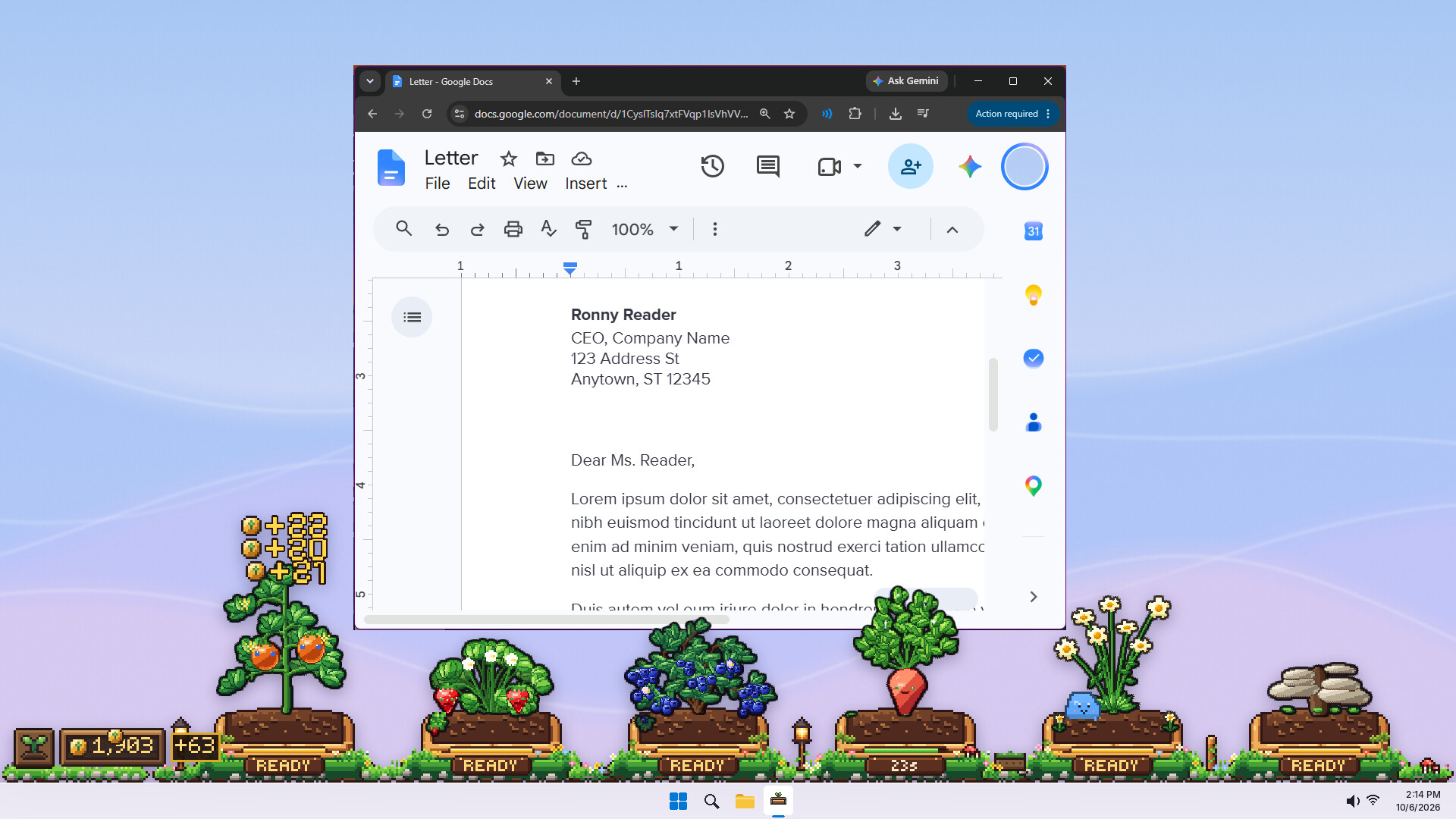
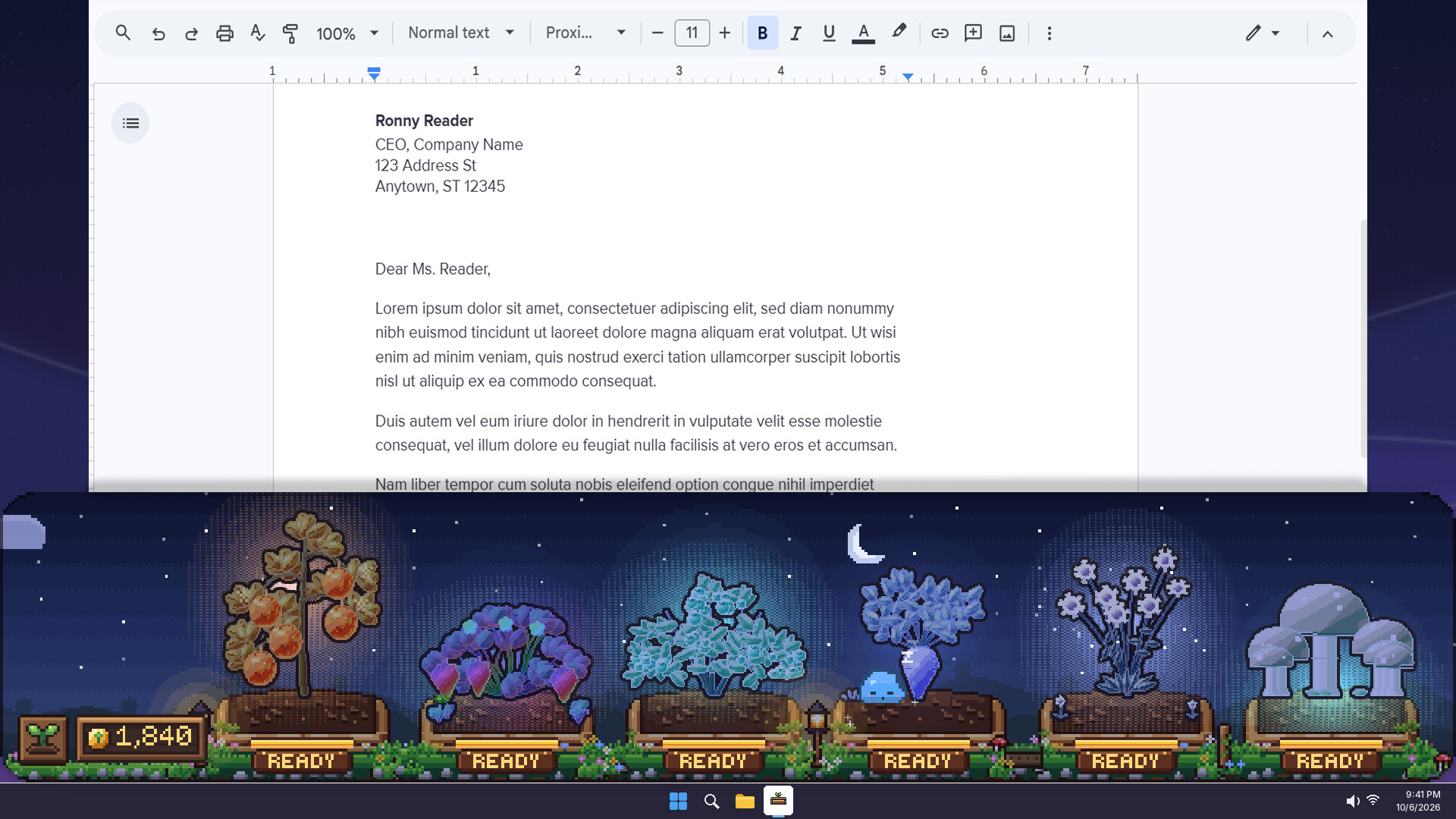
Taskbar Garden sits quietly along the bottom of your screen while you work, study, browse or play. Plant a few seeds, get on with your day, and glance down to find fruit, brand-new plants and a little buddy.
Plant. Grow. Pick. Repeat
Plants grow.
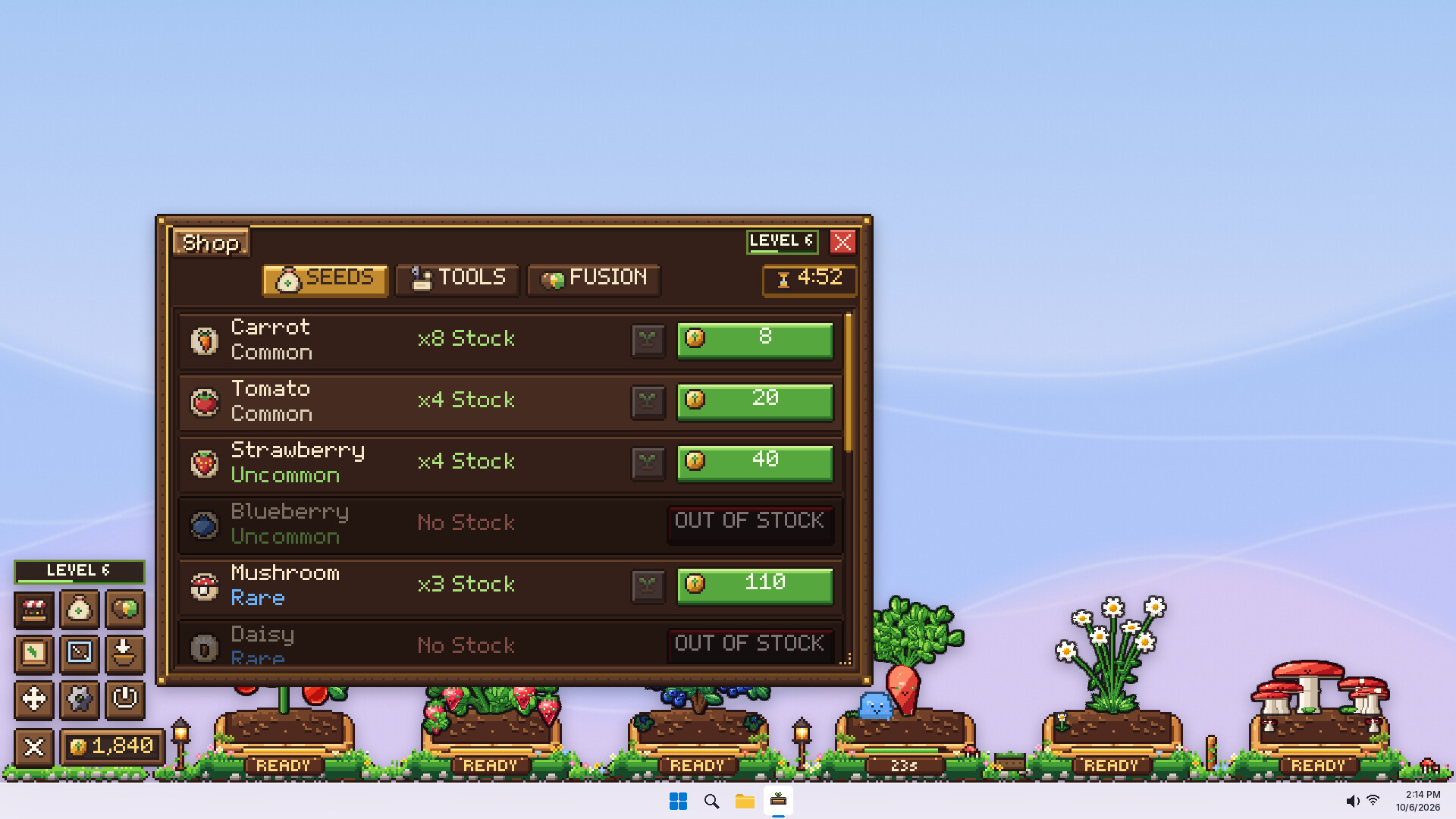
Click ripe fruit to collect coins, then buy new seeds, sprinklers, tools and more plots.
Your garden keeps growing while the game is closed.
No two plants are ever the same
Every seed carries its own genes: size, shape, colour, fruit, and sometimes... a face. Two tomatoes will never look quite alike, and every harvest drops a seed that is different from its parent.
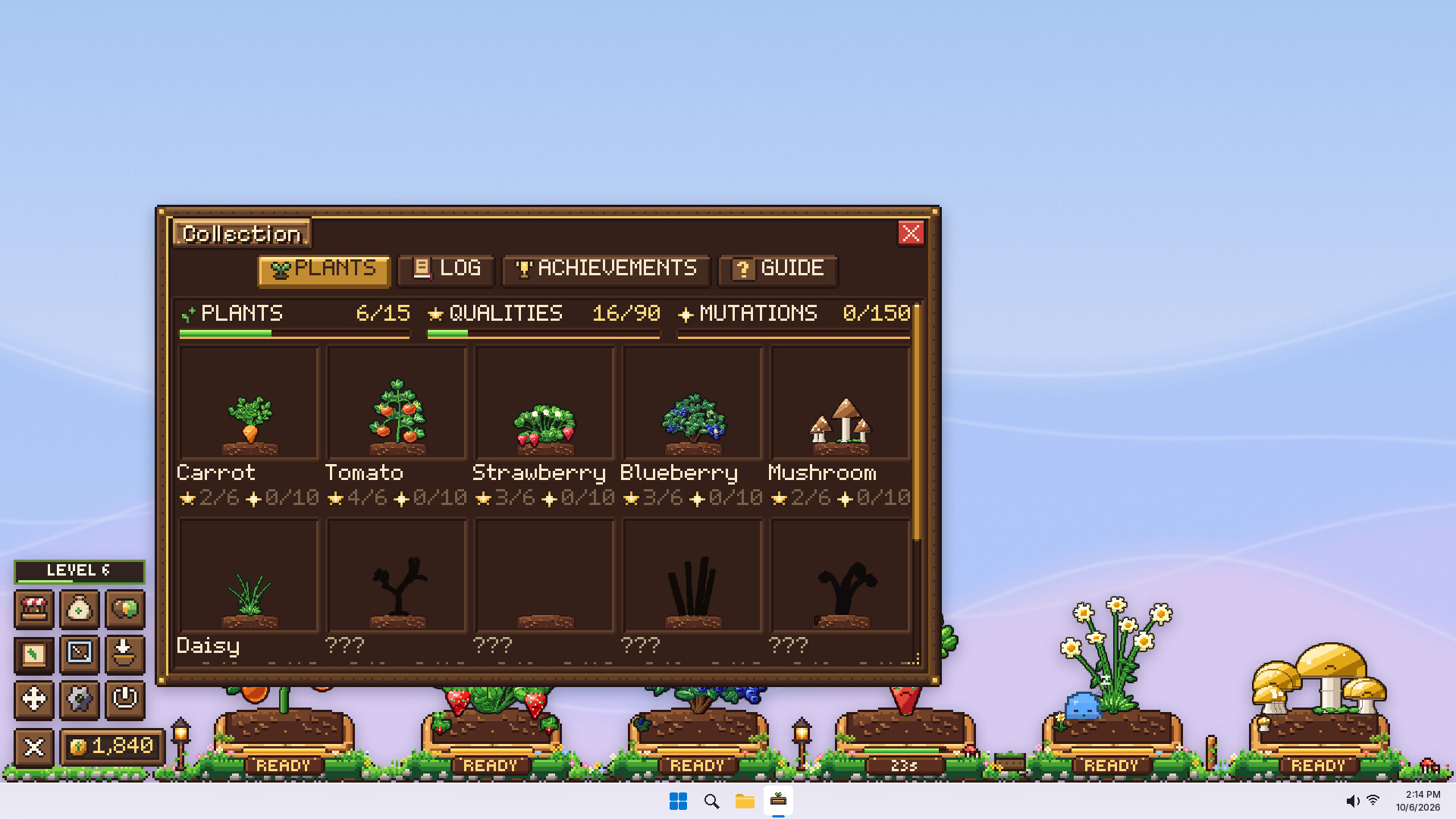
15 species to discover, from carrots and strawberries to stranger things
6 quality tiers, from Poor all the way up to the rare Special+
Rare colour morphs, variety of faces and shiny plants!
Fuse seeds into something new
Pick a base and a donor seed, and fuse them into a modifed base seed. Modify the result toward the traits you care about by using fusion items and pass special abilities down. Every fusion is a gamble.
Wild weather, rare mutations
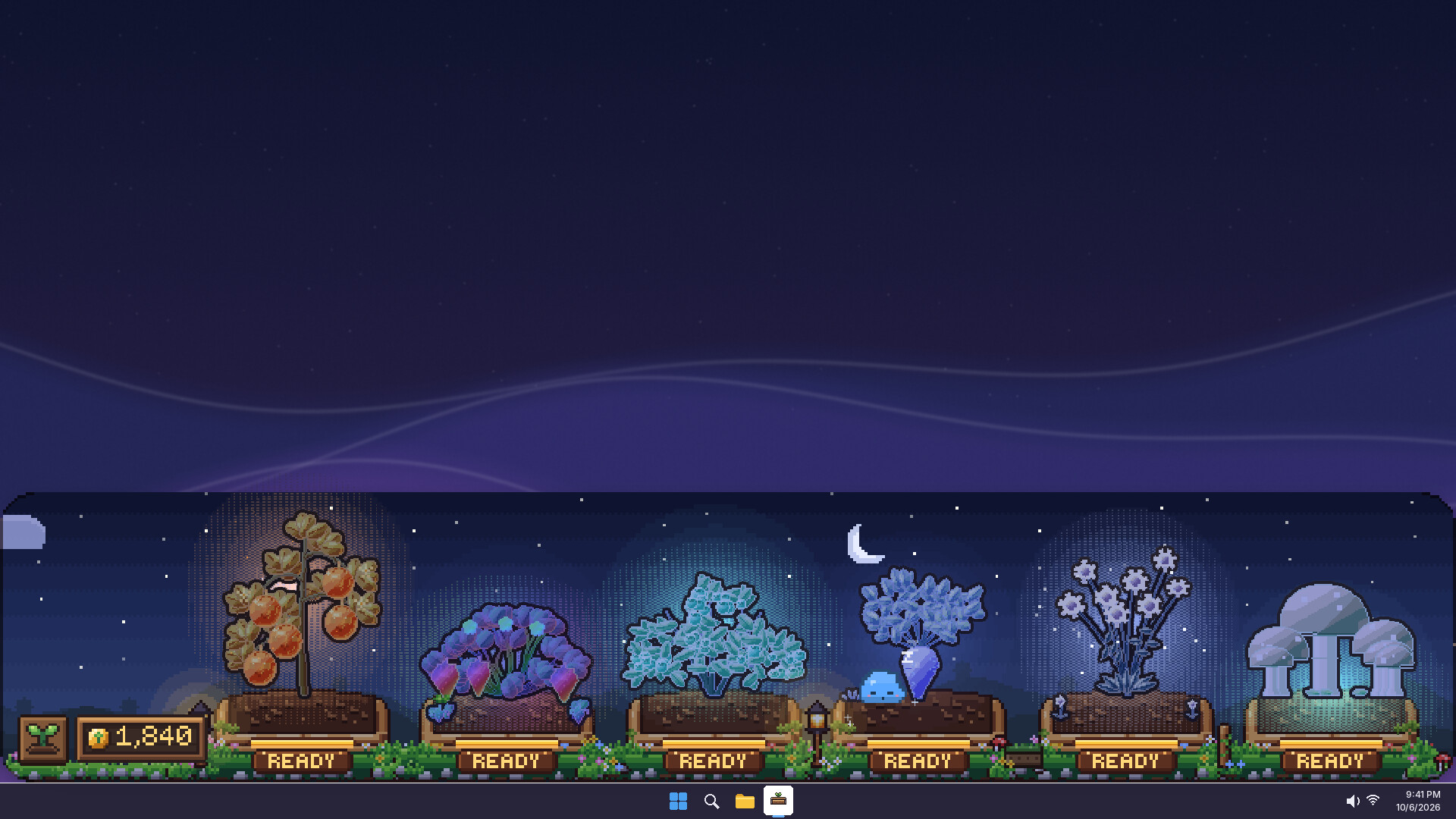
Rain showers, thunder blooms, frostfall, etc... drift across your garden. Plants caught in the weather can mutate. Giving more profits and a chance to pass down mutations to future generation seeds.
[img][/img]
Your slime buddy
A small, round friend lives in your garden. It hops over to ripe plants to cheer them on, naps beside growing ones (which gently speeds them up), and curls up at home when it is tired. It also changes colors based on the seeds it eats and grows traits!
Drag a seed onto it to share a snack. It slowly grows up and changes with what it eats.
Collect them all
体験版と発売について
現在の確認データでは体験版の存在を確認できていません。過去にも体験版がなかったという意味ではありません。最新の提供状況はSteamのゲームページで確認してください。
情報・画像:Steam · 最終確認 UTC