
Backpack Cat
体験版あり
About the game
バックパックに住む、とびきりかわいいデスクトップ子猫と一日を明るくしよう! タスクを報酬に変えて、子猫の衣装やアクセサリー、かわいいバックパックの飾りを獲得。アイテムを集めて交換し、愛らしいBackpack Catのお世話をしよう。自宅でも職場でも学校でも、ニャンともぴったり。
Steamの原文説明
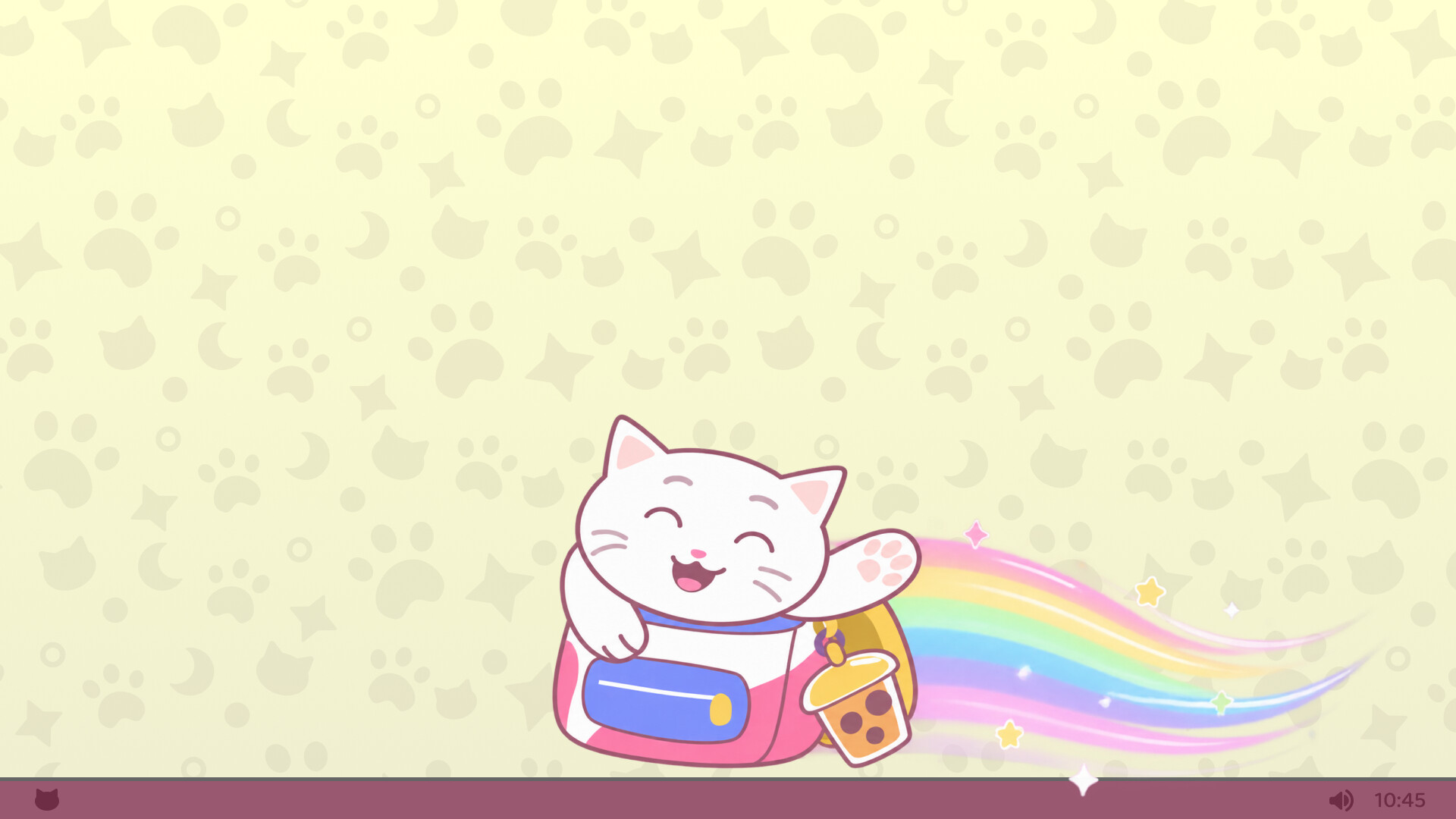
Backpack Cat is your very own adorable kitty companion who lives right on your desktop
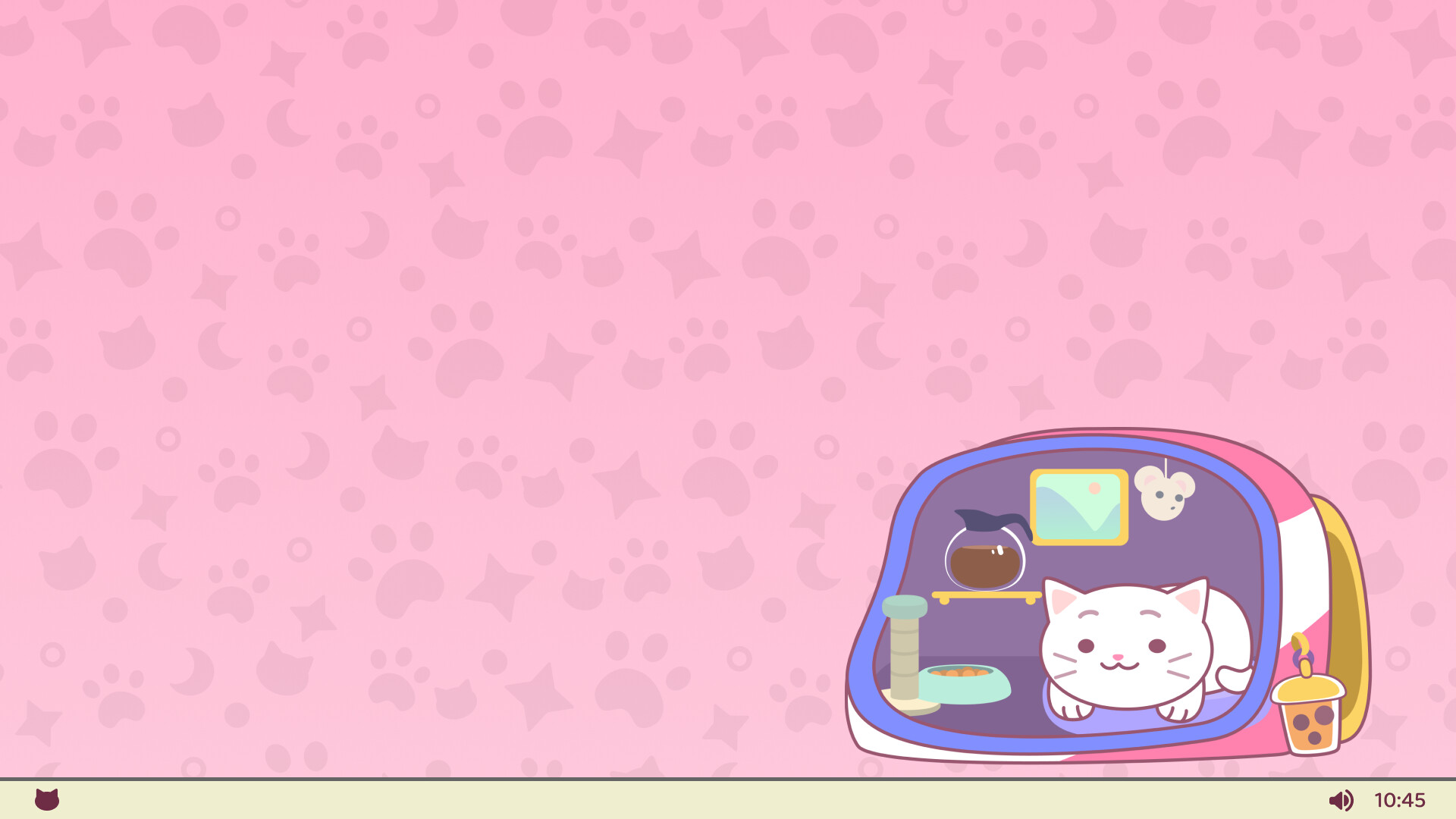
Your furry new friend curls up in a backpack in the corner of your screen and quietly keeps you company while you work, study, or relax. Whether you're crunching numbers at the office, finishing school assignments, or just unwinding after a busy day, your furry friend is always there to keep you company.
Backpack Cat makes itself at home in the background while you're busy, so no need for constant attention. Just check in from time to time, collect your rewards and give your kitty a bit of love. Remember, every click and keystroke helps your companion collect coins for special rewards and upgrades, turning computer time into game time.
Meet Your New Friend
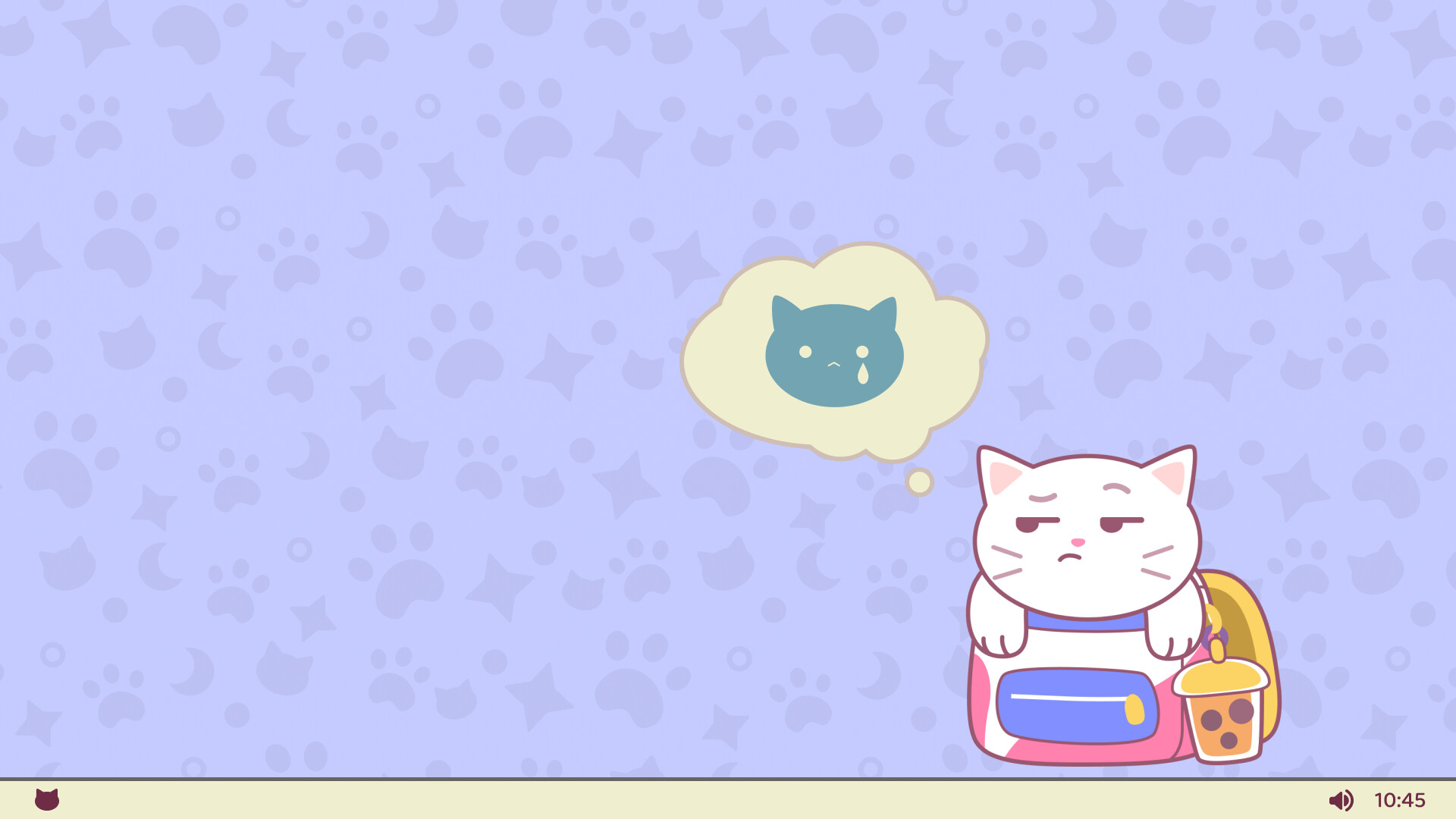
Backpack Cat is more than just a companion, they’re a quiet source of comfort throughout your day, from the corner of your screen. When you need a break from work, they're always ready to play.
Reward Everyday Tasks
The more active you are, the more coins your kitty earns. Collect coins, to unlock new items for your pet and its cozy backpack home.
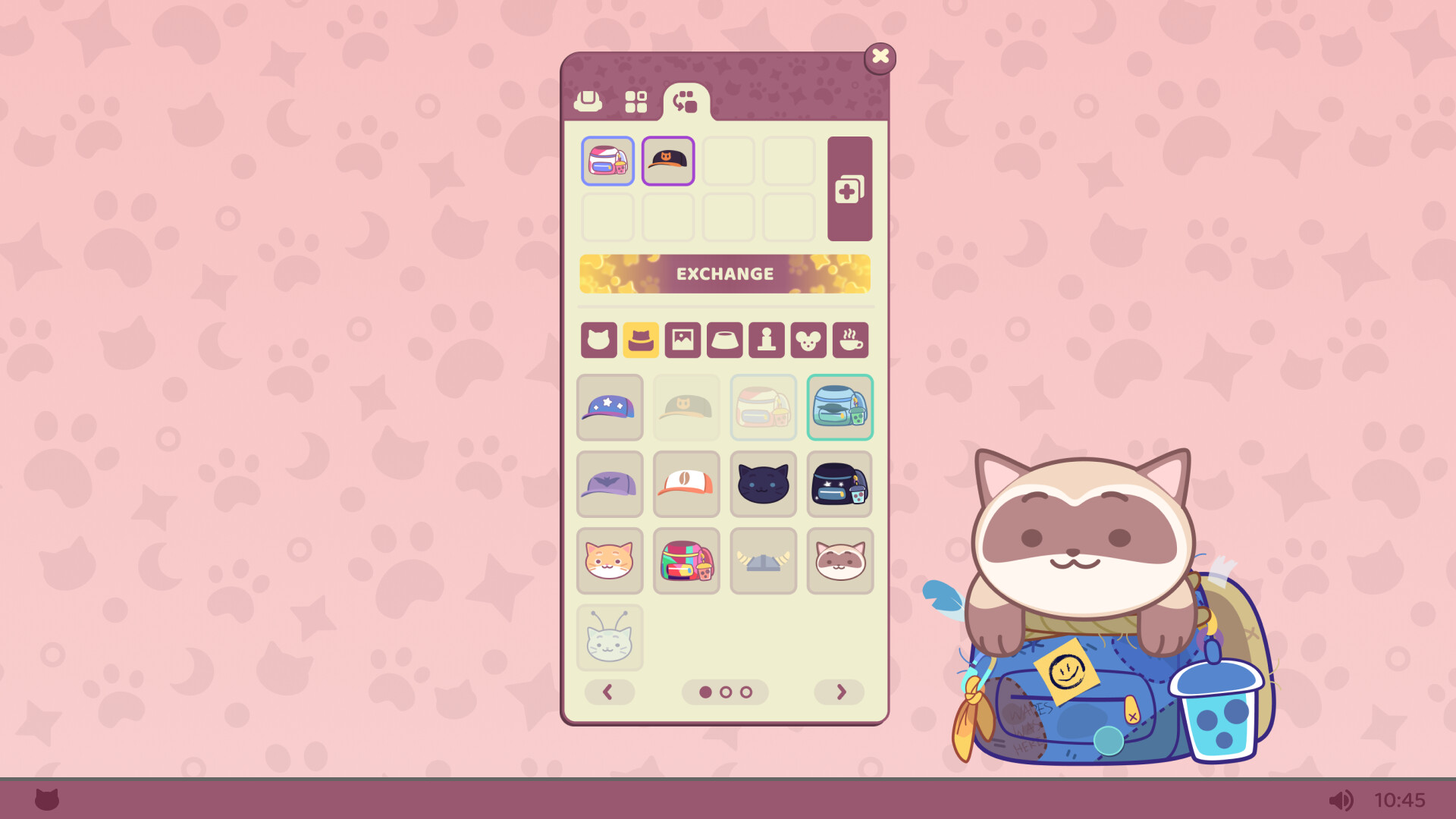
Custom Kitty Looks and Backpack Decorations
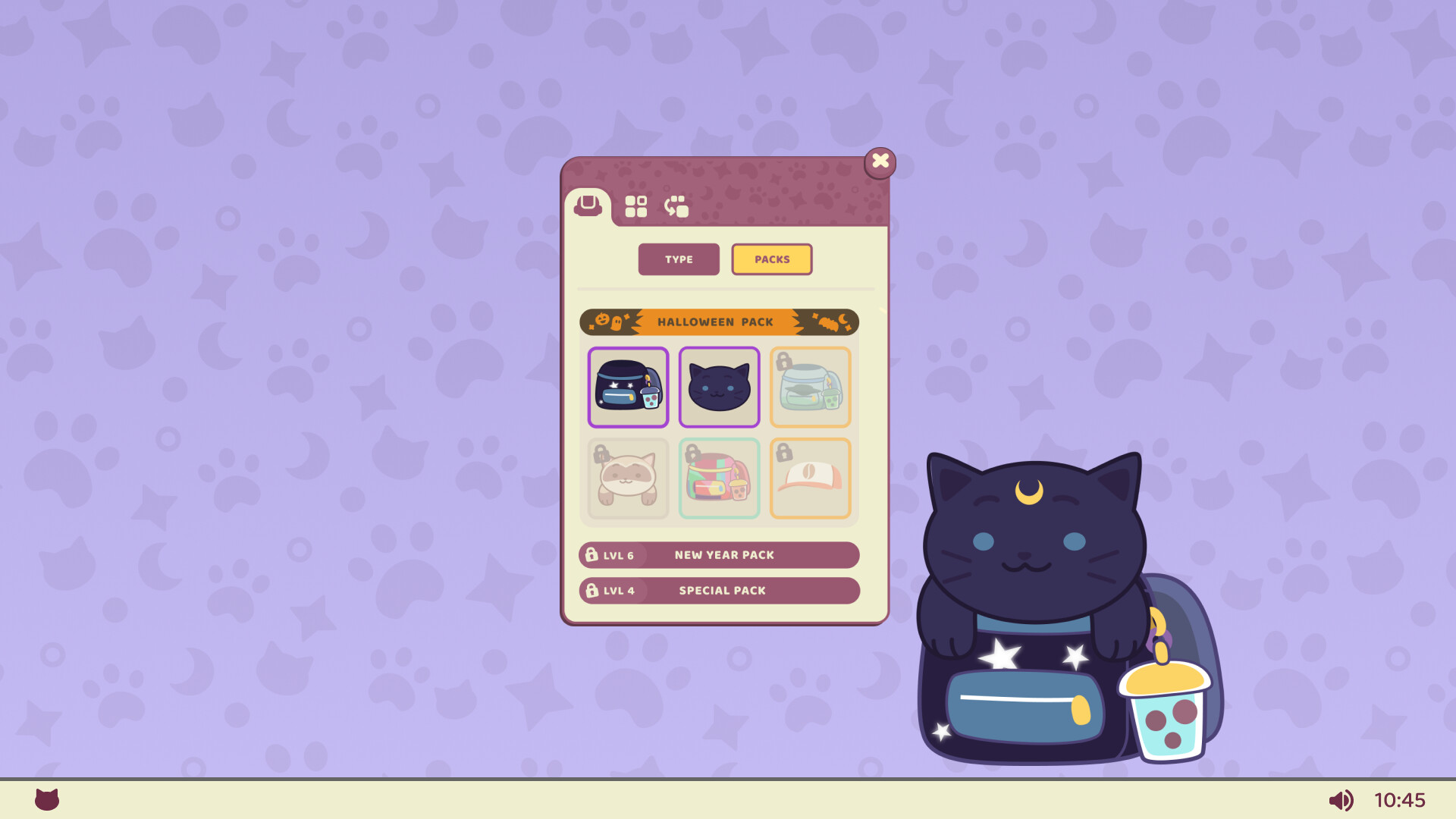
Change your pet’s style, with cute outfits and colorful backpacks.Collect cool decorations and rare items to make your Backpack Cat one of a kind.
Care for Your Paw-some Pal
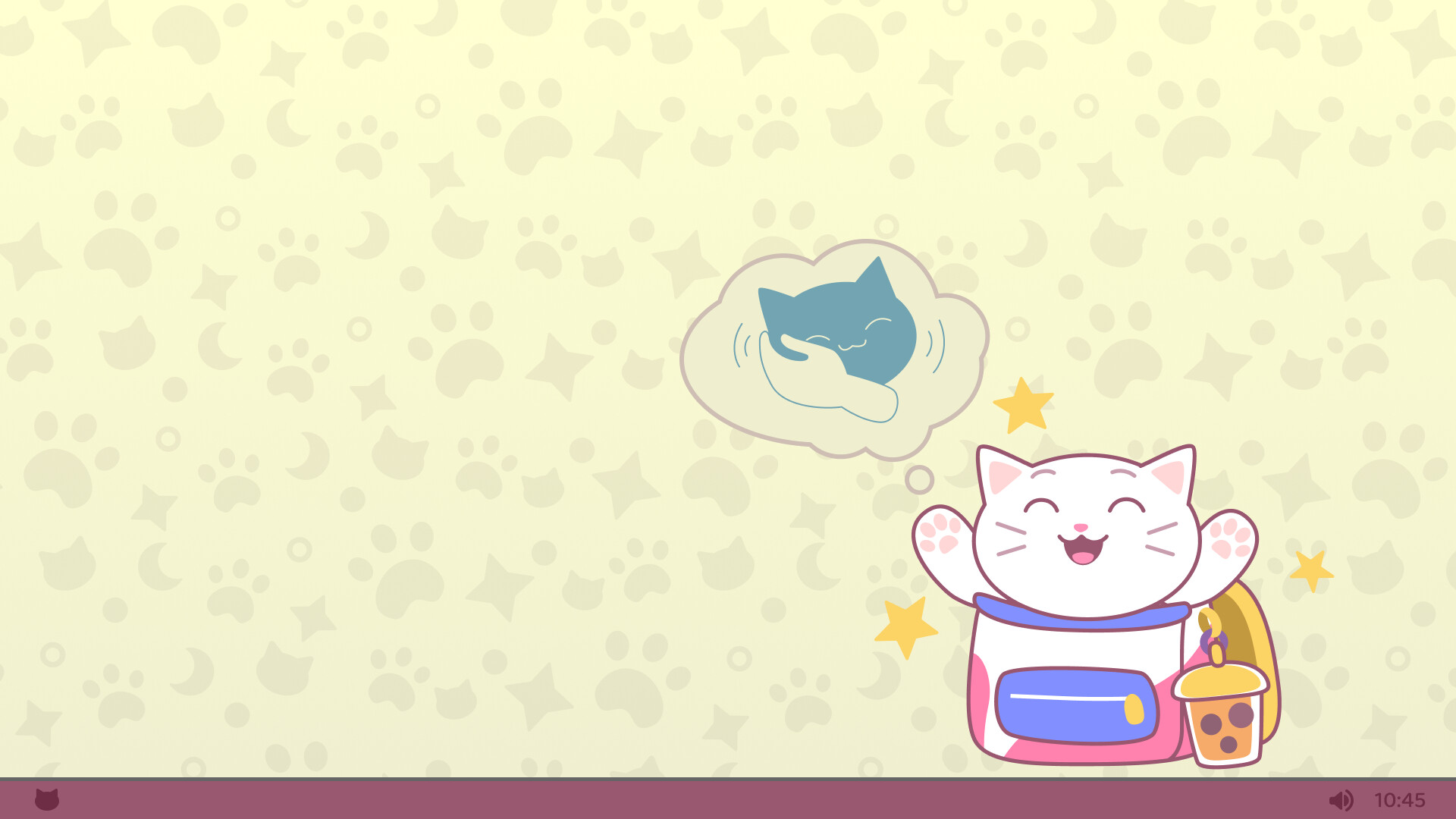
Pet, play, and treat your kitty to tasty snacks. Give them plenty of love, and your fluffy sidekick will return the favor with good vibes, little gifts, and extra rewards.
Collect, Combine and Create Rare Items
Grow your collection as your kitty brings you valuable items. Combine several to create new and rarer accessories. Craft your way to unlock the best rewards.
Add Backpack Cat to your desktop and enjoy its company all day long!
体験版と発売について
前回の確認時にSteamの体験版が見つかりました。ダウンロードする前に、お住まいの地域で引き続き利用できるかSteamで確認してください。
情報・画像:Steam · 最終確認 UTC