
My Desktop Cat
Lançado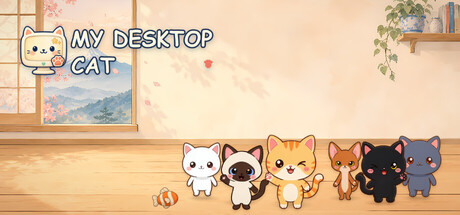
About the game
Um gato adorável se muda para a sua área de trabalho do Windows e vive atrás das janelas, nunca na frente dos aplicativos. Alimente-o, faça carinho e escove-o, jogue minijogos, decore seu quarto, colecione brinquedos e poleiros e cresçam juntos até o nível 100. Gratuito para jogar; os extras opcionais são cosméticos.
Descrição original no Steam
My Desktop Cat brings a little cat to live right on your Windows desktop: it wanders, naps and plays behind your windows while you work, and your bond grows a little every day.
A cat on your real desktop
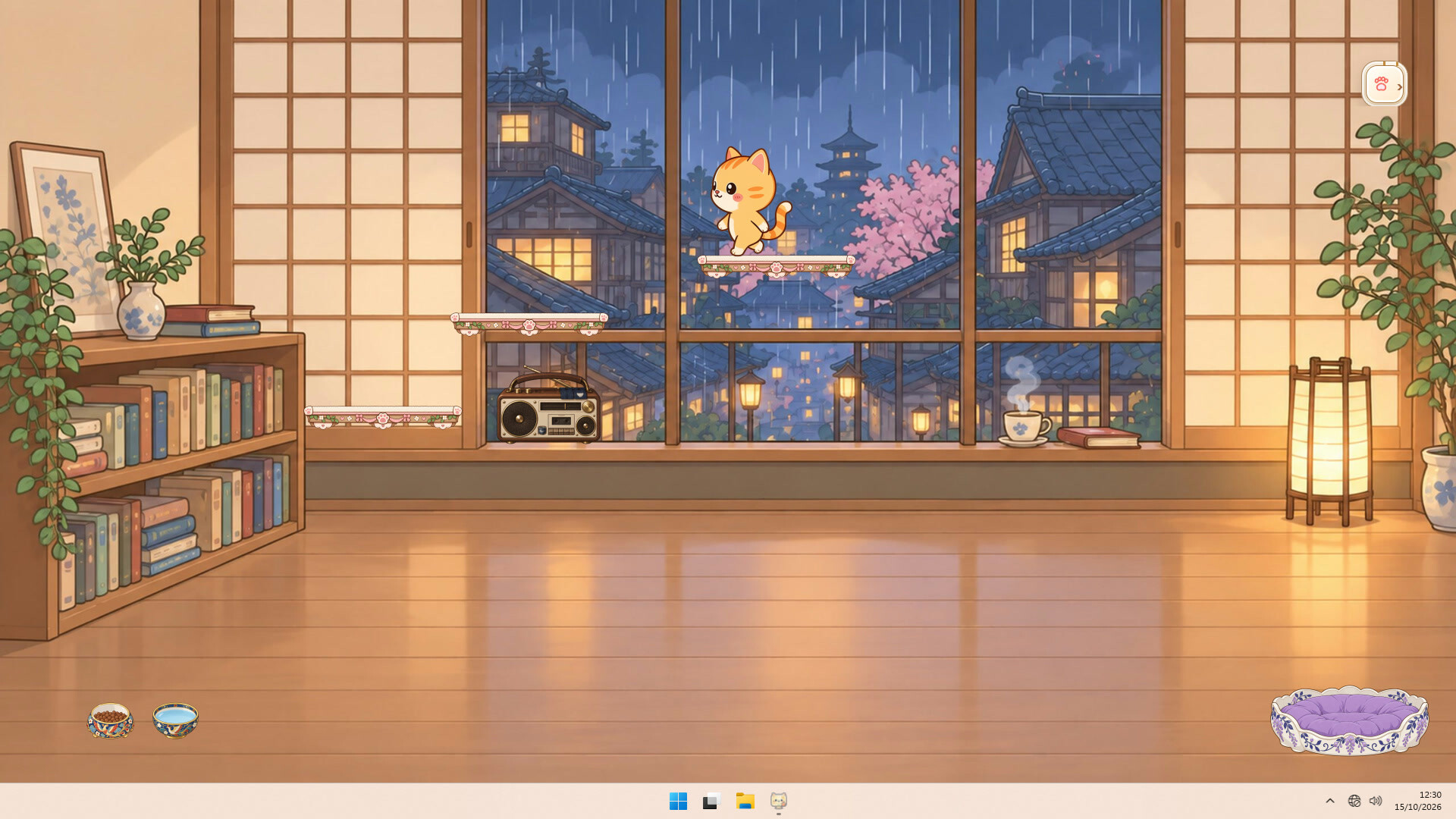
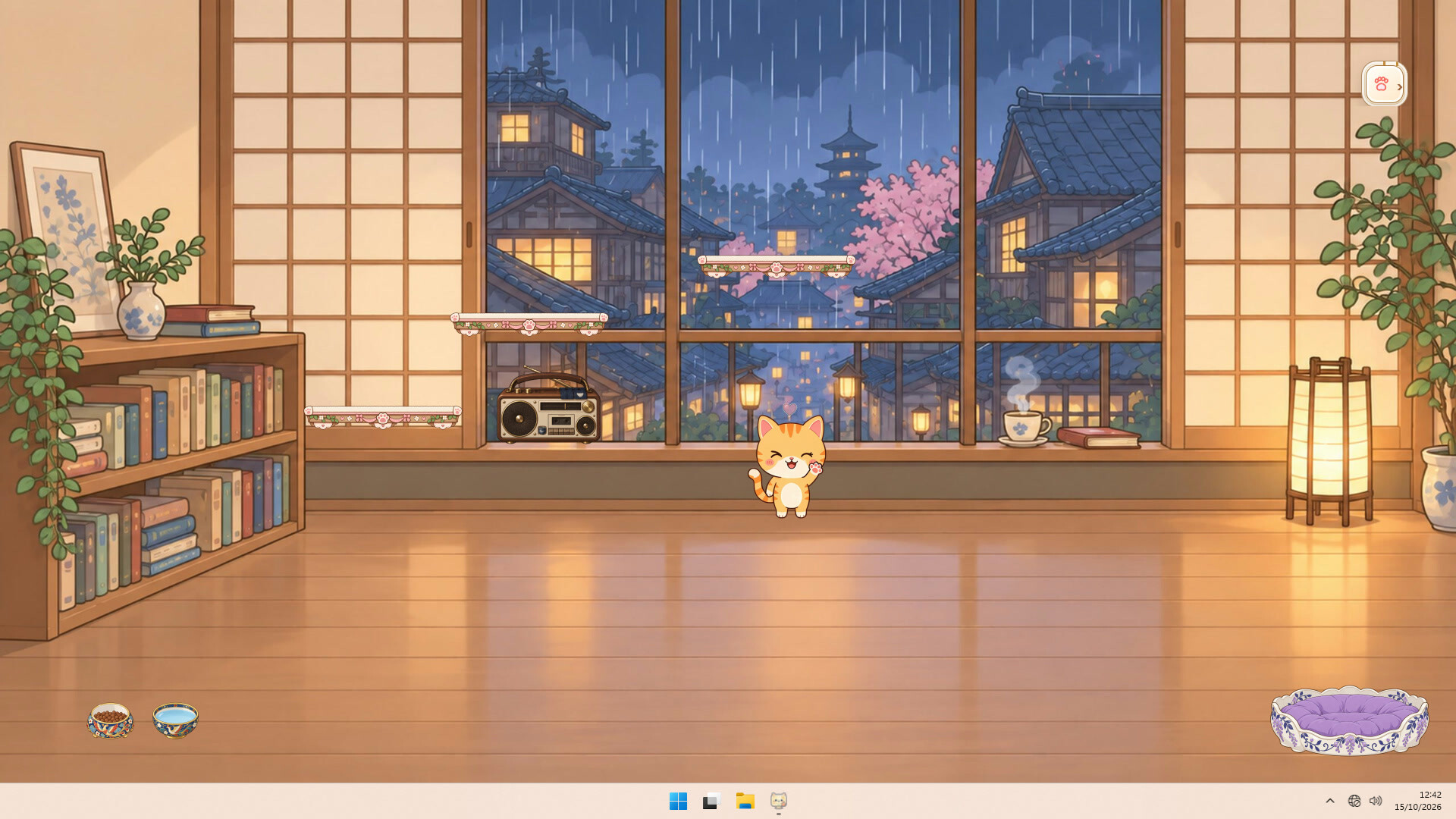
Your cat lives on the desktop itself, behind your windows, so it never covers your apps.
It wanders, naps in its bed, eats, grooms itself, stretches, gets the zoomies and follows your cursor, at its own daily rhythm.
A little thought bubble tells you when it is hungry, thirsty, sleepy or would love a cuddle.
If you allow it, your cat even comes to sniff new files that appear on your desktop.
Care for it every day
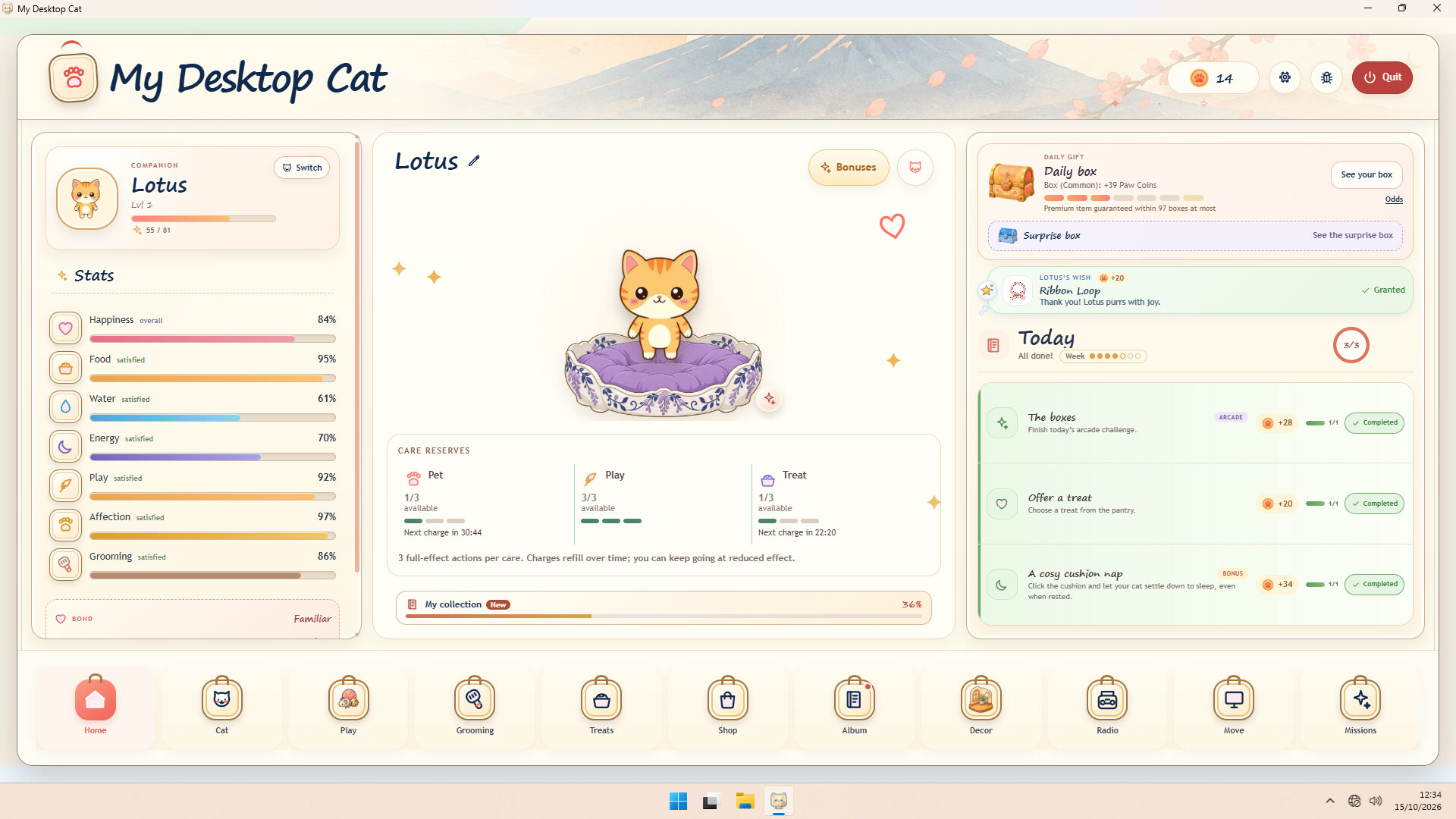
Click its bowls to fill them, pet it, and choose from six treats, each one aimed at one of its six needs.
Pick a toy and watch your cat chase it under your pointer.
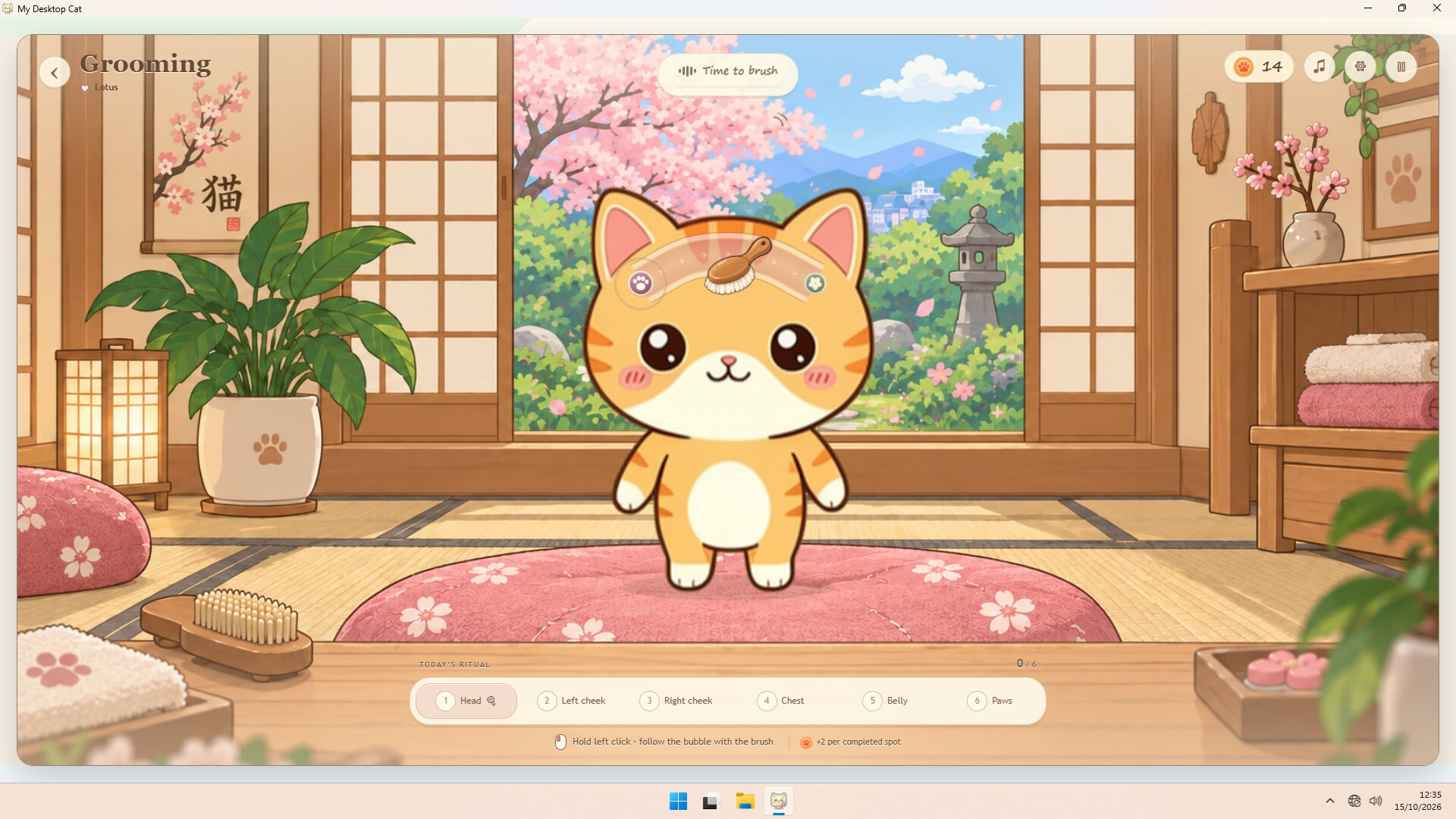
Every day in the grooming room, follow six little paths with the brush, one per spot, and a little flower blooms for each one.
Each cat has its own temperament, shaped by care and play, while your bond grows from Shy to Best friend.
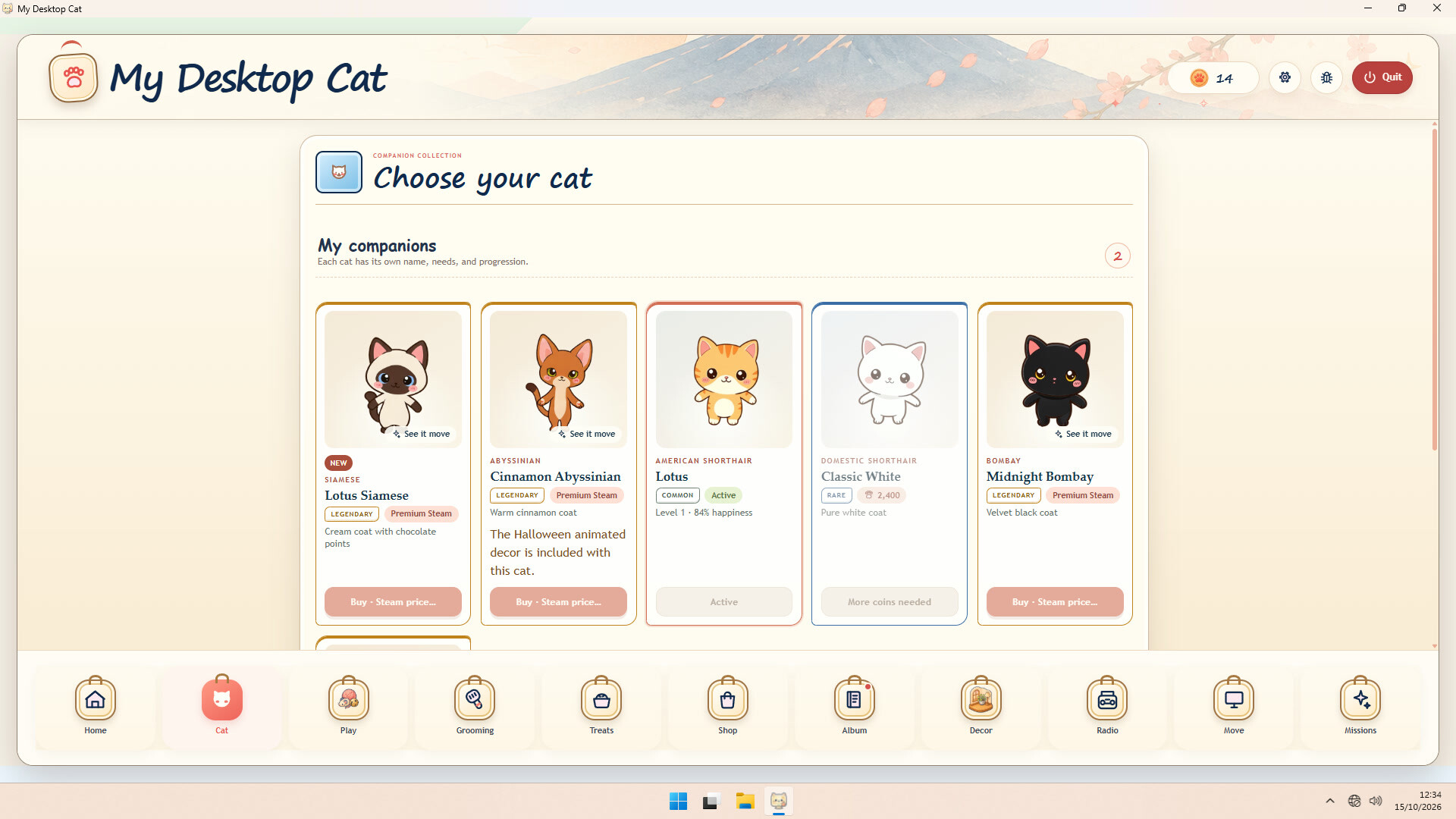
Adopt more cats: each keeps its own name, needs and level, and you choose who keeps you company.
All the way to level 100
Your cat earns XP as you look after it and can climb all the way to level 100.
At every new level, three cards float above your cat on the desktop: pick one and it hops up to break it.
A card can hold Paw Coins, a lasting bonus on your Paw Coin rewards, a need that drops more slowly, double XP for 24 hours of play, a blue box, or a premium item.
Little daily rituals
Each day brings three goals, including a mini-game mission, along with your cat's own wish of the day.
The daily box is yours for free once a day, and every seventh one is golden.
Fill the weekly notebook with your days of care and granted wishes to earn another golden box.
Five cozy mini-games await in Missions, from Treat rain to the Radio concert.
If you are away for a week or more, your cat keeps a golden box for your return.
A cozy corner, your way
Turn your desktop into one of 13 illustrated rooms, each with a clear floor for little paws, or keep your own wallpaper.
Optional animated decors bring a room to life: birds at the window, pumpkin lanterns for your cat to wake, or a studio whose lights dance with the radio.
Place up to eight perches to build climbing routes, and set the bowls, bed and radio wherever you like.
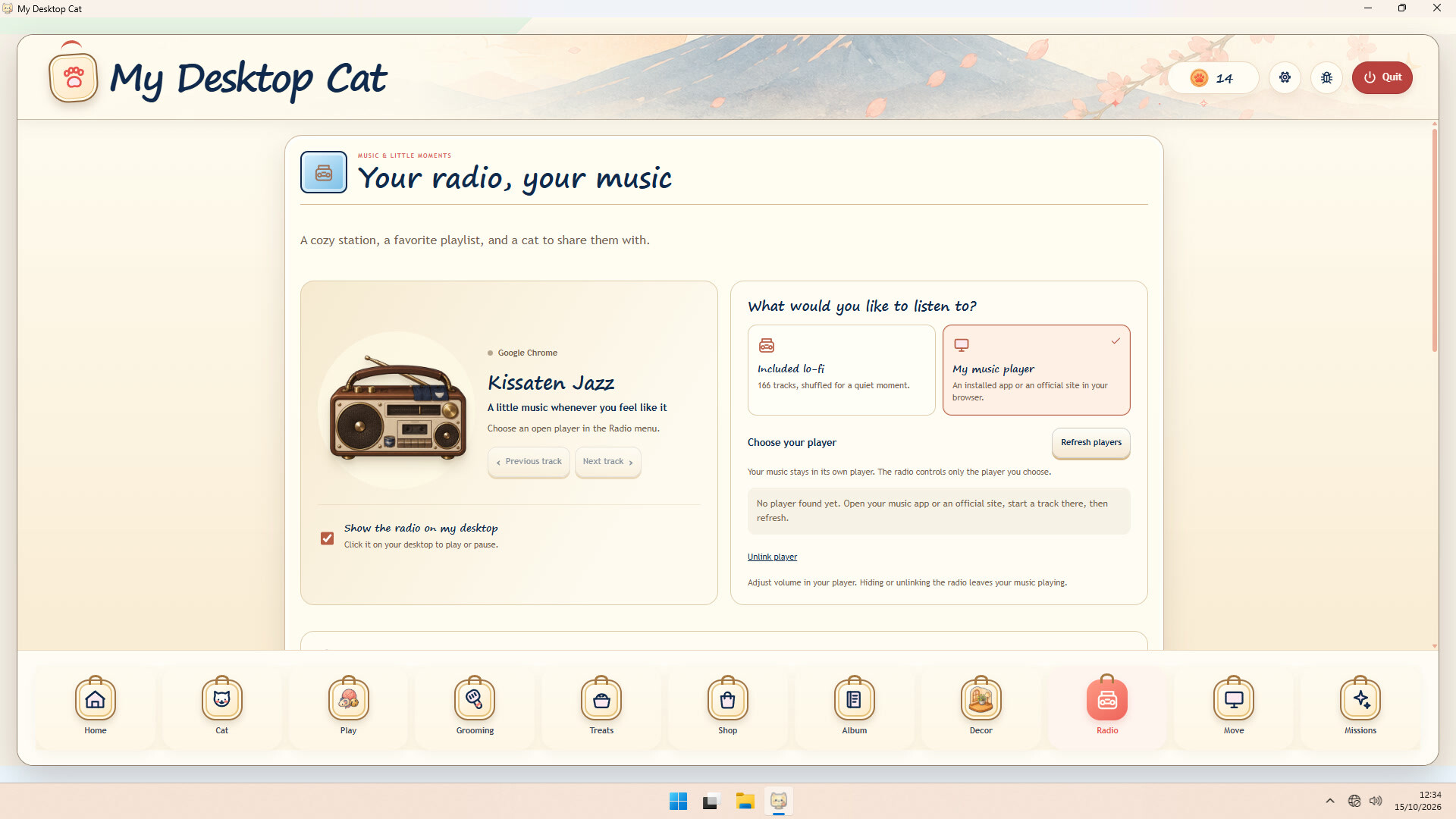
Switch on the desktop radio to stream the included lo-fi station or control your own music player, and your cat comes over to listen.
Cats, treasures and collections
Meet six cats: Maple Tabby from the start, Classic White for Paw Coins, and four premium cats.
Collect more than 100 accessories: toys, beds and rugs, bowls, perches and radios.
Earn Paw Coins by caring and playing, then spend them in the shop or on a surprise box.
Complete the album's collections for a golden box each, one more every two collections, and the titles Collector and Curator.
Try the shop's find of the day on your desktop, free, for 15 minutes.
Free to play, at your own pace
The base game is free, and premium cats, accessories, radios and animated decors are optional, purely cosmetic purchases, each bought directly on Steam with no random draw.
Paw Coins are never sold, and no box can be bought with real money.
Full-screen apps pause your cat automatically, and a compact desktop menu and the tray icon keep everything within reach.
Steam Cloud keeps your progress, 20 Steam achievements await, and the interface comes in English, French, Spanish, Japanese and Simplified Chinese.
Make a little room on your desktop: someone small is moving in.
Informações sobre a demo e o lançamento
Os dados da verificação atual não confirmam nenhuma demo. Isso não significa que o jogo nunca teve uma; consulte a página dele no Steam para verificar a disponibilidade atual.
Demo do Steam, teste de jogo e acesso antecipado: qual é a diferença?
Informações e imagens: Steam · Última verificação UTC