
Rising Above It
Publicado

About the game
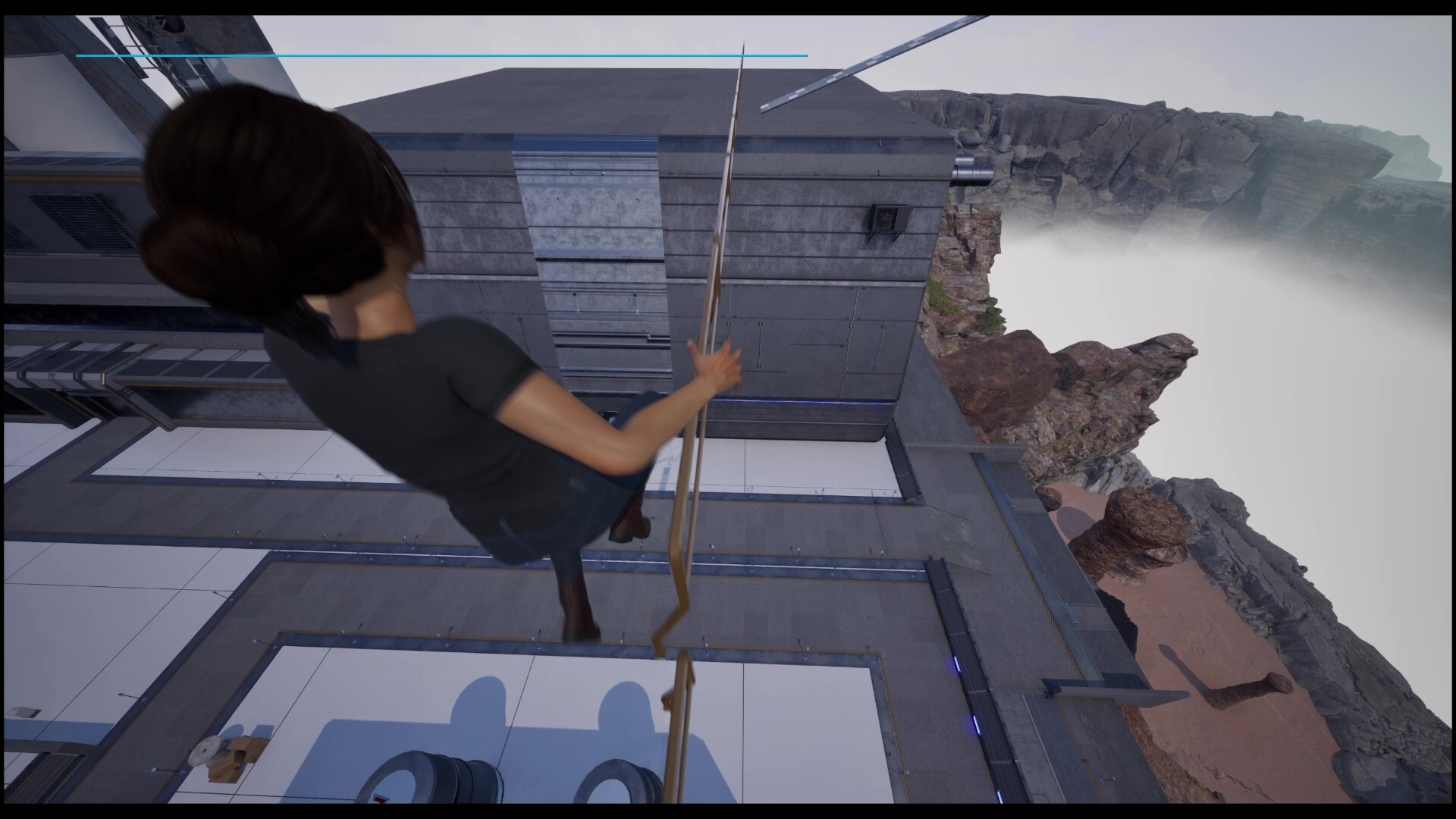
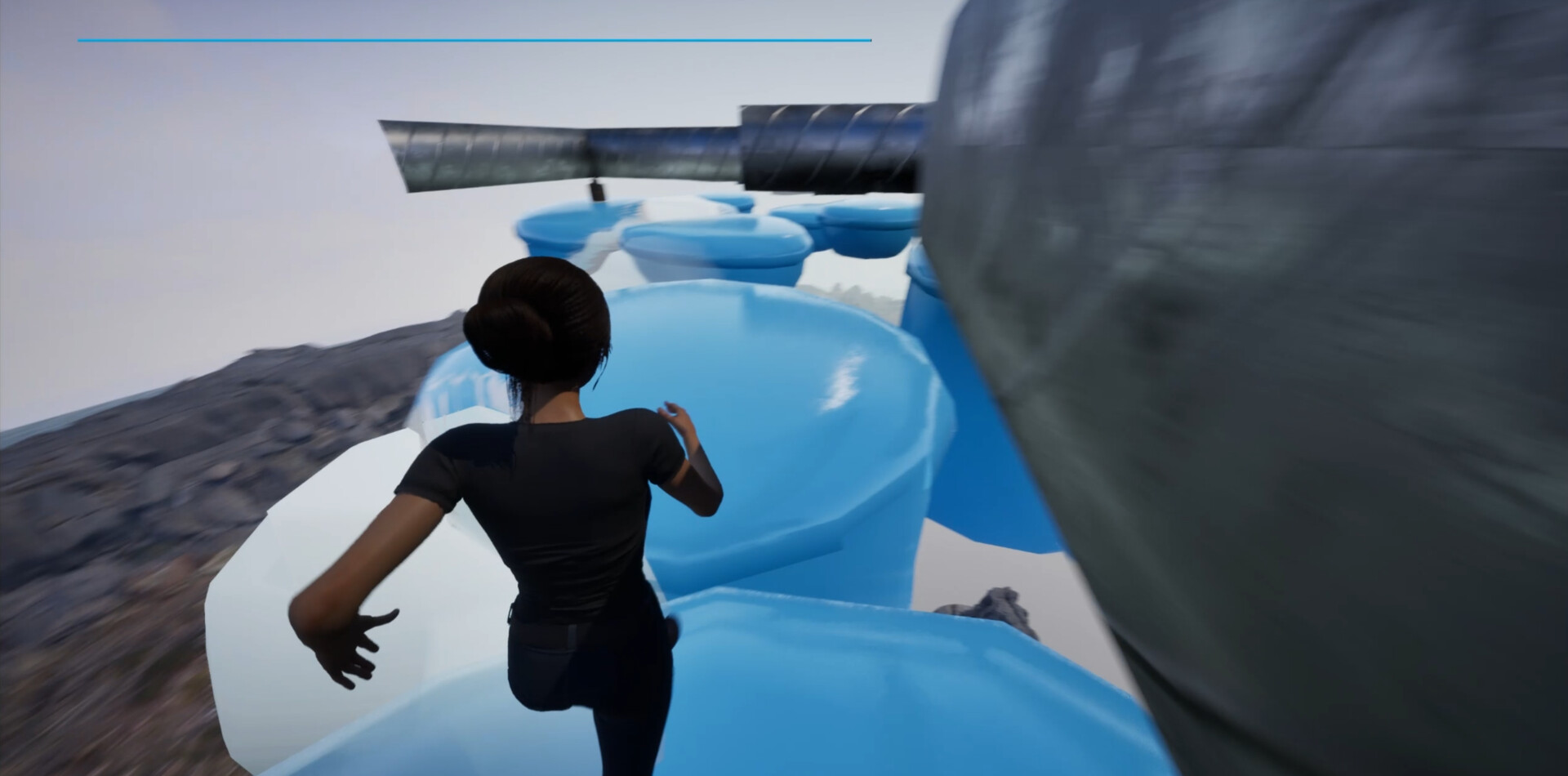
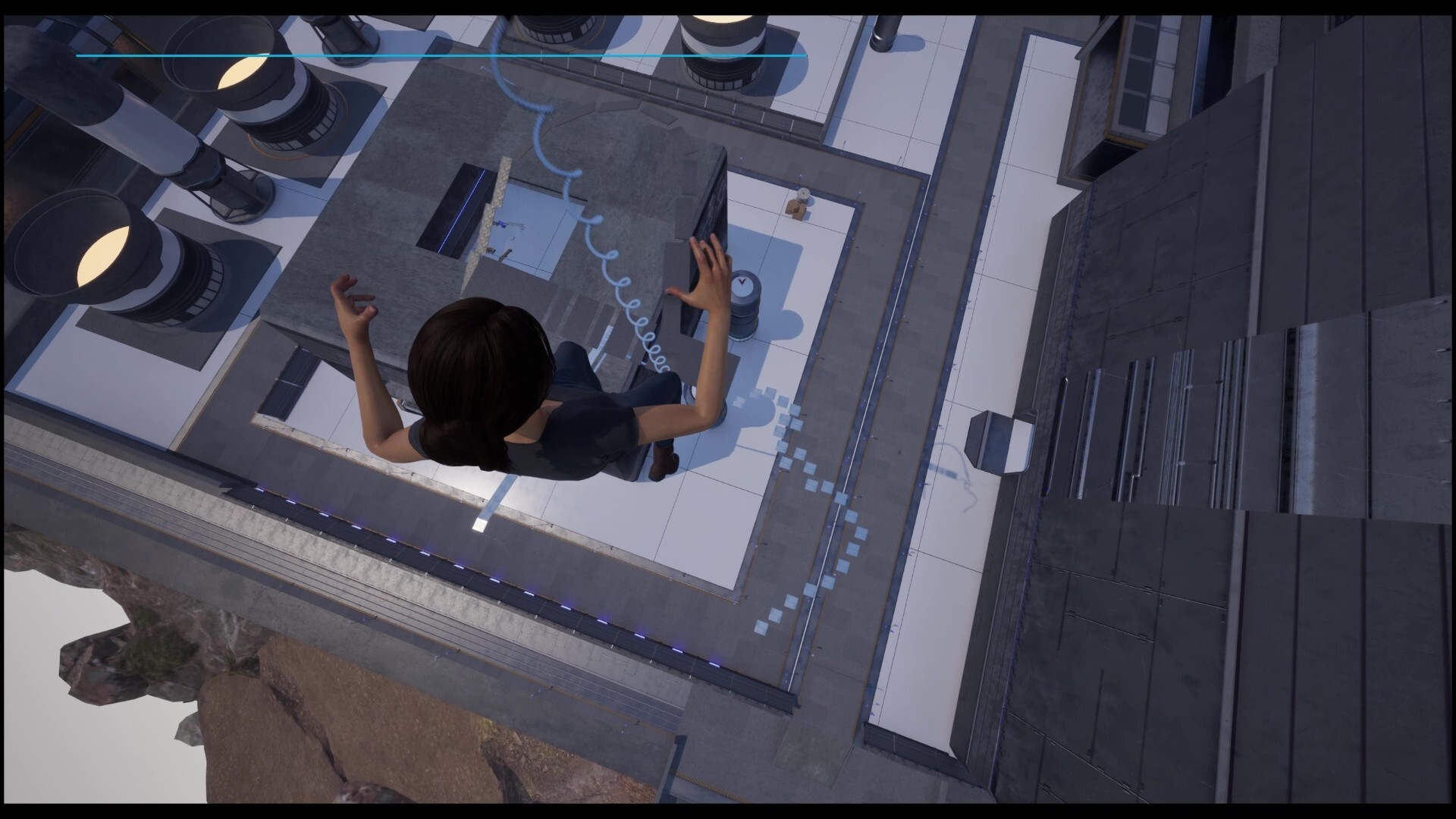
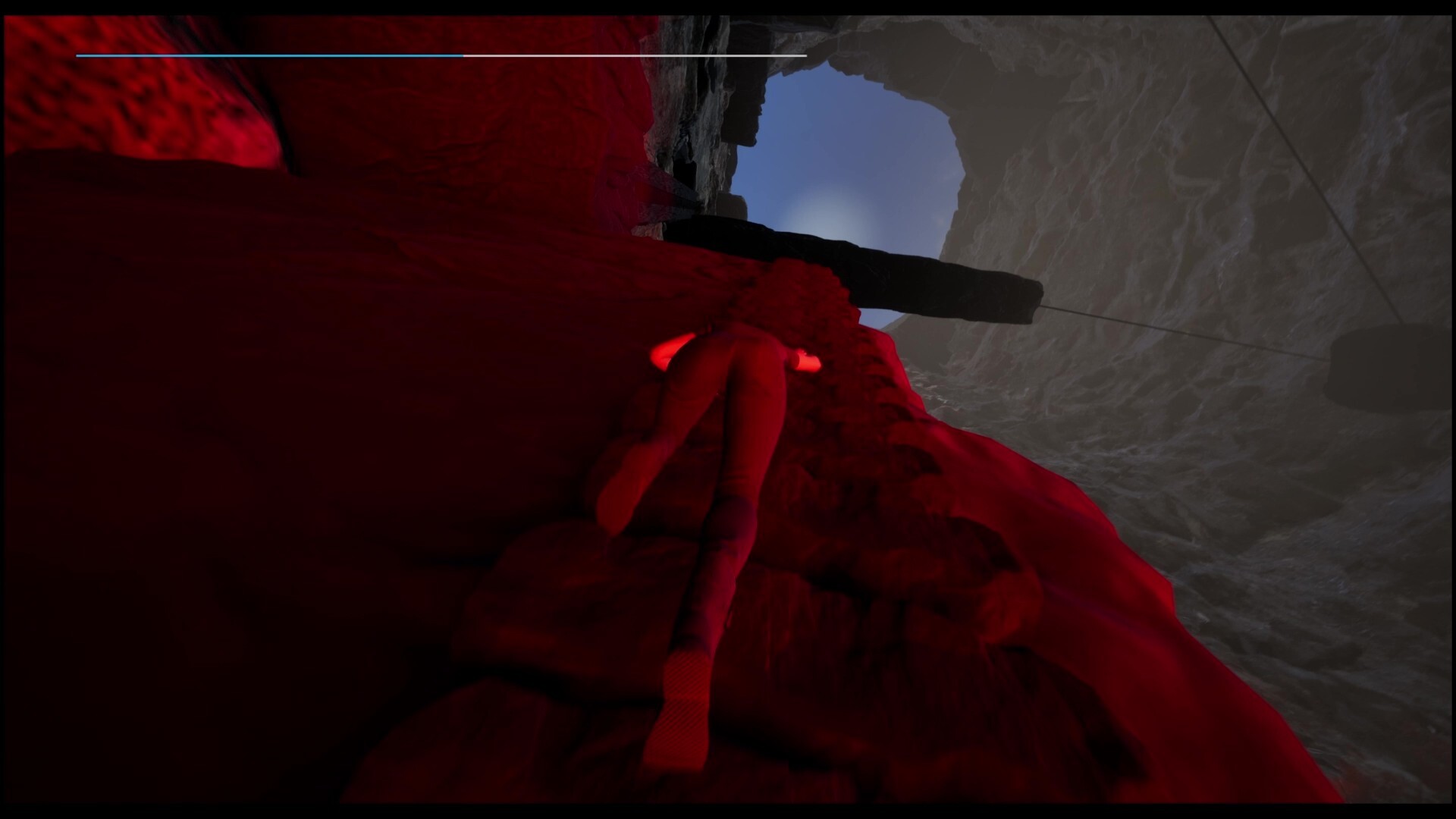
Escala libremente por entornos dinámicos mediante un sistema de movimiento basado en físicas. Cada ruta es un rompecabezas de resistencia, agarre y precisión. Explora, experimenta y supera tus límites en un mundo vertical creado para poner a prueba tu habilidad y creatividad.
Descripción original de Steam
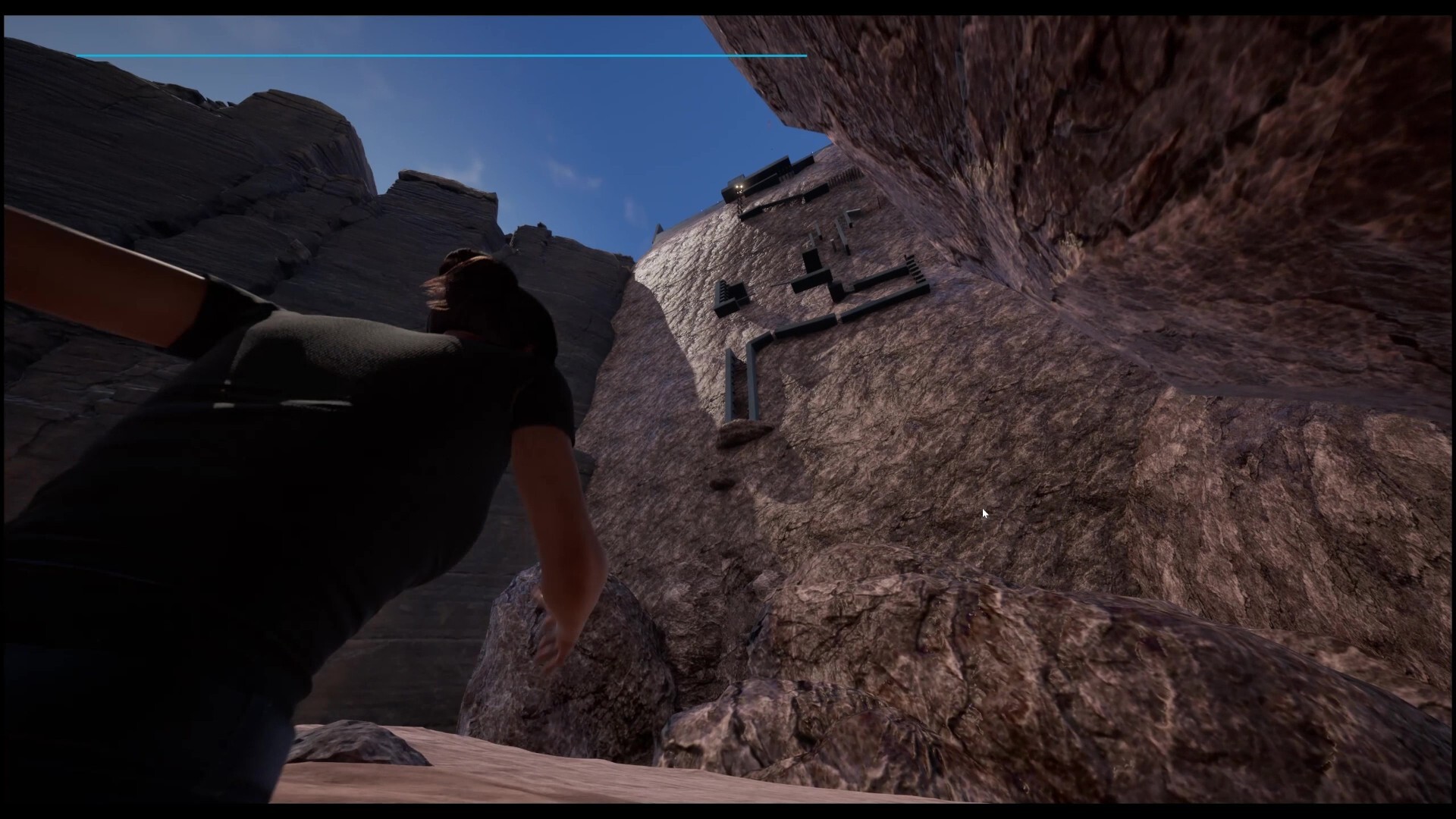
Beat this (nearly) unbeatable climbing game meant to test the limits of your gaming skills and patience. The game was inspired by other titles like "Getting Over It" and "Only Up". Are you willing to try my challenge and rise to the top? Or Ragequit? Climb, explore, and push your limits in a fully dynamic world built for movement. This game delivers a physically driven climbing experience where every hold, wall, and route is handcrafted or procedurally generated to challenge your technique. Powered by Unreal Engine 5, the world features dense vertical environments, reactive surfaces, and a stamina‑based movement system that rewards precision, planning, and creativity.
Key Features
Physics‑Driven Climbing System—Every move is calculated: grip strength, stamina, and body positioning define your success.
Stamina-Based Gameplay—Plan your ascent, find rest spots, and push your limits without falling.
Unreal Engine 5 Visuals—Nanite geometry, Lumen lighting, and high‑fidelity environments.
Controller Setup for Best Experience
For the best experience, with PlayStation and Xbox controllers, I recomment disabling Steam Input for this game. This ensures full native support, including any advanced features like adaptive triggers or haptic feedback on the DualSense controller.
How to disable Sream Input:
1. Open your Steam Library
2. Right-click the game and select Properties.
3. Go to the Controller tab.
4.Under "Override," select "Disable Steam Input".
If you experience any issues with generic controllers, you can re-enable Steam Input by setting the Override back to "Use Default Settings."
Información sobre la demo y el lanzamiento
Los datos de la comprobación actual no confirman ninguna demo. Esto no significa que el juego nunca haya tenido una; consulta su página de Steam para conocer la disponibilidad actual.
Demo de Steam, prueba de juego y acceso anticipado: ¿cuál es la diferencia?
Información e imágenes: Steam · Última comprobación UTC