
Corner Miner
Lançado

About the game
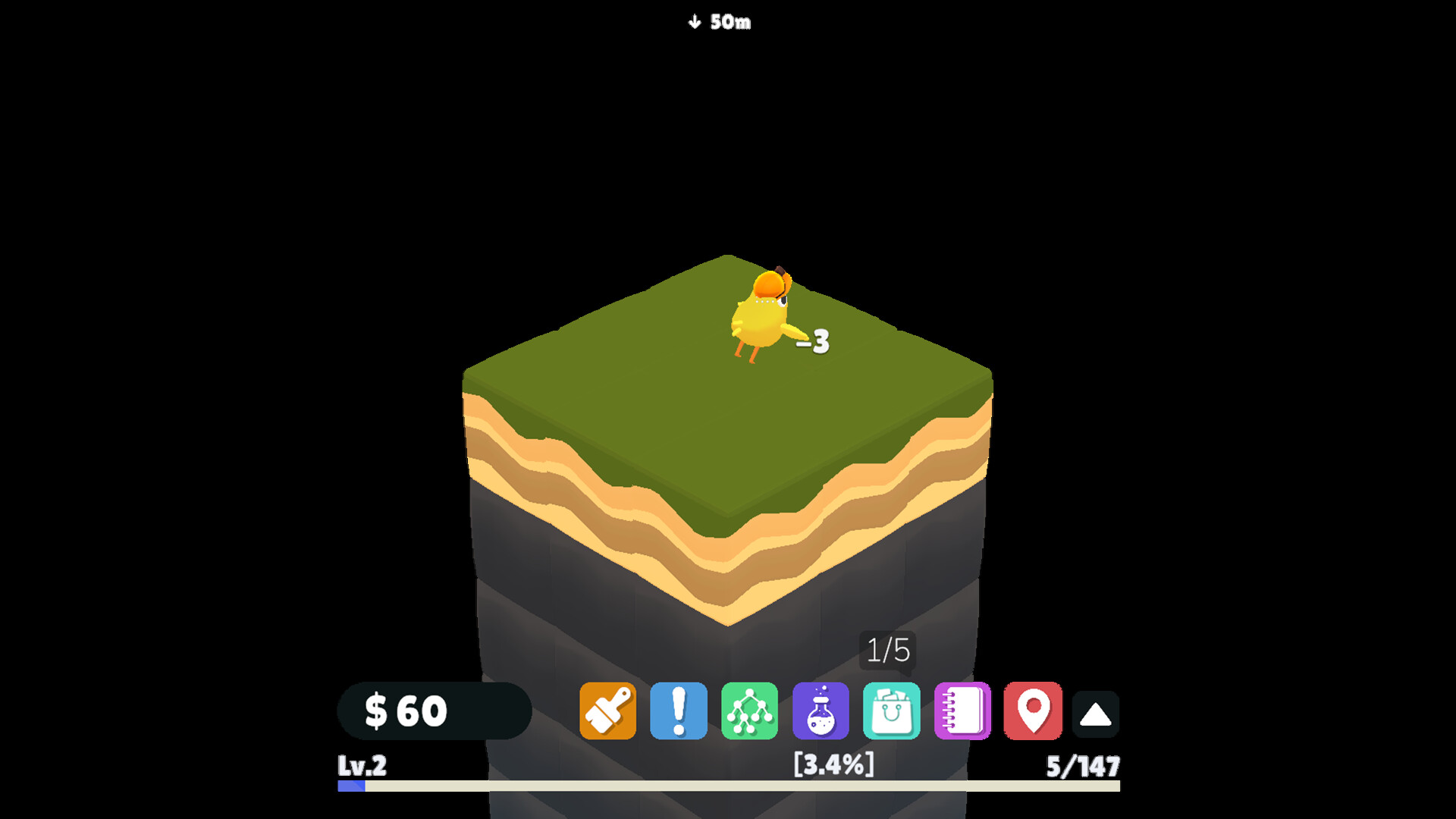
Corner Miner é uma pequena mina que vive na sua área de trabalho enquanto você trabalha, estuda, assiste a vídeos ou faz qualquer outra coisa. Deixe-a funcionando em segundo plano, confira quando tiver vontade ou assuma o controle e extraia tudo por conta própria.
Descrição original no Steam
Corner Miner is a tiny mine that lives on your desktop while you work, study, watch videos or do anything else.
Keep it running in the background, check in whenever you feel like it, or take control and mine everything yourself.
Break Blocks and Dig Deeper
Click blocks to damage and destroy them, earn money, gain experience, and uncover increasingly valuable resources.
The deeper you go, the tougher and more rewarding—the mine becomes.
Build Your Team of Miner Chicks
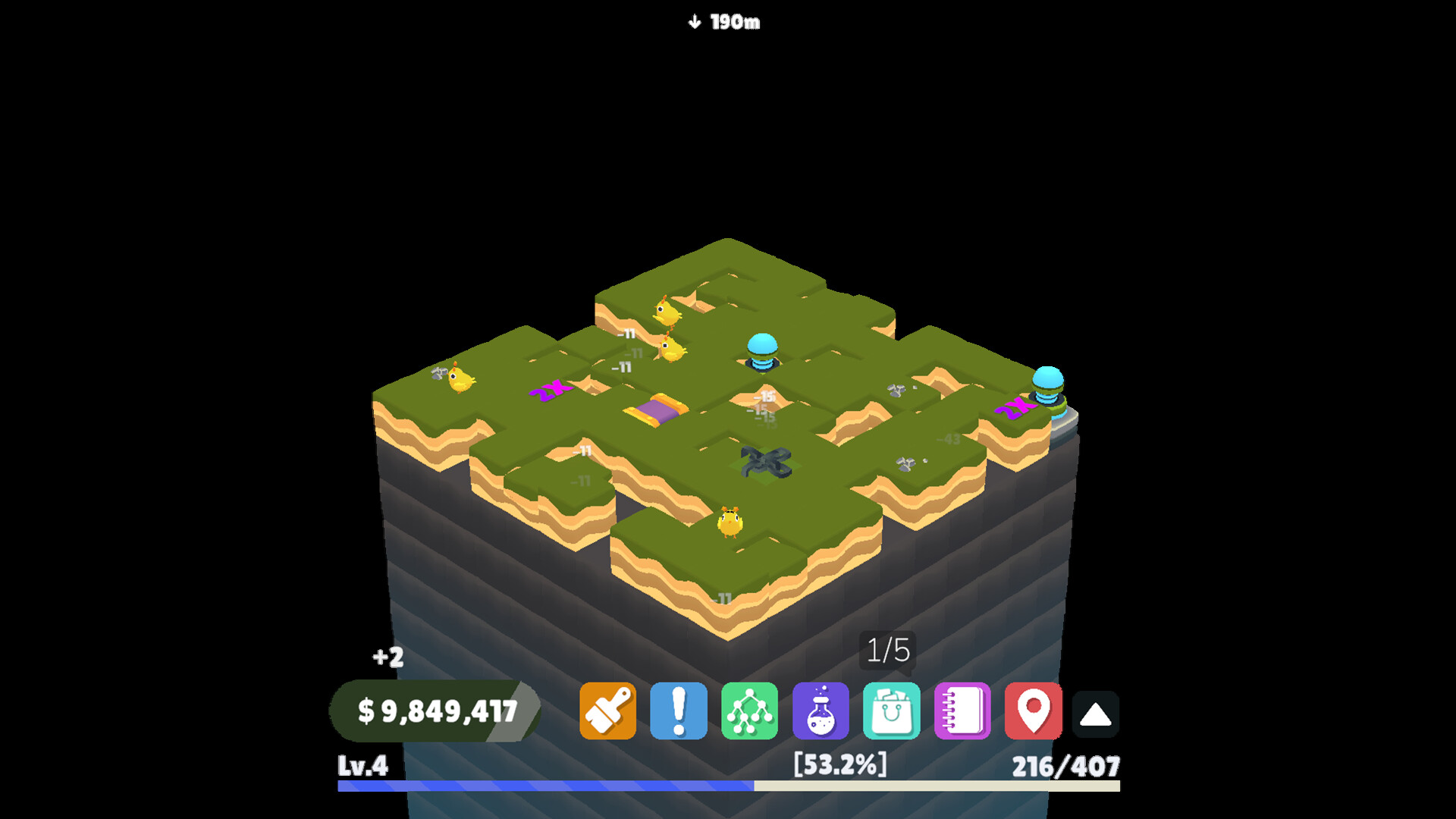
You do not have to do all the work alone. Unlock miner chicks that automatically attack blocks and keep the mine moving while you focus on something else.
Grow your team and turn a tiny manual operation into an automated mining machine.
Shape Your Progress Through the Skill Tree
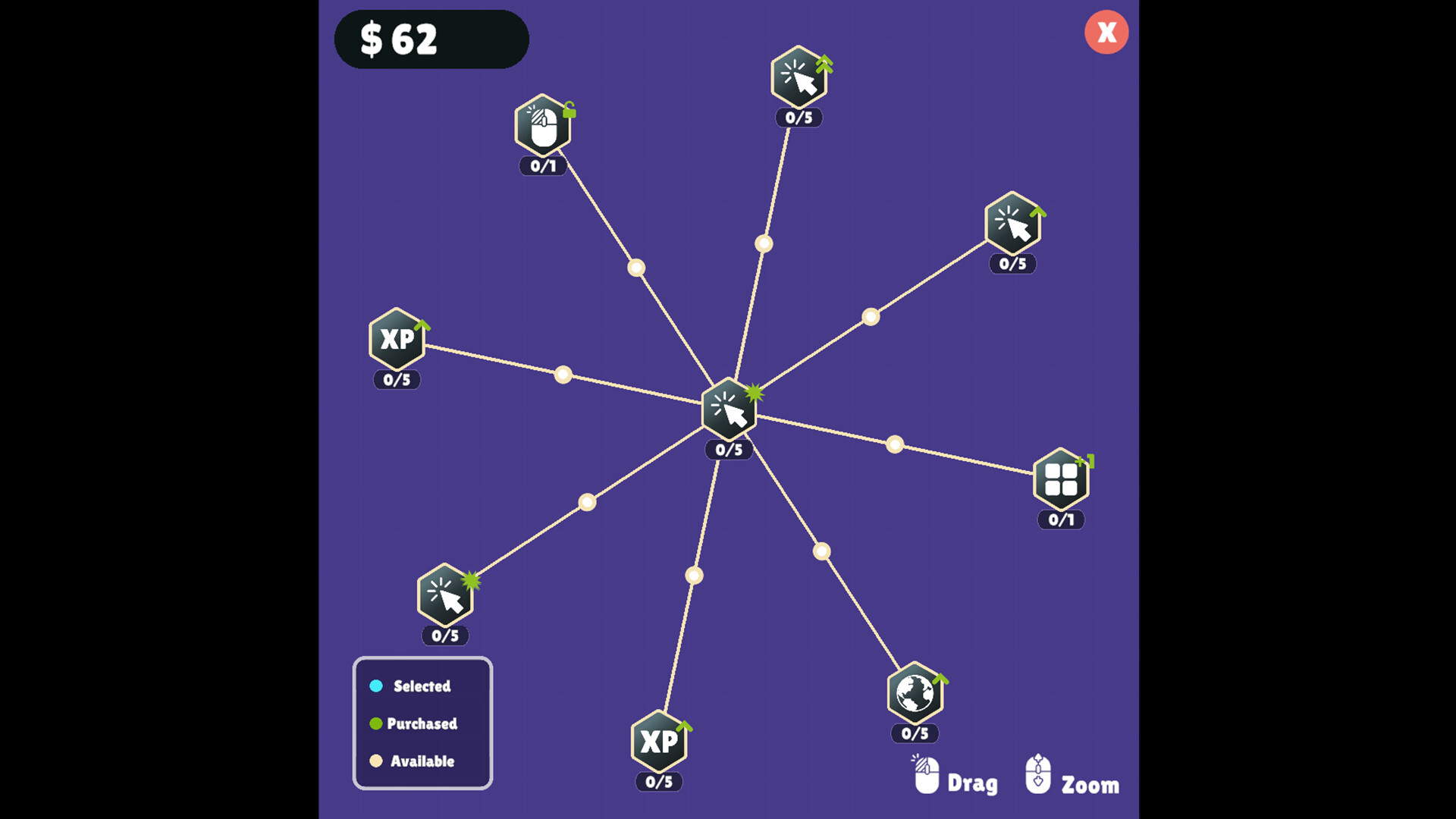
Spend your upgrades across a branching skill tree filled with new mechanics, stronger mining tools, automation, special blocks, and powerful improvements.
Choose the upgrades you want first and build the mine around your preferred way to play.
Discover Special Blocks and Collectibles
Find valuable ores, treasure, explosive blocks, multipliers, and unusual discoveries as you continue digging.
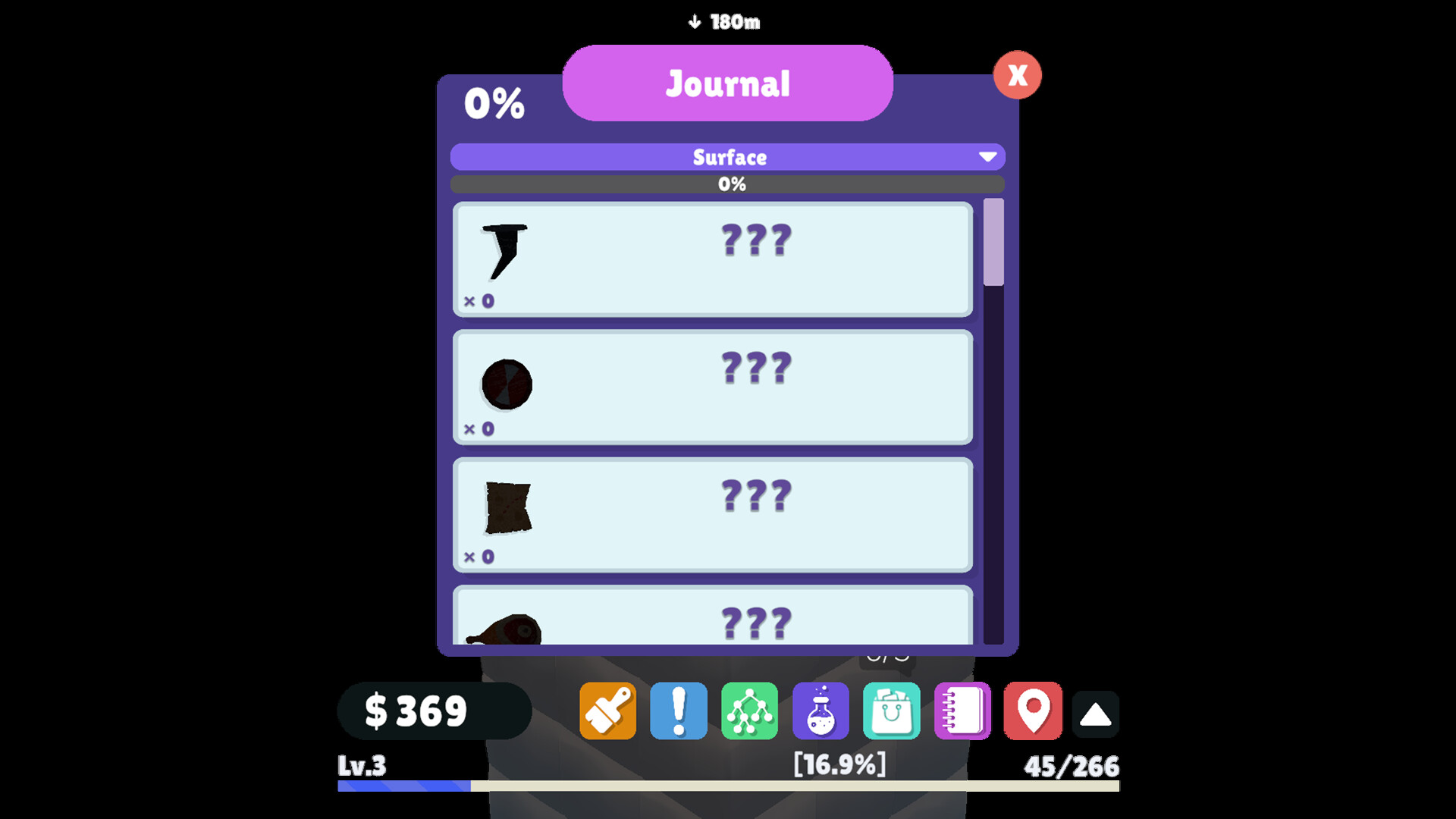
Collect rare items, fill your journal, and see what is waiting farther beneath the surface.
Play at Your Own Pace
• Runs transparently in the corner of your desktop
• Mine manually or let your chicks handle the work
• Unlock upgrades through a branching skill tree
• Discover valuable ores, special blocks, and collectibles
• Progress while working, studying, watching videos, or playing other games
• Move and position the game wherever it fits your setup
Informações sobre a demo e o lançamento
Os dados da verificação atual não confirmam nenhuma demo. Isso não significa que o jogo nunca teve uma; consulte a página dele no Steam para verificar a disponibilidade atual.
Demo do Steam, teste de jogo e acesso antecipado: qual é a diferença?
Informações e imagens: Steam · Última verificação UTC