
Beellionaire Idle
近日発売


About the game
Bee-lionaire Idleでは、巣箱からハチミツを収穫し、加工して製品を販売し、その利益を農場に再投資します。新しい設備をアンロックして生産力を高め、たった1つの巣箱からハチミツ帝国を築き上げましょう。
Steamの原文説明
OPEN THE HIVE. HARVEST THE HONEY.
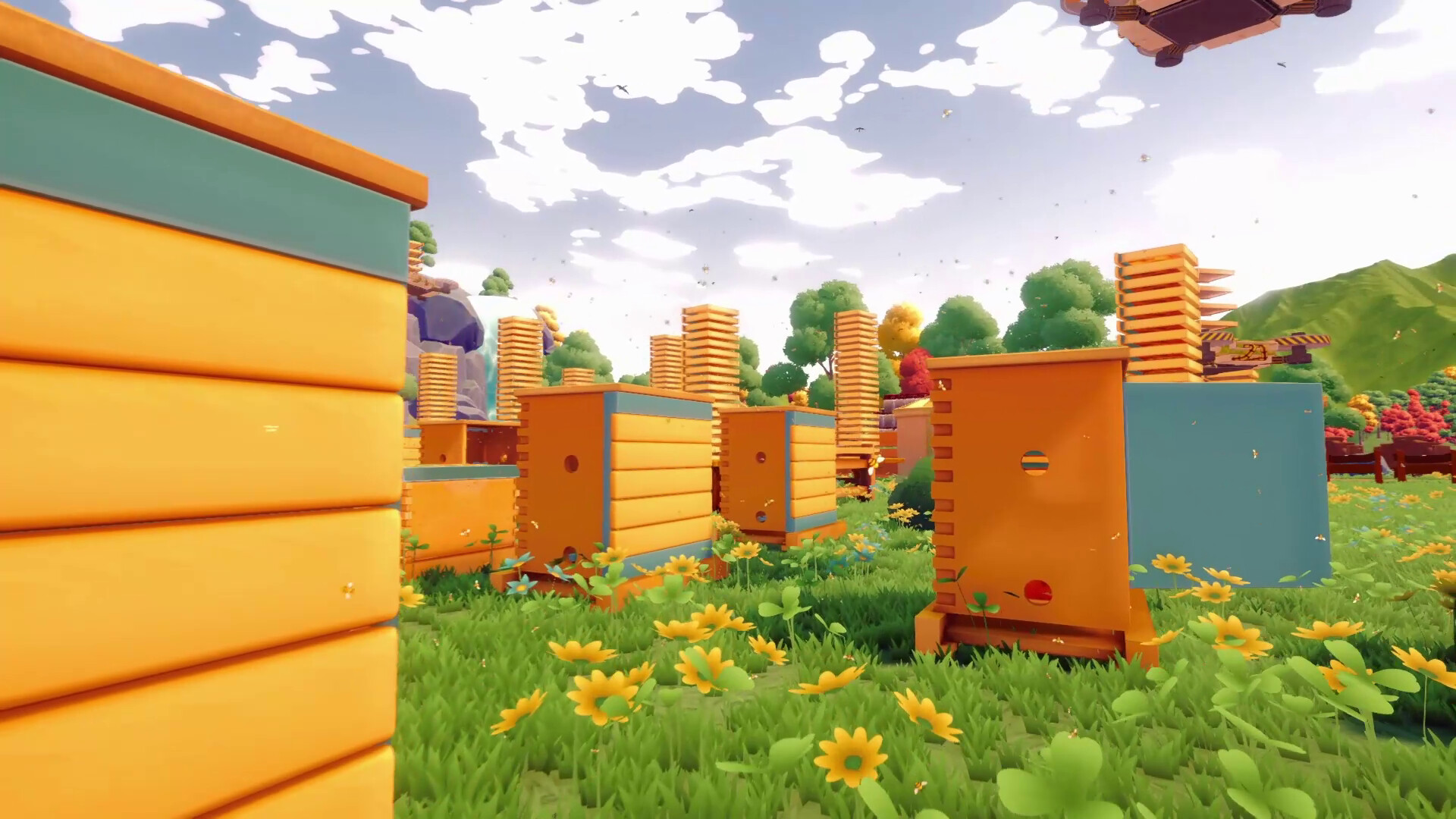
Check how full the frames are and decide when it is time to harvest.
Calm the bees with smoke, remove the honey-filled frames one by one, and carry them to the processing area.
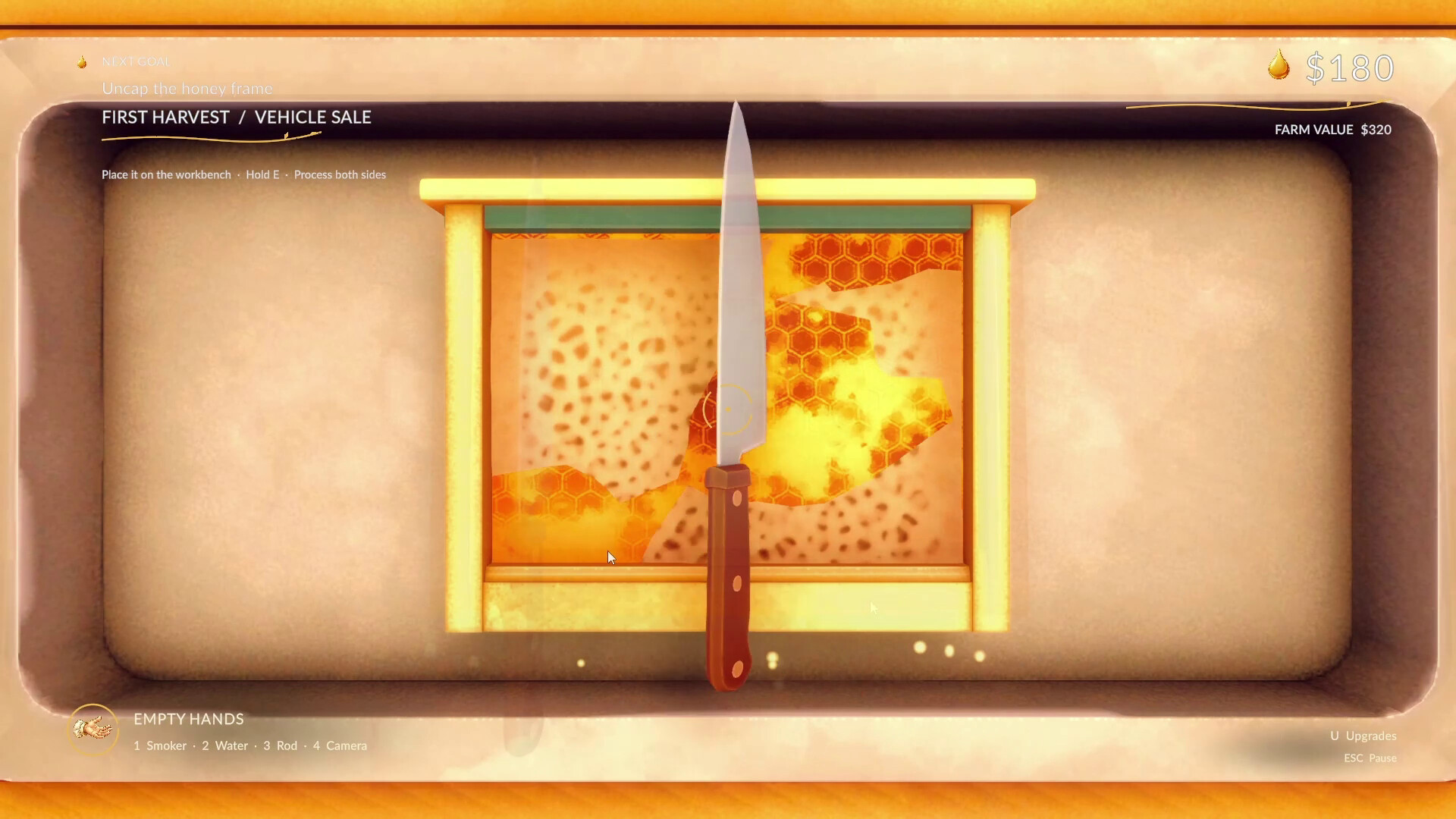
Scrape off the wax caps with a knife, place the frames in the extractor, and turn the handle.
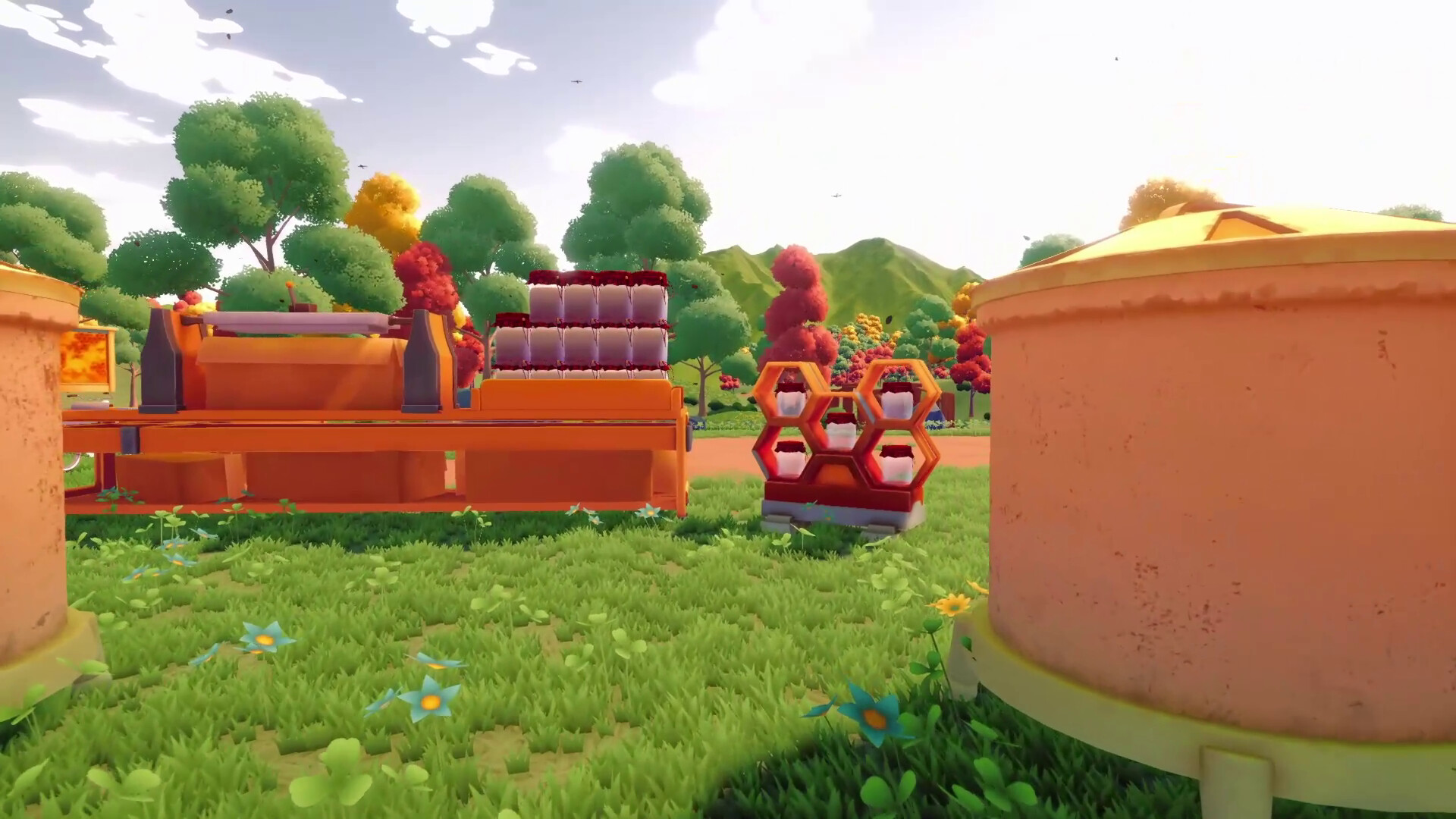
Watch the golden honey collect in the machine, then flow into your jars.
LOAD. SHIP. INVEST.
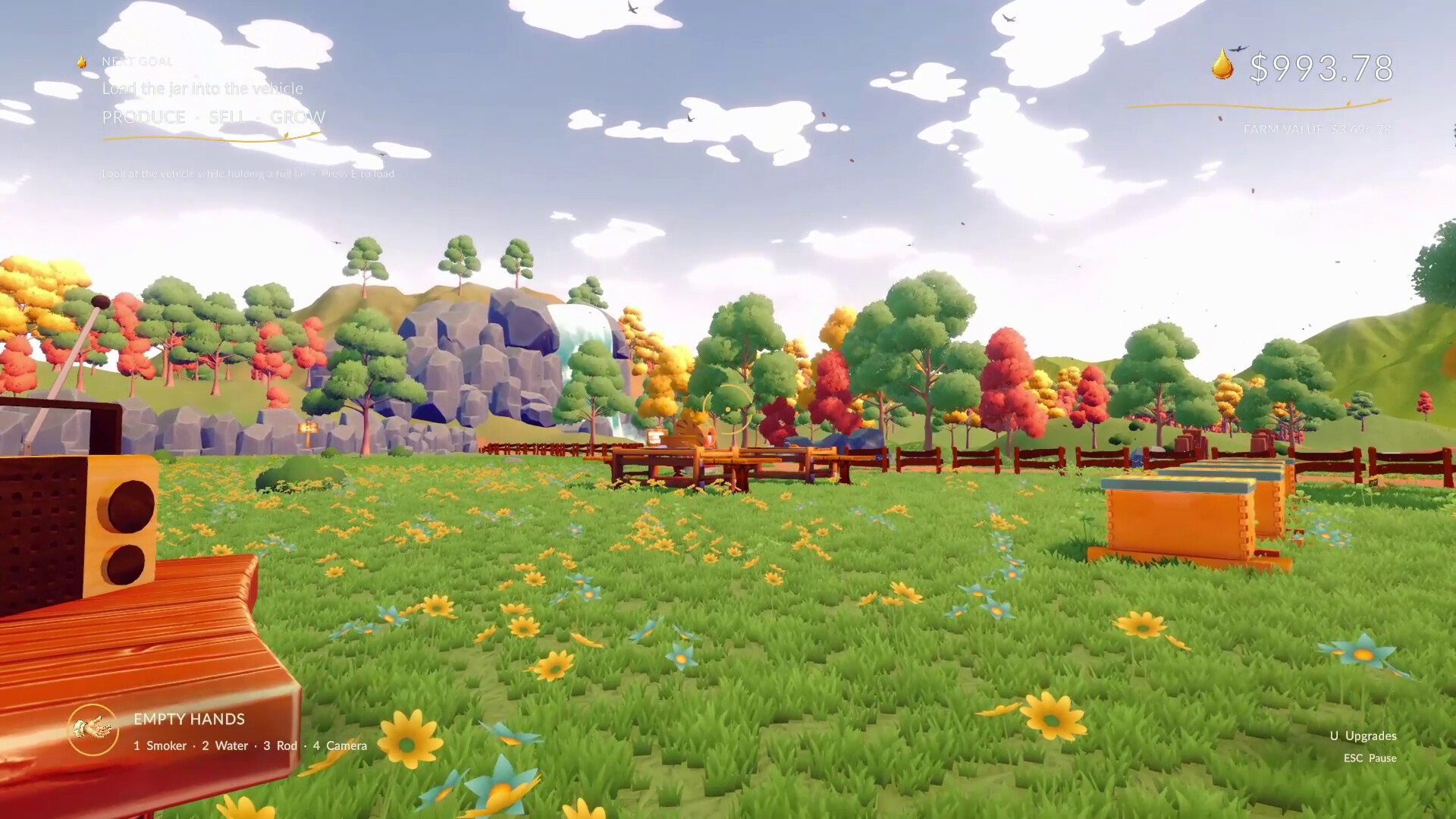
Load the filled containers onto the delivery vehicle and send the shipment on its way.
Invest your earnings in more hives, greater transport capacity, new equipment, or additional land.
Decide how to solve your farm's next bottleneck.
LET MACHINES DO THE WORK
Start with your own two hands, then gradually hand repetitive tasks over to machines.
Semi-automatic workstations, larger extractors, and conveyors reduce the processing workload, while harvesting the hives always remains your responsibility.
GROW AGAIN IN NEW LANDS
Produce more valuable honey in each region
Get back on your feet faster with passive income from your previous farms and eventually earn the title of Bee-llionaire.
FEATURES
Experience every stage of honey production from a first-person perspective, from opening the hive to filling the jars.
Build your own production line using real machines, connections, and conveyors instead of hiring workers.
Solve your own bottlenecks by choosing between new hives, equipment, logistics, or land.
Optionally speed up nearby hives by watering flowers, and play at your own pace without penalties for neglect or maintenance.
Unlock more valuable types of honey across three distinct regions and earn passive income from your previous farms.
Unlock offline earnings and continue growing from where you left off when you return.
体験版と発売について
現在の確認データでは体験版の存在を確認できていません。過去にも体験版がなかったという意味ではありません。最新の提供状況はSteamのゲームページで確認してください。
情報・画像:Steam · 最終確認 UTC