
Pomoroid
Disponible
About the game
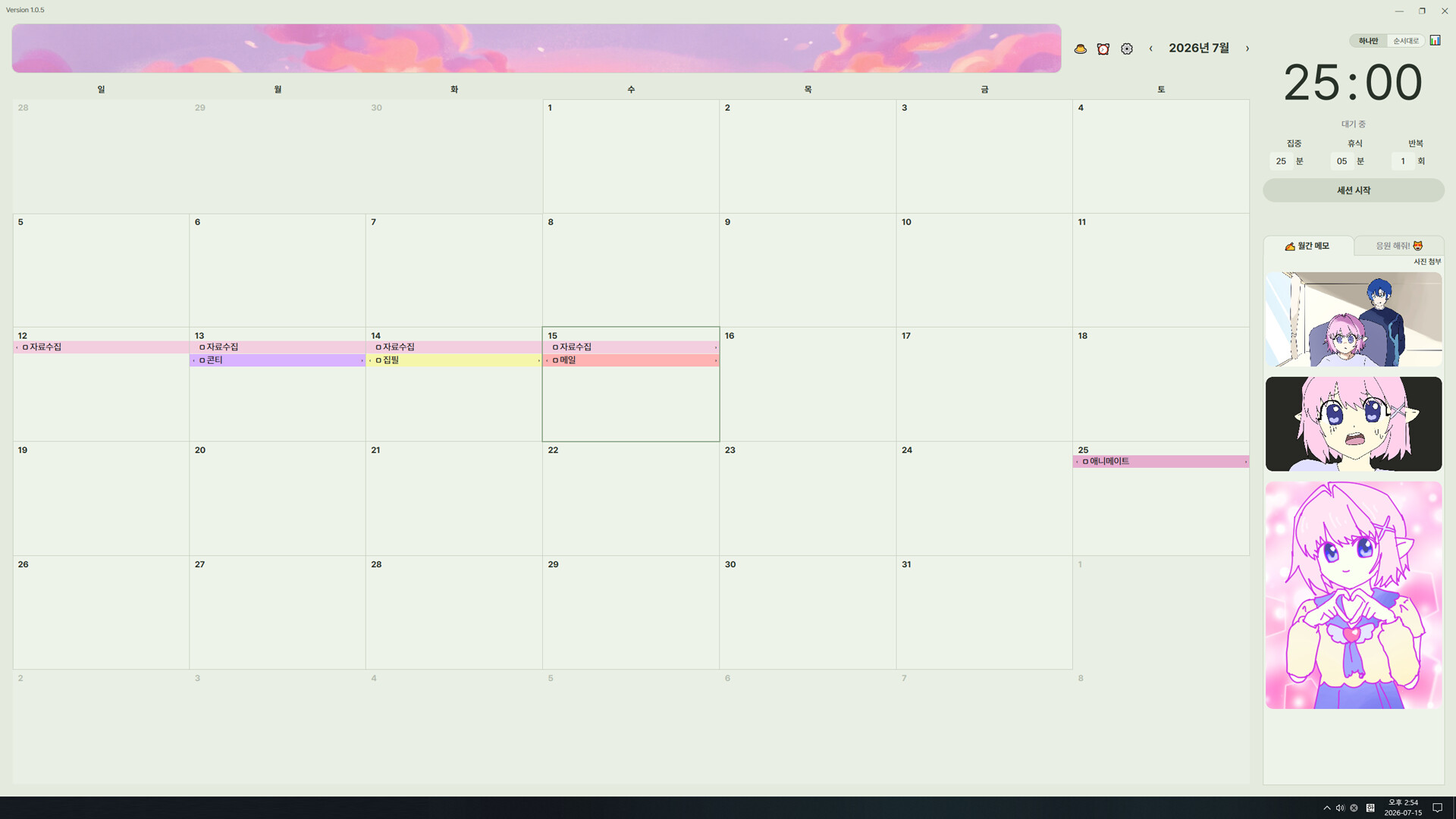
Pomoroid est une application de minuteur Pomodoro et de calendrier dans laquelle un personnage que vous avez créé vous encourage et peut même discuter avec vous grâce à l'IA chaque fois que vous avez besoin de vous concentrer. Personnalisez librement tous les éléments, des arrière-plans Pomodoro à la gestion des tâches, en passant par les alarmes et les autocollants, puis partagez vos packs d'encouragement et vos packs d'alarmes avec les autres utilisateurs sur le Workshop.
Description d’origine sur Steam

Working alone, but never really alone
Pomoroid is a desktop productivity app that combines a Pomodoro timer, calendar, and to-do list management in one place. It doesn't just track time — a character you choose cheers you on right beside you, helping you stay focused on your work.
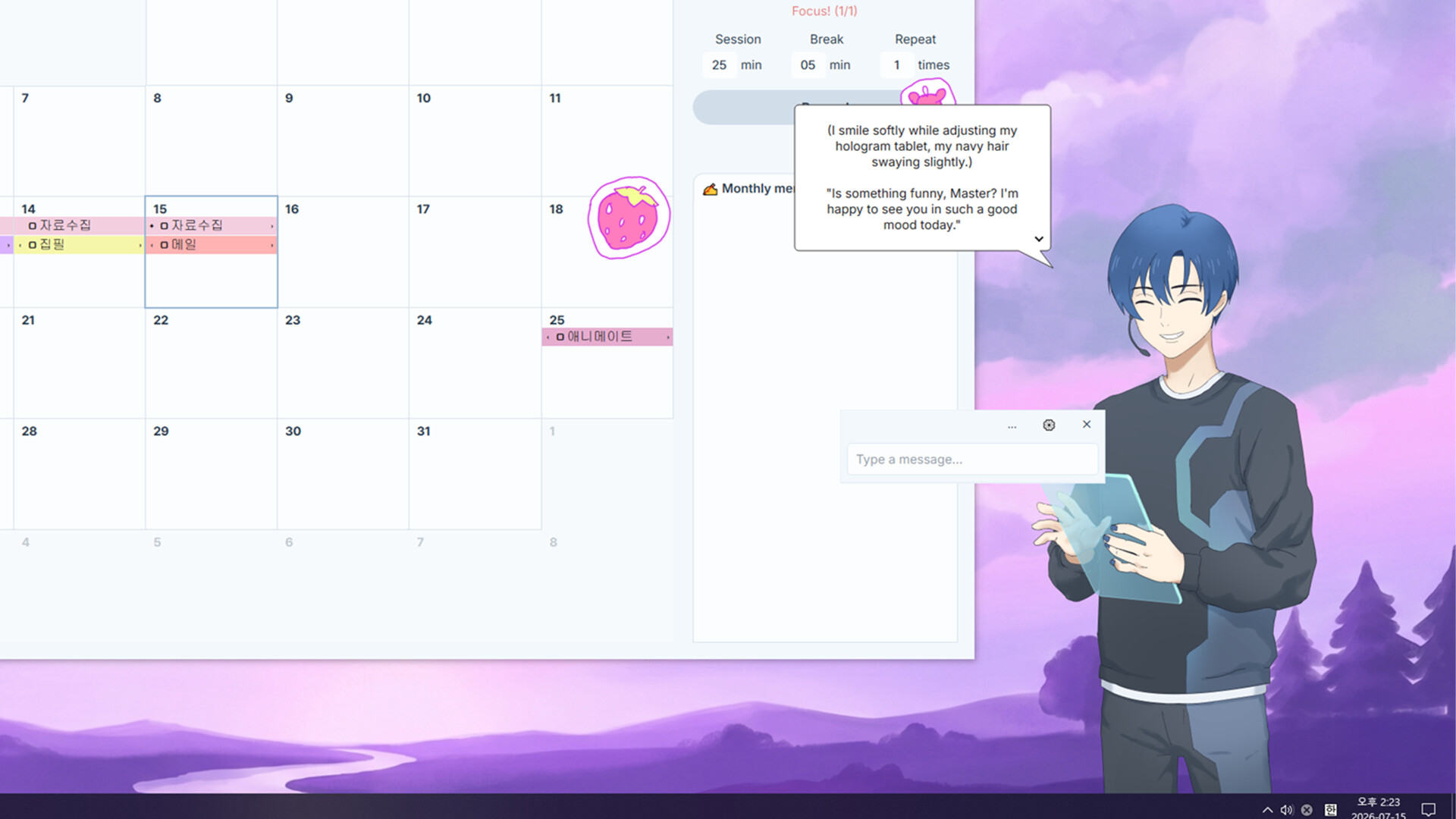
Cheer Character System
Register your own images, voices, and lines to create your own cheer character
AI conversation feature also available. Fine-tune expressions and lines for different emotions and situations
Thoughtful details like first greetings, hello/goodbye greetings, and birthday celebrations
The character can also help with practical features like checking the weather, playing music, searching, and jumping to bookmarked sites
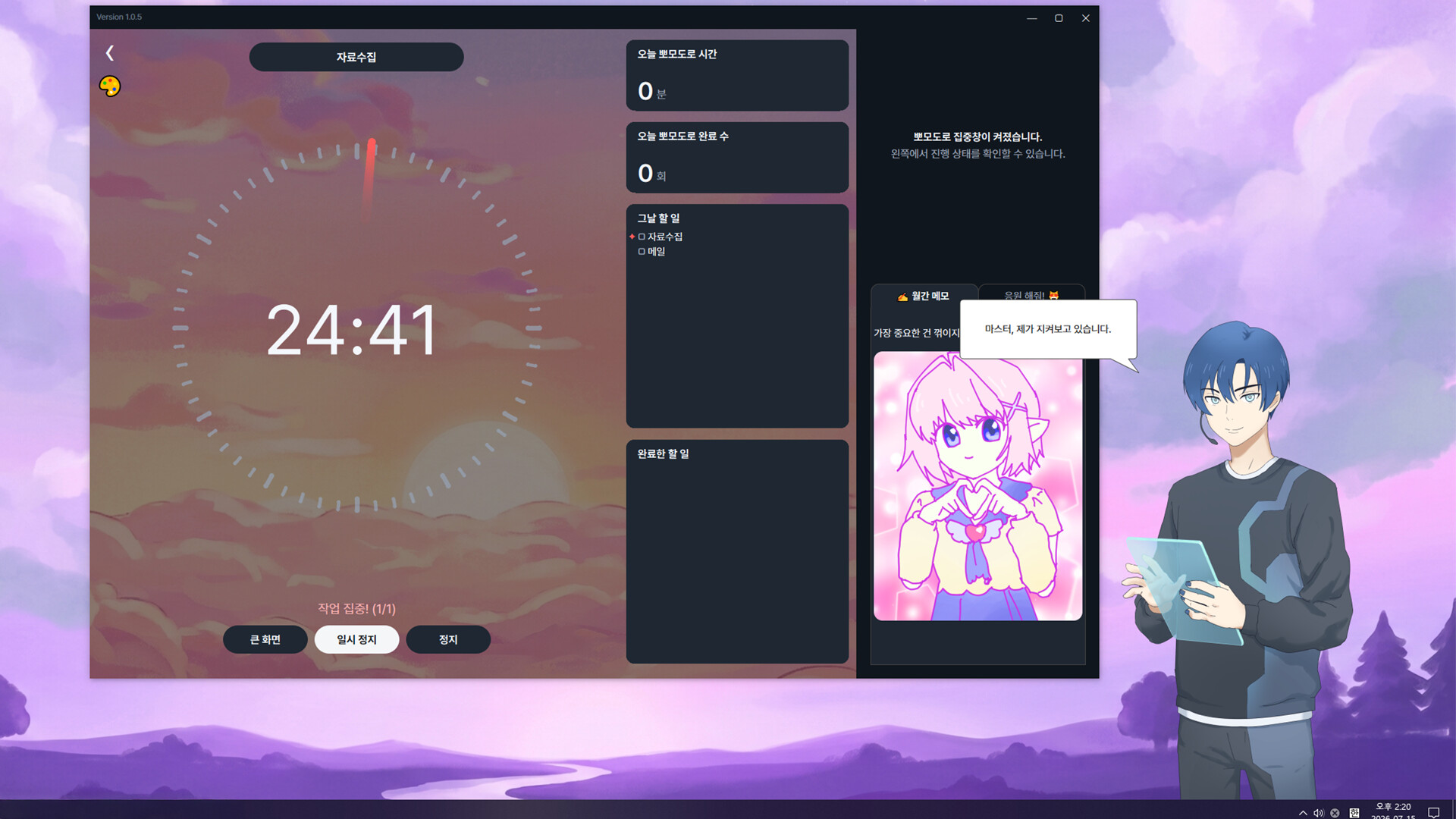
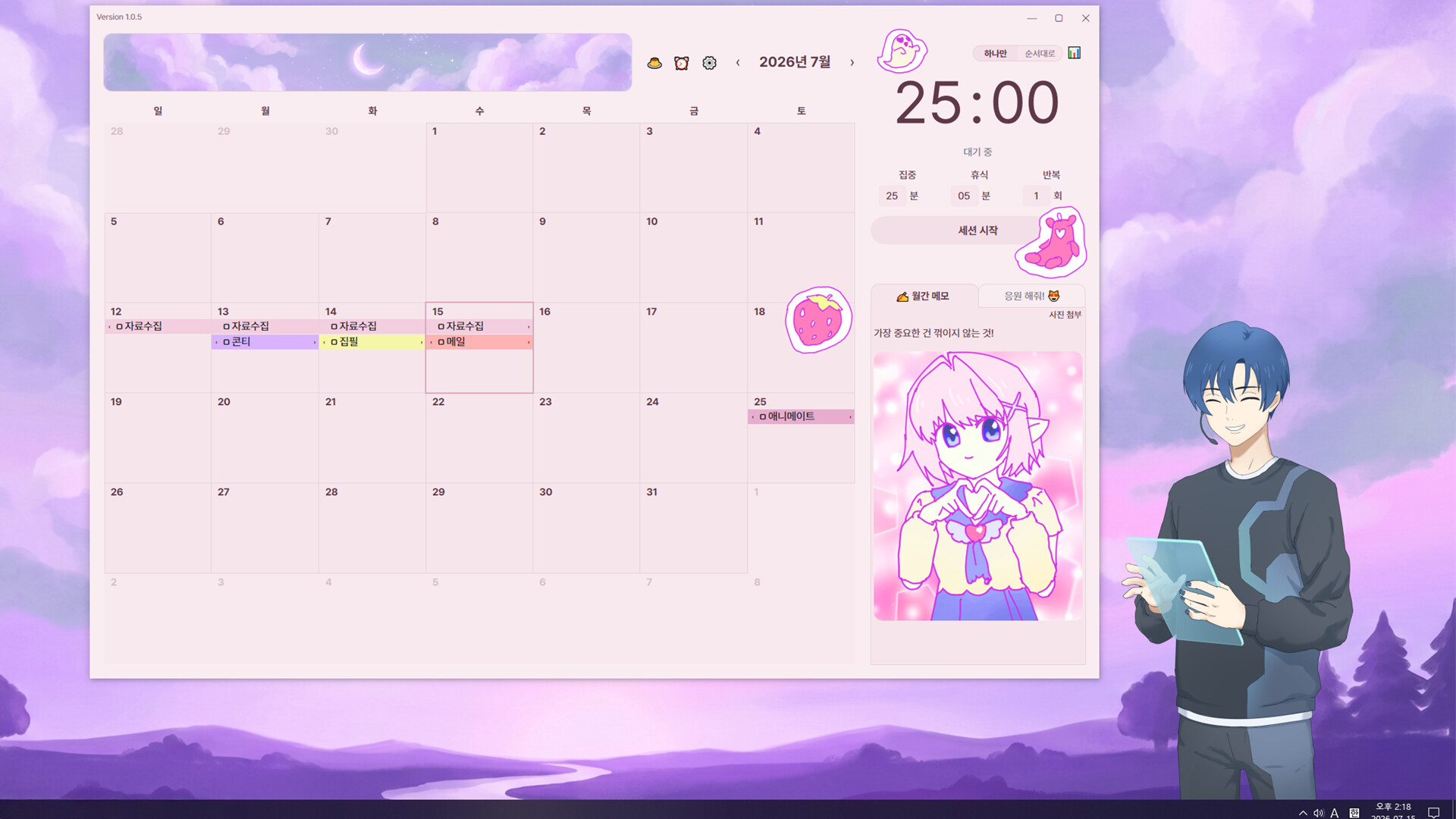
Pomodoro & To-Do List
Decorate your Pomodoro focus window with the background you want
Easily organize your schedule with drag and drop
Set repeat rules so you don't have to enter things over and over
Mark tasks done with a single checkbox click
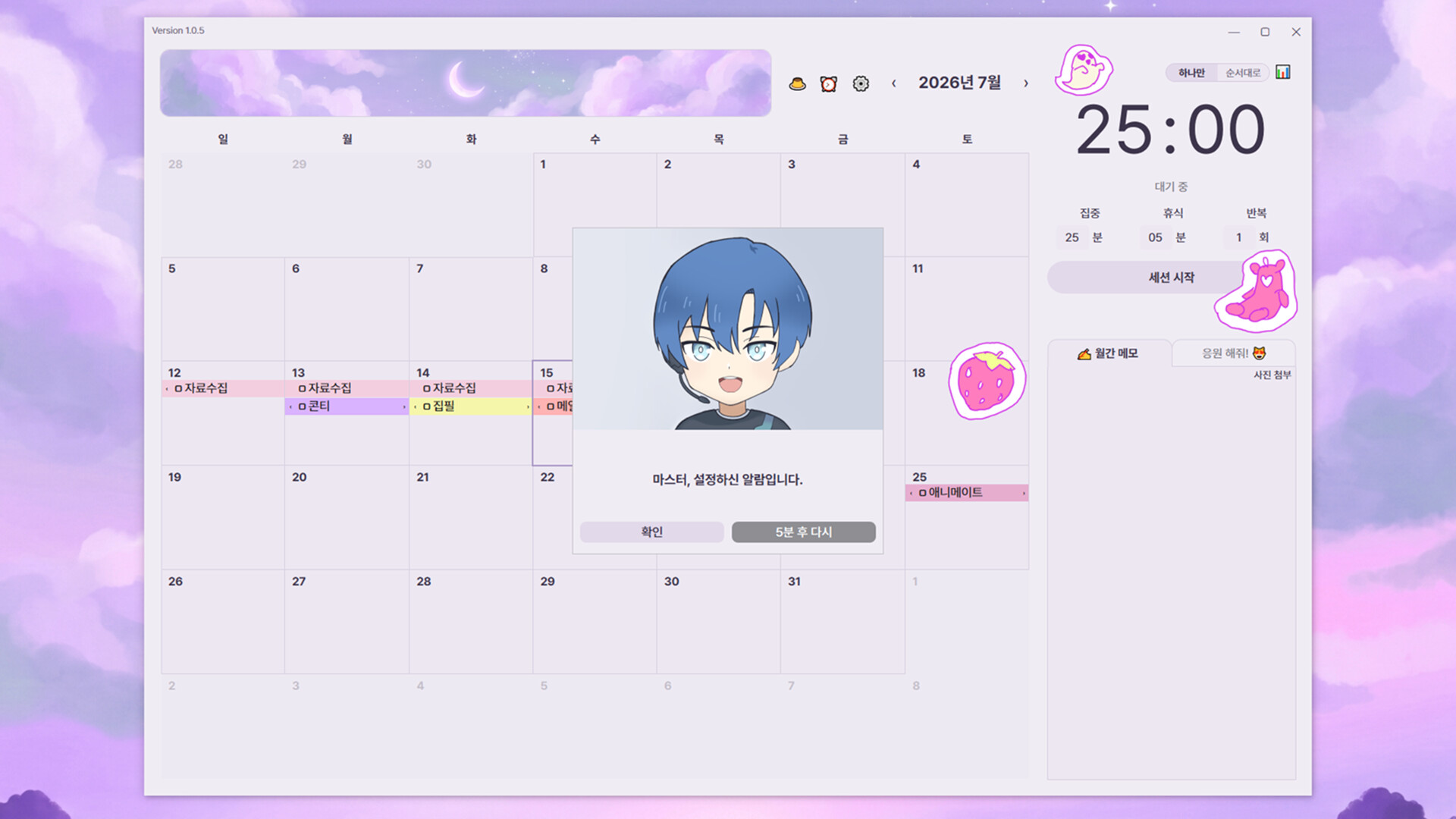
Alarms & Stickers
Create your own alarm packs to manage your day with the images, sounds, and lines you want
Decorate the app's screen with custom-made stickers
The fun of sharing on the Workshop
Through platforms like the Steam Workshop, you can freely exchange the cheer packs and alarm packs you've made with other users. Publish multiple files at once with the batch upload feature, and download unique packs made by others to complete your own combination.
Informations sur la démo et la sortie
Aucune démo n’est confirmée dans les données de vérification actuelles. Cela ne signifie pas que le jeu n’a jamais eu de démo ; consultez sa page Steam pour connaître sa disponibilité actuelle.
Démo Steam, playtest et accès anticipé : quelle est la différence ?
Informations et visuels : Steam · Dernière vérification UTC