
Dockable
Demo mevcut

Oyun hakkında
macOS Dock'un zarafetini Windows 11'e taşıyın. Dockable; büyüyen simgelere, Liquid Glass çubuğuna, açık/koyu temalara ve akıcı, cin efekti tarzında simge durumuna küçültme animasyonlarına sahip güzel bir alt dock'tur. Görev çubuğunuzdaki uygulamaları daha sade ve daha keyifli bir biçimde yansıtır.
Steam’deki orijinal açıklama
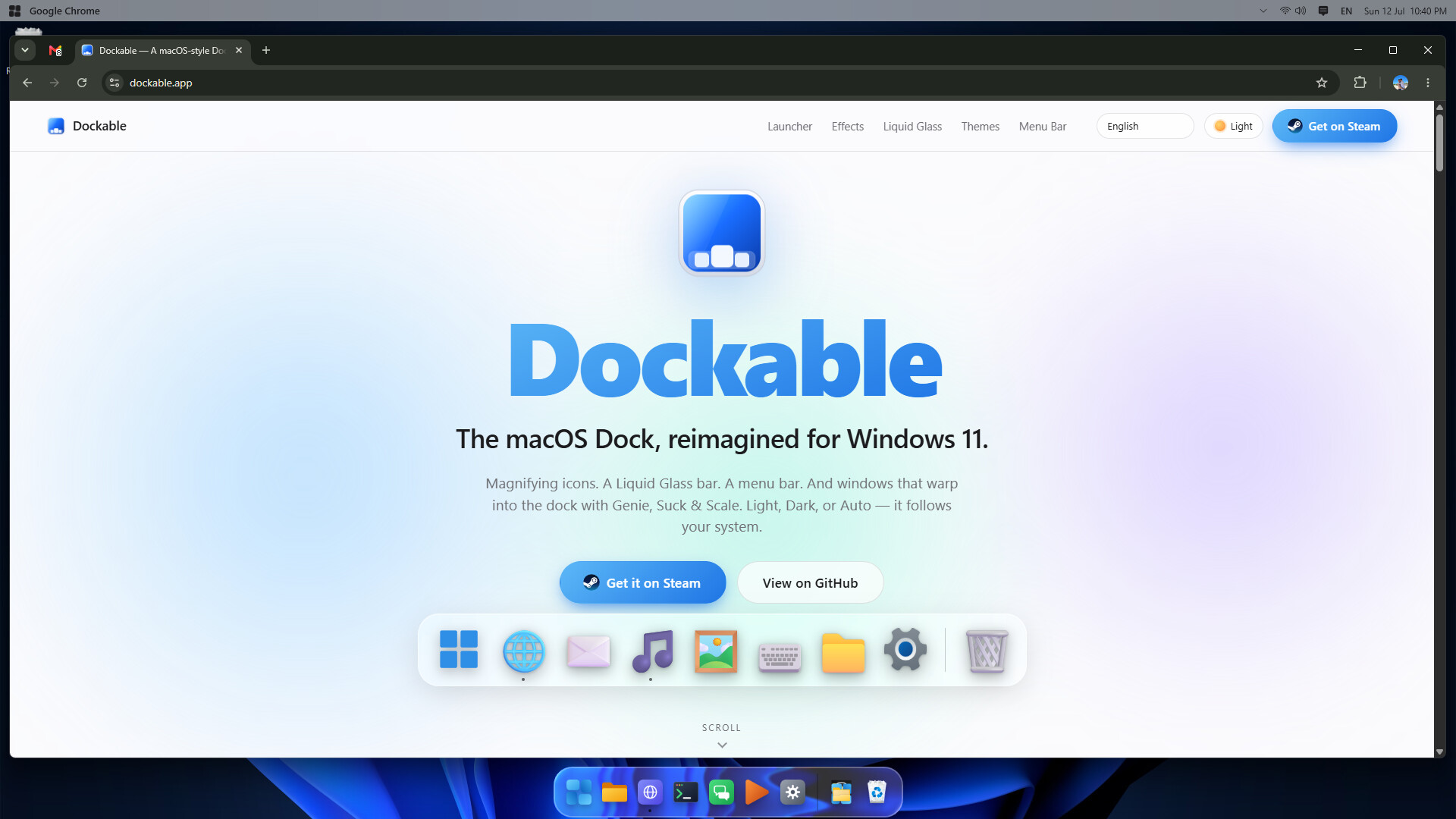
Dockable — a macOS-style dock for Windows 11
If you like the macOS Dock but use Windows, Dockable brings that familiar feel to your desktop. It puts your pinned and running apps in a translucent bar, with icons that grow as you move across them and several ways to animate windows as they minimize.
Familiar dock behavior
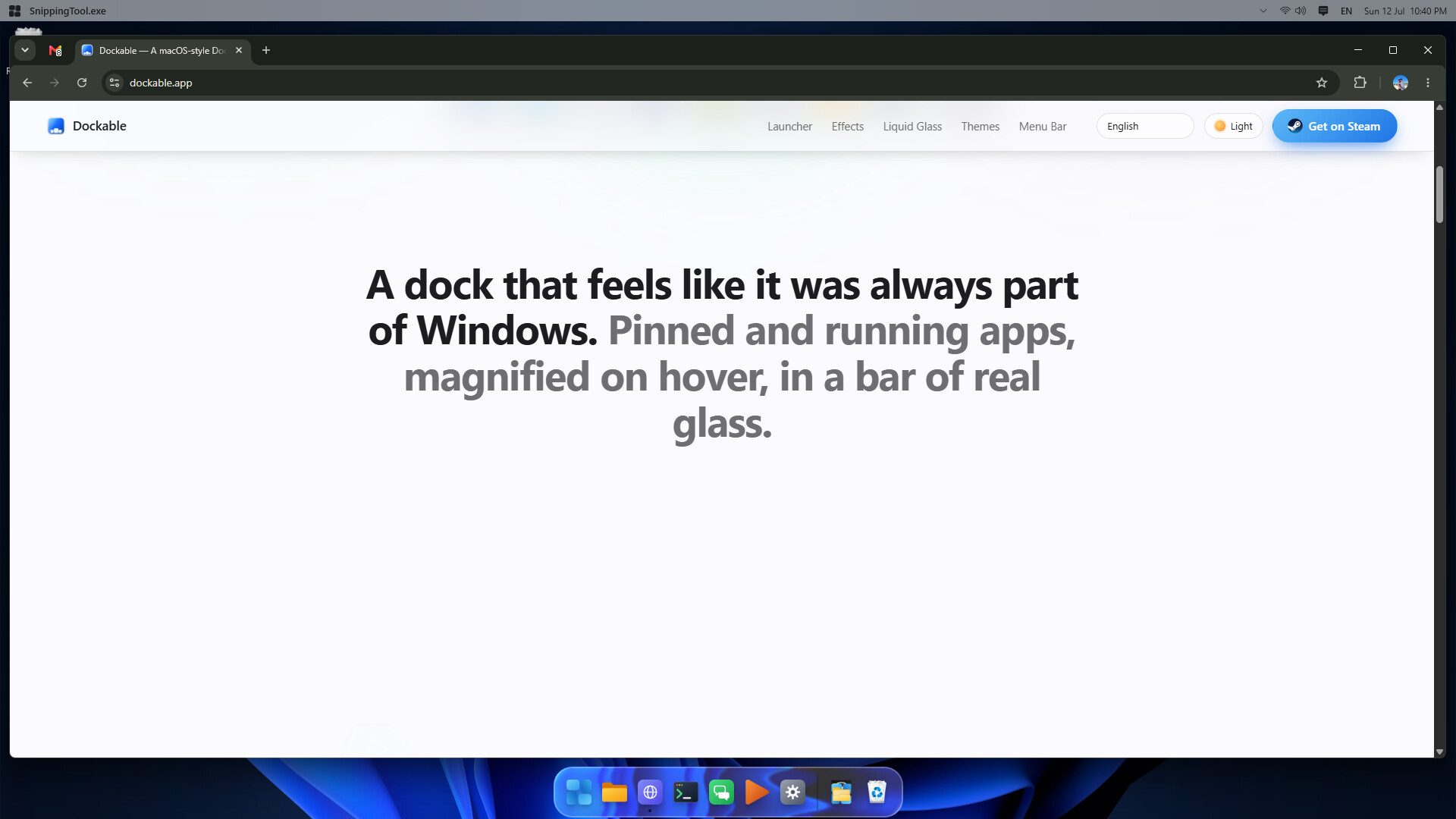
Dockable starts with your taskbar’s pinned apps, then lets you arrange and manage your dock separately. Running apps appear alongside your pins.
Icons magnify smoothly under your cursor. Adjust their starting size and magnification to suit your screen, or turn the effect off if you prefer things to stay still.
Drag to reorder, drop files to pin them, and drag pins off the dock to remove them
Running indicators show which apps are open, with a bounce when an app launches
Choose whether windows minimize into their app icon
Choose your look
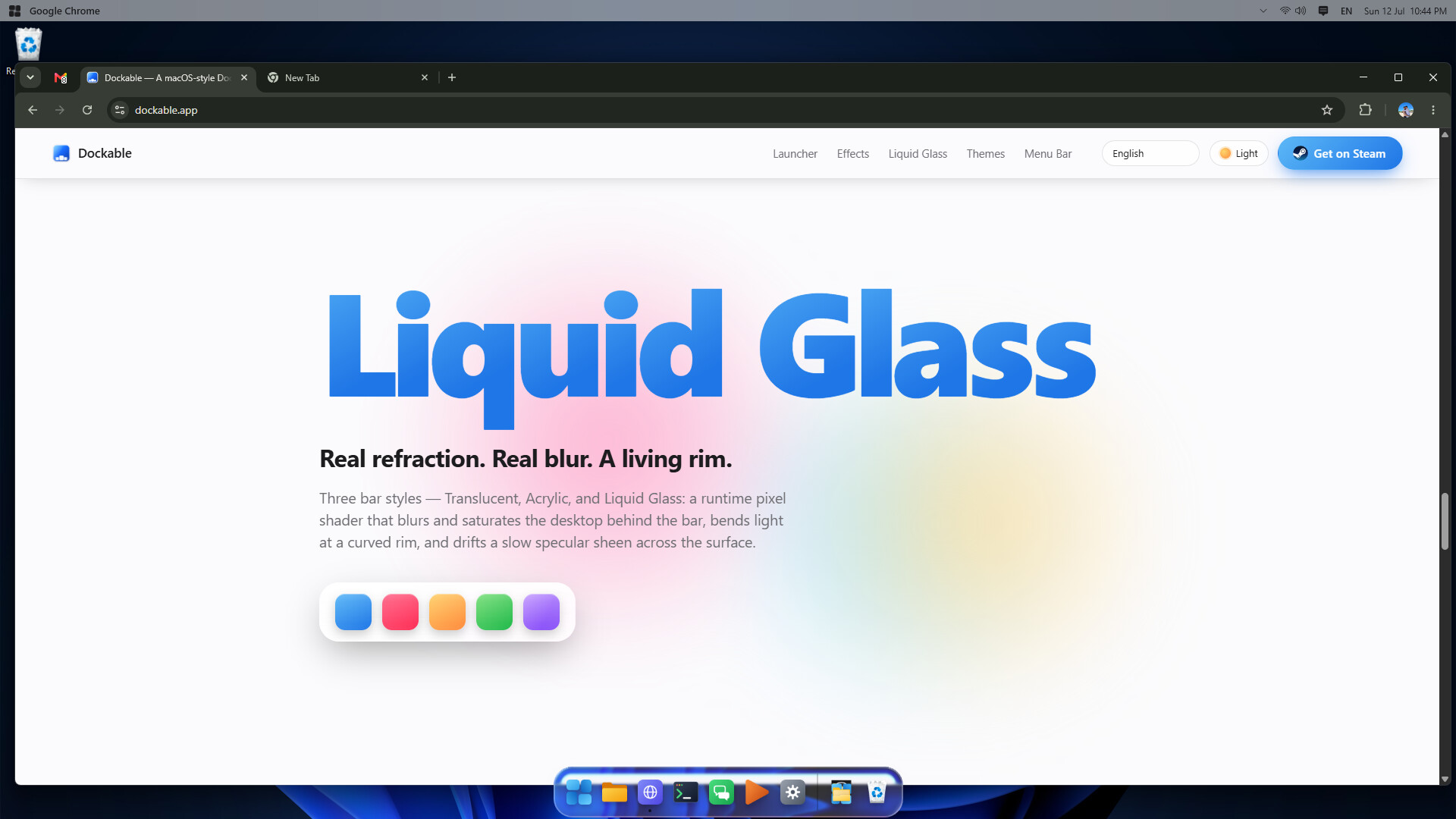
Choose a simple translucent background, live acrylic blur, or Liquid Glass. Liquid Glass adds frosted blur, refraction around the edges, and a soft highlight that moves across the surface.
The settings let you adjust blur, distortion, tint, saturation, chromatic aberration, and the rim highlight. Keep it subtle or spend some time getting the look just right.
Three ways to minimize
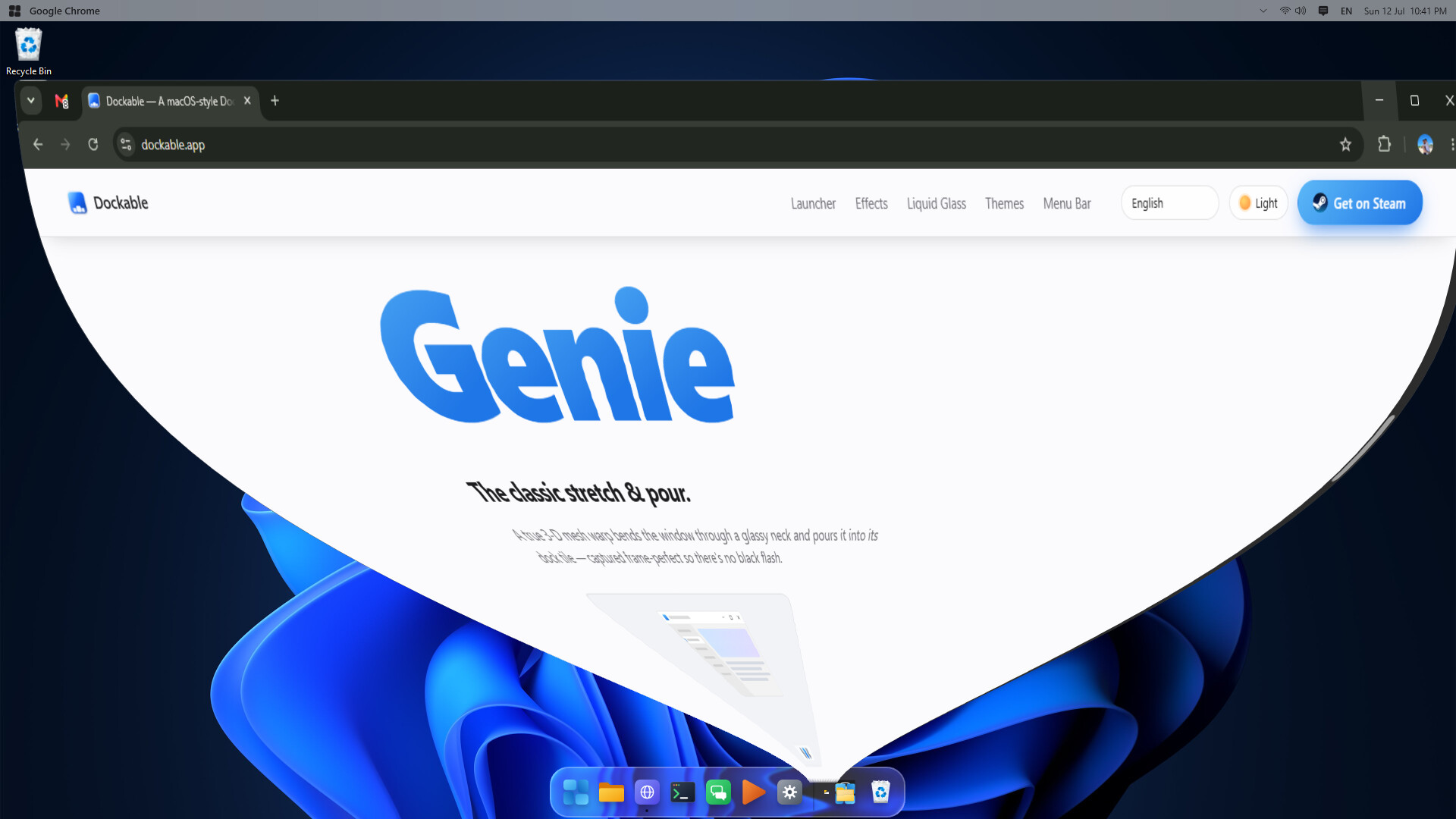
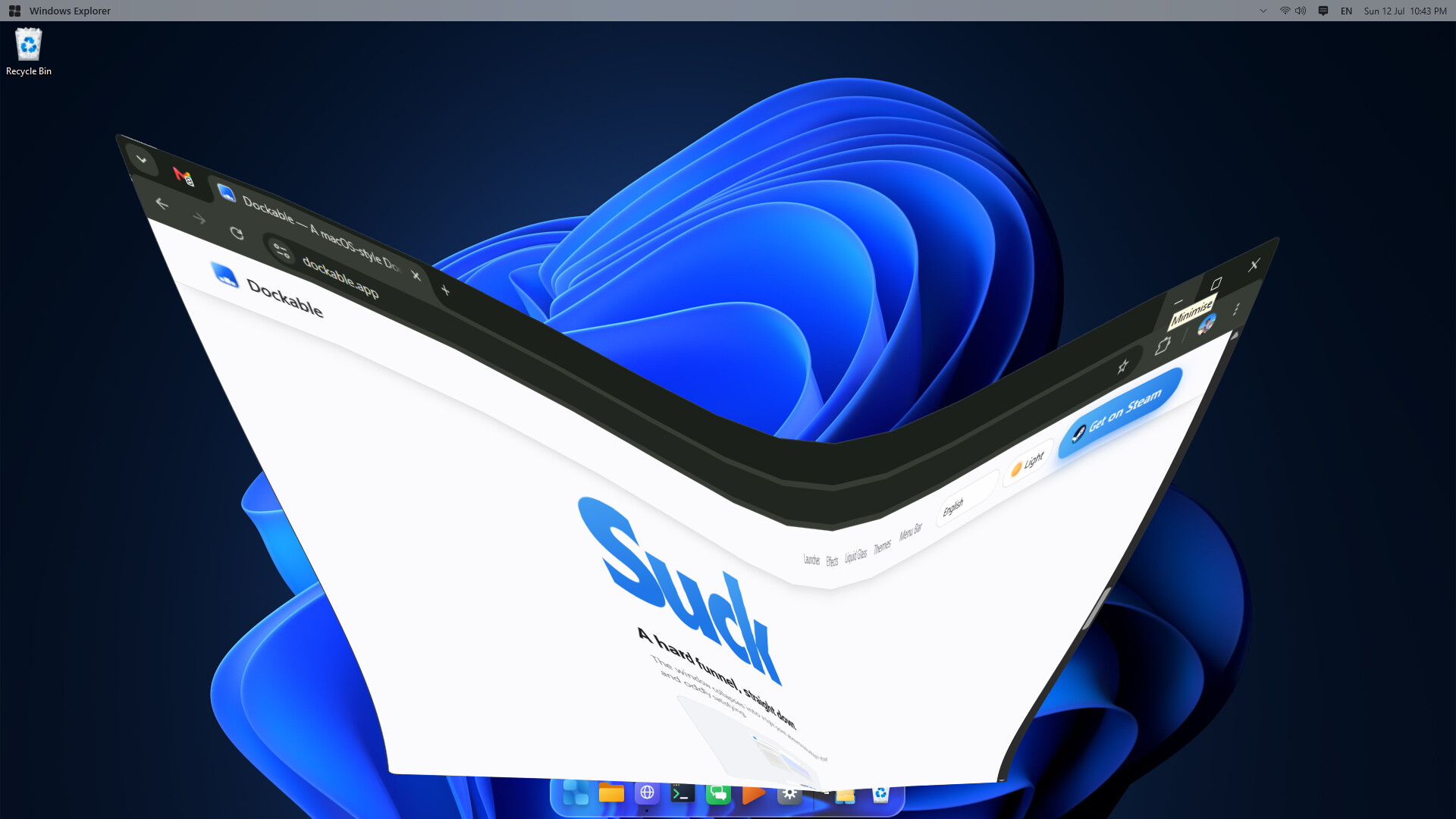
Pick Genie, Suck, or Scale to control how windows move into the dock, then adjust the animation speed. Click a minimized window’s tile to bring it back.
Light or dark
Let Dockable follow your Windows theme, or set it to light or dark yourself. Soft shadows give the icons a little depth in either mode.
An optional menu bar
Add a macOS-style menu bar to the top of your screen. It shows the focused app’s name and gives you access to its window menu, a keyboard-layout switcher, shortcuts to Quick Settings and Notifications, and a clock.
Keep the taskbar—or hide it
Leave the Windows taskbar visible, set it to auto-hide, or hide it completely while Dockable is running. Your original taskbar setting is restored when Dockable closes.
Available in eight languages
Dockable supports English, Português (Brasil), Español, Українська, Français, Italiano, Deutsch, and 中文 (简体). It matches your system language on first launch, and you can switch languages in settings without restarting.
Built for Windows 11
Dockable is a native, self-contained app with no extra dependencies to install. It supports per-monitor DPI scaling to keep things sharp across different displays, with a Preferences window for adjusting its appearance and behavior.
Demo ve çıkış bilgileri
Son kontrolde bu oyun için bir Steam demosu bulundu. İndirmeden önce Steam sayfasında bölgenizde hâlâ kullanılabildiğini doğrulayın.
Bilgi ve görseller: Steam · Son kontrol UTC