
Mahjong Encyclopedia
Disponible


About the game
Mahjong Encyclopedia est un jeu de mah-jong 3D en ligne, gratuit et multiplateforme, prenant en charge de nombreuses variantes de règles. Il propose des rediffusions de parties légères et consultables, prend en charge Hans, Hant et En, ainsi que le jeu multiplateforme sur Windows, iOS et Android. Développé de manière indépendante par une seule personne, le jeu accueillera davantage de règles en fonction des retours.
Description d’origine sur Steam
Gameplay Instructions
1. Game Login
Multiplayer uses Epic Games services, which requires an Epic Games account. You may click the Steam login button and follow the prompts to create an Epic Games account linked to your Steam account (account creation is only required for the initial linking). Alternatively, click the Epic login button to sign in with your existing Epic account. When offline, click the character icon on the login screen to switch to pure single-player mode. Enter a username to log into the local host.
2. Create Multiplayer Game:
After logging in, go to "Party" → "Create" on the main screen. Choose a Public or Private room, then click Create. After room creation, the game mode and room number will be displayed in the upper-left corner. This game uses peer-to-peer networking; the host must maintain a stable internet connection.
3. Join Multiplayer Game:
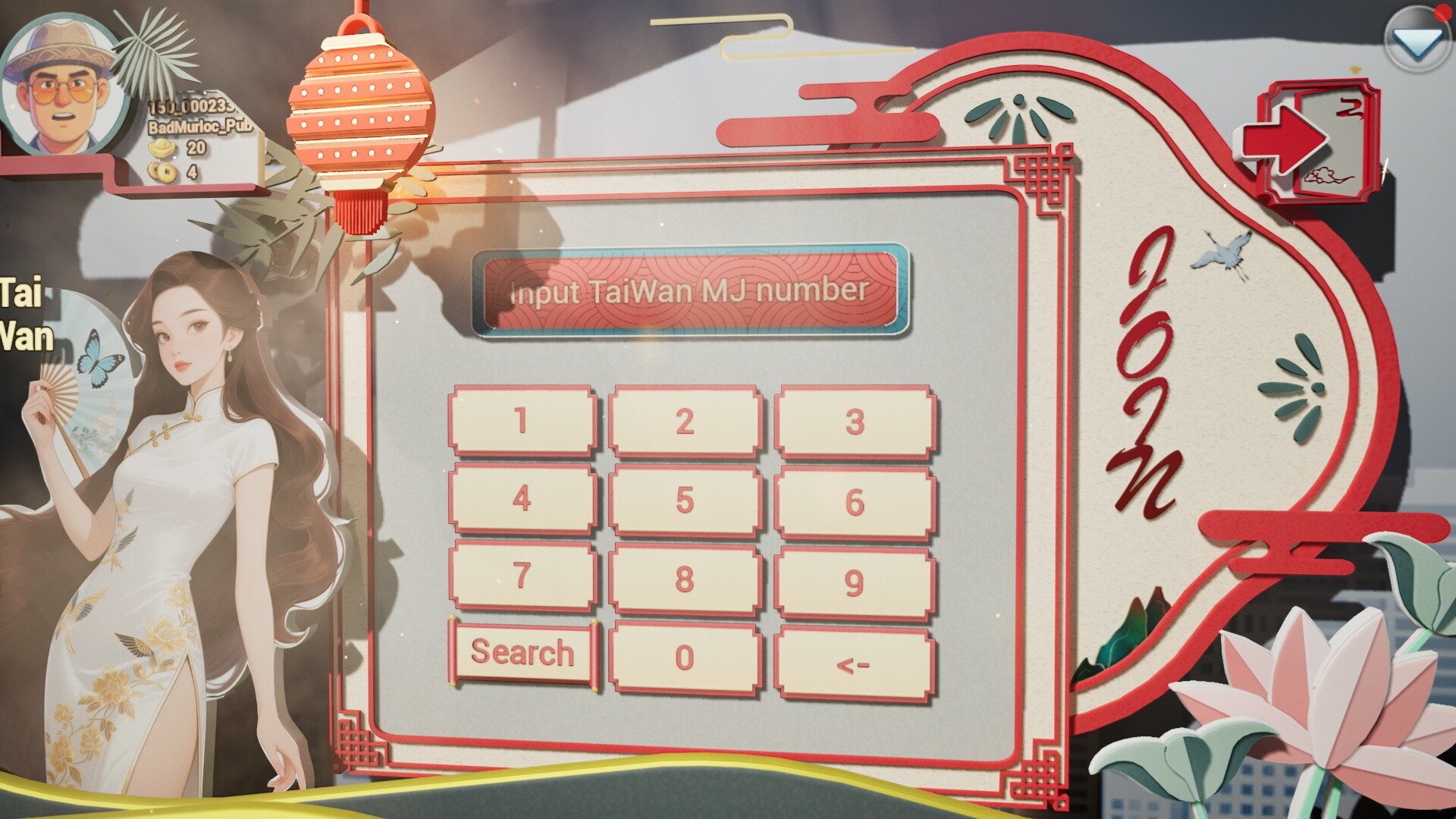
After logging in, go to "Party" → "Join" on the main screen. Use the "Search" / "Number" button in the lower-left corner to switch join modes.
When joining by number: Enter the game mode and room number. Switch game modes by clicking the mode text on the character panel on the left, then click the input field to enter the room number.
When joining by search: Set your search filters and click Search. Click Join once you find a match. Searching only returns rooms created with Public mark.
4. Game Replays:
After logging in, click "Record" on the main screen. Set your filter criteria and click Search. Select a match and click Play to view the replay. Replays are generated for both single-player and multiplayer games and can be filtered during search.
QQ Group: 1125870882
FAQ (Frequently Asked Questions)
1. Can’t join a room after entering the room ID in online matches?
Rooms are located by mahjong rule + room ID. Ensure your selected rule matches the host’s.
2. Others can’t find my created room via search?
Set room visibility to Public during creation for searchability. Private rooms can only be joined via rule + room ID.
3. Can I rejoin after disconnection?
Regular players may reconnect and resume. If the host disconnects, the match ends immediately; hosts need stable internet.
4. Can I rotate the camera to view others’ tiles?
No. Opponents’ tiles are private and not loaded on your client during live games. You may view them only in replays.
5. Will replay files fill up my storage?
Each replay is roughly 100KB. You can delete files manually on the replay page anytime.
6. Where to get the mobile version?
Mobile builds are under submission. Stay tuned.
7. Will more game variants be added later?
We will add new rules based on player feedback. As a solo-developed project, bug fixes take priority for now.
8. How do I edit my profile info?
Click your avatar in the top-left corner on the main menu to edit. Display names can’t be changed mid-online matches: Steam logins use your Steam display name, EOS logins use your Epic display name.
About the Game
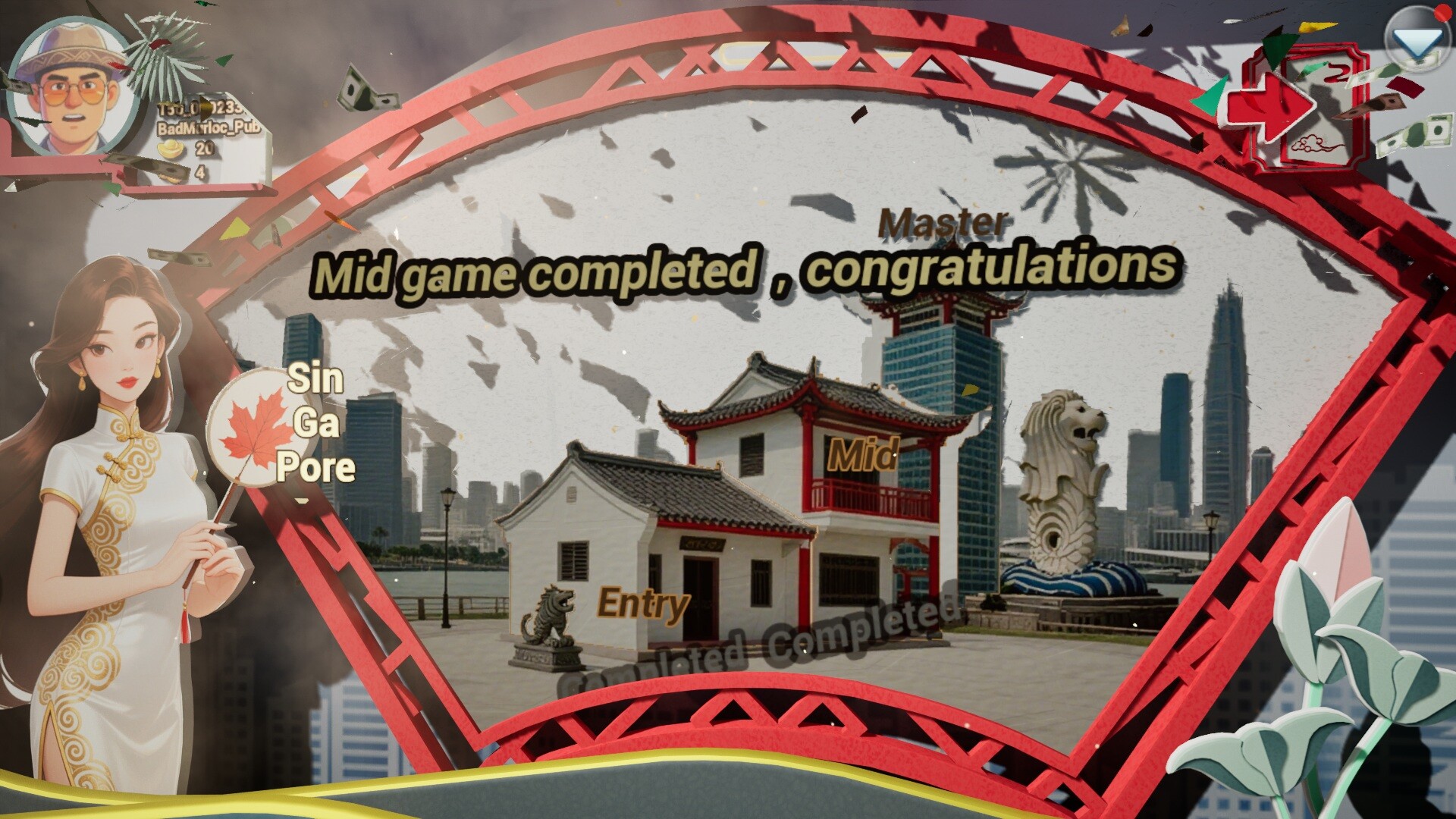
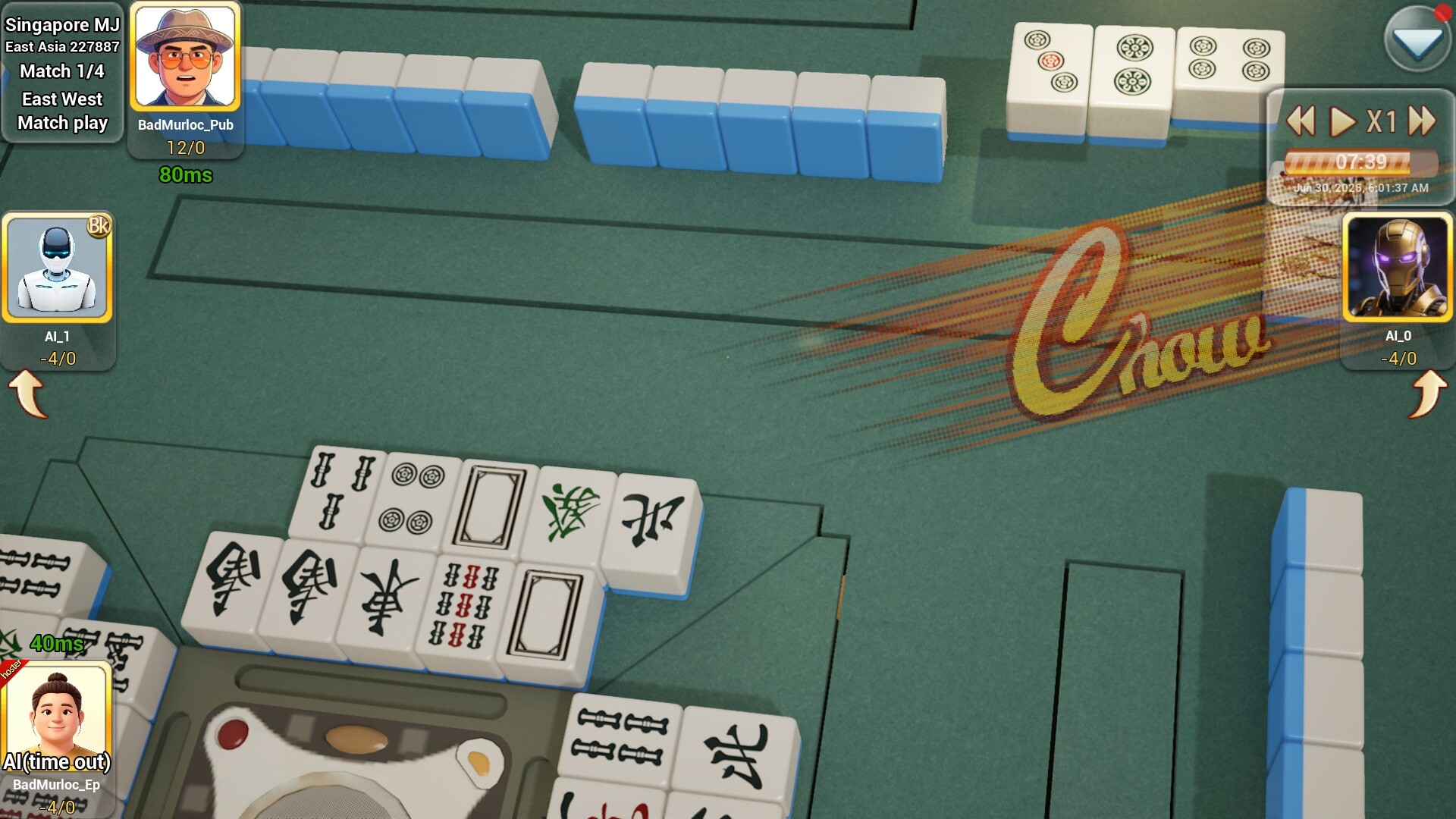
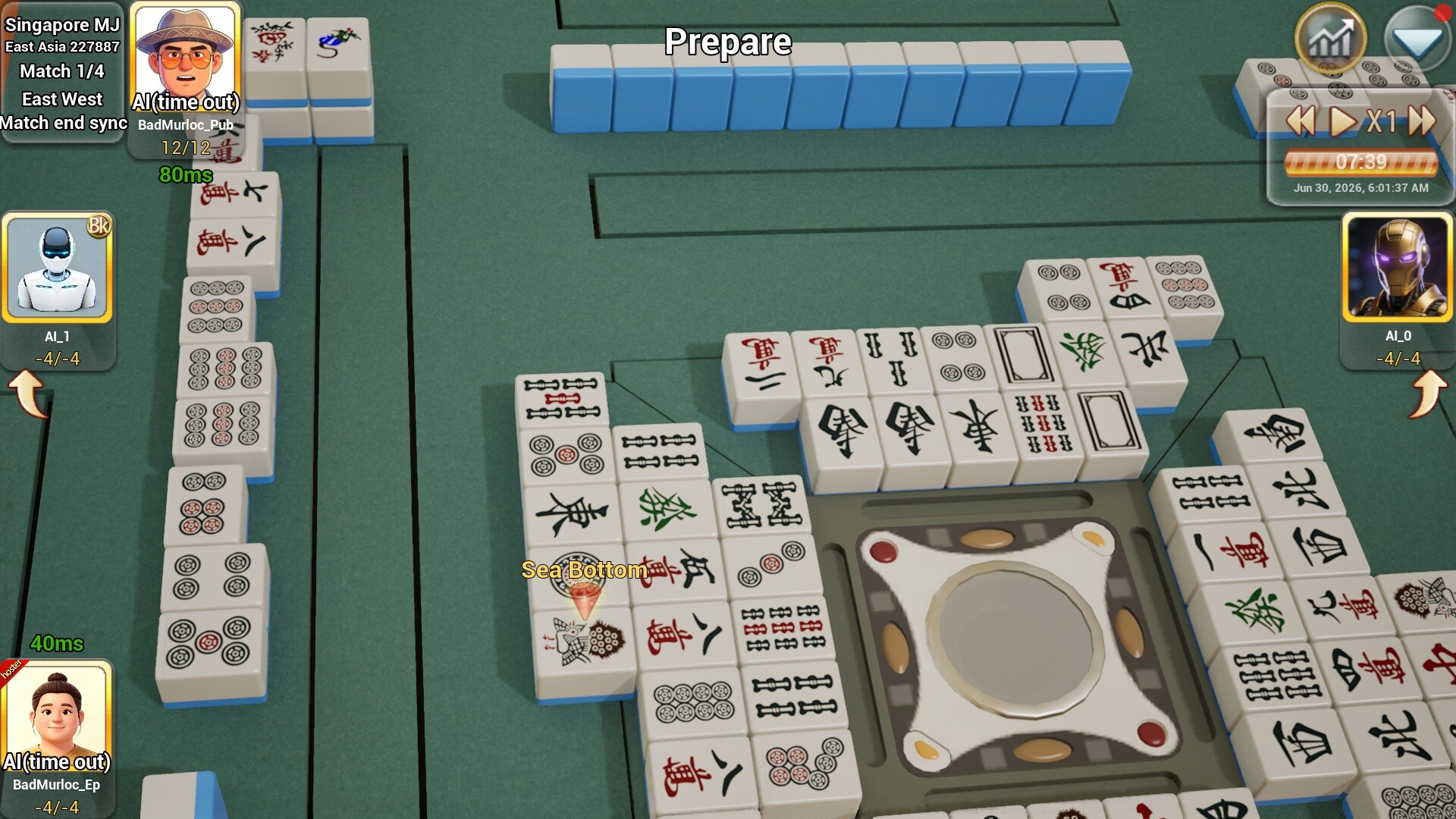
 A cross-platform mahjong game with an oriental realistic art style that supports numerous mahjong rule variants.
Switch to pure single-player mode when network not available.
Select different game variants to create a match.
、Full 3D visuals for an immersive experience.
Use your skills to claim victory.
Informations sur la démo et la sortie
Aucune démo n’est confirmée dans les données de vérification actuelles. Cela ne signifie pas que le jeu n’a jamais eu de démo ; consultez sa page Steam pour connaître sa disponibilité actuelle.
Démo Steam, playtest et accès anticipé : quelle est la différence ?
Informations et visuels : Steam · Dernière vérification UTC