
Holoplanet Architect
体験版あり


About the game
ホロプラネットの設計者になって腕を試そう! リラックスできるローファイな雰囲気の中、惑星ホログラムの3Dグリッドにテトリス風のピースを配置し、新たなバイオームをアンロックしてハイスコアを伸ばしましょう。
Steamの原文説明
Design your own planet and relax with a round of Holoplanet Architect!
Strategic piece placement
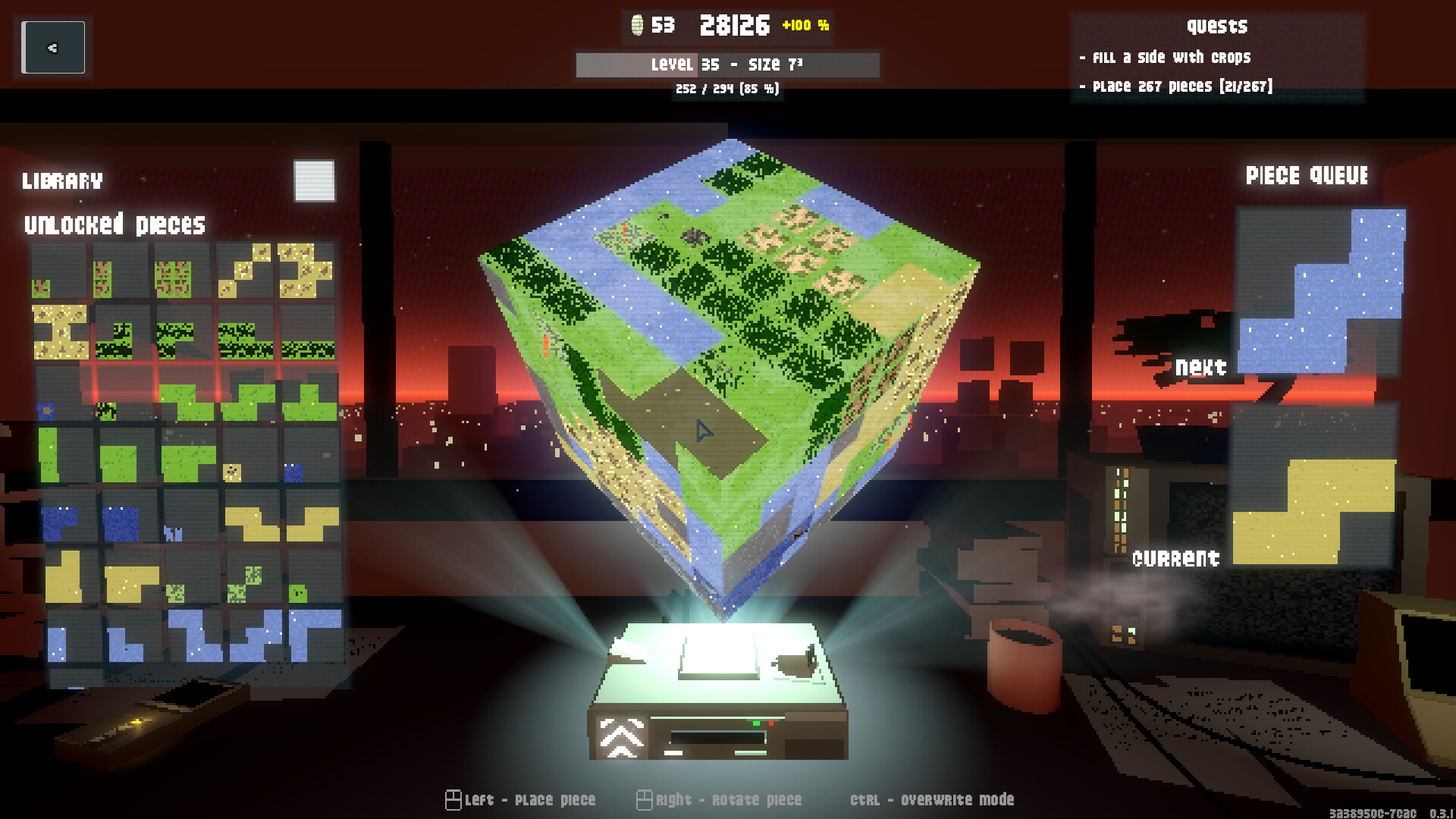
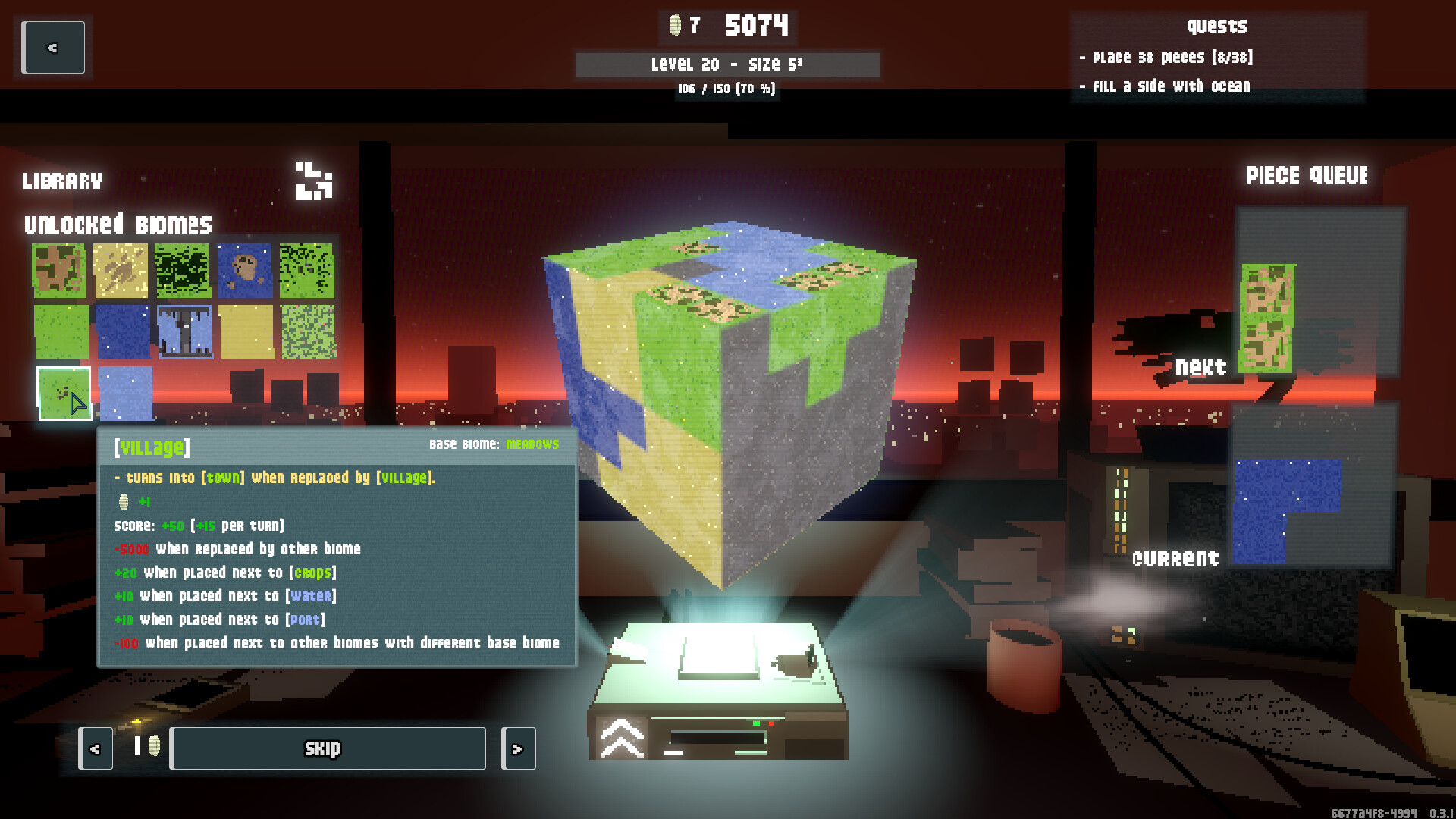
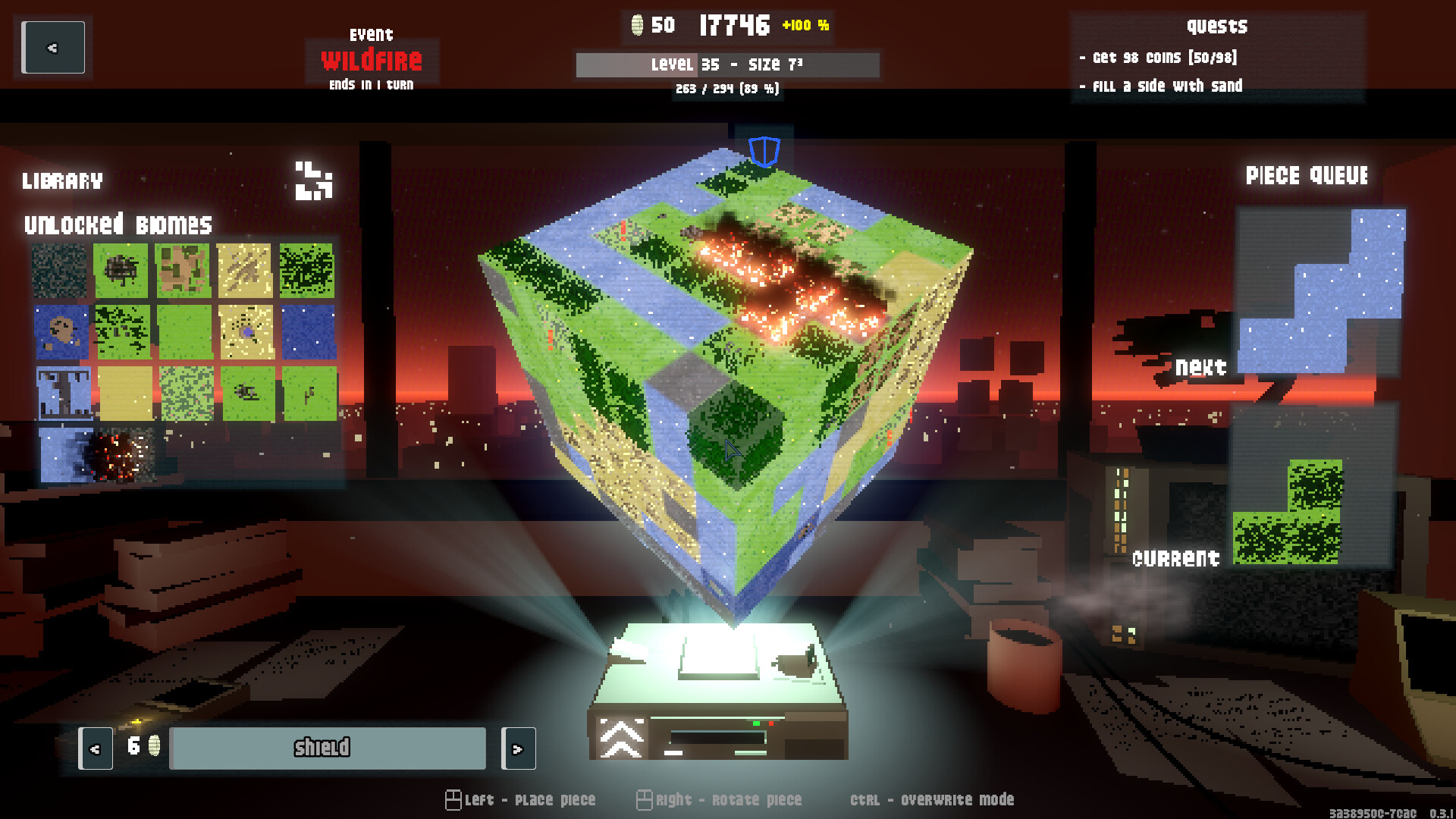
Place tetris-like pieces on the 3D grid of a planet hologram, each containing up to nine biomes. Your score for placing them depends on their position on the planet, what other biomes they are neighboring, and many other factors. But be careful: Placing pieces on top of already existing biomes will result in penalties that may end your run if the score dips below zero.
Unlock new Pieces
Every time you fill a side of the hologram, you level up. In doing so, you can unlock new pieces, increasing complexity and the possibility for higher scores as well as disaster!
Choose your upgrades
In some situations you will be able to collect precious coins. Use them to buy upgrades that will help you, e.g. by increasing the hologram size, letting you skip unwanted pieces or disabling them entirely.
Massive high scores await
Increase the rate at which you are gathering points by modifying the score multiplier. This can be done by chaining good placements to increase your combo streak or buying specific upgrades. It will enable you to achieve higher scores - or instantly destroy the planet since the multiplier also applies to penalties...
Endure events
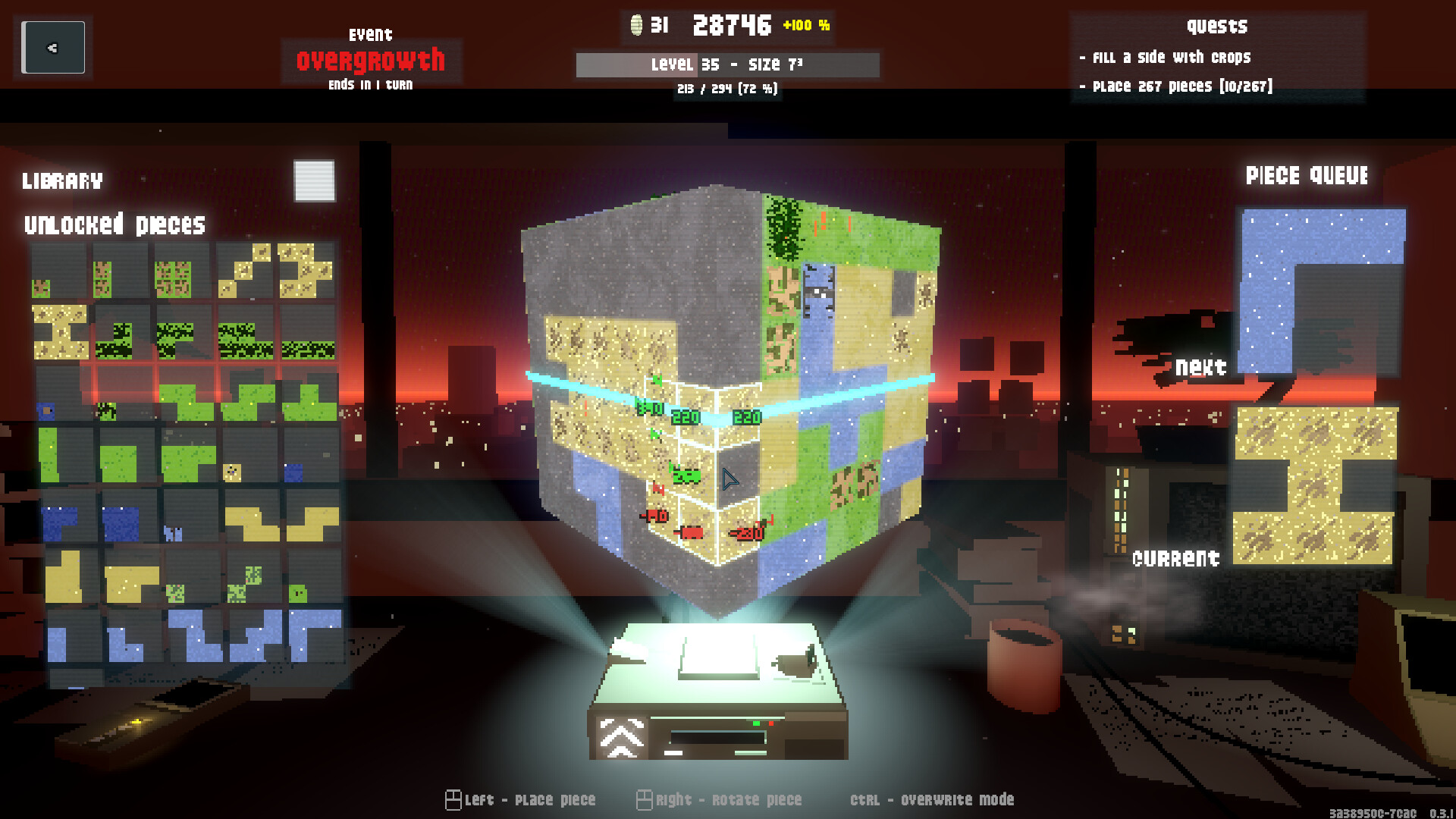
Making too many mistakes by overwriting biomes can cause bad events like a volcano eruption or a flood to happen. You must deal with them quickly in order to avoid more problems.
Unlock new backgrounds
Unlock new, hand-crafted background scenes to set the mood and customize your experience: Feel like you are studying for your exams in a futuristic city, traveling trough deep space on an interstellar vessel or working as an electronics technician on a drilling rig on ocean planet Kepler-62e.
体験版と発売について
前回の確認時にSteamの体験版が見つかりました。ダウンロードする前に、お住まいの地域で引き続き利用できるかSteamで確認してください。
情報・画像:Steam · 最終確認 UTC