
Observe.
Disponible
About the game
Éliminez les anomalies à travers plusieurs niveaux. Découvrez pourquoi vous êtes ici et comment en sortir.
Description d’origine sur Steam
===================== The Story =====================
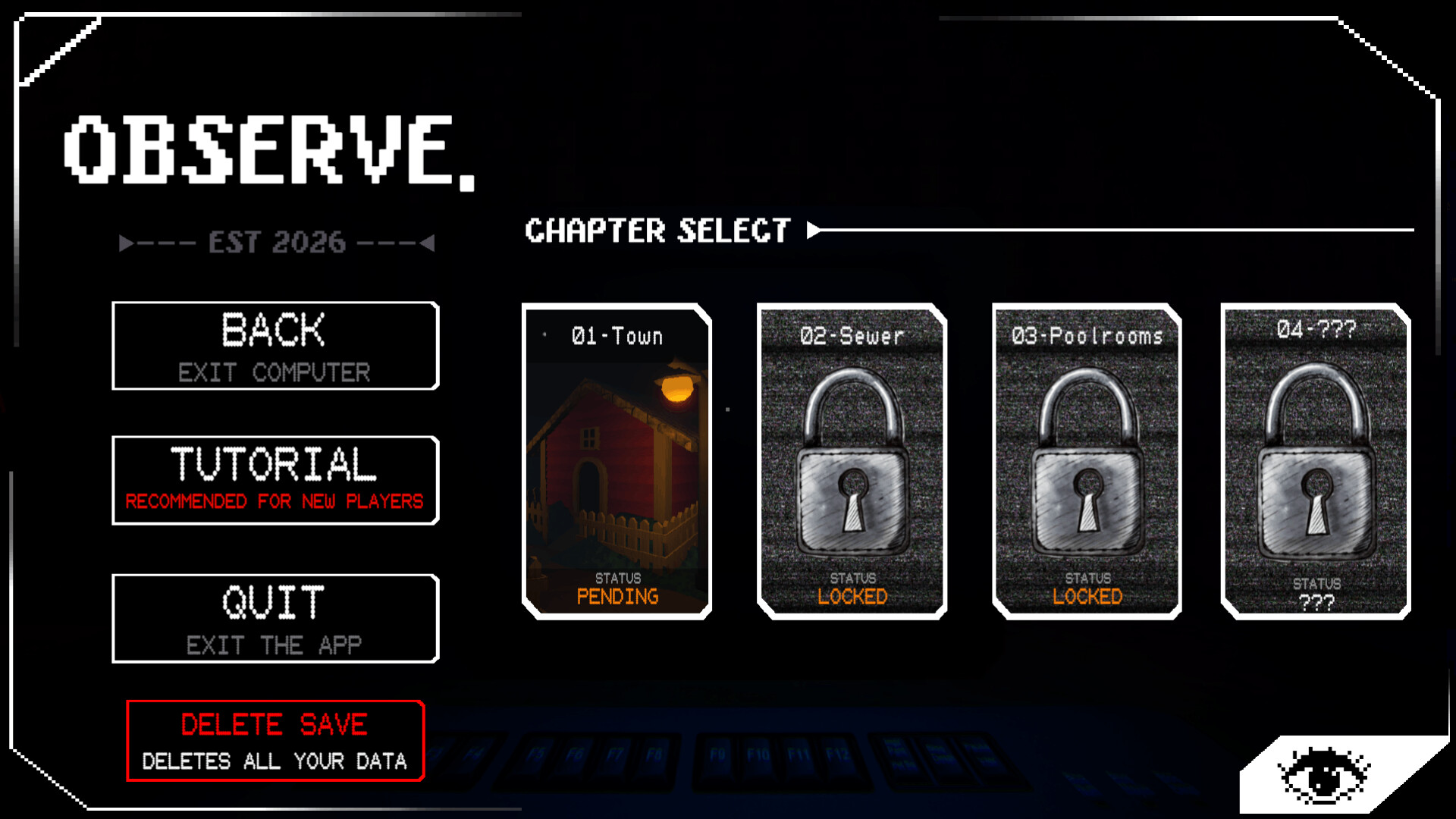
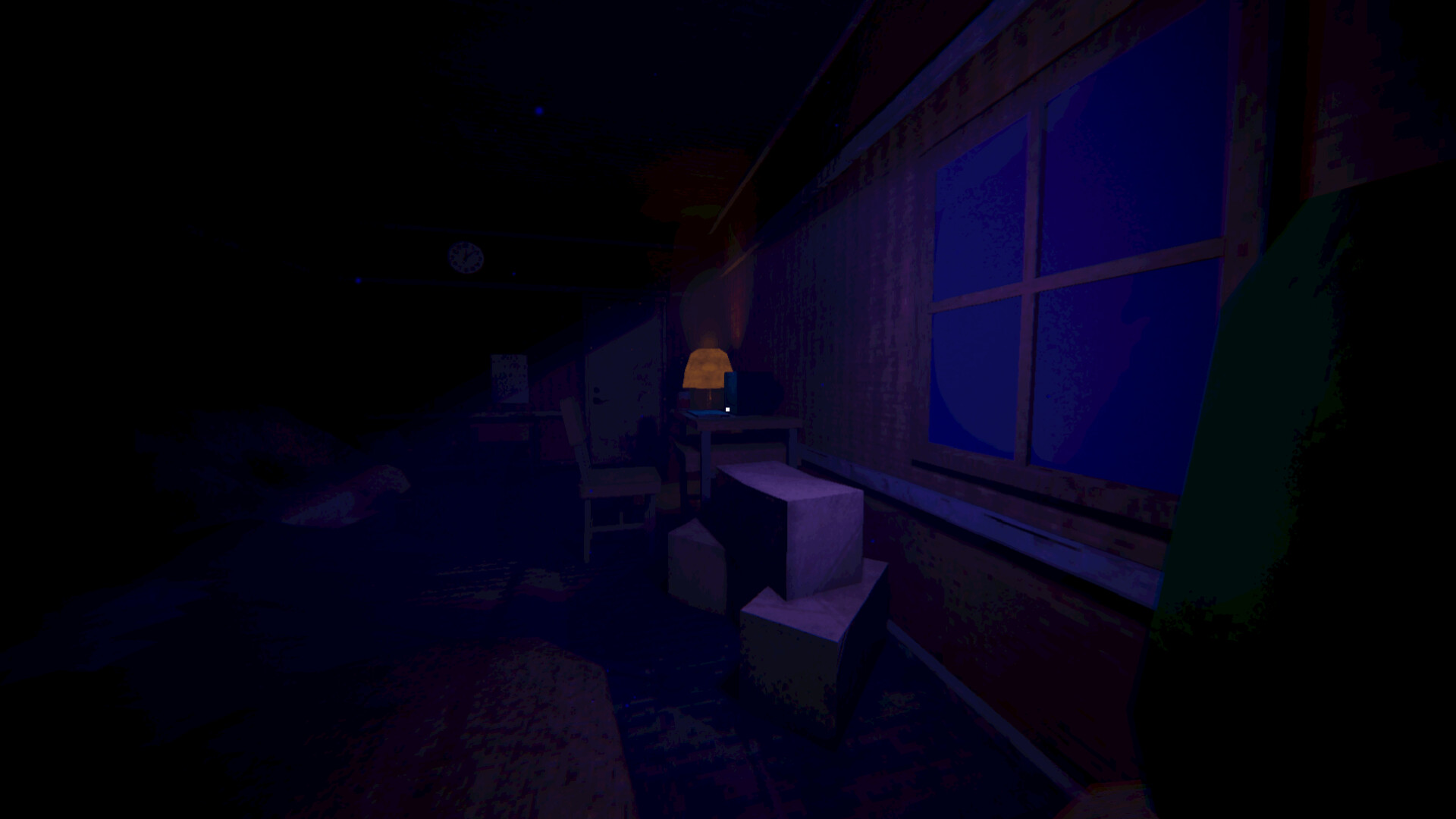
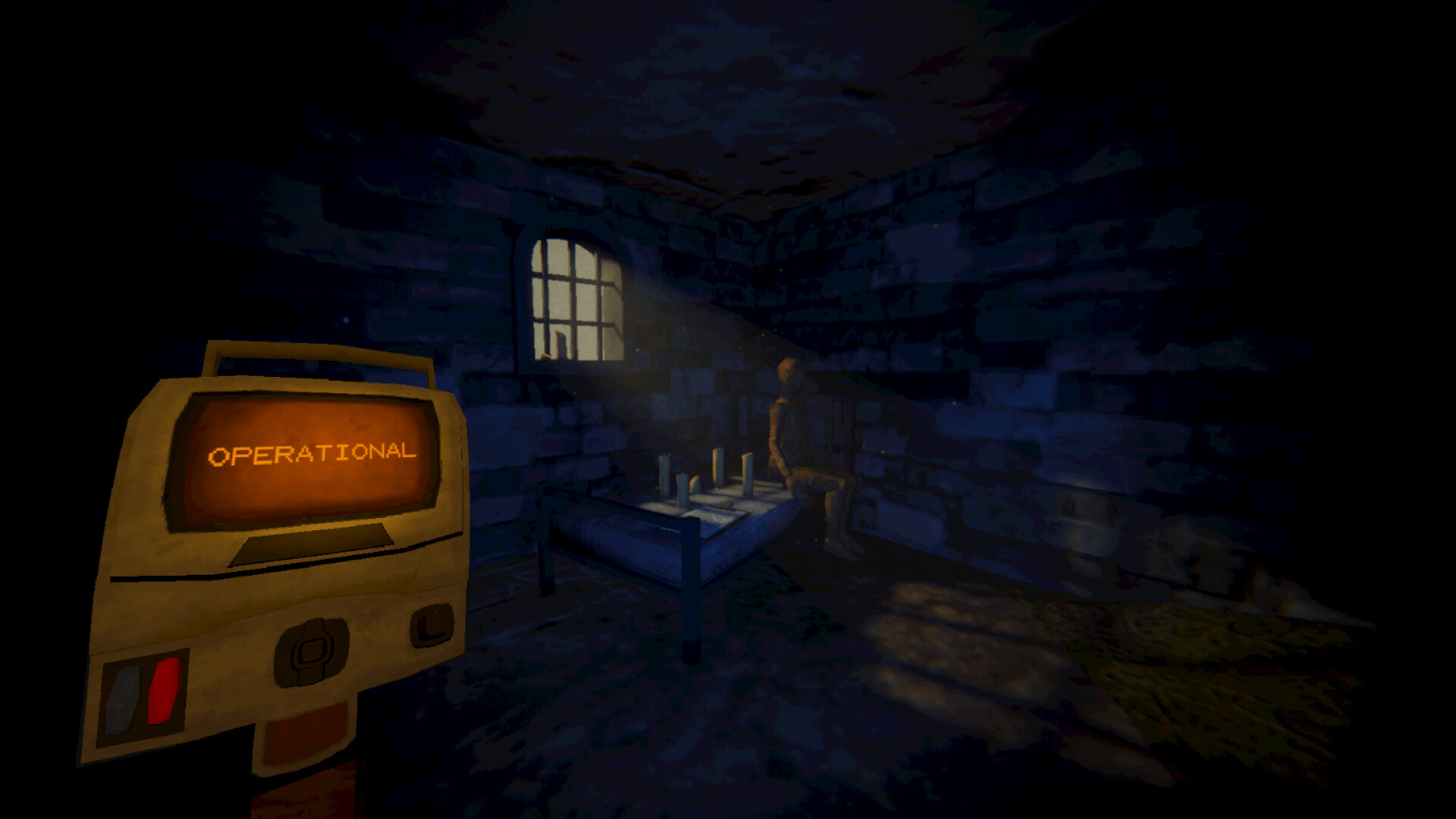
You are playing as Mason, trapped in a room with nothing but a computer.
Unable to leave the room, he sits down in the chair and boots up the first level.
===================== Character Controls =====================
W,A,S,D - Move
E - Basic Interactions
ESC - Opens the pause menu (When in a level)
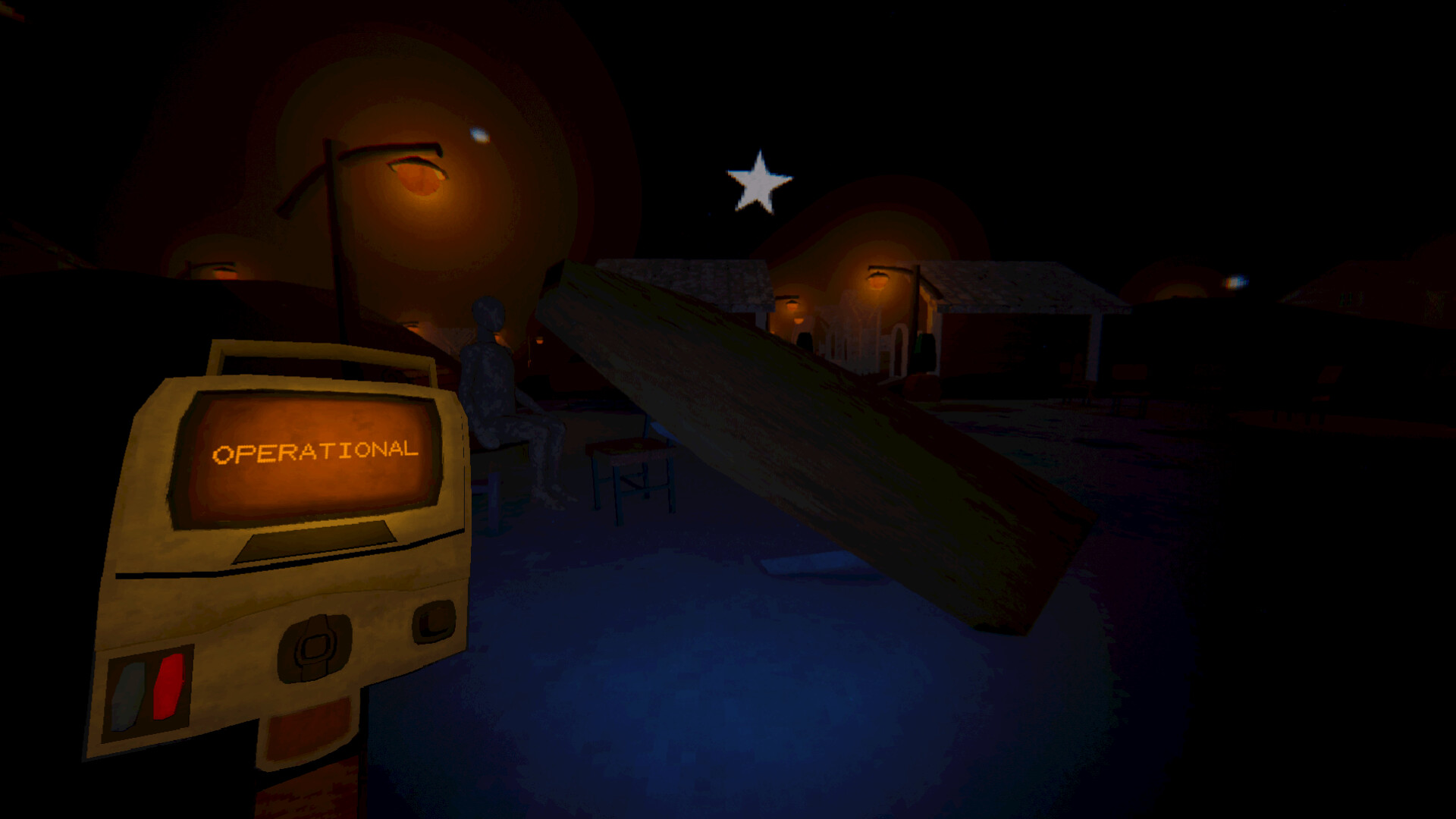
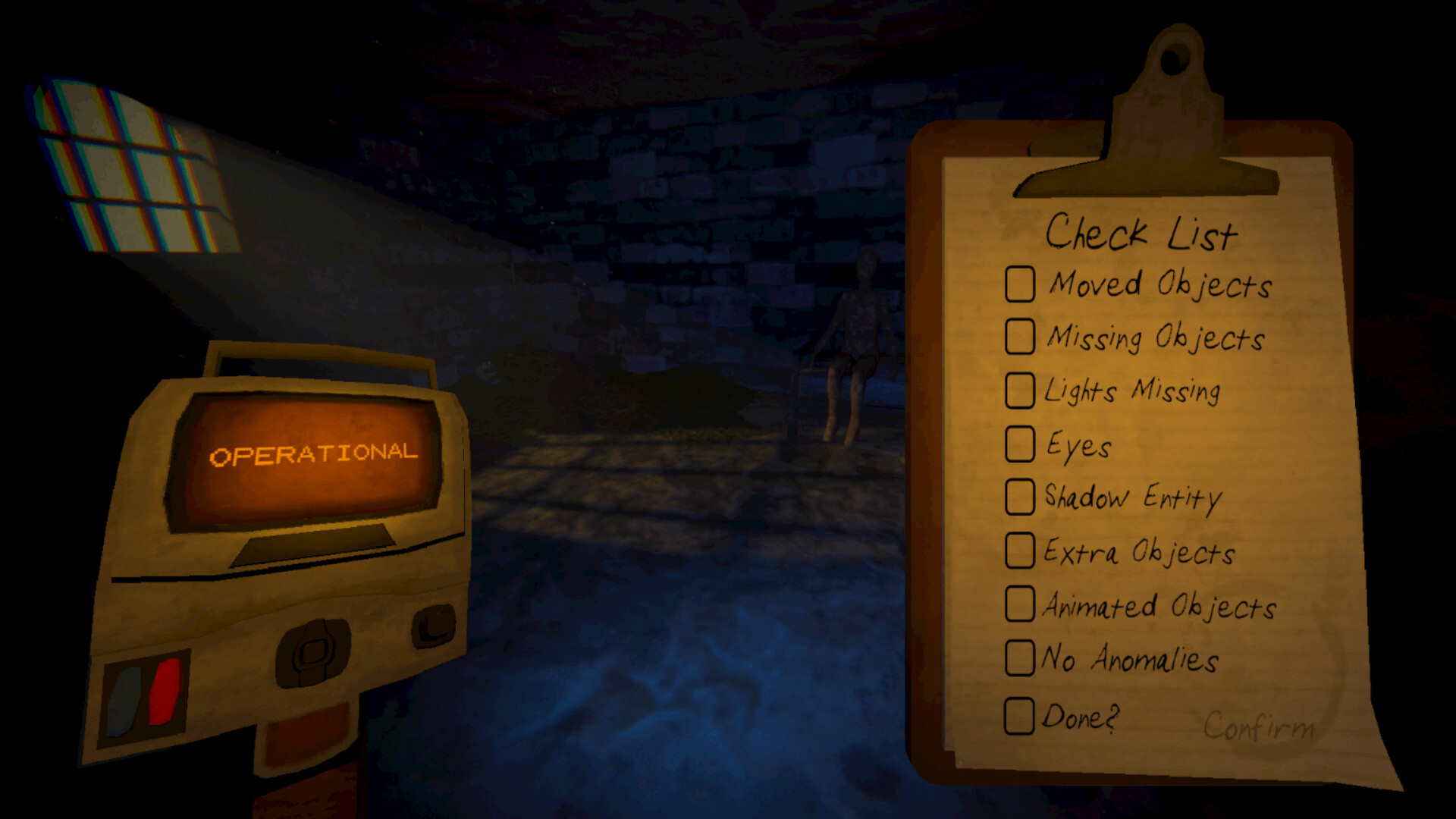
Left Click - Scanner
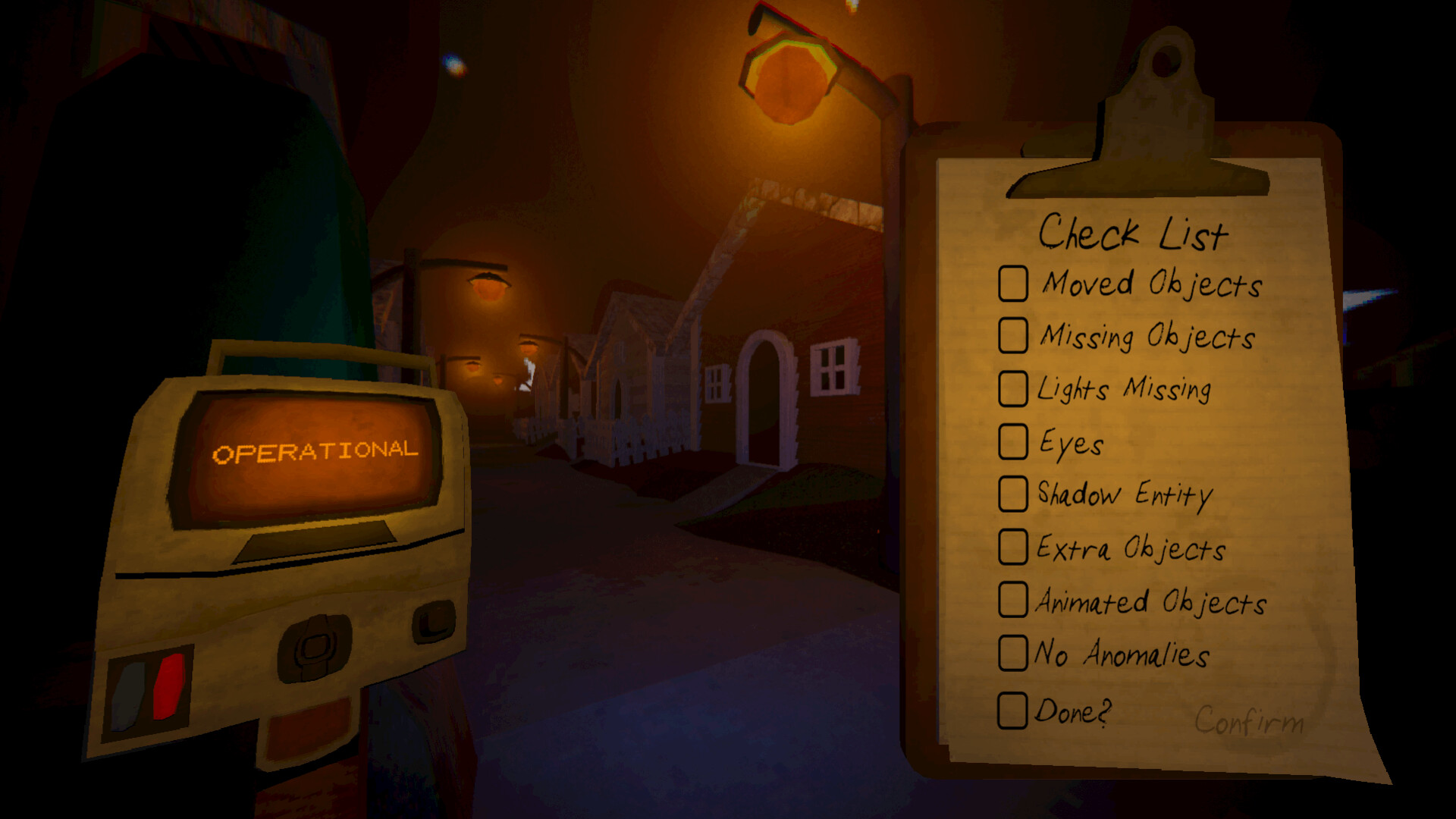
Right Click - Clipboard
===================== The Gameplay Loop =====================
At the start of every level, there are no anomalies and no harmful entities. Take the time to get used to the surrounding environment. Once you feel comfortable, open your clipboard and mark "No Anomalies" then click Confirm. Once you clear 10 levels in the current area, you win! The next level is now unlocked.
There are also false anomalies, which you need to use your scanner to send away.
Don't let the false anomalies remain active for too long.
Normal anomalies can appear in groups larger than 1, keep an eye out.
===================== Playtime =====================
The playtime depends on the player, submitting a wrong answer resets your progress for the run. Once you complete the level your game will save that data and will unlock the next map.
From the few beta testers we had, it took them 45 minutes - 1 hour to beat a level.
===================== Bugs/Issues/Support =====================
This game was made by 1 person. This game might have a few issues or random bugs that beta testers and I myself might have not caught during testing. If these issues appear. Feel free to join our discord server under the "support" area and report these bugs with videos/screenshots if eligible. These issues will be fixed as soon as possible.
This game will get updated frequently. This could include small fixes or new anomalies.
Informations sur la démo et la sortie
Aucune démo n’est confirmée dans les données de vérification actuelles. Cela ne signifie pas que le jeu n’a jamais eu de démo ; consultez sa page Steam pour connaître sa disponibilité actuelle.
Démo Steam, playtest et accès anticipé : quelle est la différence ?
Informations et visuels : Steam · Dernière vérification UTC