
CRYSTASH!
Pubblicato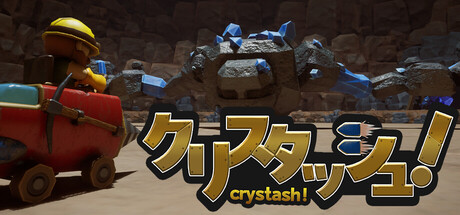
About the game
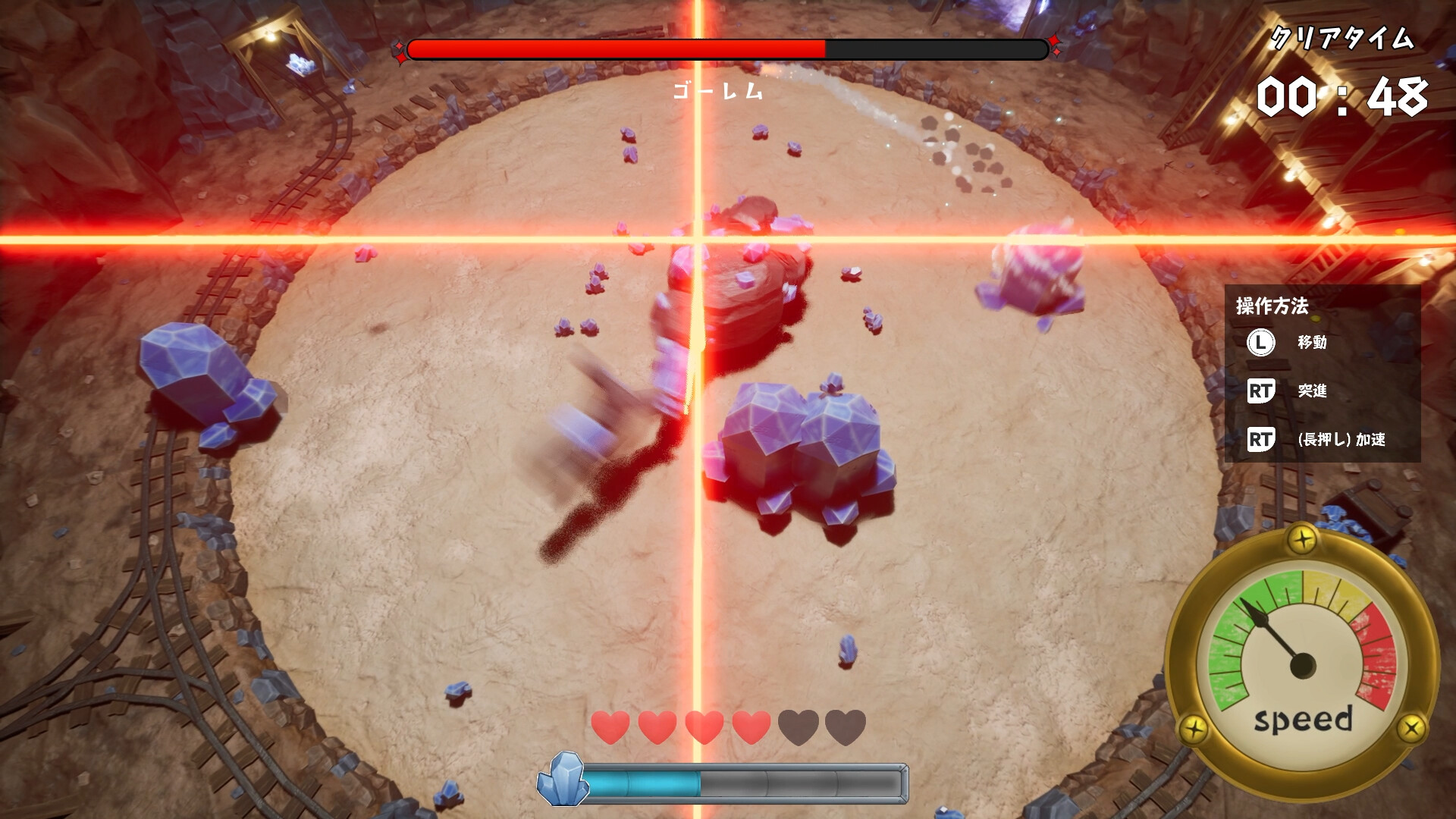
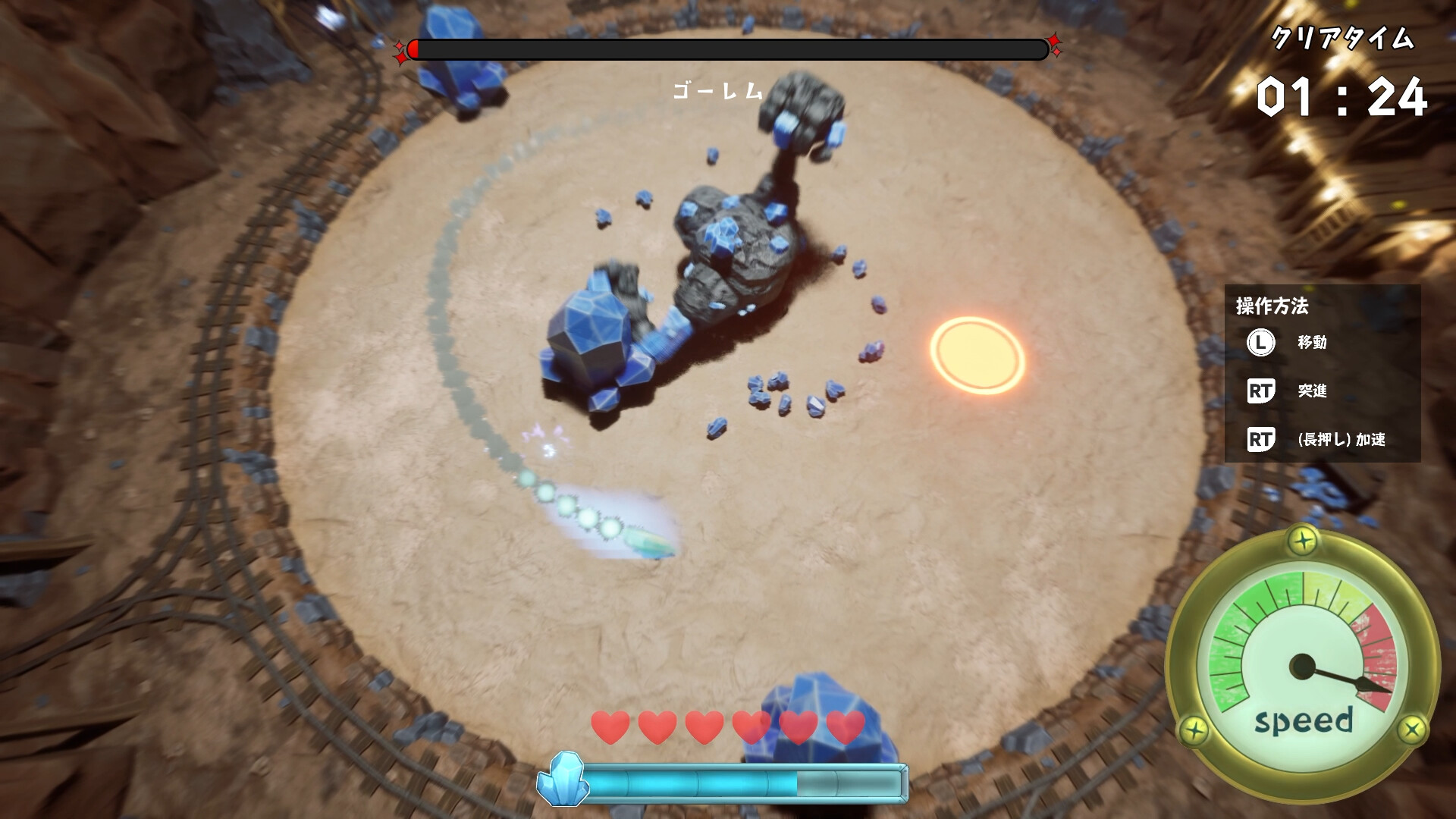
Diventa un minatore a caccia di cristalli e sfida il potente Golem di Cristallo! Scatta e accelera per schivare gli attacchi del Golem, poi perforalo a tutta velocità con il tuo veicolo minerario modificato, alimentato dai cristalli estratti dal Golem.
Descrizione originale su Steam
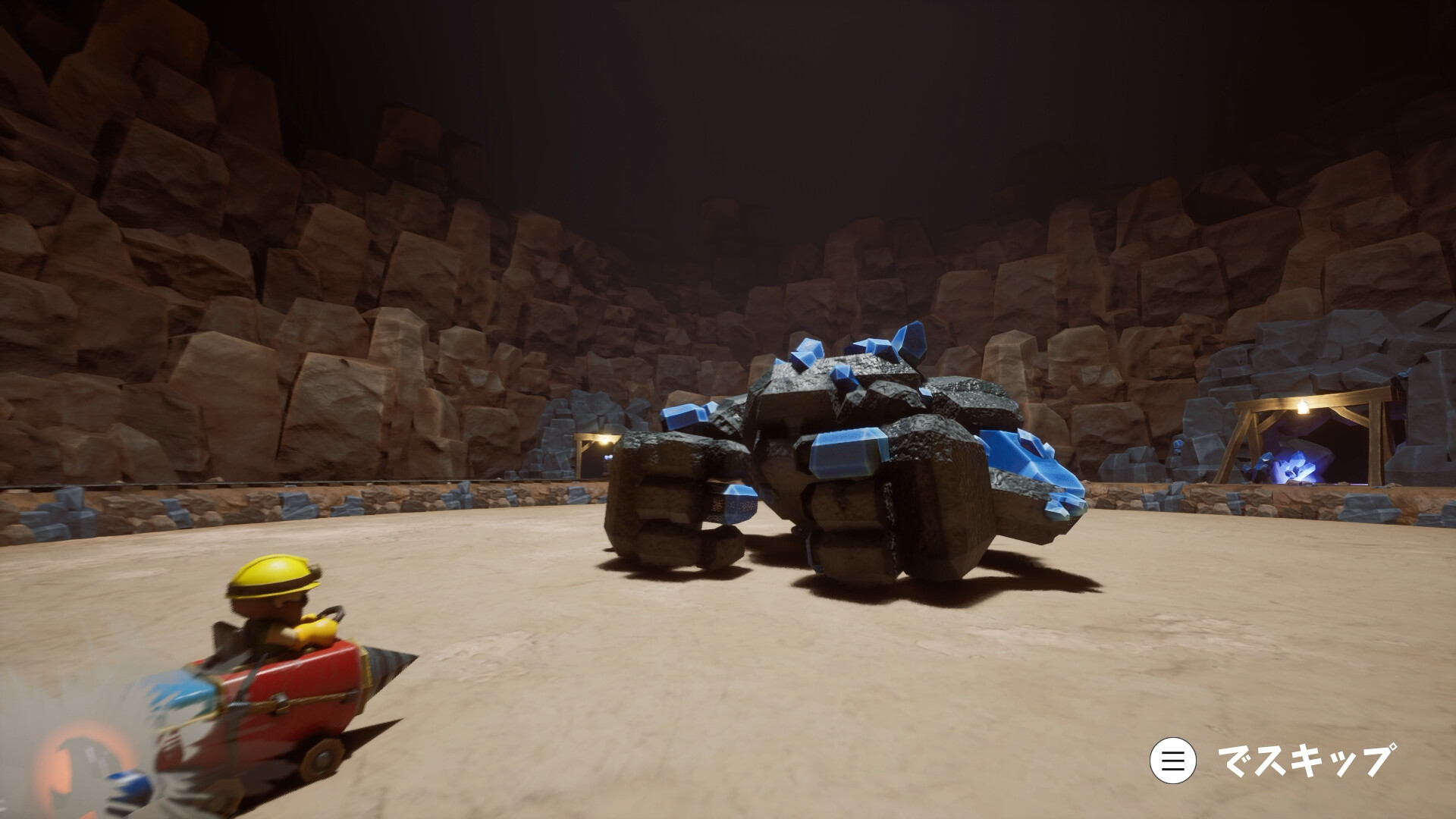
It’s another day on the job down in the mines... until a massive Crystal Golem suddenly appears! Drive your trusty modified mining vehicle and drill right into the creature to collect crystals and recharge your ride. Break down and mine the Golem for all its worth, while aiming for a coveted S Rank!
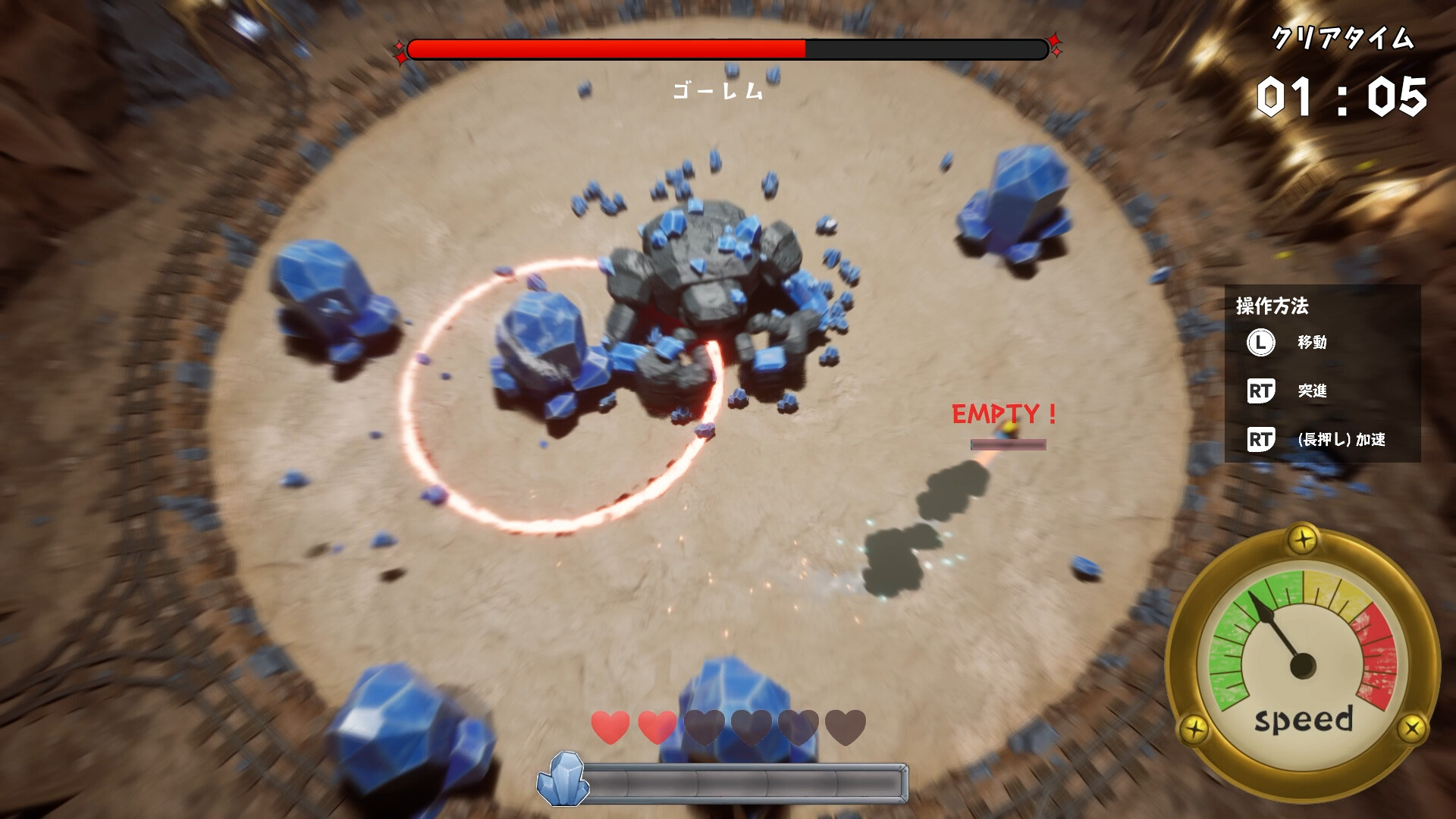
Controls are simple: just the Left Stick and Right Trigger.
Use the Left Stick to move. Press the Right Trigger to perform a Dash or hold it down to Accelerate.
● Dash
Dash consumes a large amount of Crystal Energy, giving you a sudden burst of speed.
Repeatedly using Dash lets you move quickly in short bursts, but it rapidly drains your Crystal Energy, so use it wisely!
● Accelerate
Accelerate continuously consumes a relatively small amount of Crystal Energy, allowing you to gradually increase your speed.
While it doesn’t provide the explosive acceleration of Dash, it lets you build up speed more steadily.
● Bounce
Once you reach a certain speed, you begin glowing blue.
While in this state, run your drill into the Golem to bounce off it and chain attacks!
If you hit the Golem before glowing blue, you’ll be knocked back and lose your speed.
The trick is to build up speed and stay glowing blue!
------------------------------
[NOTICE]
This game was created as part of Byking Inc.'s new employee training program.
Depending on your PC setup, the game may not function properly or unexpected issues may occur.
A keyboard & mouse or controller is required to play.
------------------------------
Informazioni sulla demo e sull’uscita
I dati del controllo attuale non confermano alcuna demo. Ciò non significa che il gioco non ne abbia mai avuta una; consulta la sua pagina Steam per verificarne la disponibilità attuale.
Demo di Steam, playtest e accesso anticipato: qual è la differenza?
Informazioni e immagini: Steam · Ultima verifica UTC