
CRYSTASH!
Disponible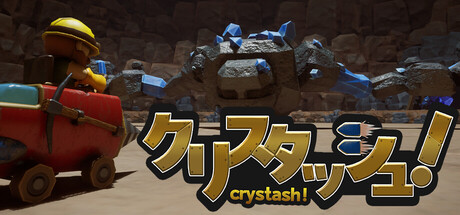
About the game
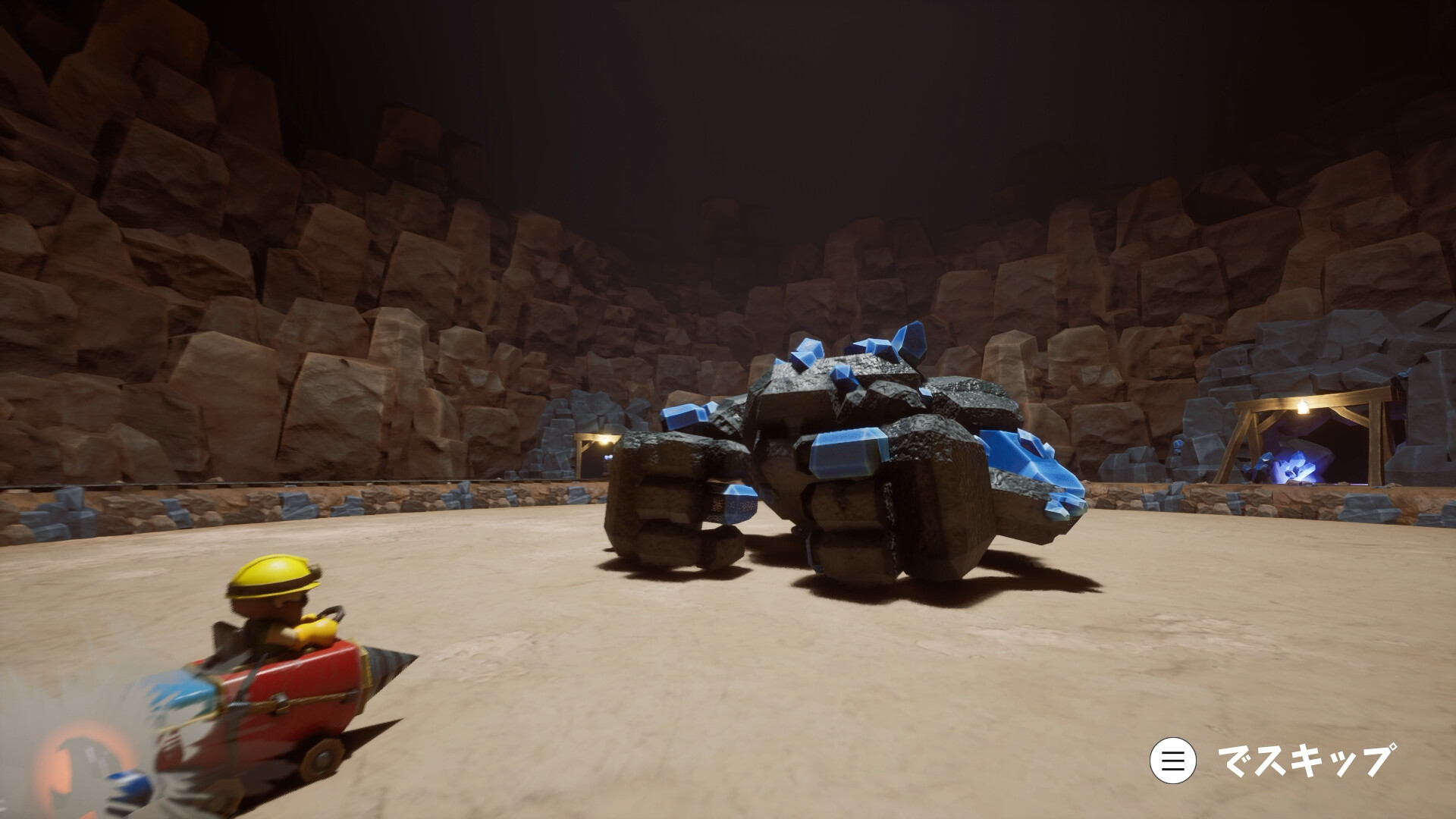
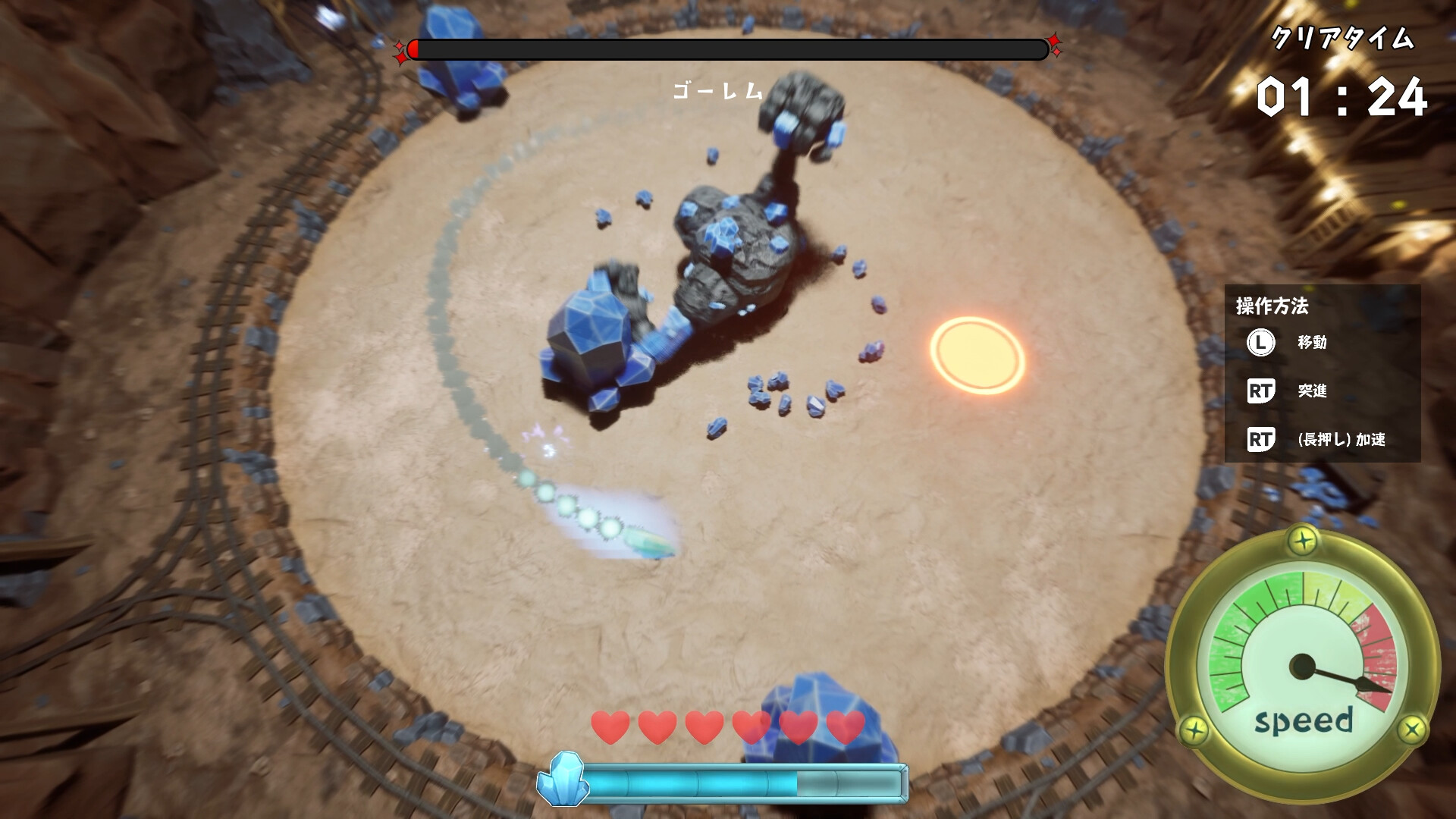
Incarnez un mineur en quête de cristaux et défiez le puissant Golem de cristal ! Foncez et accélérez pour esquiver les attaques du Golem, puis forez-le à pleine vitesse avec votre véhicule minier modifié, alimenté par les cristaux extraits du Golem.
Description d’origine sur Steam
It’s another day on the job down in the mines... until a massive Crystal Golem suddenly appears! Drive your trusty modified mining vehicle and drill right into the creature to collect crystals and recharge your ride. Break down and mine the Golem for all its worth, while aiming for a coveted S Rank!
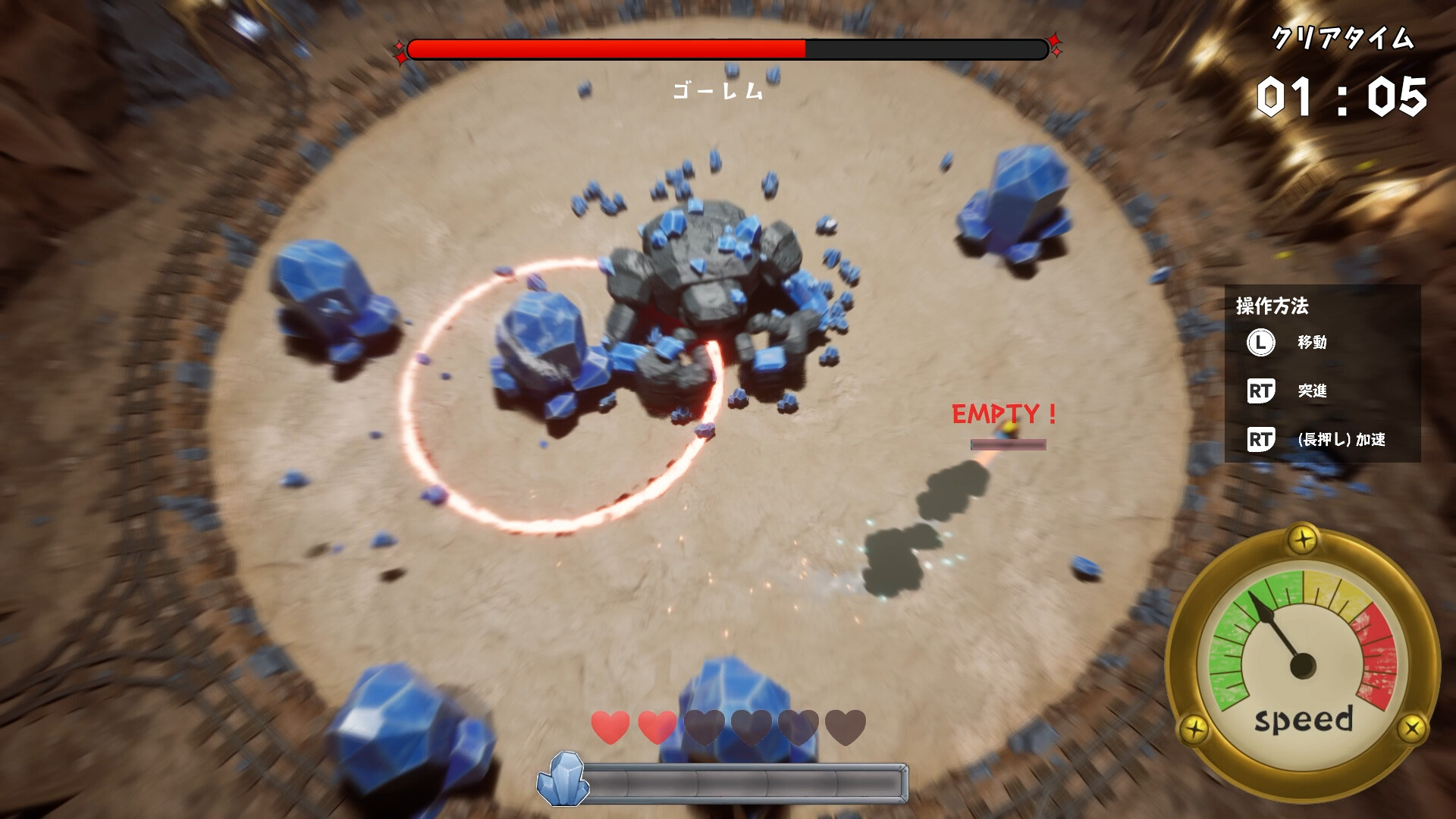
Controls are simple: just the Left Stick and Right Trigger.
Use the Left Stick to move. Press the Right Trigger to perform a Dash or hold it down to Accelerate.
● Dash
Dash consumes a large amount of Crystal Energy, giving you a sudden burst of speed.
Repeatedly using Dash lets you move quickly in short bursts, but it rapidly drains your Crystal Energy, so use it wisely!
● Accelerate
Accelerate continuously consumes a relatively small amount of Crystal Energy, allowing you to gradually increase your speed.
While it doesn’t provide the explosive acceleration of Dash, it lets you build up speed more steadily.
● Bounce
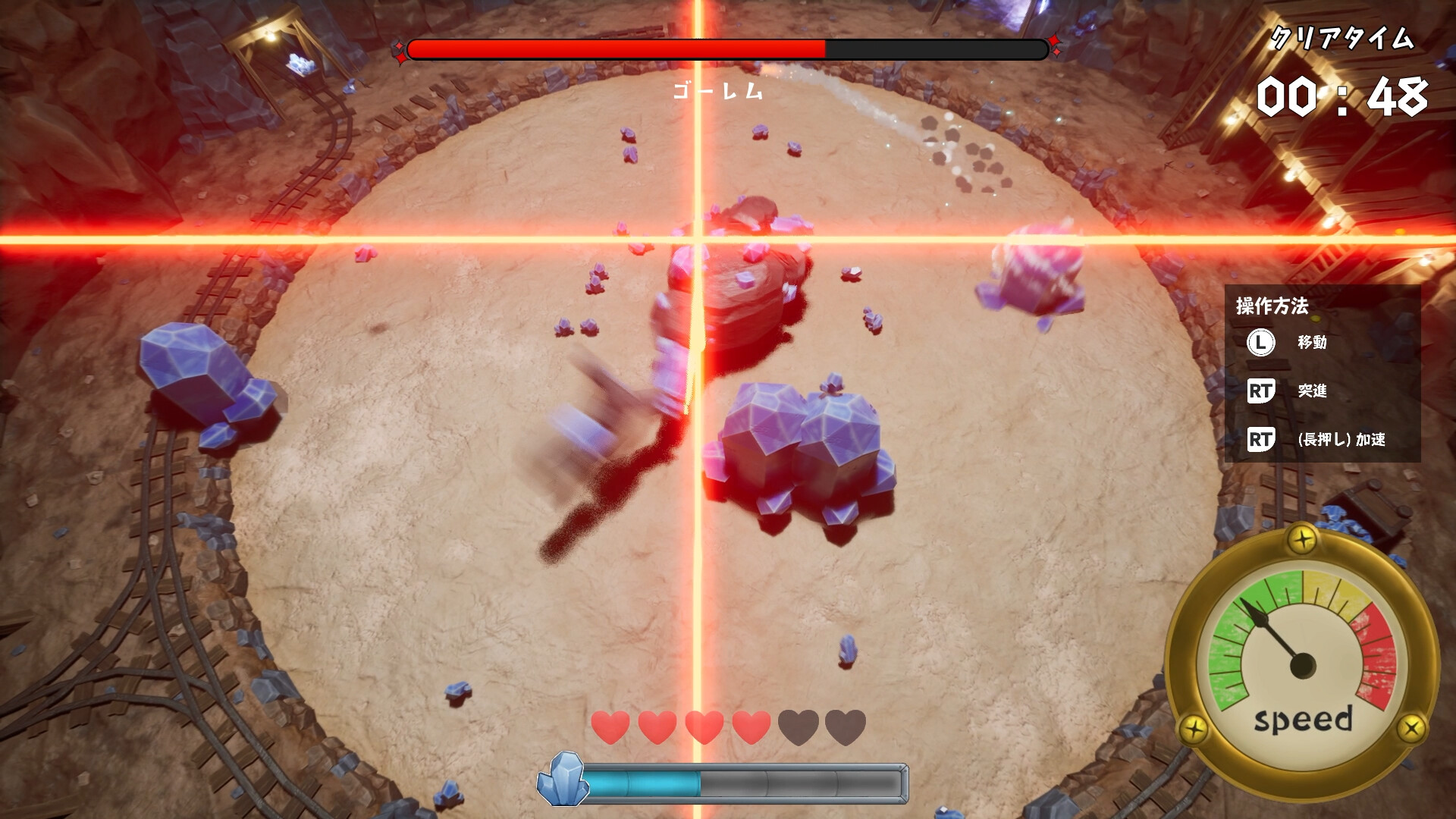
Once you reach a certain speed, you begin glowing blue.
While in this state, run your drill into the Golem to bounce off it and chain attacks!
If you hit the Golem before glowing blue, you’ll be knocked back and lose your speed.
The trick is to build up speed and stay glowing blue!
------------------------------
[NOTICE]
This game was created as part of Byking Inc.'s new employee training program.
Depending on your PC setup, the game may not function properly or unexpected issues may occur.
A keyboard & mouse or controller is required to play.
------------------------------
Informations sur la démo et la sortie
Aucune démo n’est confirmée dans les données de vérification actuelles. Cela ne signifie pas que le jeu n’a jamais eu de démo ; consultez sa page Steam pour connaître sa disponibilité actuelle.
Démo Steam, playtest et accès anticipé : quelle est la différence ?
Informations et visuels : Steam · Dernière vérification UTC