
Mopet Studio
已发行
About the game
创建一只名叫Mopet的专属桌面宠物,并与朋友分享或发布到Steam创意工坊。你可以用各种方式与Mopet互动,还可以右键点击它来使用特殊功能。
Steam 原始说明
Mognew’s Desktop Pet Studio lets you create your own Mopet!

Meet Mopet, a new desktop pet.
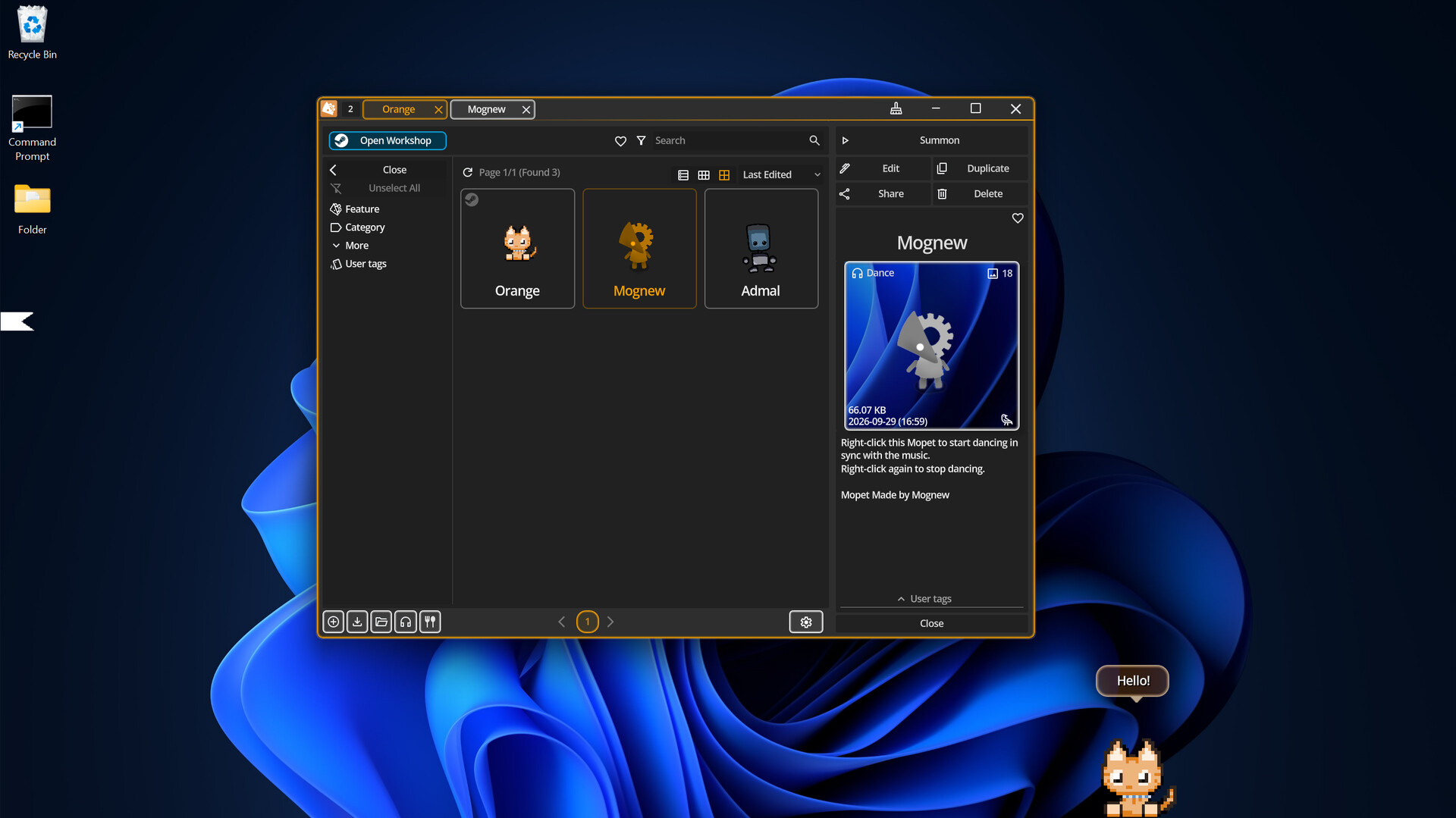
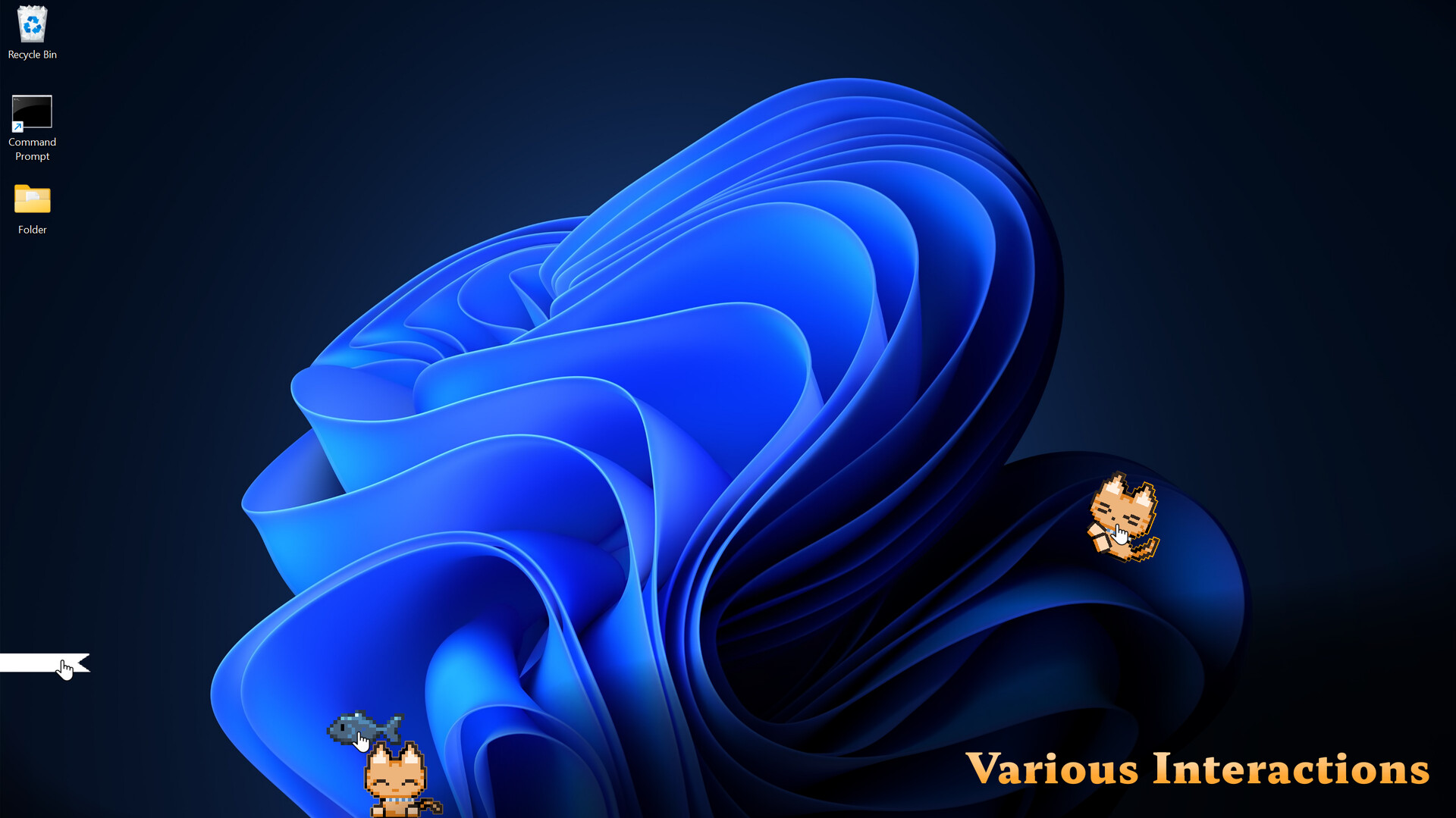
Mopet Studio lets you bring Mopets to your Windows desktop. You can interact with them in various ways, such as grabbing and petting them, and much more.
To hide a Mopet for a while, simply grab it and drag it to either edge of the screen. It will turn into a small ribbon. Unroll the ribbon to bring your Mopet back. Find a Mopet you like on the Steam Workshop, or create your own Mopet.

You can assign an action to perform when Mopet is right-clicked.
Talk: You can create up to 50 conversations for Mopet, each with its own responses and replies. You can also create portraits and assign them to conversations.
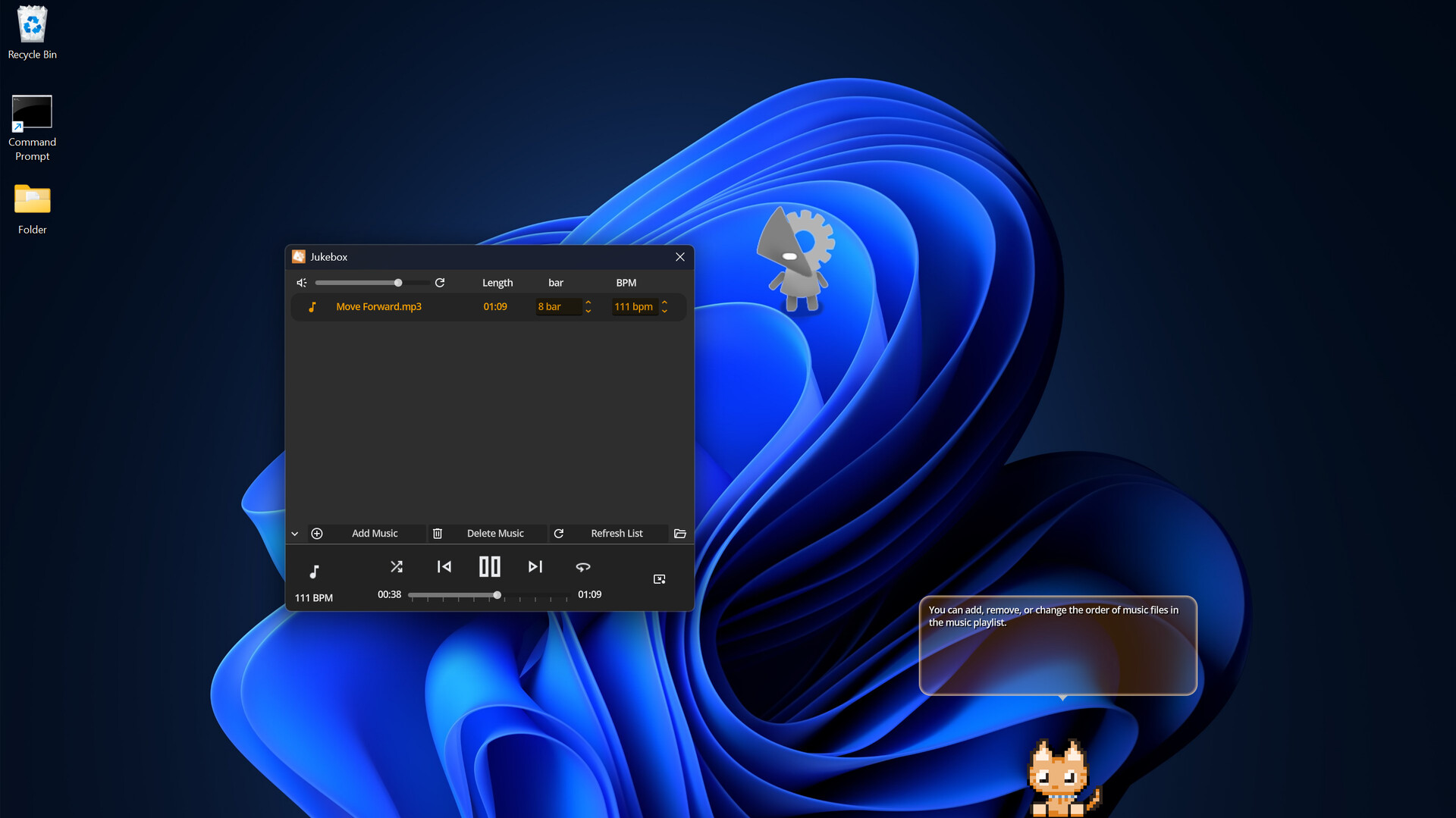
Dance: Mopet dances to the BPM of the music while it plays. Right-click again to stop.
Keyboard Detection: Starts detecting keyboard input. Mopet reacts whenever a key is pressed. Right-click again to stop detection.
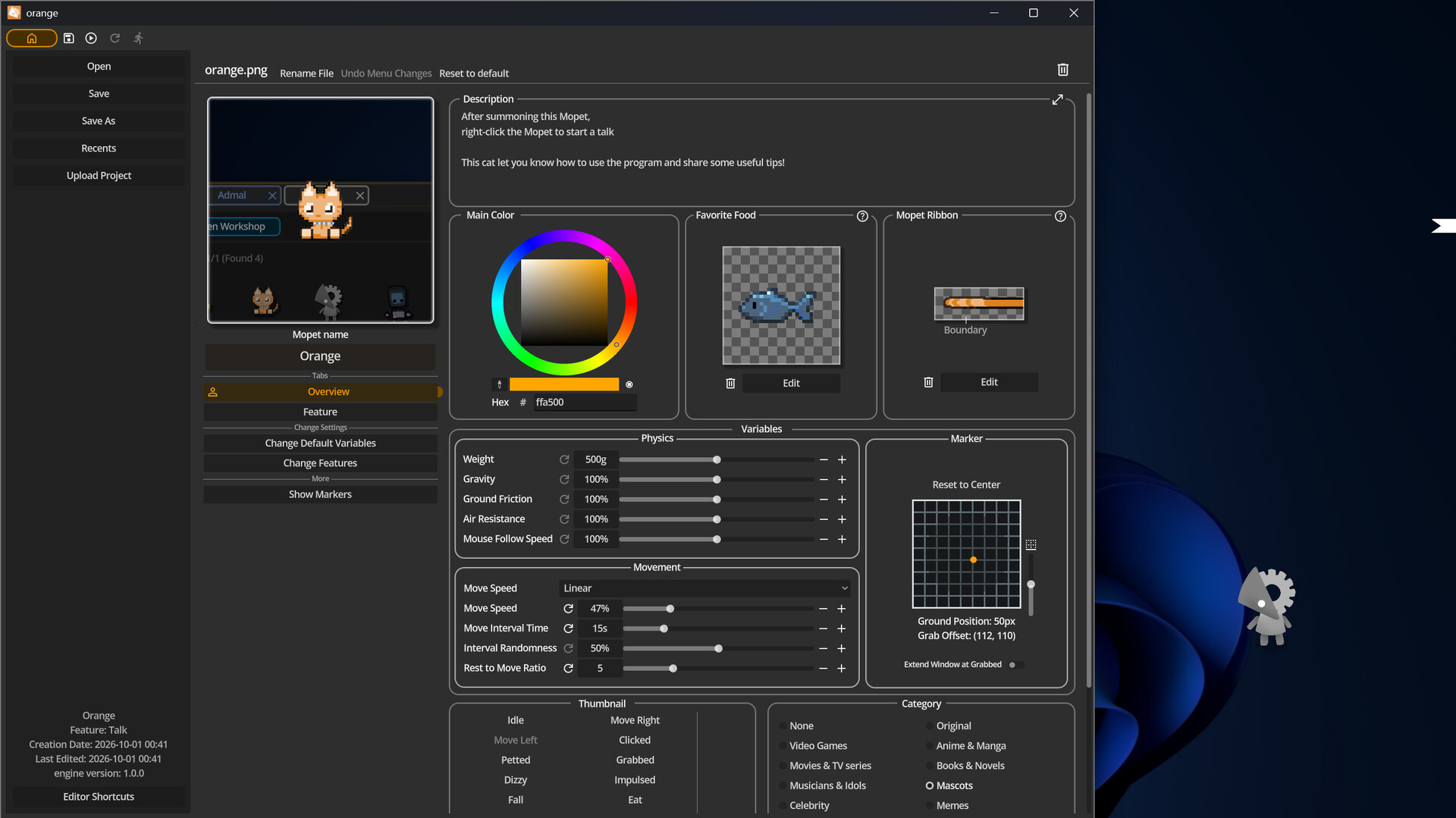
In Mopet Studio, the default Mopet has the Talk feature and provides useful tips about the program.

Mopet Studio was designed to use minimal system resources. Its low CPU and memory usage helps it stay out of the way while you work.

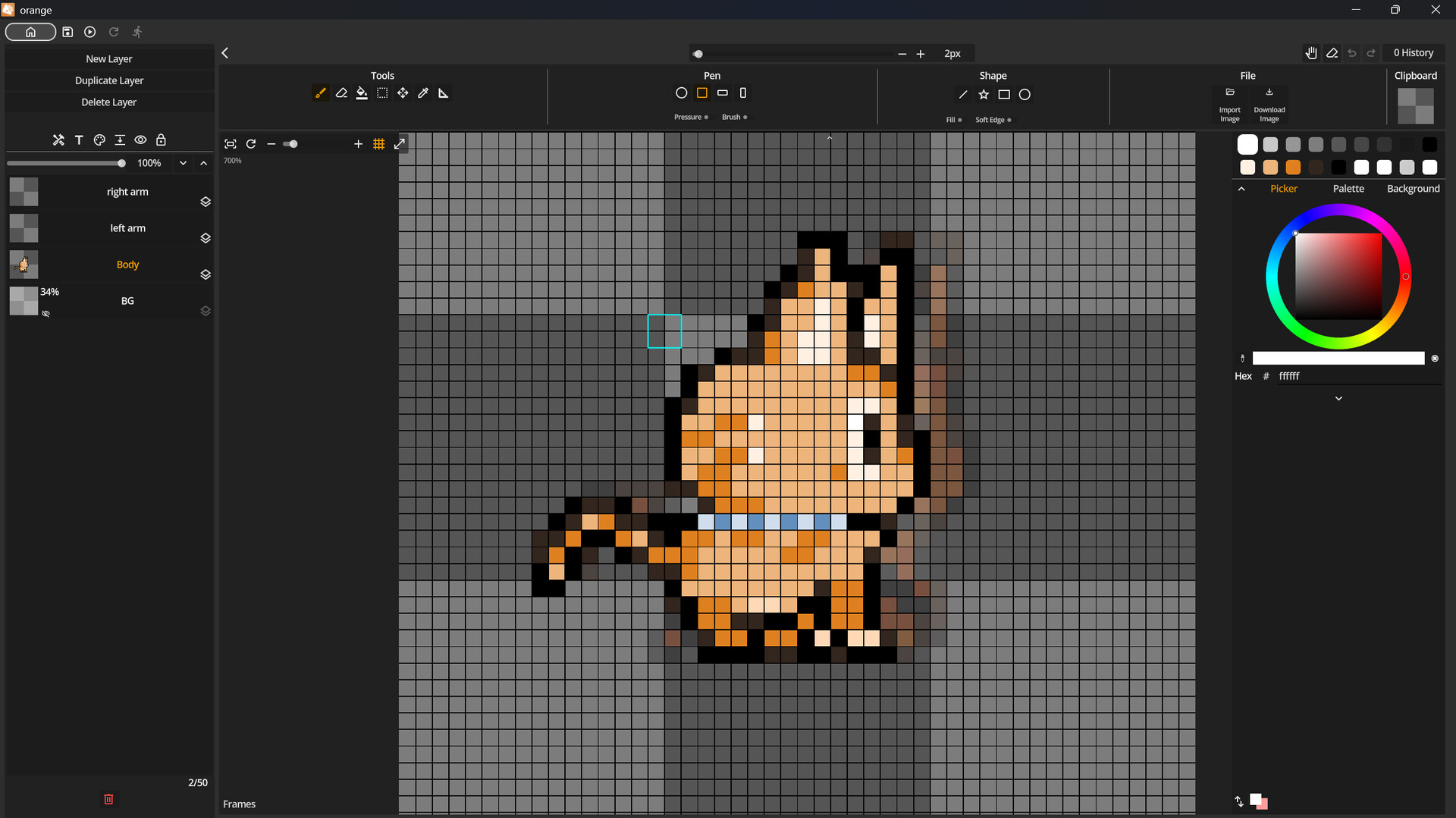
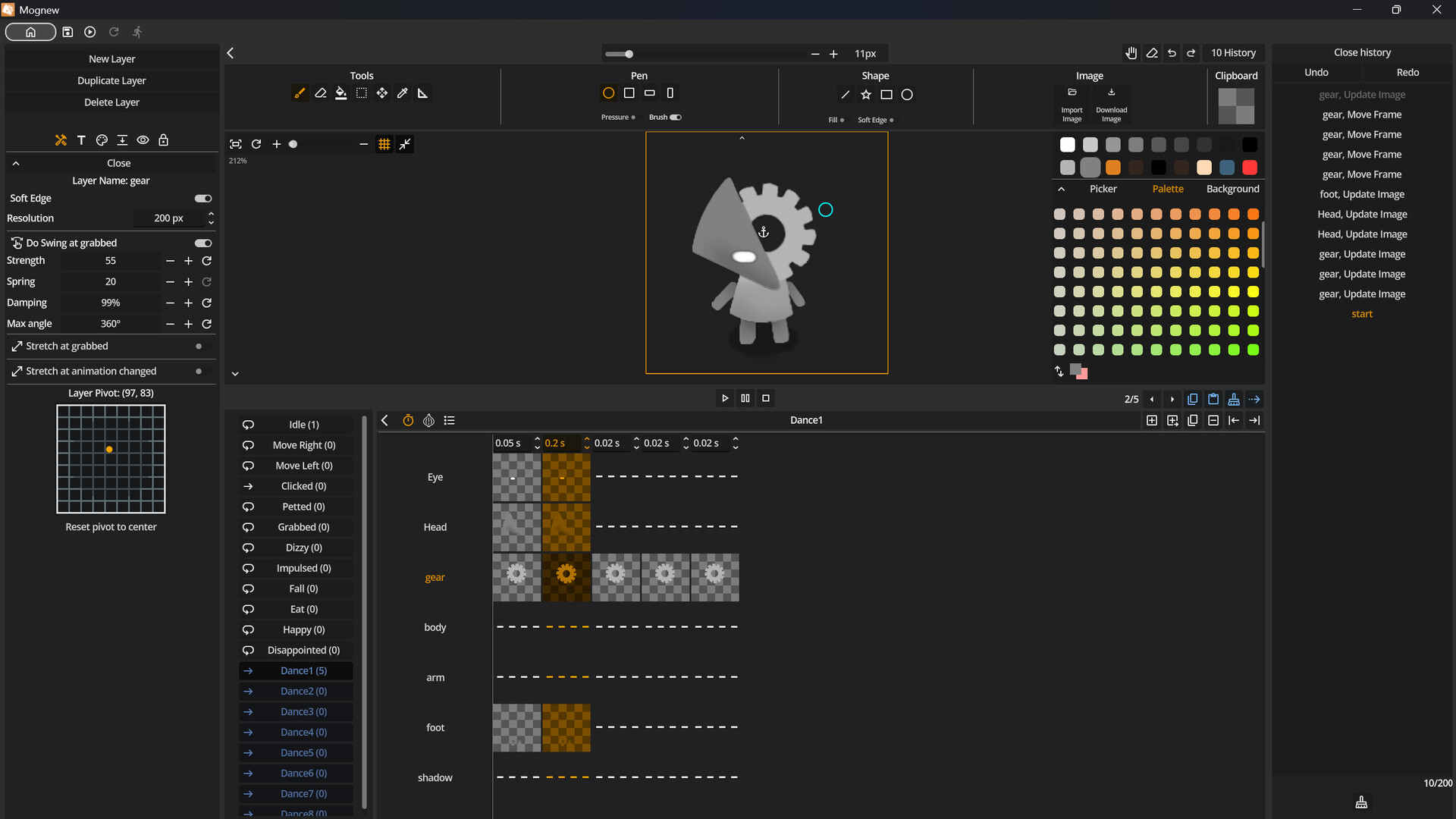
Mopet Studio has built-in editor.
Mopets are made up of layers (up to 50). Each layer can be customized with settings such as resolution and edge softness and etc.
Use your mouse or tablet to draw on each layer. Pen pressure is supported.
Create animations with the Frame Editor and bring your Mopets to life.
Mopet is always saved as a single image file with no metadata.

Discover new Mopets every day for free on the Steam Workshop. Like or favorite the Mopets you enjoy.
Subscribe to a Mopet to summon it instantly.
You can upload your own Mopets to the Workshop, where you can receive likes and plays from other players.
试玩版与发售信息
当前检查数据尚未确认有可用的试玩版。这并不代表该游戏从未提供过试玩版;请前往其 Steam 页面查看最新情况。
信息与图片:Steam · 最后检查 UTC