
Mopet Studio
発売済み
About the game
Mopetという自分だけのデスクトップペットを作り、友達やSteamワークショップで共有しよう。Mopetとはさまざまな方法で触れ合えるほか、右クリックすると特別な機能にアクセスできる。
Steamの原文説明
Mognew’s Desktop Pet Studio lets you create your own Mopet!

Meet Mopet, a new desktop pet.
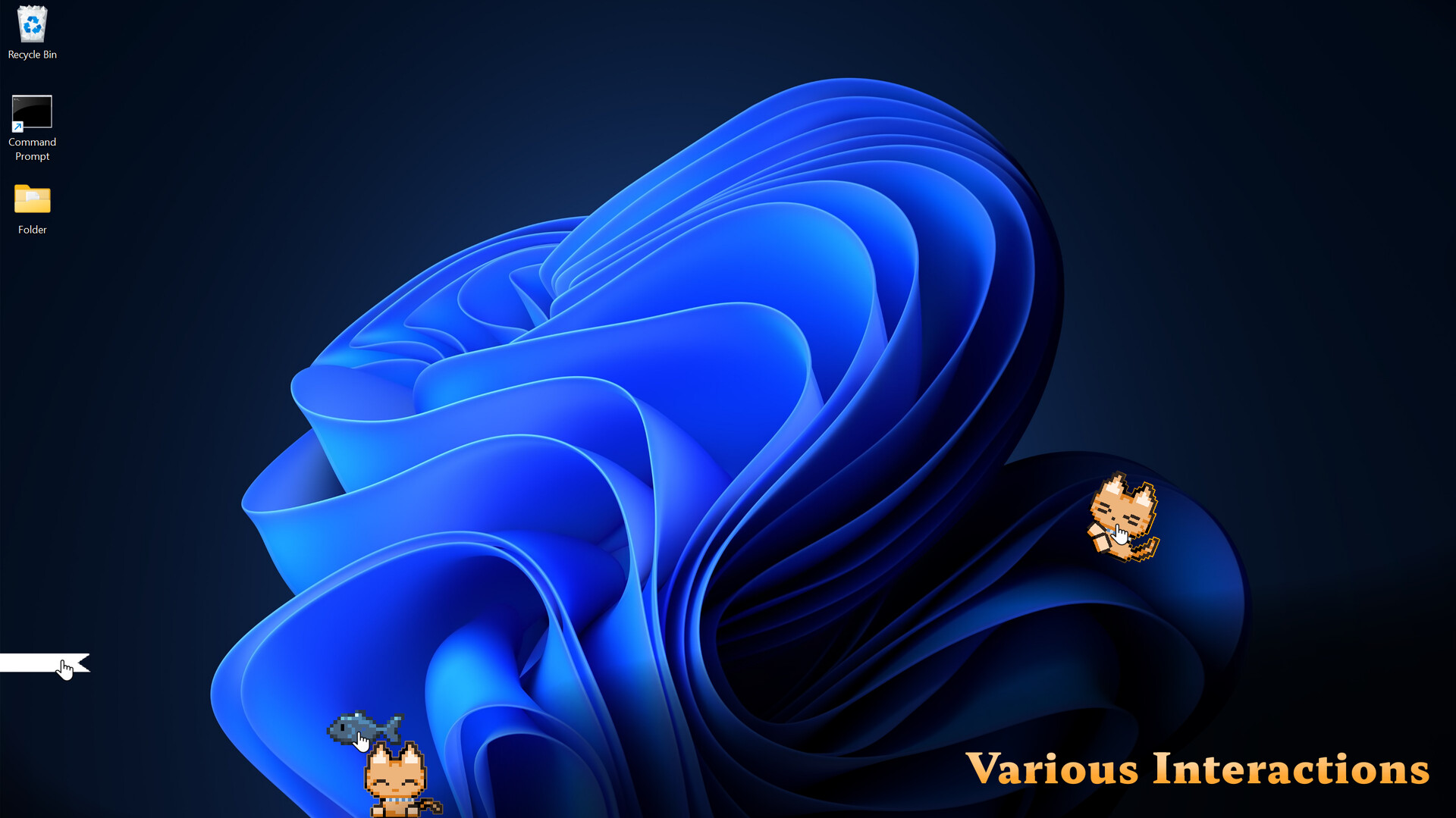
Mopet Studio lets you bring Mopets to your Windows desktop. You can interact with them in various ways, such as grabbing and petting them, and much more.
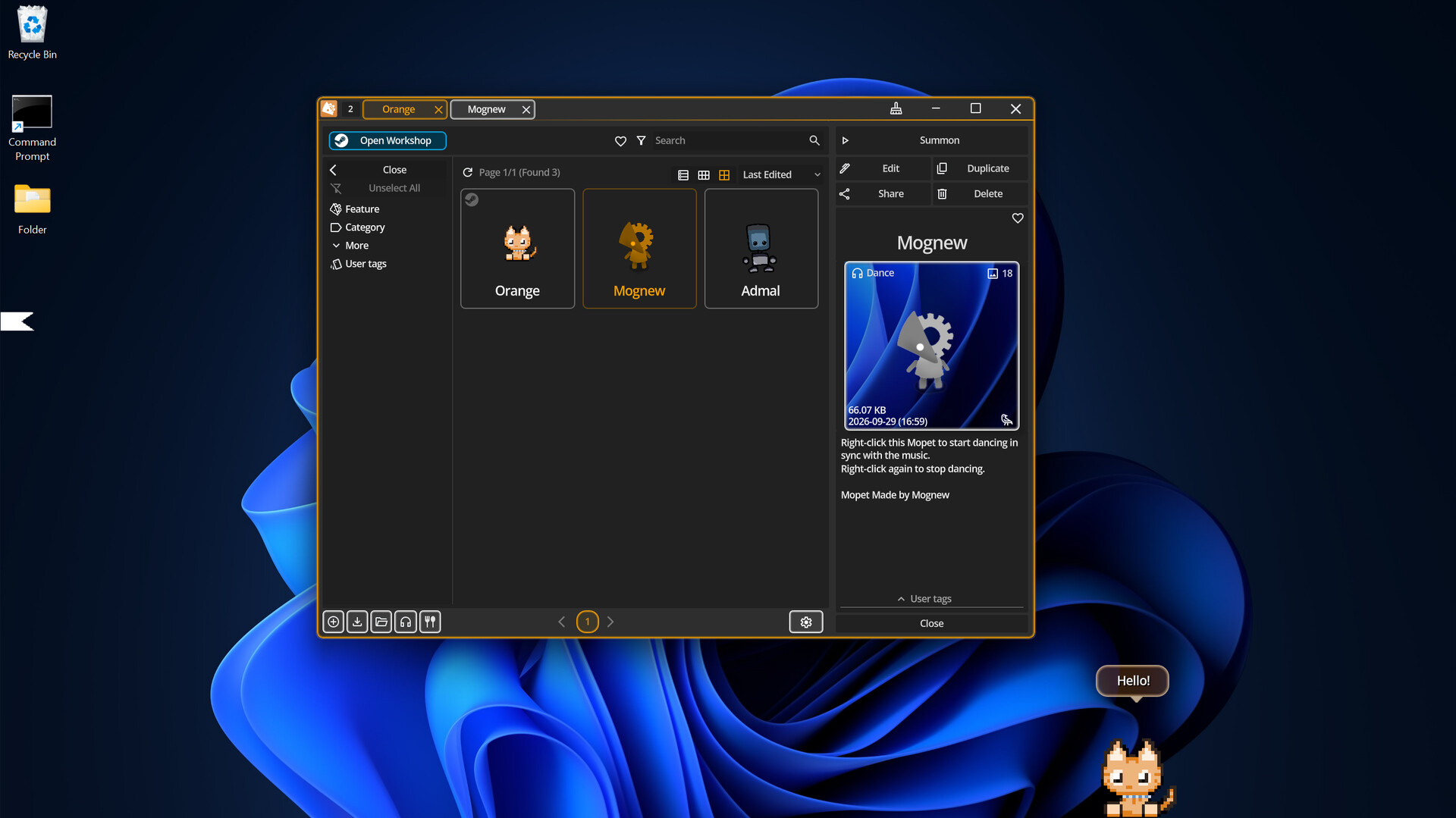
To hide a Mopet for a while, simply grab it and drag it to either edge of the screen. It will turn into a small ribbon. Unroll the ribbon to bring your Mopet back. Find a Mopet you like on the Steam Workshop, or create your own Mopet.

You can assign an action to perform when Mopet is right-clicked.
Talk: You can create up to 50 conversations for Mopet, each with its own responses and replies. You can also create portraits and assign them to conversations.
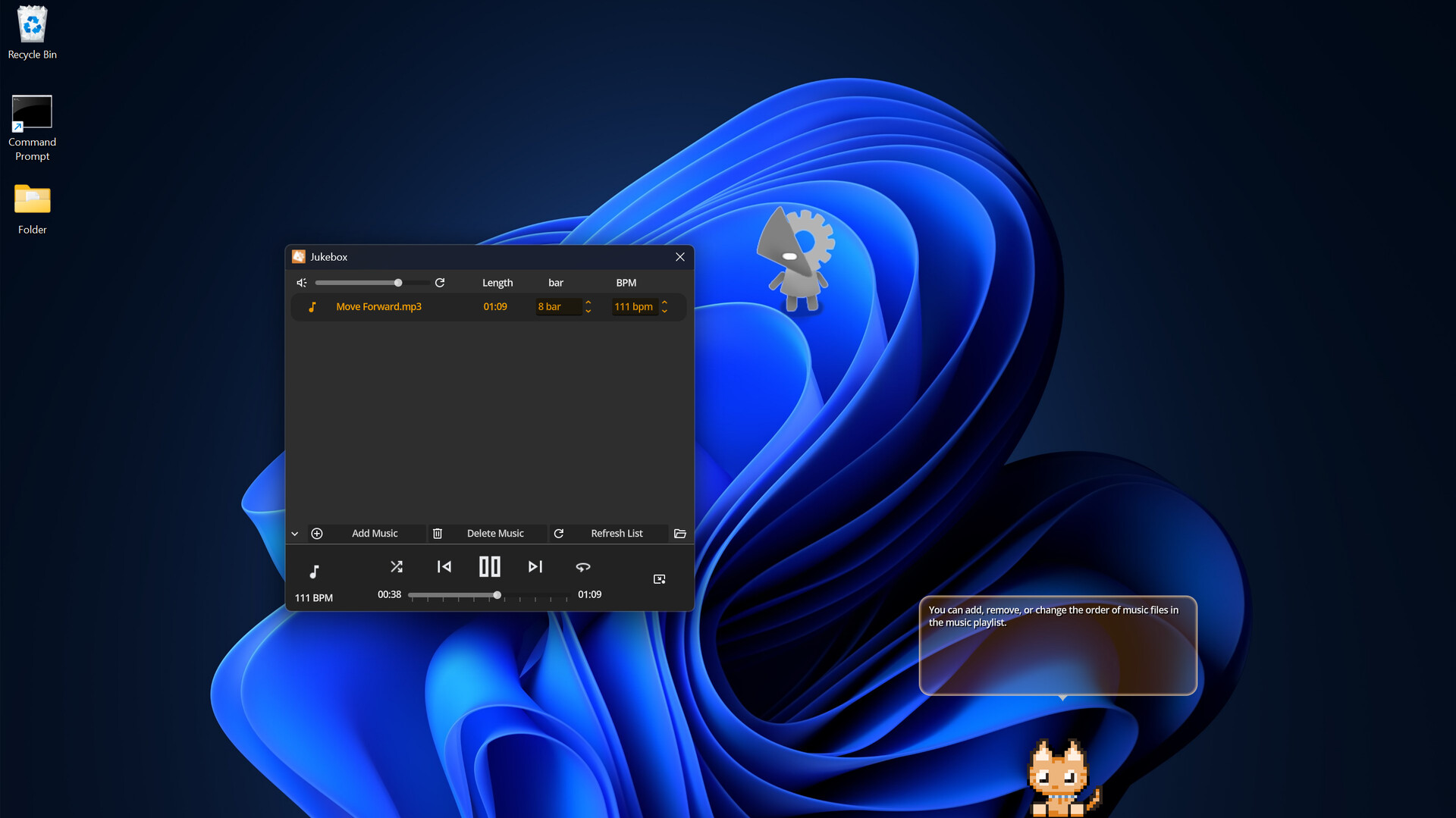
Dance: Mopet dances to the BPM of the music while it plays. Right-click again to stop.
Keyboard Detection: Starts detecting keyboard input. Mopet reacts whenever a key is pressed. Right-click again to stop detection.
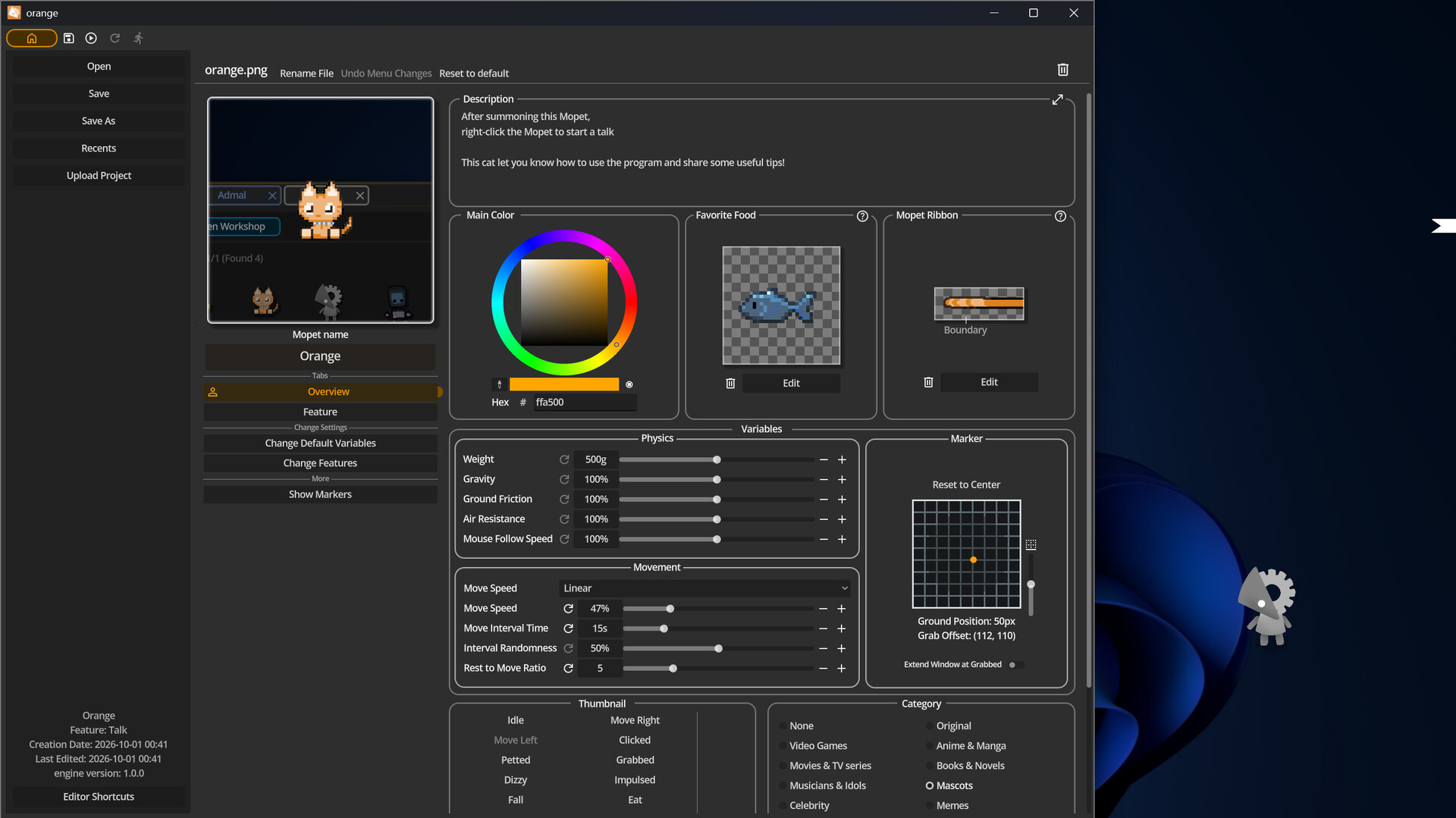
In Mopet Studio, the default Mopet has the Talk feature and provides useful tips about the program.

Mopet Studio was designed to use minimal system resources. Its low CPU and memory usage helps it stay out of the way while you work.

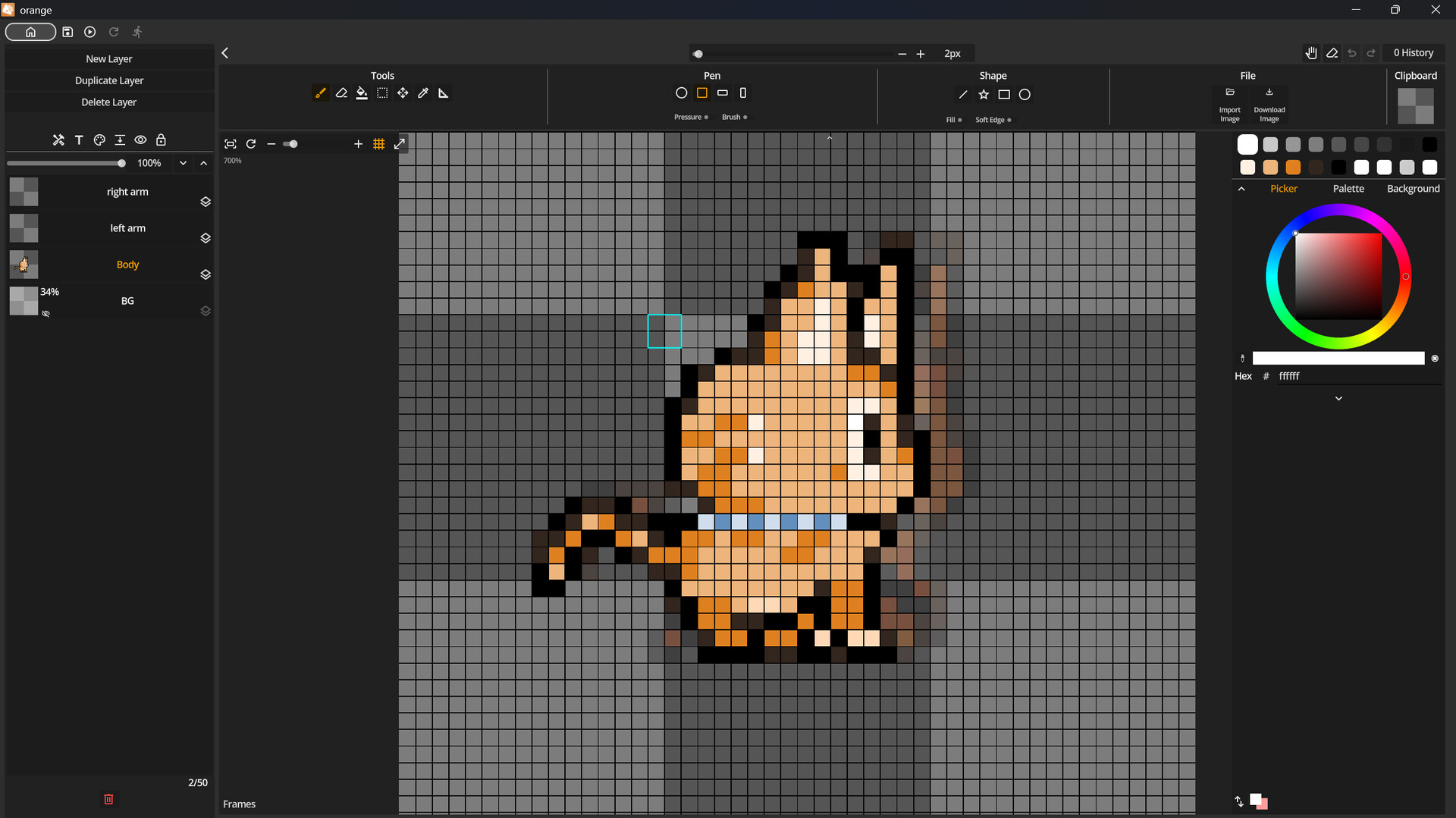
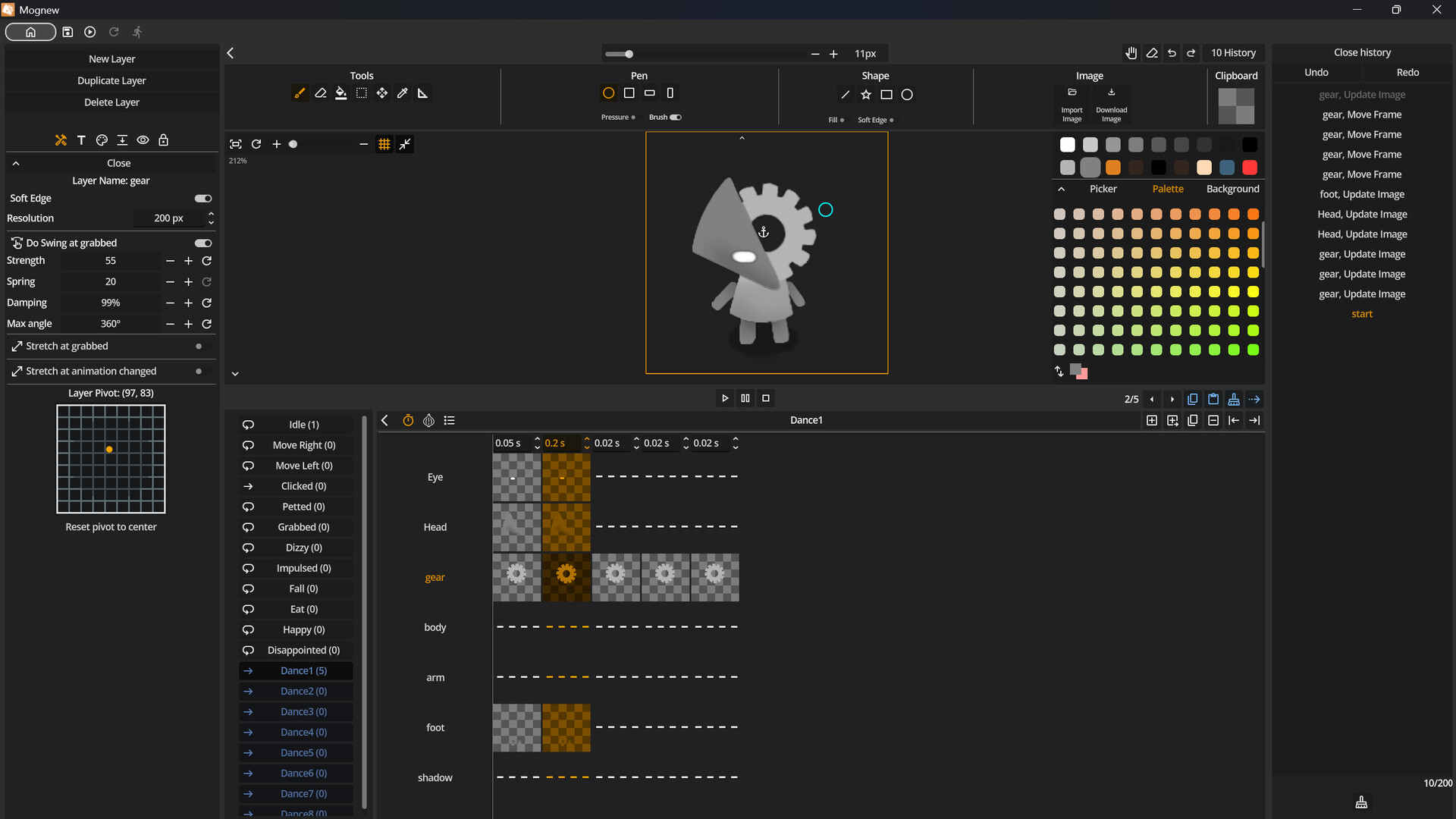
Mopet Studio has built-in editor.
Mopets are made up of layers (up to 50). Each layer can be customized with settings such as resolution and edge softness and etc.
Use your mouse or tablet to draw on each layer. Pen pressure is supported.
Create animations with the Frame Editor and bring your Mopets to life.
Mopet is always saved as a single image file with no metadata.

Discover new Mopets every day for free on the Steam Workshop. Like or favorite the Mopets you enjoy.
Subscribe to a Mopet to summon it instantly.
You can upload your own Mopets to the Workshop, where you can receive likes and plays from other players.
体験版と発売について
現在の確認データでは体験版の存在を確認できていません。過去にも体験版がなかったという意味ではありません。最新の提供状況はSteamのゲームページで確認してください。
情報・画像:Steam · 最終確認 UTC