
Construcubes
Démo disponible
About the game
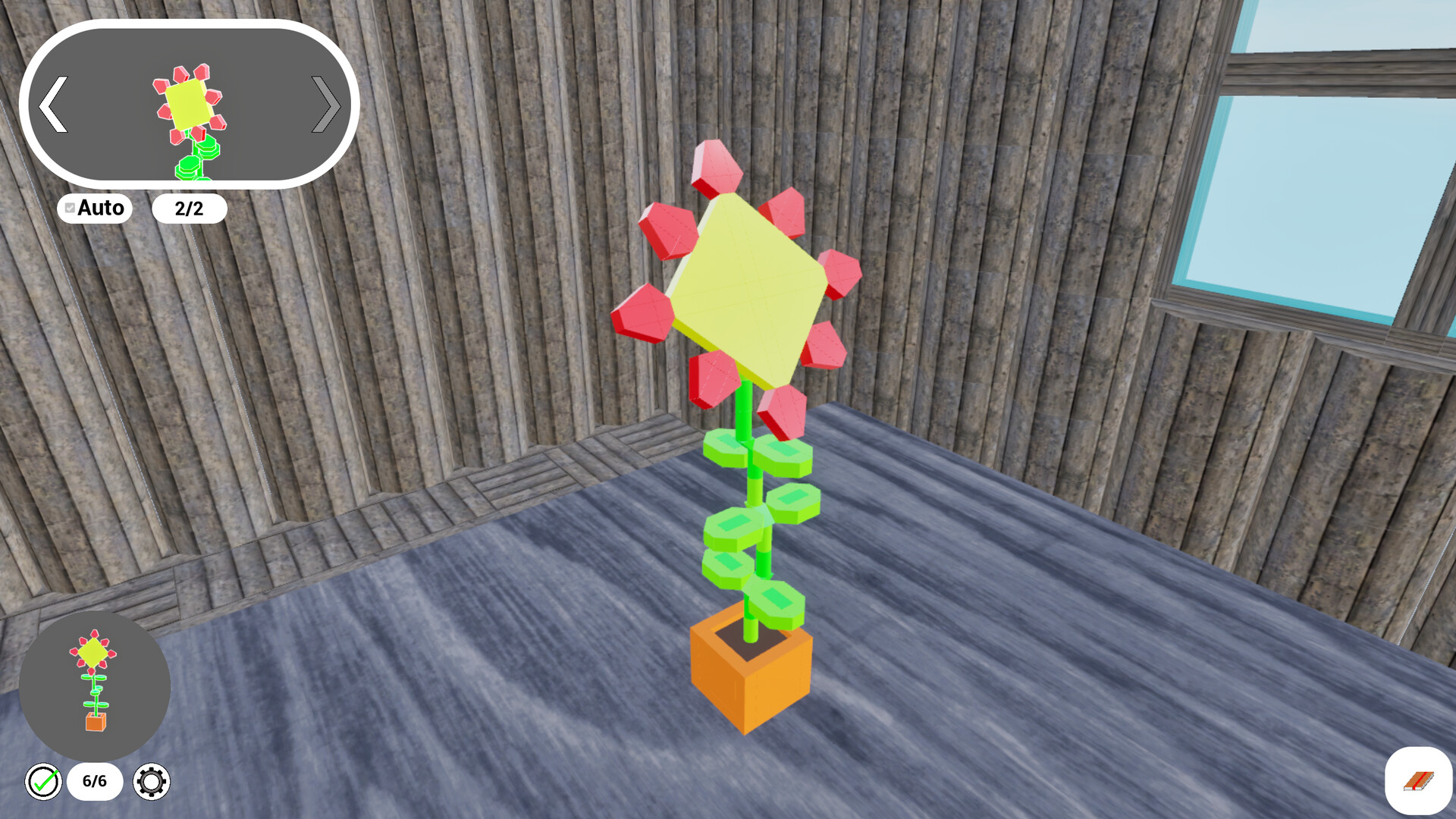
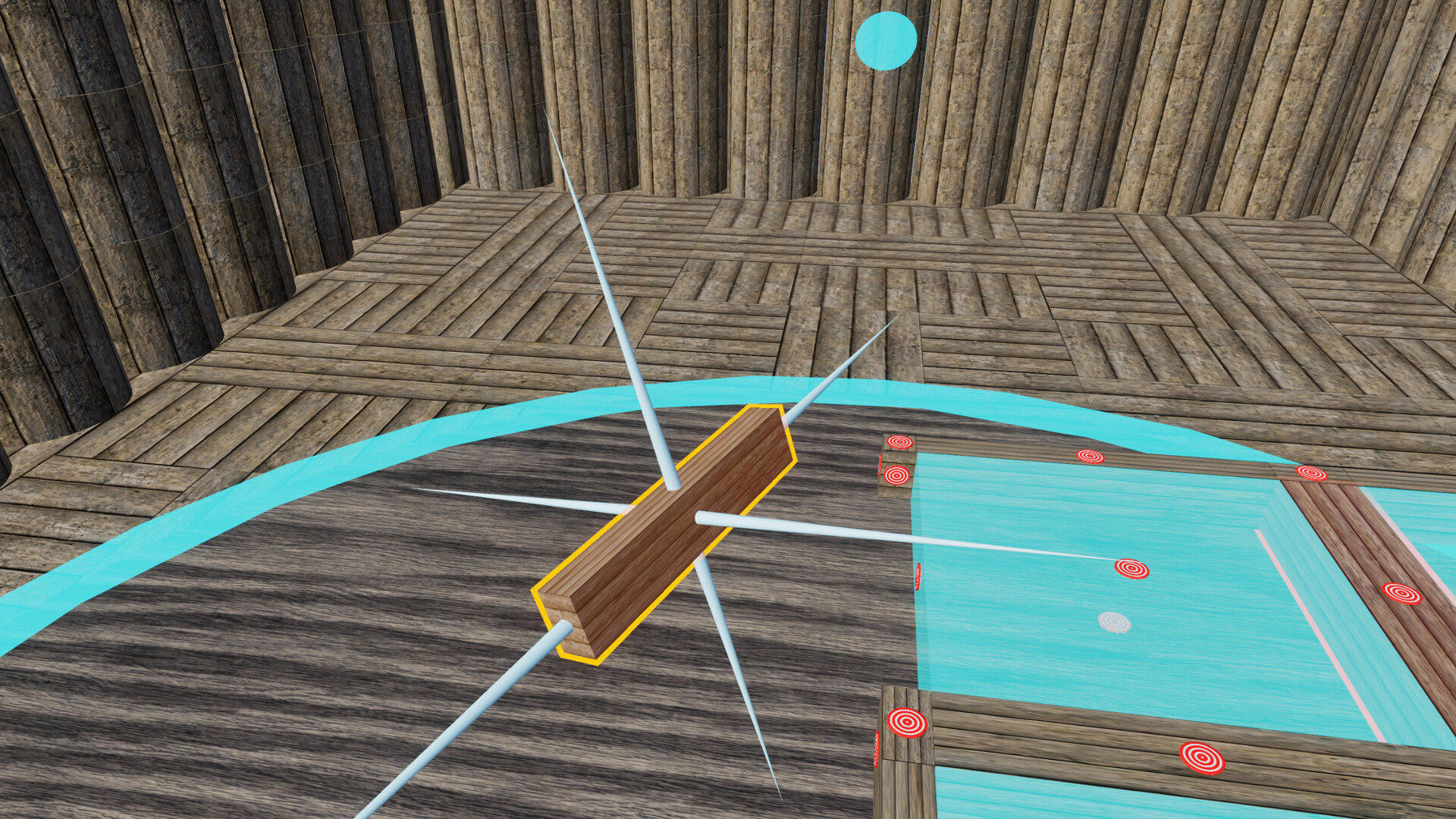
Saisissez, déplacez, faites pivoter et assemblez des briques pour construire de nombreux objets adorables ! Suivez les instructions pour créer une fleur, un robot, un bâtiment célèbre et bien plus, ou réalisez vos propres modèles et partagez-les avec les autres ! Disponible sur PC et en VR avec Oculus Quest 2 et 3.
Description d’origine sur Steam
In Construcube, you can build anything.
Construct
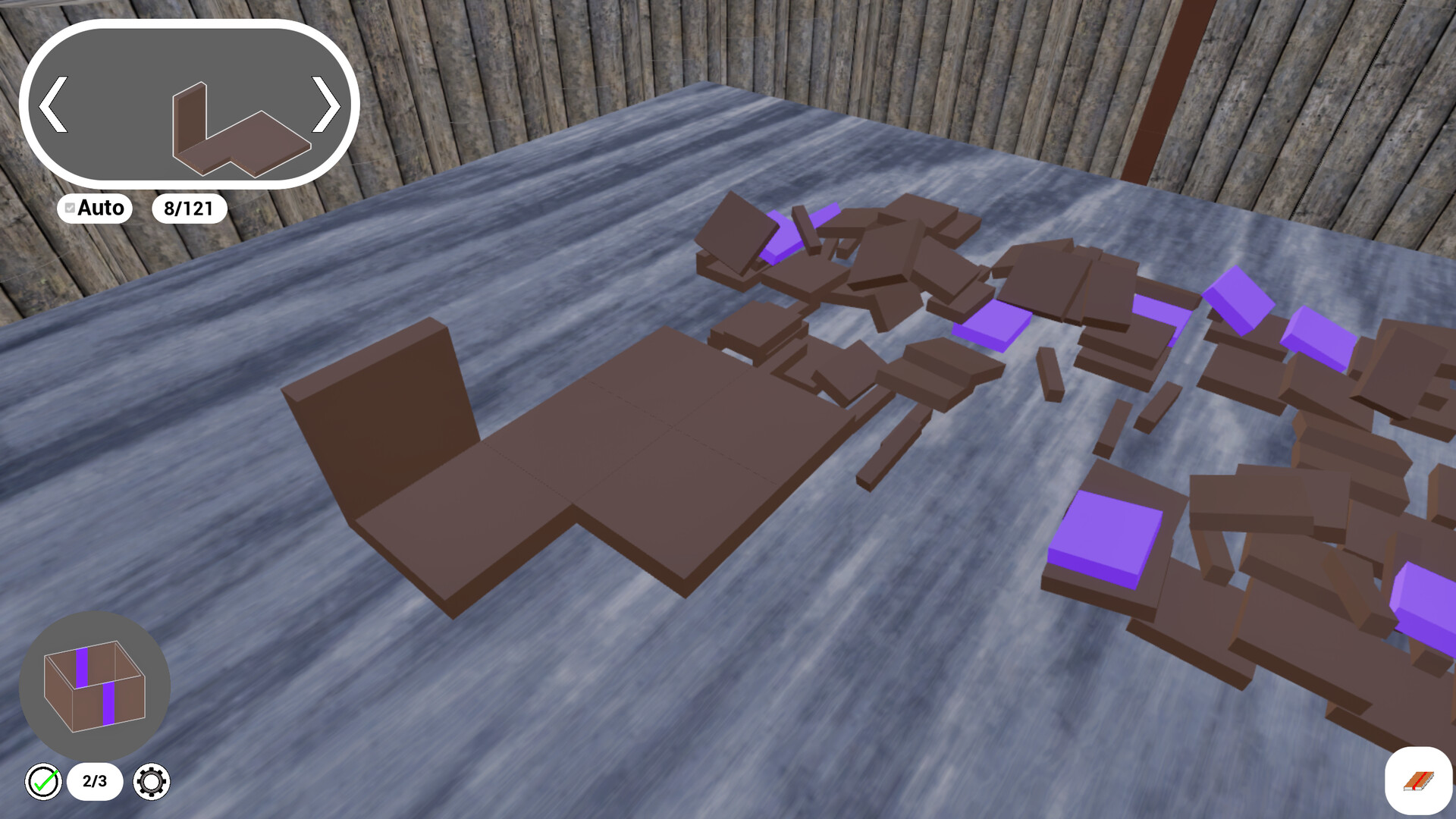
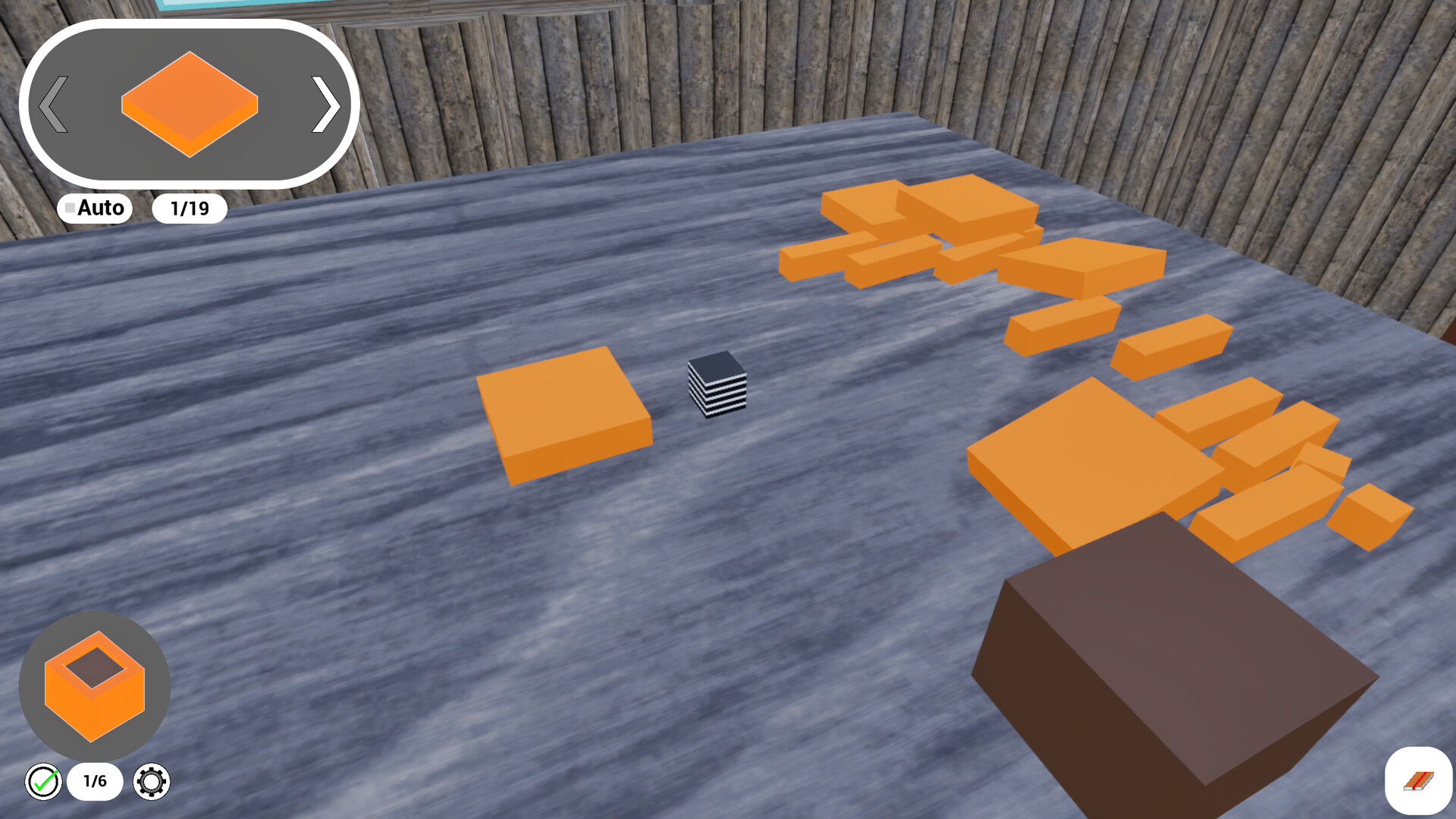
In the construction mode, you are given a set of bricks along with precise instructions that will guide you through the construction of a given object. Find the correct brick, find where and how to place it, and shape your art brick after brick !
Of course, you have to follow instructions, and we're sure you'll be very cautious. However, don't worry, you'll be the only final judge for your work, so, no stress: this is a chill game about building things. If the object is fine with you, it's fine with us, we won't make you start over !
You can either select an object to build among those available in the base game, or download objects created by the community !
Play
Once you built an object, you can add it in one of your personnal rooms to build your own layouts and landscapes. Are you going to build a whole town ? Or perhaps you'll prefer to make a zoo with all your animals. Your choice !
Create
In the creation mode, you can make your own constructions. Pick your bricks, connect them as you wish, and let the game generate instructions that you can share with your friends and the community !
You can use bricks among a large number of distinct shapes, materials and colors to shape anything ! The sky is the limit.
VR version available
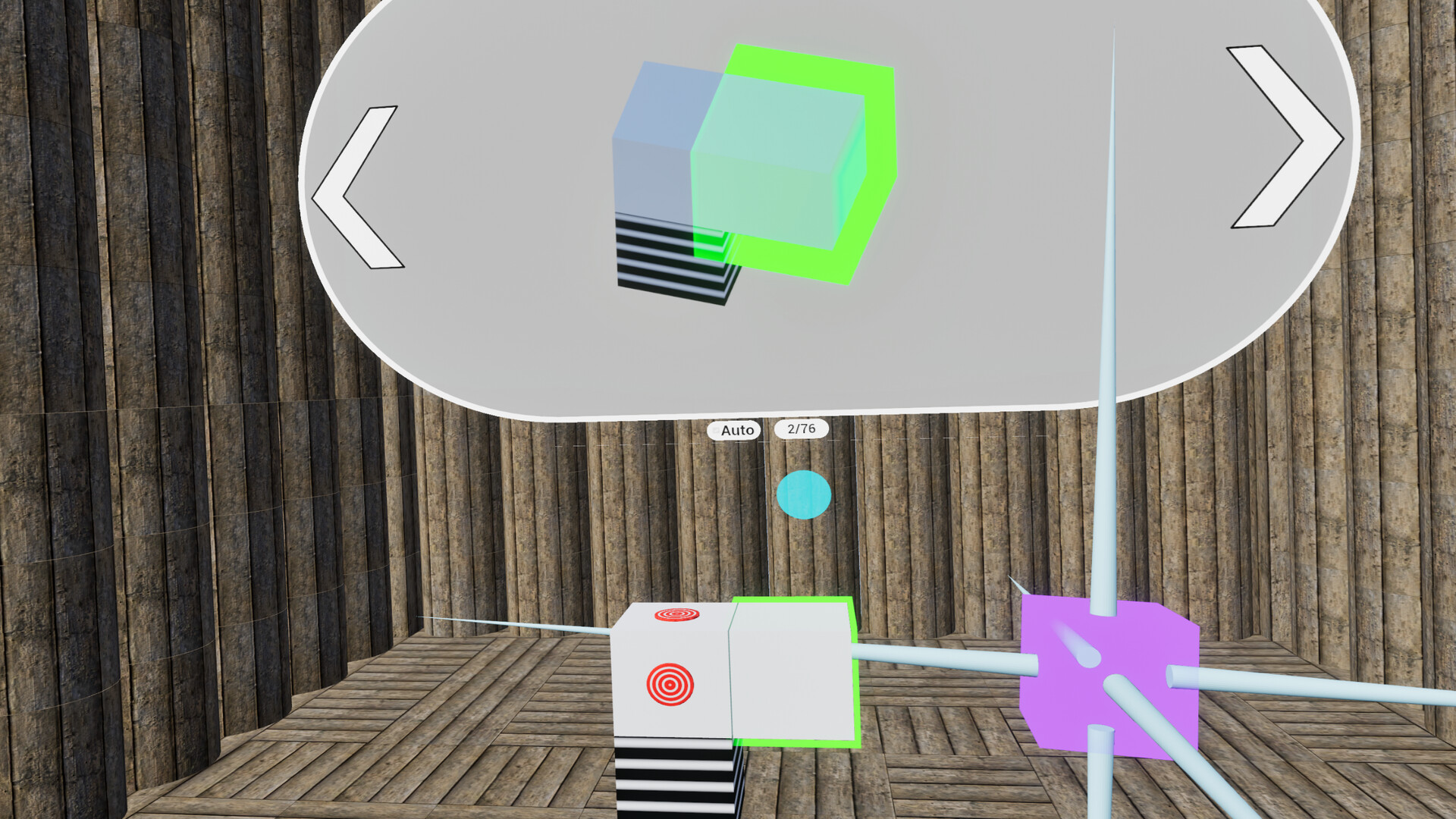
In addition to the classic PC mode, using mouse and keyboard, you can also play the game in VR using a meta quest 2 or 3. Grab bricks with you own hands, build real-size objects, and experience a more immersive game session through your VR headset !
Informations sur la démo et la sortie
Une démo Steam a été trouvée lors de la dernière vérification. Avant de la télécharger, vérifiez sur Steam qu’elle est toujours disponible dans votre région.
Démo Steam, playtest et accès anticipé : quelle est la différence ?
Informations et visuels : Steam · Dernière vérification UTC