
OASIUM: Build with AI Pal
体験版あり
About the game
AIの相棒と出会い、基本プレイ無料のサンドボックスゲーム『OASIUM』で一緒に新しい家を作りましょう。さまざまな世界を探索し、見つけたものを集め、作物を育て、相棒とともに建物を建設できます。VRとデスクトップでのプレイ向けに設計されています。
Steamの原文説明
EXPLORE BEYOND. BUILD YOUR OWN WORLD.
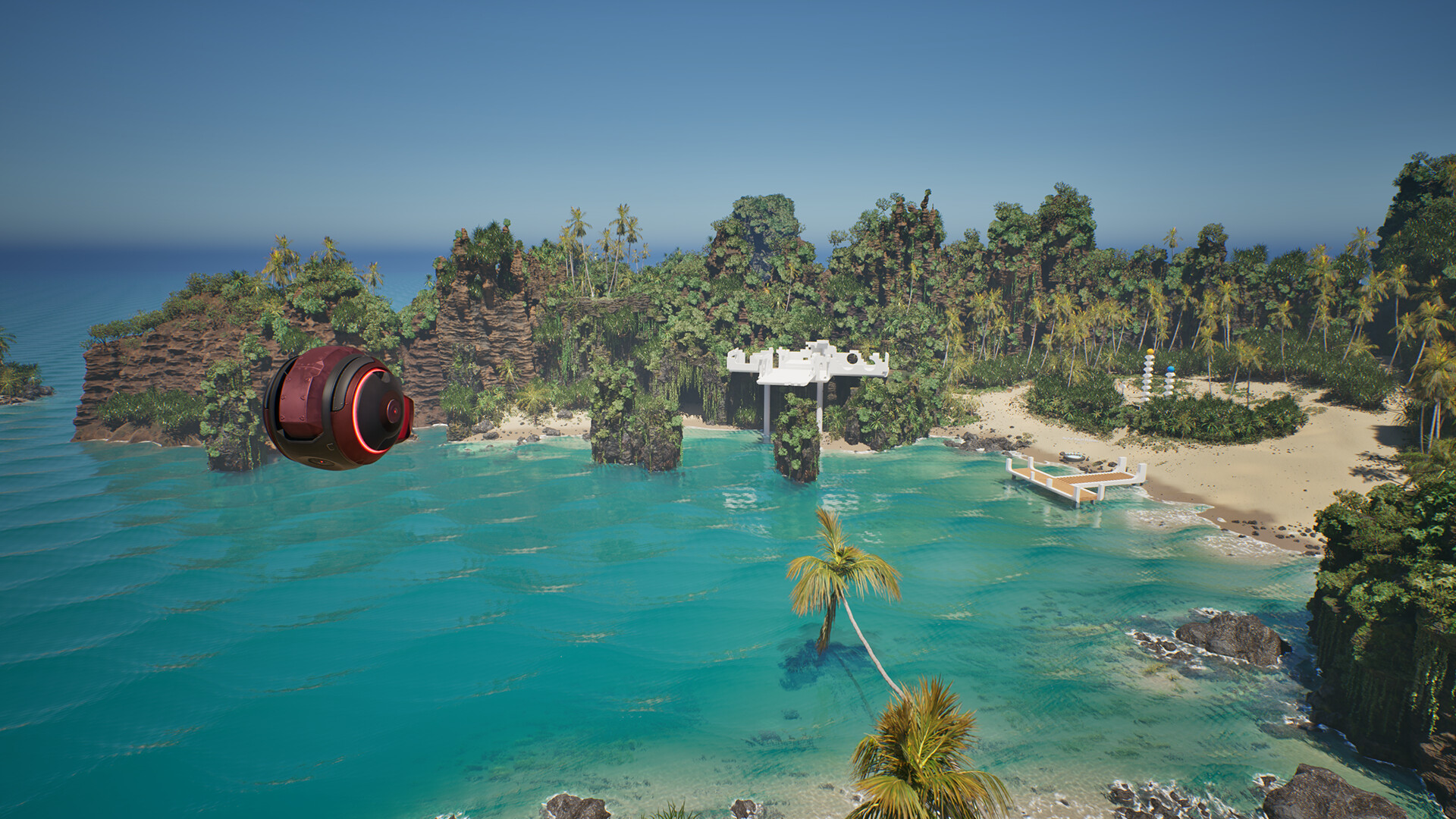
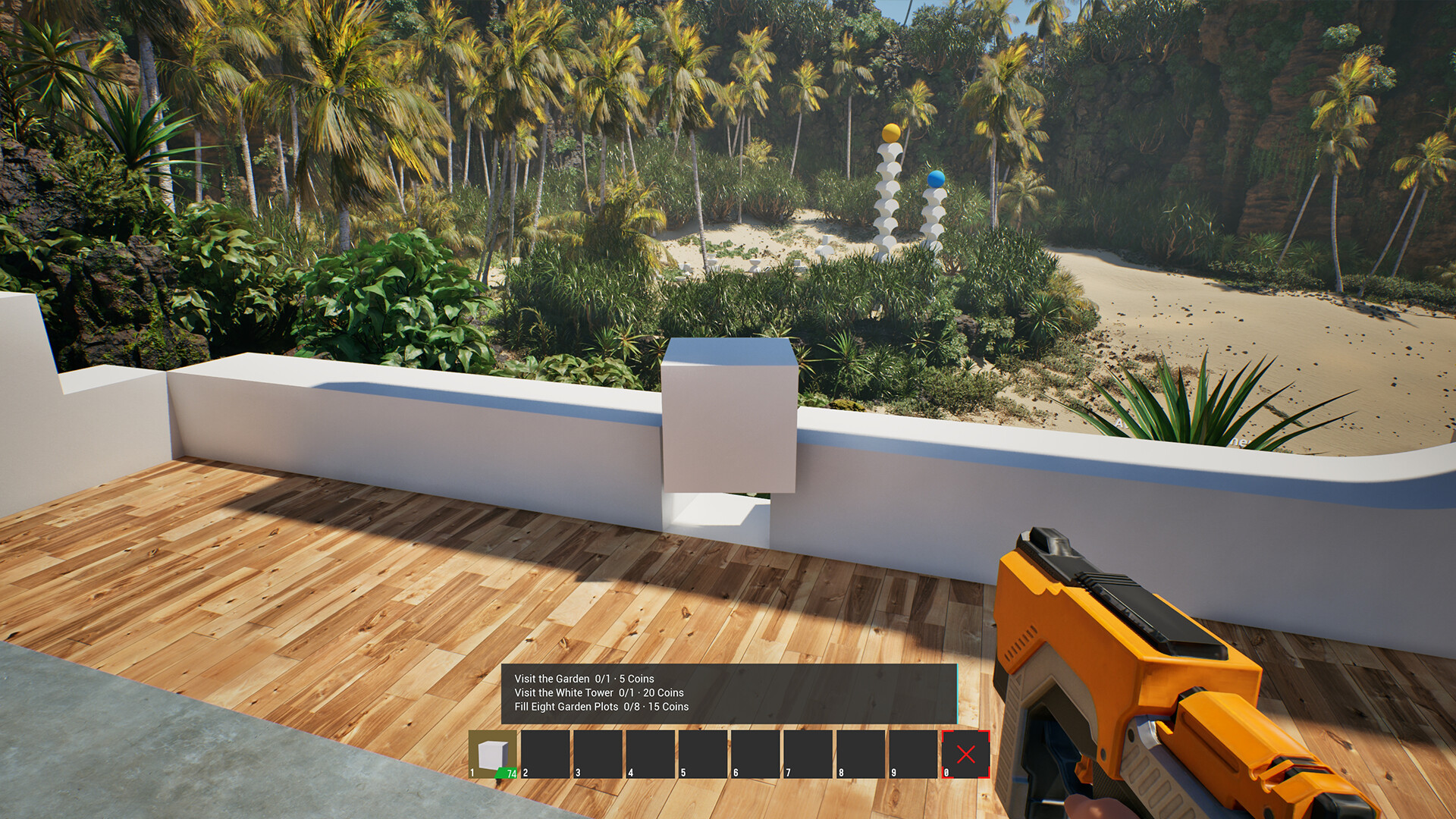
OASIUM is an AI companion exploration game with VR support, where you can explore different worlds, collect what you find, and bring it home to build, grow, and shape a world of your own. By your side is OMLE, an intelligent AI companion that can help with almost anything — all you have to do is talk to it.
YOUR OWN WORLD
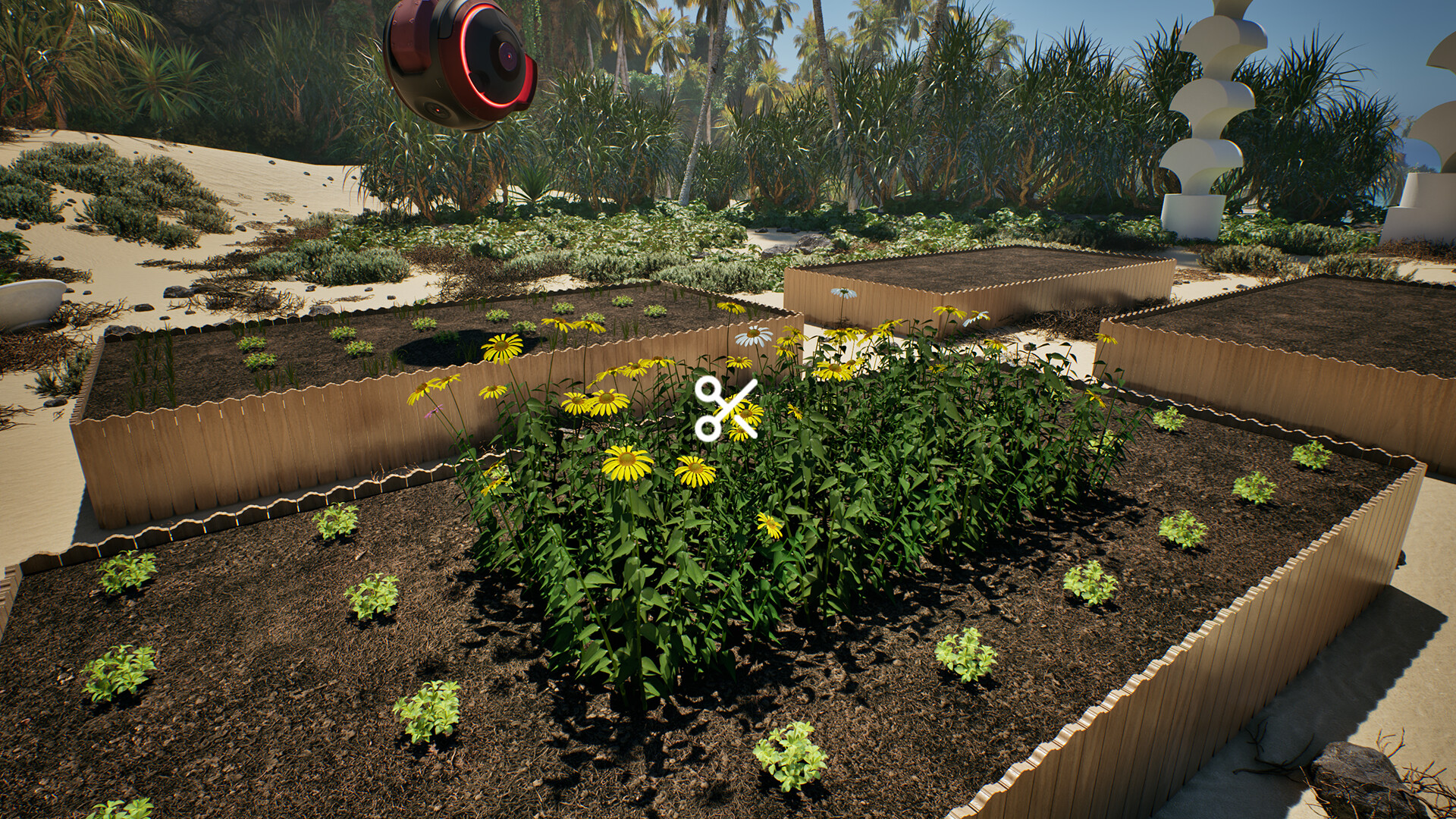
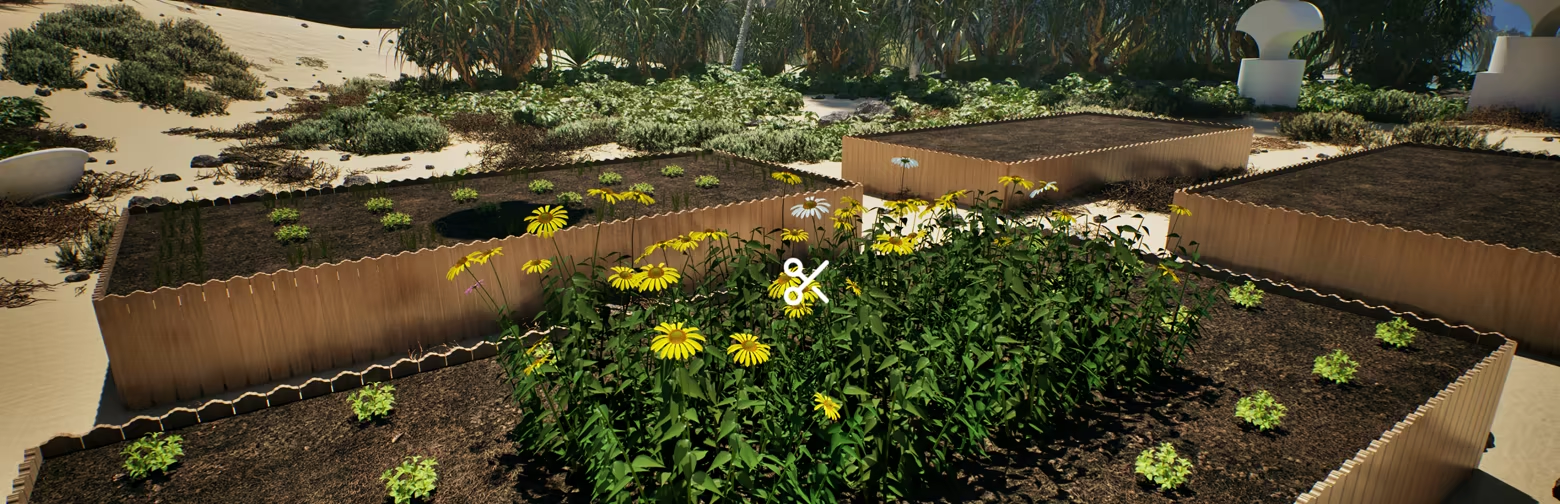
Every player has a personal Home World — a place to build, grow, and make your own. Create a home, plant crops and flowers, decorate your surroundings, and continue expanding your world over time.
YOUR AI COMPANION
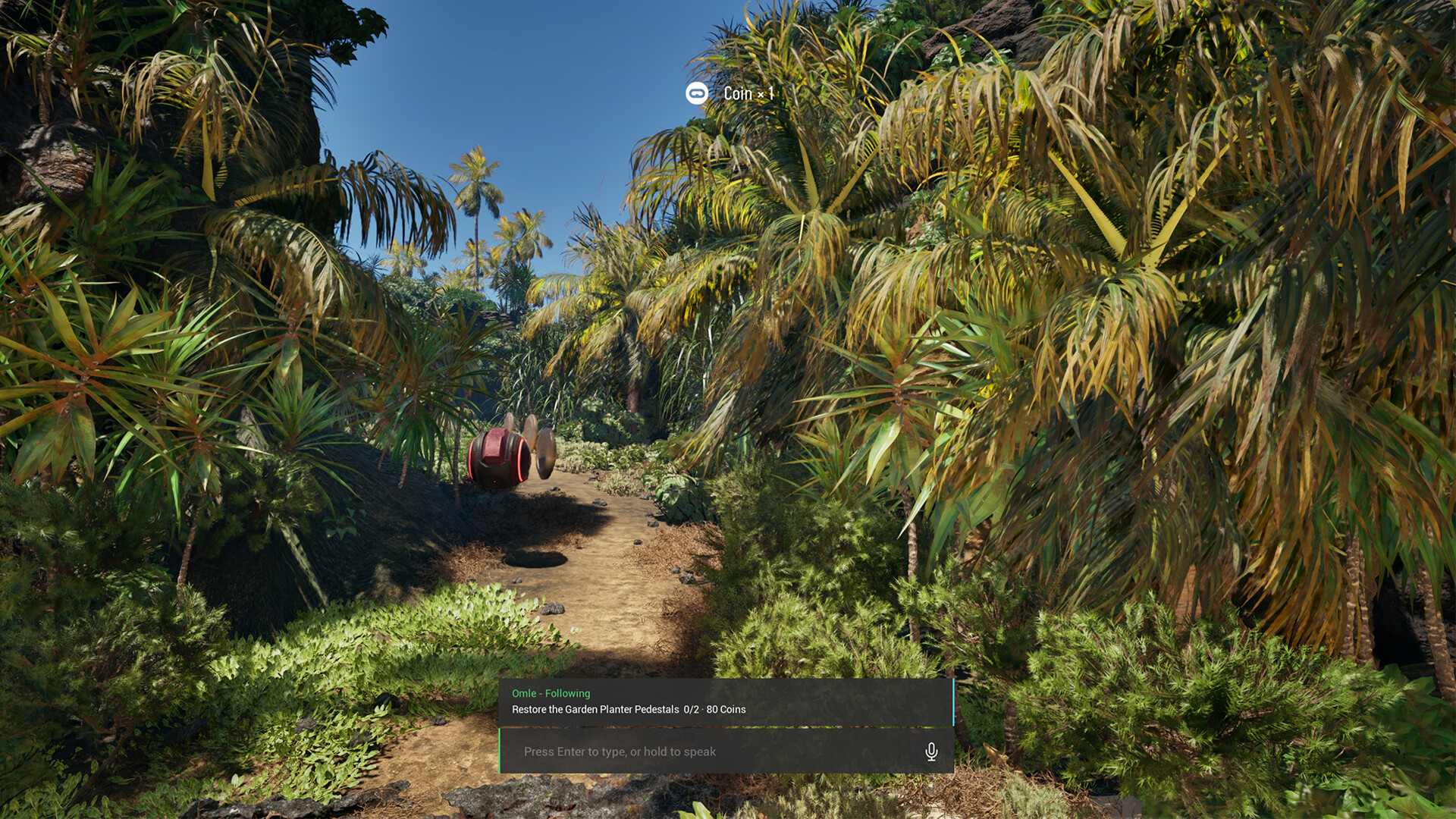
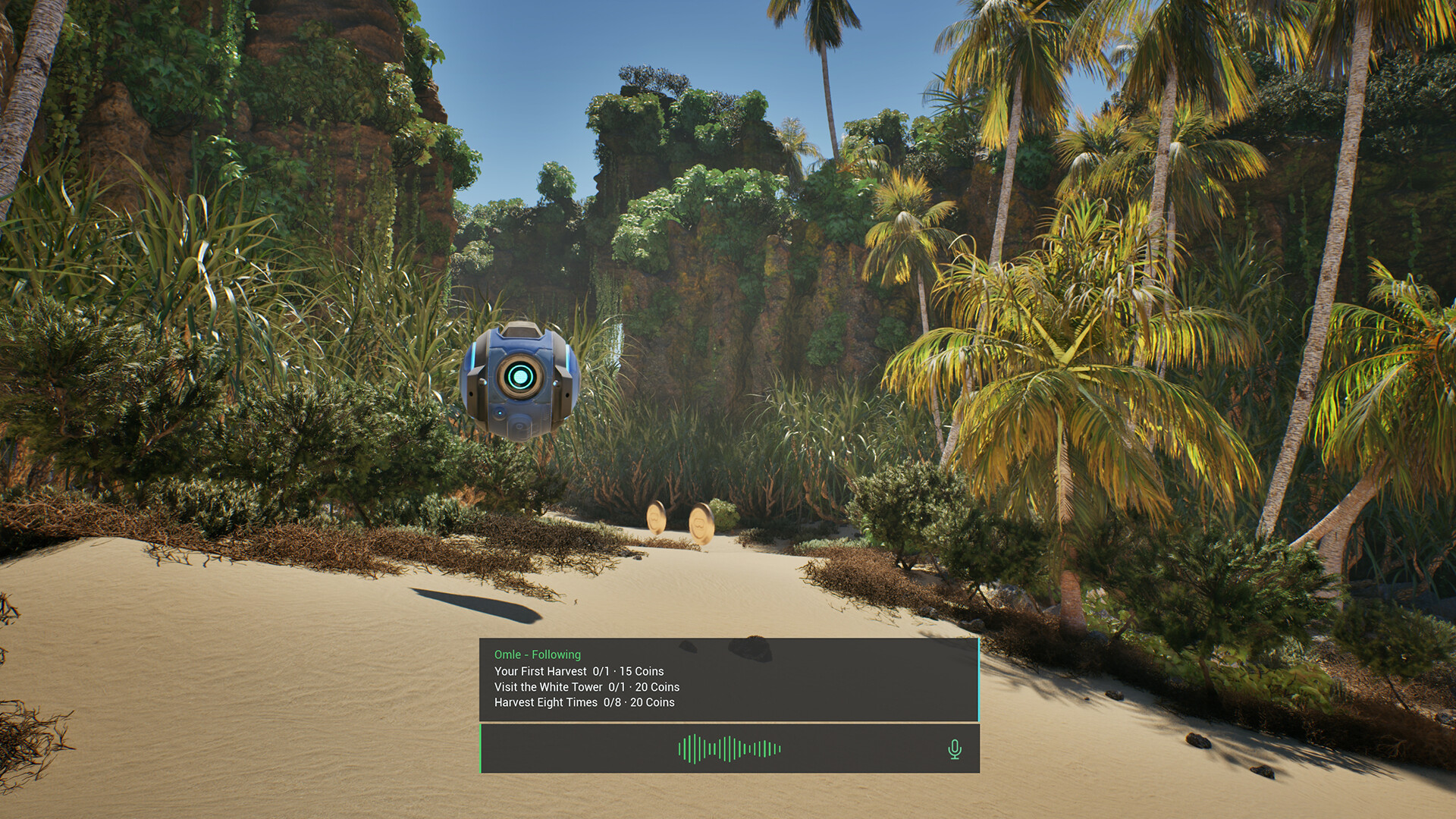
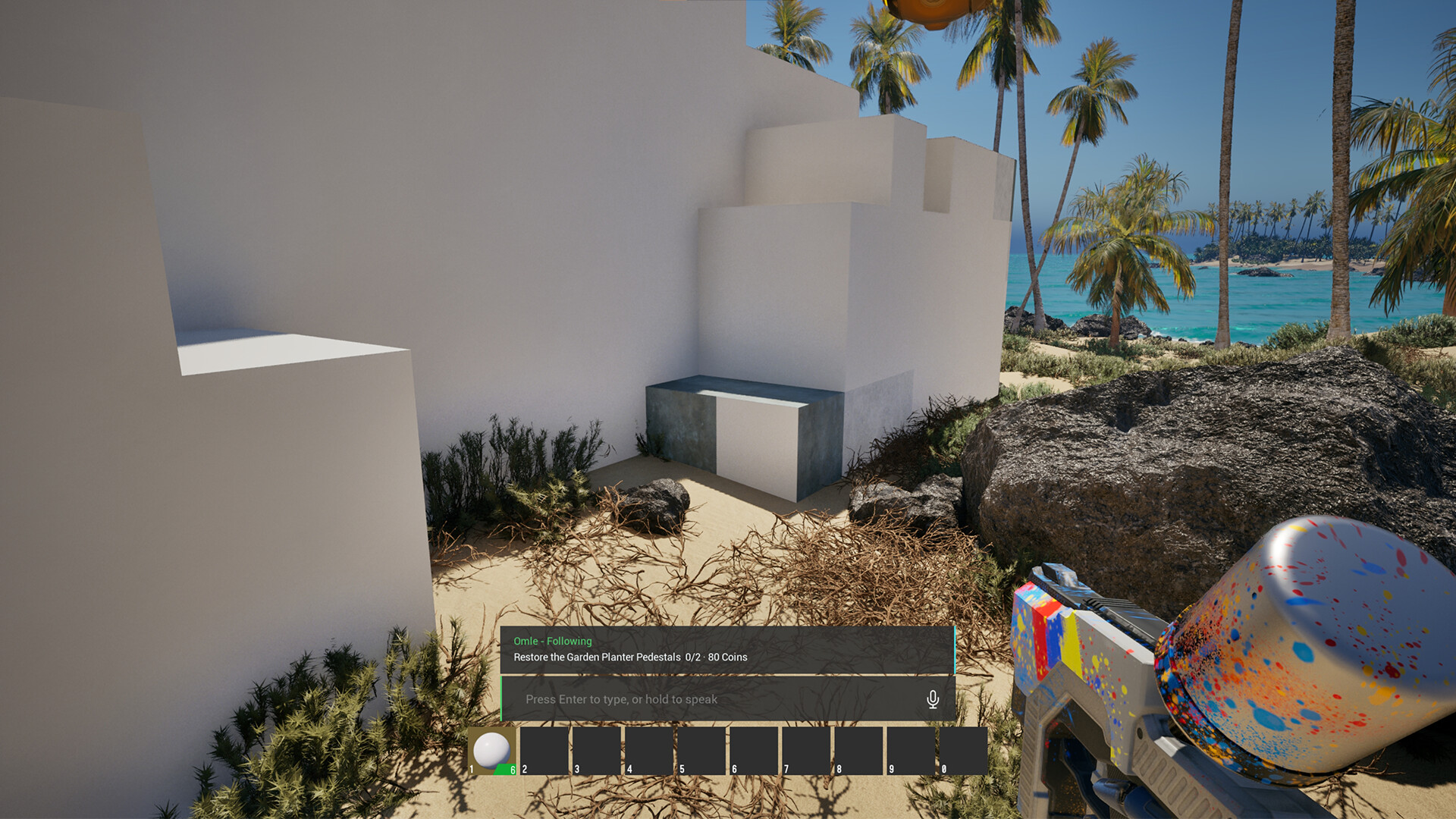
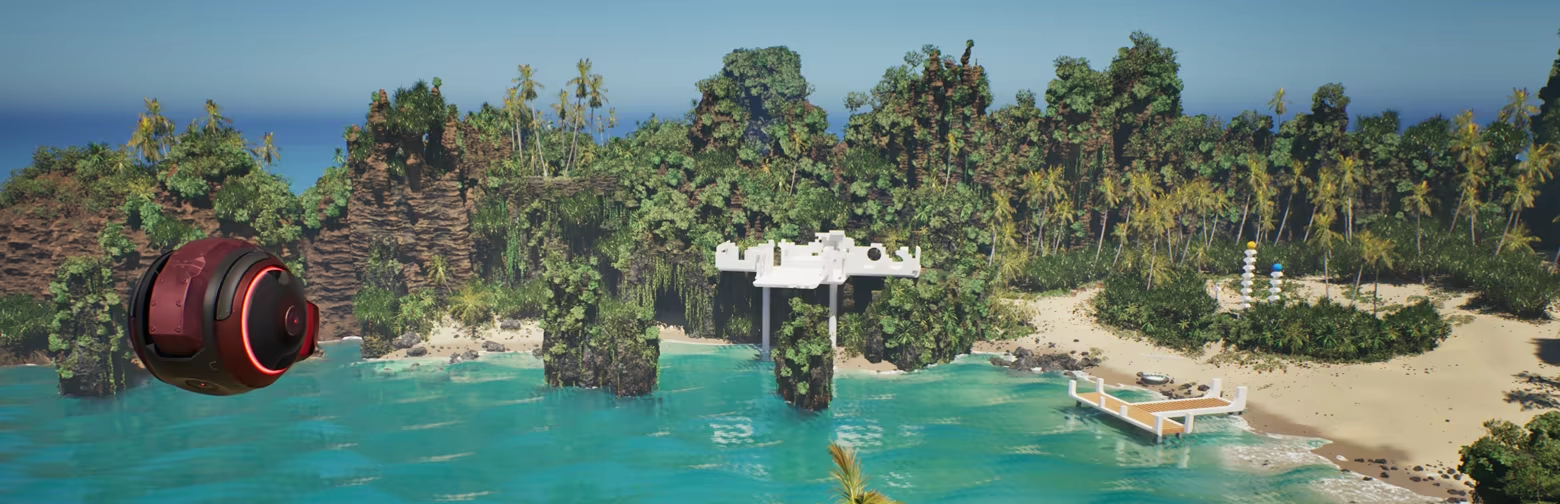
OMLE is your personal AI companion, always available through text or voice. Ask questions, talk naturally, or let OMLE help you collect items, build, and change your buildings' materials and colors.

BUILD FREELY
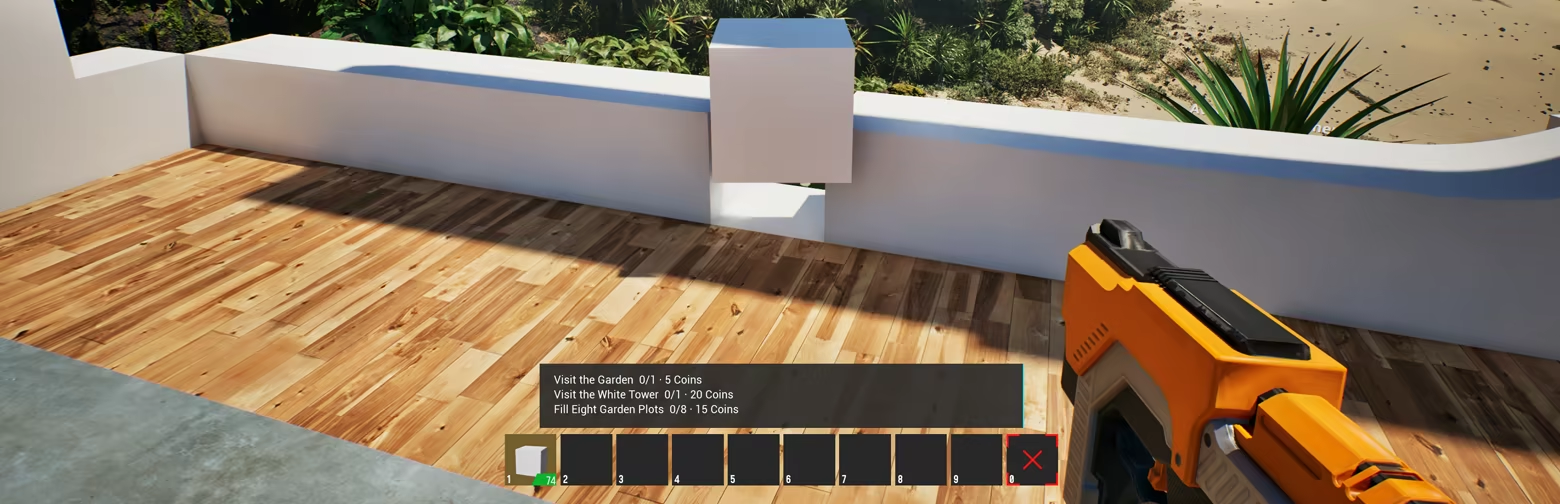
Build with a flexible modular construction system designed for creative freedom. Place and combine building pieces, change materials and colors, and create anything from a simple shelter to a fully furnished home using high-fidelity, realistic materials.
EXPLORE AND COLLECT
Travel beyond your Home World and explore a variety of environments, each with different things to discover. Find seeds, collect coins and useful items, take part in activities, and bring what you find back home.
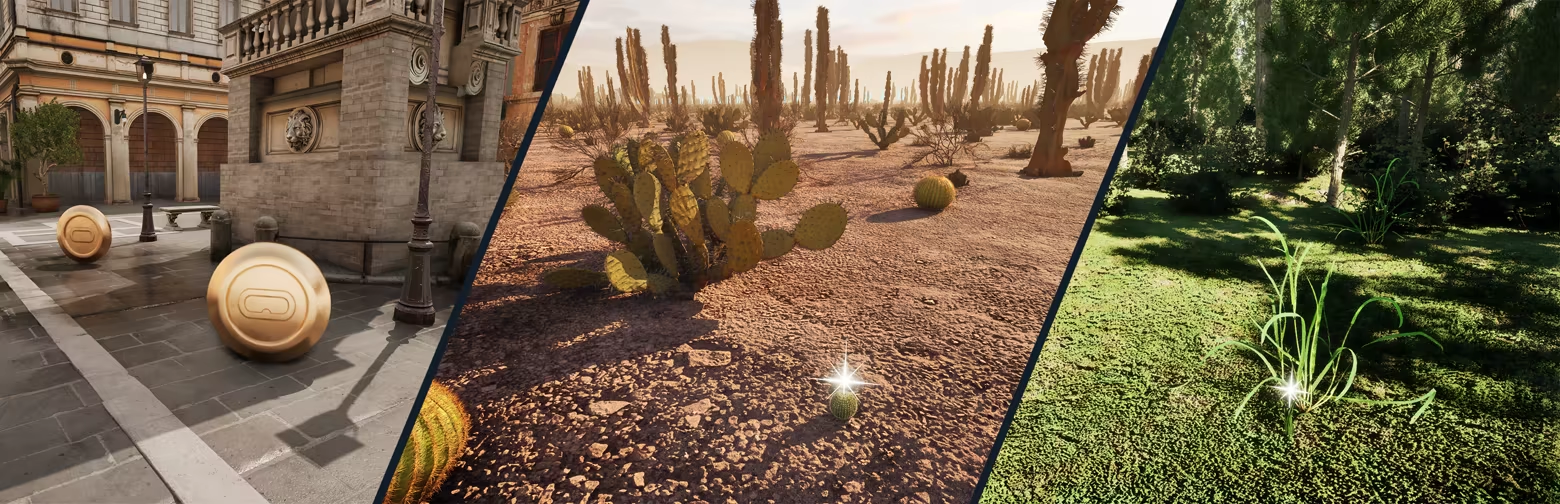
GROW AND EARN
Discover seeds across different worlds and grow crops and flowers in your own fields. Harvest and sell what you grow, collect coins while exploring, or earn them through games and races to purchase building materials, furniture, Avatars, and more.
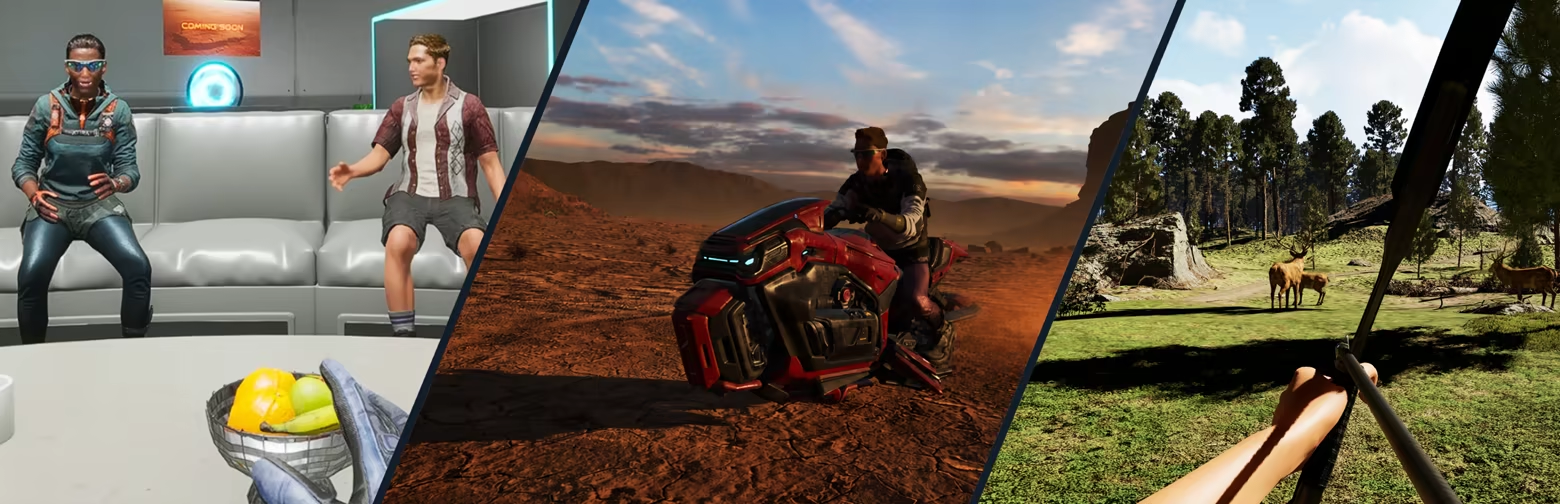
MORE TO DISCOVER
Each world offers different ways to explore and spend your time. Drive vehicles, race, use physical VR interactions, and meet other players in shared spaces as OASIUM continues to expand.
体験版と発売について
前回の確認時にSteamの体験版が見つかりました。ダウンロードする前に、お住まいの地域で引き続き利用できるかSteamで確認してください。
情報・画像:Steam · 最終確認 UTC