
Funeral Flowers Lament: Helena
Démo disponible


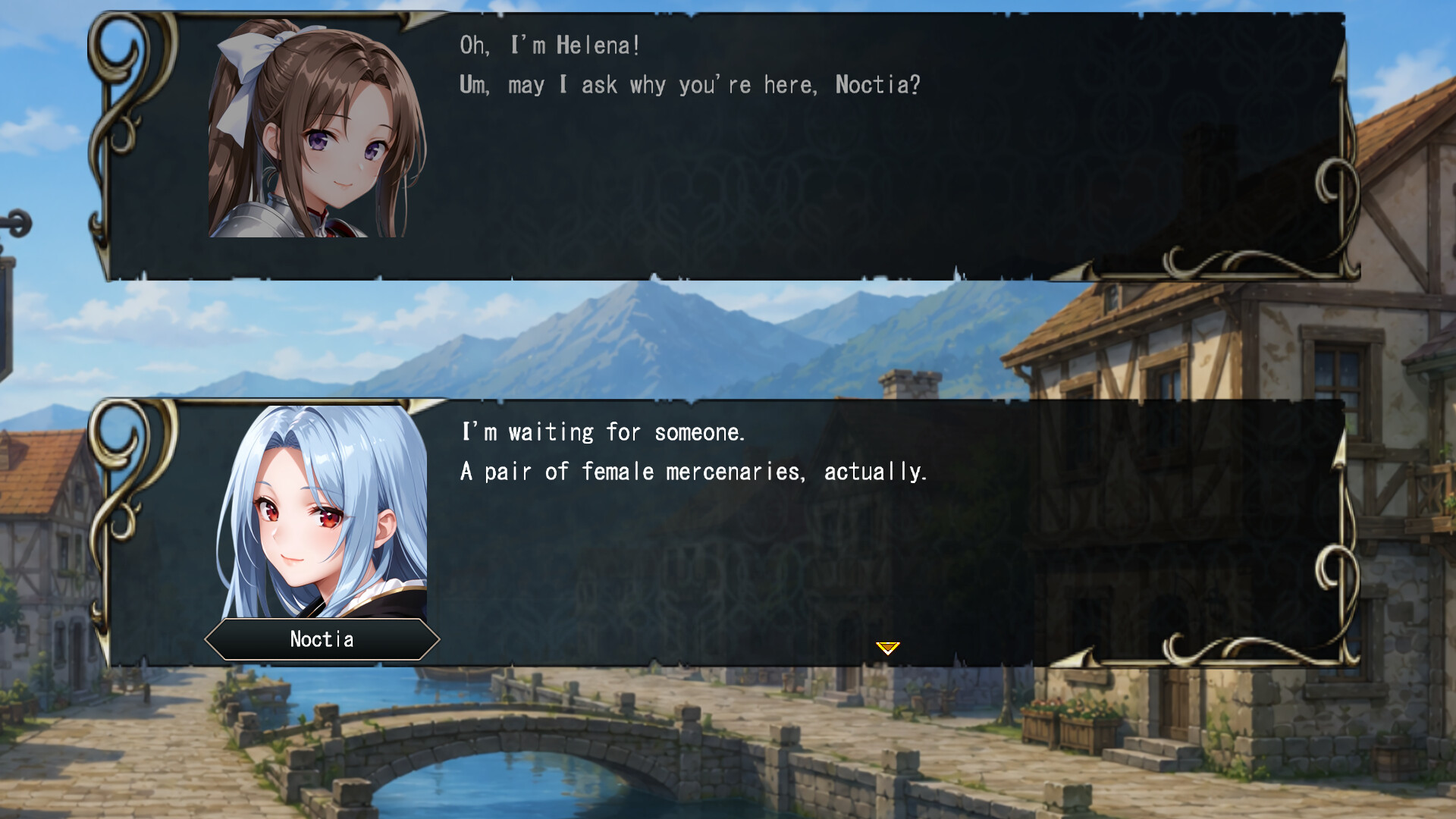
About the game
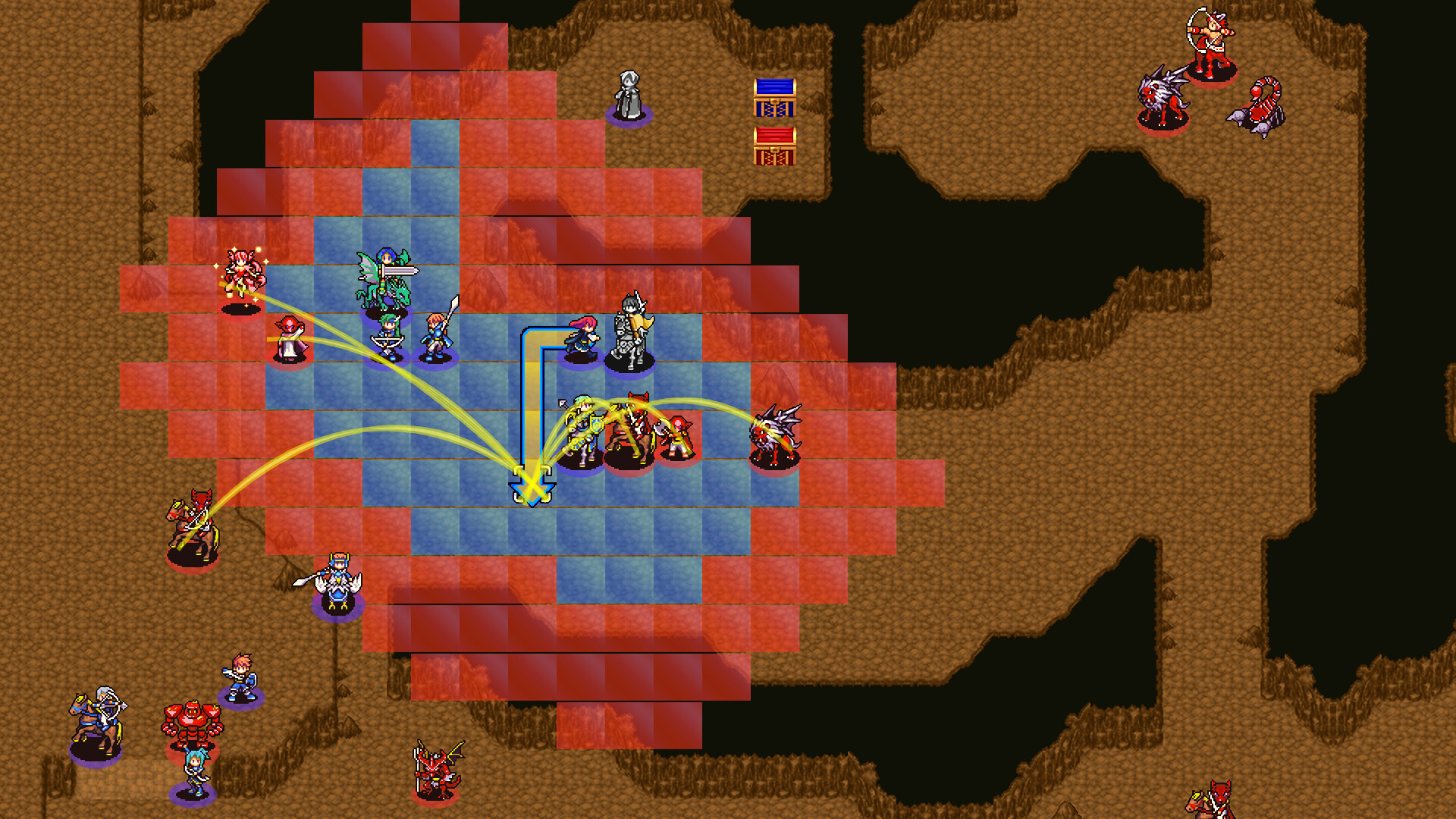
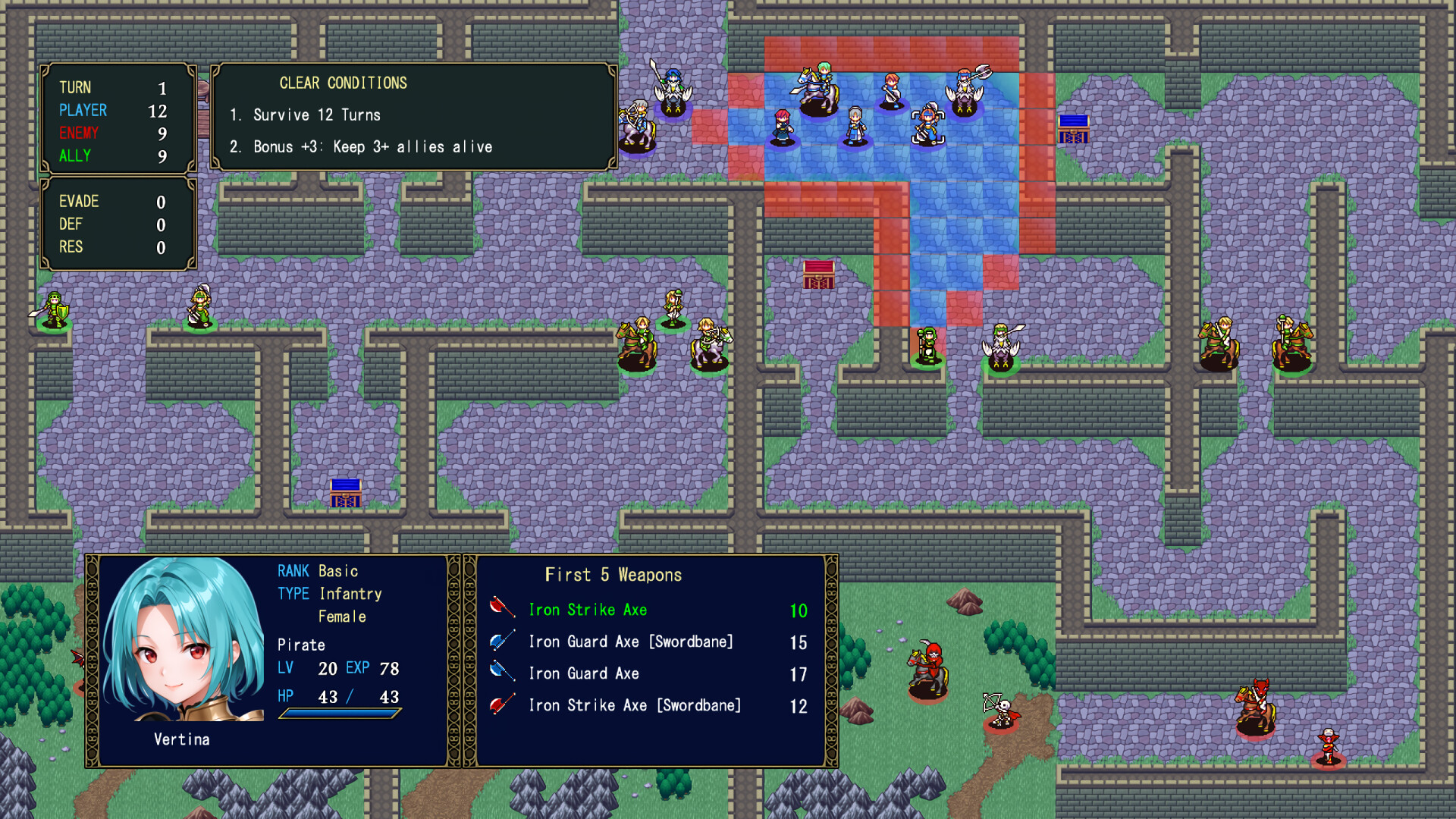
Un RPG tactique en petite escouade proposant des batailles à grande vitesse et un gameplay centré sur des affrontements effrénés. Avec le système de triangle des armes inversé et un groupe de 13 à 15 personnages, profitez de combats stratégiques où chaque allié compte. L'histoire en 30 chapitres se ramifie selon les choix effectués au chapitre 21.
Description d’origine sur Steam
High-Speed Battles × Fast-Paced Gameplay — A Small-Squad Tactical RPG
This small-squad tactical RPG features high-speed battles and a gameplay design built around fast-paced combat.
With the Reverse Weapon Triangle system, range-2 melee weapons, and map designs built for immediate encounters, battles begin quickly and deliver strategic decisions from the very first turn.
By limiting the playable roster to 13–15 characters, the game maintains a fast pace while giving each ally a strong sense of presence and importance.
Story Overview
Play as Helena, the daughter of a territorial lord, as she commands a small elite unit.
As she carries out her duties, she gradually grows into her role as a strategist while navigating shifting alliances and difficult decisions.
A story-driven tactical RPG spanning 30 chapters (~20–30 hours).
Convenience Features Designed for Your Playstyle
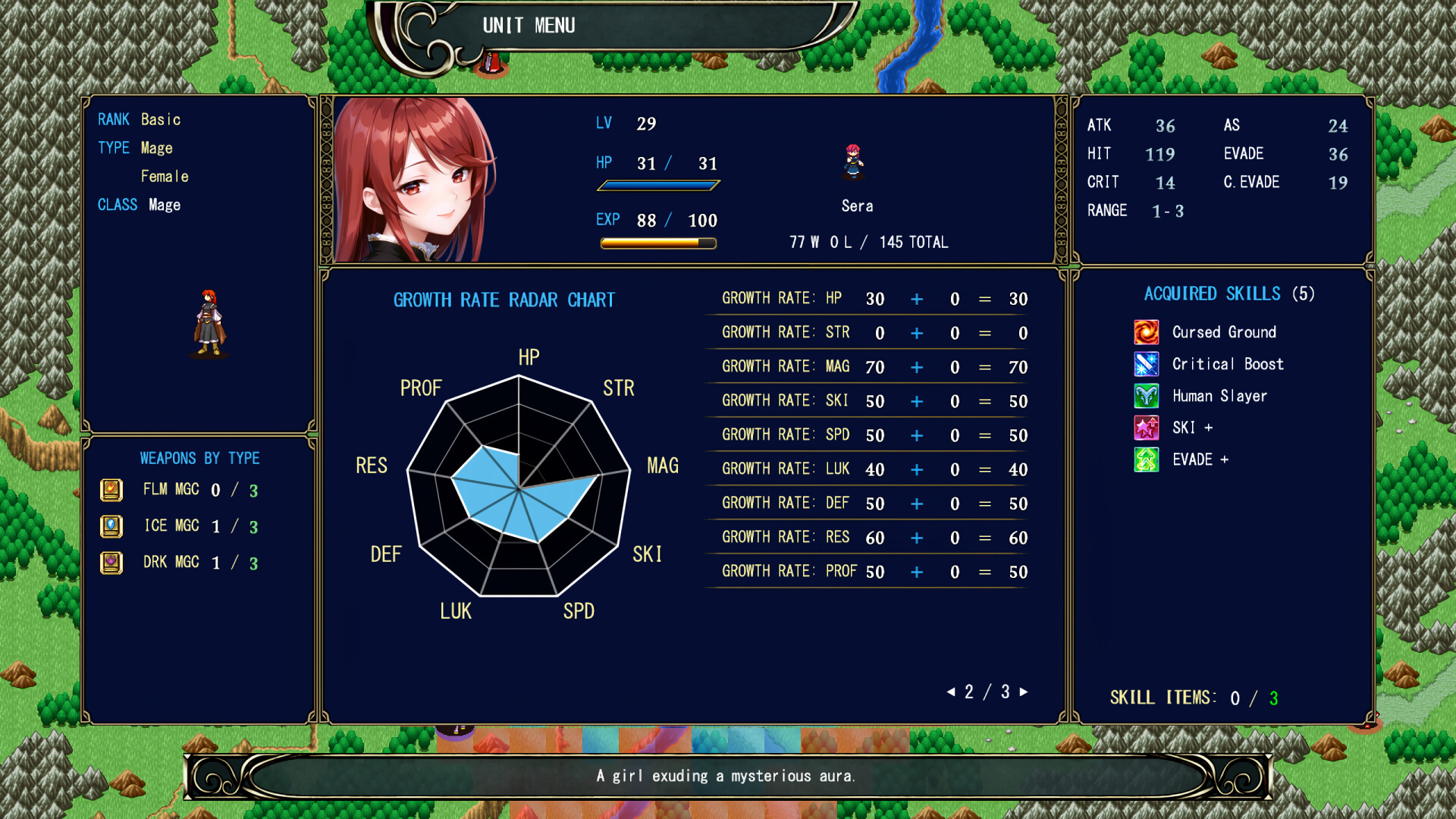
Growth Visualization: View growth rates with numerical values and radar charts.
1.5× EXP Gain: Helps accelerate character development.
Full Recovery After Level Up: Reduces resource management stress during battles.
Undo Action: A retry feature that allows you to undo mistakes.
Enemy Enhancement Mode: Customize enemy difficulty on each map during subsequent playthroughs.
Important Notes
This game is a complete, self-contained story, but it is part of a two-part series set in the same world, told from different protagonists’ perspectives.
“Vol.2 – Nashard” will be released separately.
Save data from this game will not carry over to future titles.
Recommended For Players Who
Are looking for a fast-paced tactical RPG experience.
Want their favorite units to remain useful throughout the game.
Prefer to customize their experience with convenient gameplay features.
Synopsis
A figure remembered in history once vanquished the monsters that ravaged the land, leaving behind an ideal of calm before an untimely death.
The "Kingdom" built upon this legacy did not seek to rule; instead, it maintained a long era of stability by protecting the autonomy of local lords.
However, after the Kingdom's decline and eventual collapse, the calm that persisted in new forms has begun to stir with ominous rumors.
――The Calamity Divergence――
It is said that remnants of the malignant force have resurfaced.
Destroy them, and the calamity fades.
Subjugate them, and prosperity follows.
Fading with time, the rumors were nearly forgotten.
A shadow approaches a nobleman, claiming to deliver a divine revelation.
Is it a blessing… or a harbinger of doom?
How to Transfer Demo Save Data
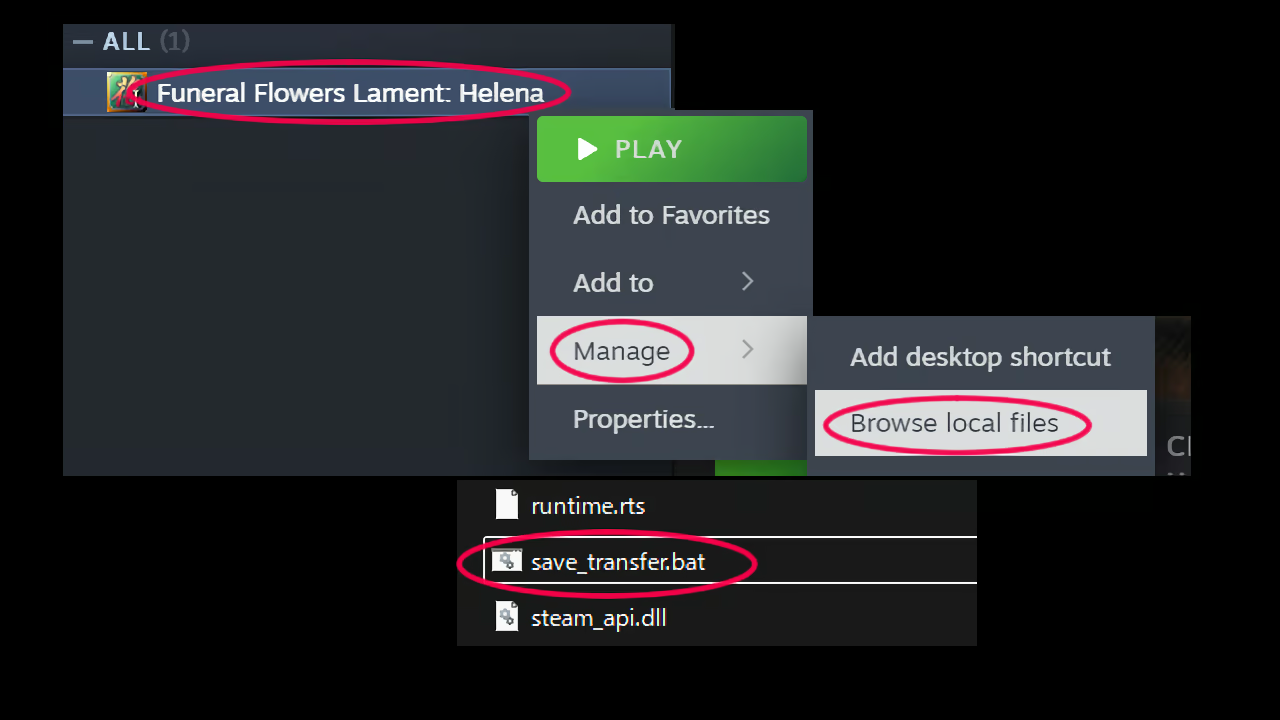
To transfer your progress from the Demo to the full game, follow the steps below:
1. Right-click the full game in your Steam Library.
2. Select “Manage” > “Browse local files” to open the game directory.
3. Run “save_transfer.bat” located in the folder.
4. Follow the on-screen instructions and press “Y” to complete the transfer.
Transferred Data:
Save folder (save data / save slots)
environment.evs (clear data / global flags)
Important:
Please complete this transfer before uninstalling the Demo version.
If the Demo is uninstalled first, your save data may be lost.
We recommend running this tool immediately after installing the full game.
This guide is intended for Windows environments only.
Depending on your system or settings, the tool may not work as expected.
In that case, please manually copy the Save folder and related files.
Final Note
If Helena’s journey has captured your interest, I hope you’ll consider playing the game.
Please look forward to the upcoming release of Part 2: The Nashard Arc.
Informations sur la démo et la sortie
Une démo Steam a été trouvée lors de la dernière vérification. Avant de la télécharger, vérifiez sur Steam qu’elle est toujours disponible dans votre région.
Démo Steam, playtest et accès anticipé : quelle est la différence ?
Informations et visuels : Steam · Dernière vérification UTC