
Mystic Garden
Lançado

About the game
Adam expulsou-te por praticares bruxaria. Cria um novo jardim, domina as tuas capacidades mágicas e cultiva a tua estufa com a máxima eficiência. Será que consegues cultivar o lendário Raphael’s Lotus para conquistar o teu regresso ao jardim de Adam?
Descrição original no Steam
"As thou hast chosen sorcery over obedience, so too hast thou chosen exile. Leave my garden, my child, and return no more.” - Adam
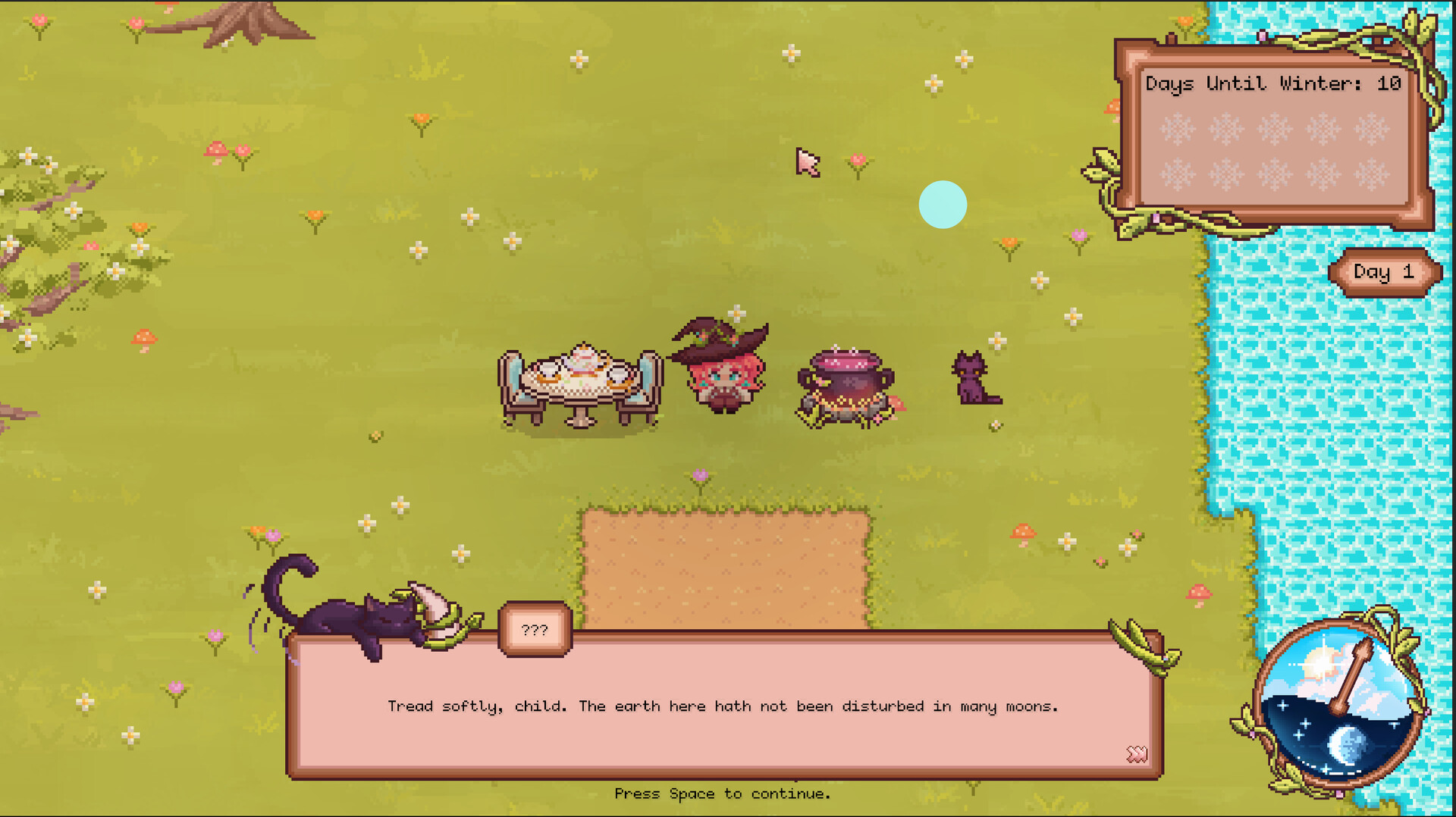
These were Adam’s last words before he kicked you out of his garden for your witchcraft. In Mystic Garden, you will use your magical abilities to care for your own garden, heal the blight, and prove yourself a worth greenskeeper.
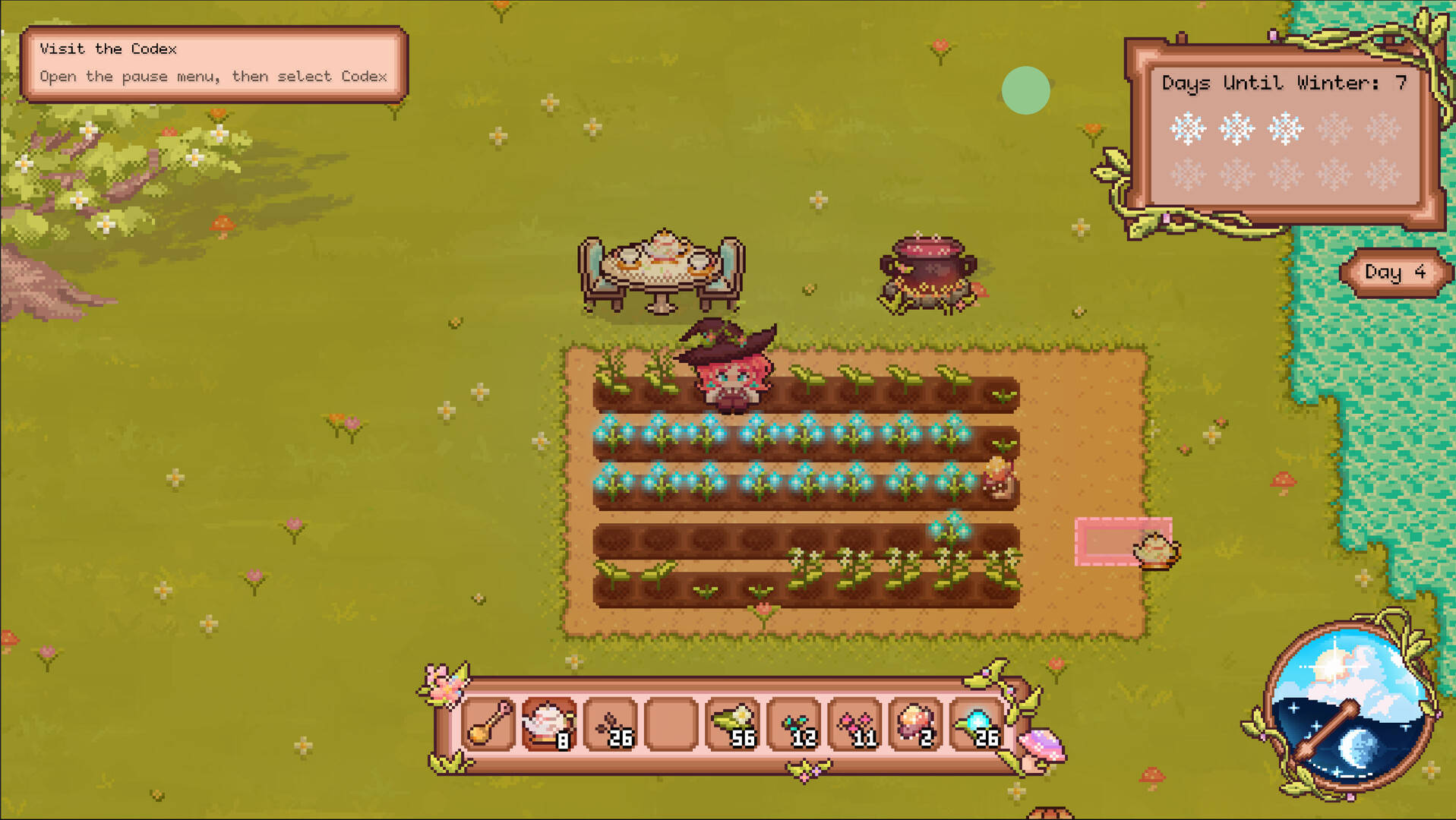
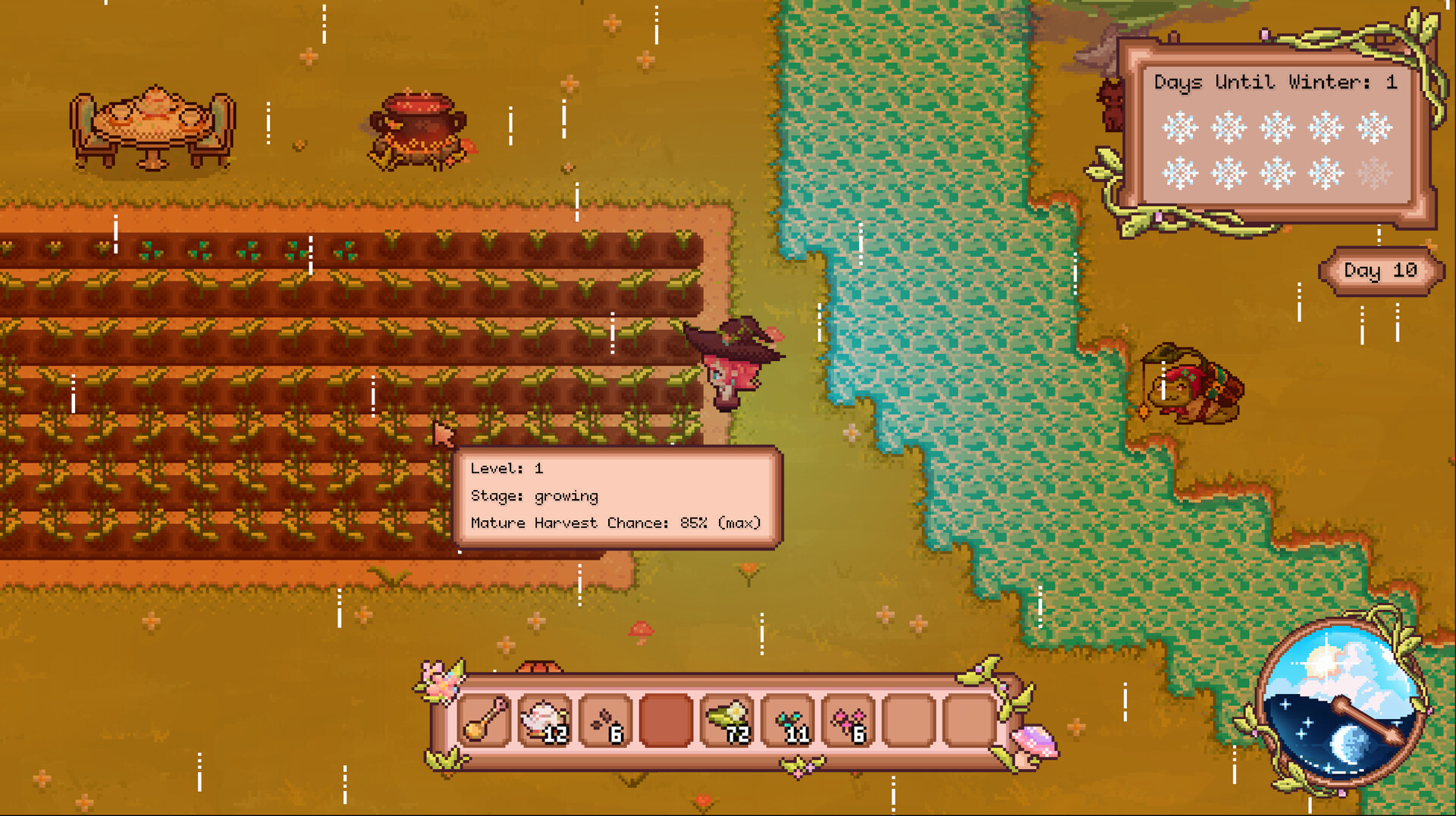
Cultivate Your Conservatory - Use your magical abilities to till, plant, water, and harvest your crops. Take good care of them to increase your crop yields and prove your worth!
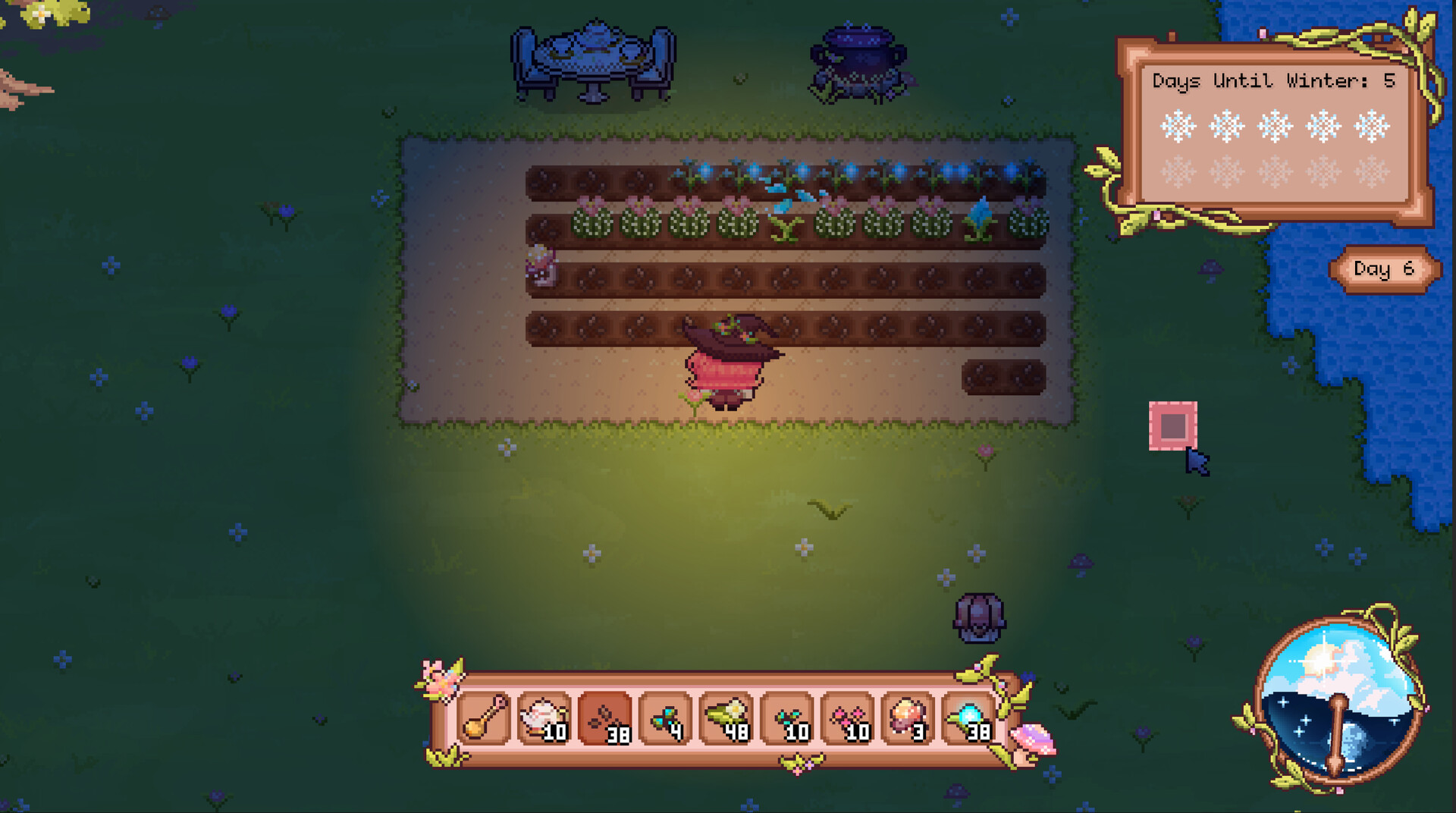
Craft New Magical Seeds - Your plants don’t just yield crops, they support the rest of the your garden. Plant a Caxius to help its neighbors retain water! Plant a Sprinkler to water your plants for you! Plant a Flarecap to tap into the roots of the ground and expand your soil. With over 20 unique plants, make your garden as diverse as possible!
Upgrade Your Tools - Tired of manually watering each crop? Upgrade your teapot and teaspoon at the tea table, and maximize your range with your newfound tools.
Meet New Characters - The world is full of magic and life. Ask Mistral, the talking cat, for quests and information. Help Peeper, former world-traveling merchant, with restarting his shop, and gain unique tools for your farm. Interact with them, and other surprise characters.
Craft the Raphael’s Lotus - Heal the blight by crafting and growing the legendary Raphael’s Lotus.
Do you have what it takes to heal the garden and prove your worth as a witch?
Informações sobre a demo e o lançamento
Os dados da verificação atual não confirmam nenhuma demo. Isto não significa que o jogo nunca tenha tido uma; consulta a página do Steam para saberes a disponibilidade atual.
Demo do Steam, teste de jogo e acesso antecipado: qual é a diferença?
Informações e imagens: Steam · Última verificação UTC