
Mystic Garden
Veröffentlicht

About the game
Adam hat dich wegen deiner Hexerei hinausgeworfen. Lege einen neuen Garten an, meistere deine magischen Fähigkeiten und bewirtschafte deinen Wintergarten mit maximaler Effizienz. Kannst du den legendären Raphael’s Lotus züchten und dir so deinen Weg zurück in Adams Garten verdienen?
Originalbeschreibung auf Steam
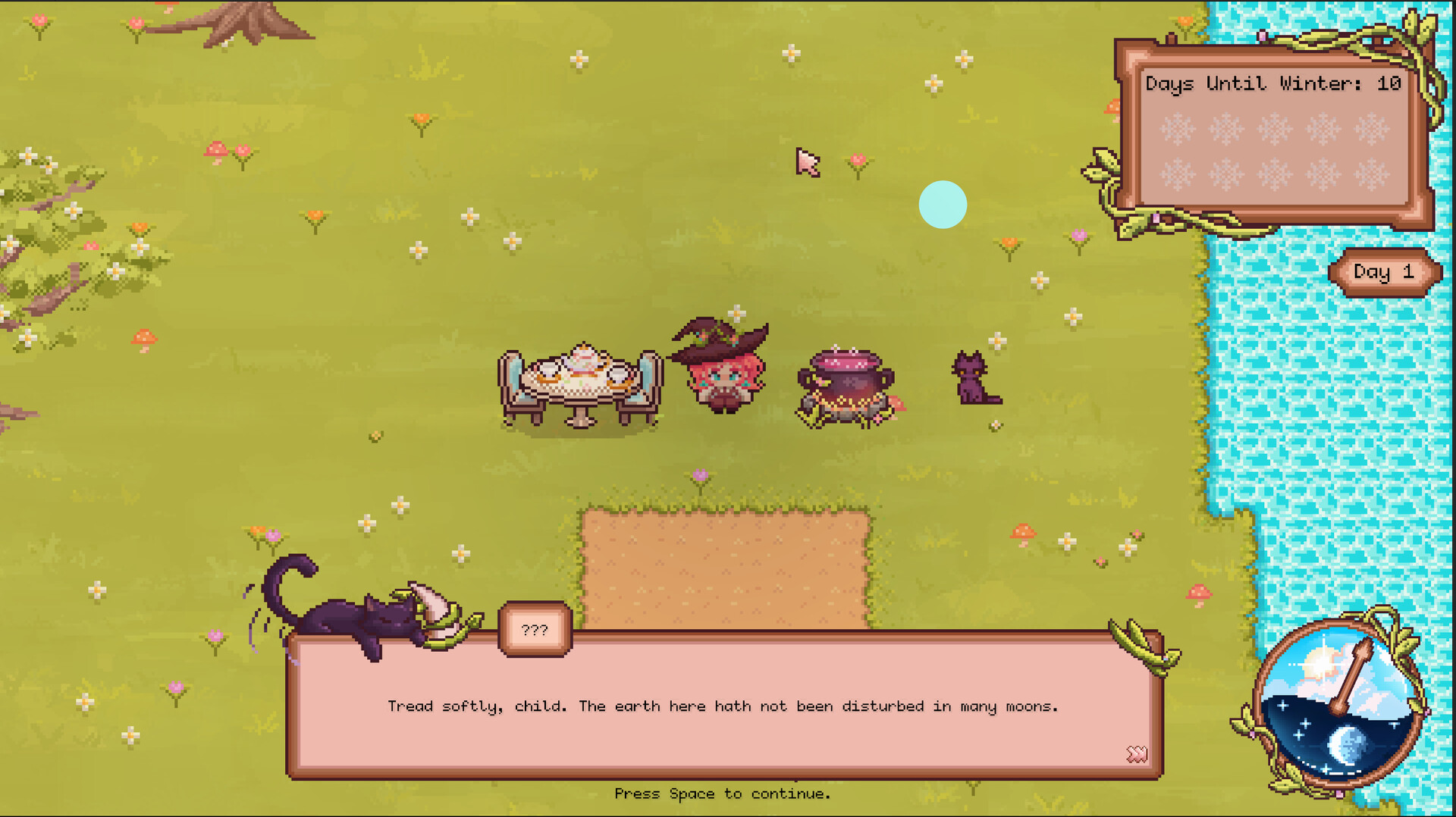
"As thou hast chosen sorcery over obedience, so too hast thou chosen exile. Leave my garden, my child, and return no more.” - Adam
These were Adam’s last words before he kicked you out of his garden for your witchcraft. In Mystic Garden, you will use your magical abilities to care for your own garden, heal the blight, and prove yourself a worth greenskeeper.
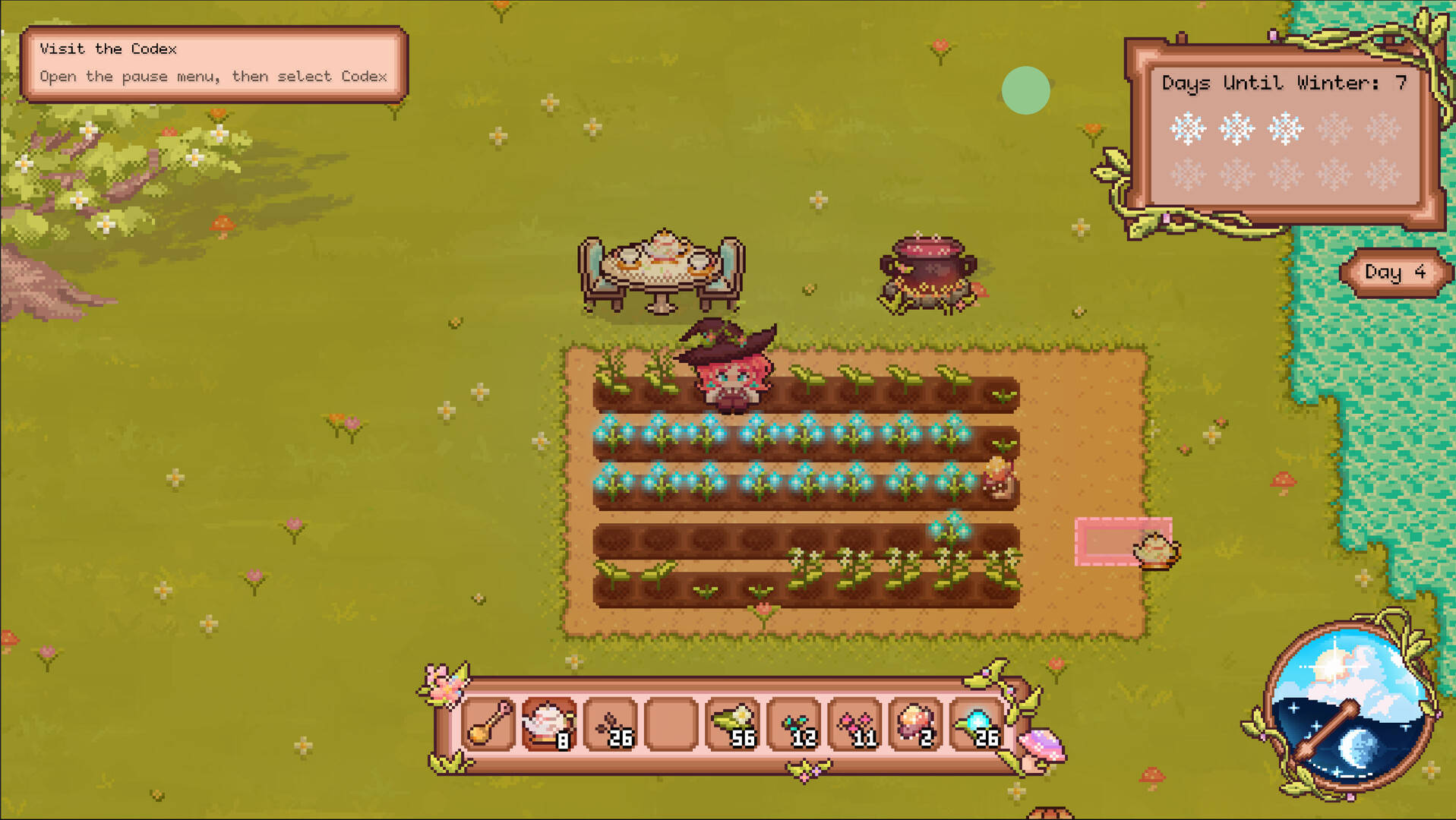
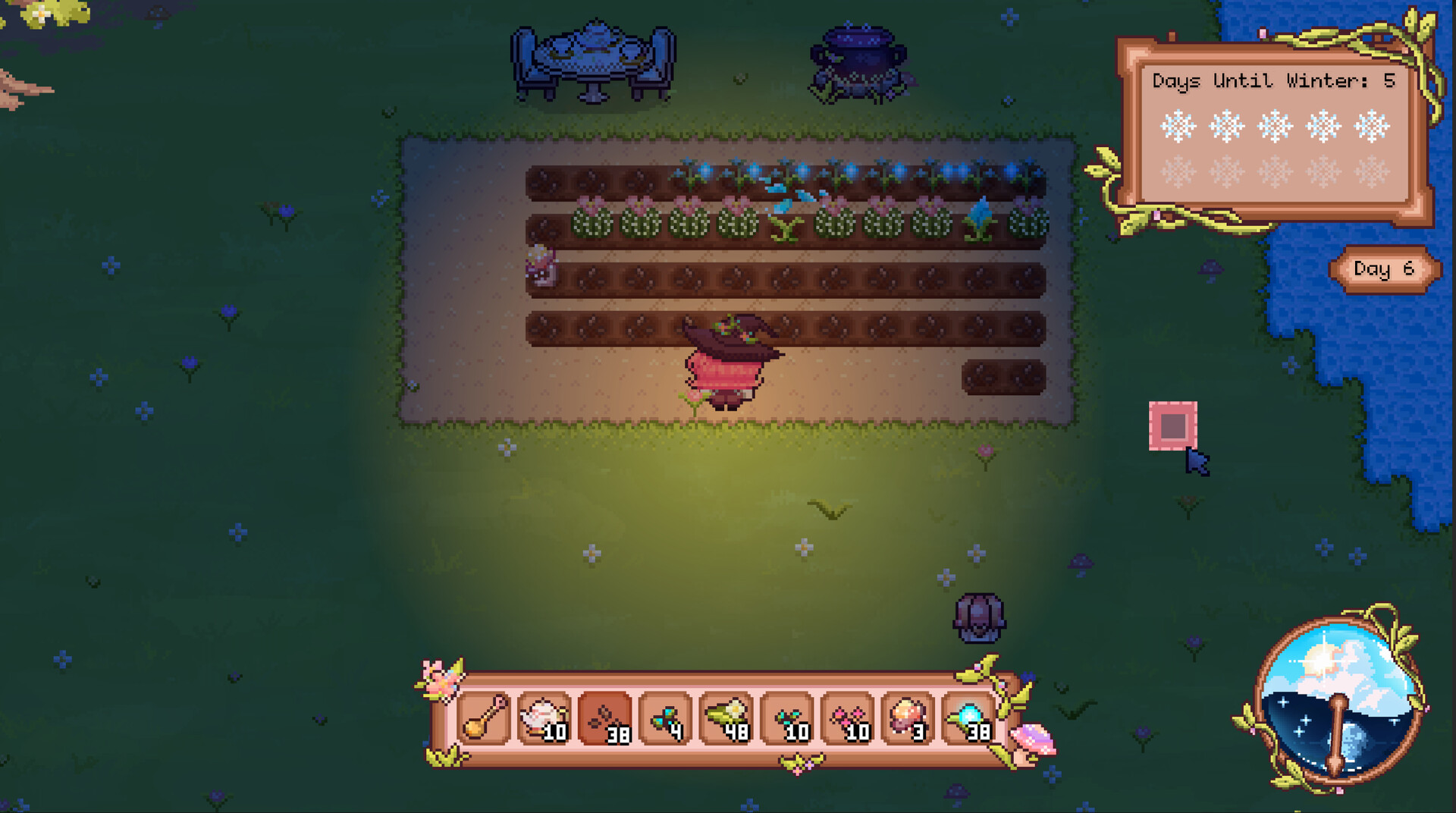
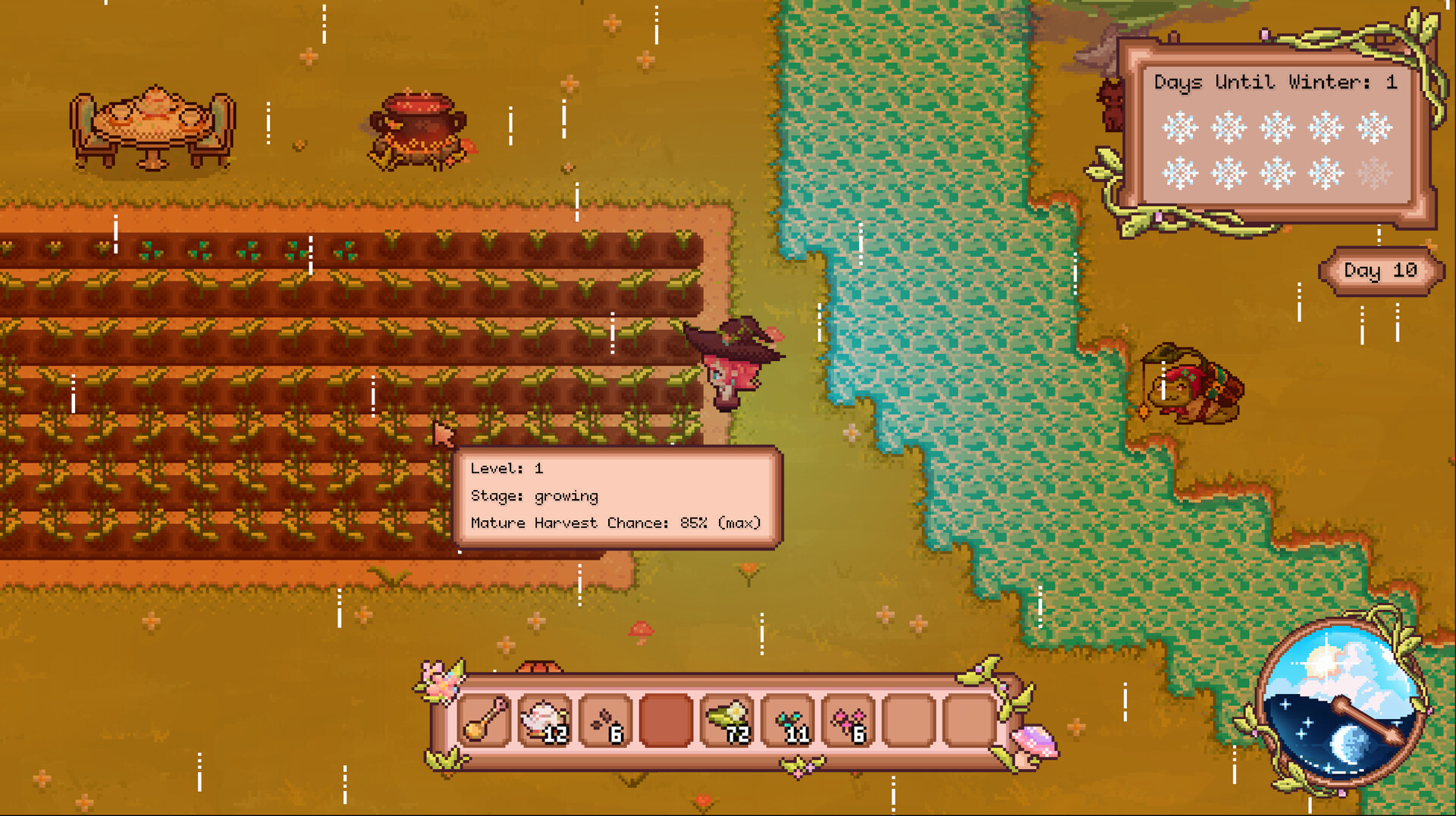
Cultivate Your Conservatory - Use your magical abilities to till, plant, water, and harvest your crops. Take good care of them to increase your crop yields and prove your worth!
Craft New Magical Seeds - Your plants don’t just yield crops, they support the rest of the your garden. Plant a Caxius to help its neighbors retain water! Plant a Sprinkler to water your plants for you! Plant a Flarecap to tap into the roots of the ground and expand your soil. With over 20 unique plants, make your garden as diverse as possible!
Upgrade Your Tools - Tired of manually watering each crop? Upgrade your teapot and teaspoon at the tea table, and maximize your range with your newfound tools.
Meet New Characters - The world is full of magic and life. Ask Mistral, the talking cat, for quests and information. Help Peeper, former world-traveling merchant, with restarting his shop, and gain unique tools for your farm. Interact with them, and other surprise characters.
Craft the Raphael’s Lotus - Heal the blight by crafting and growing the legendary Raphael’s Lotus.
Do you have what it takes to heal the garden and prove your worth as a witch?
Informationen zu Demo und Veröffentlichung
In den aktuellen Prüfdaten ist keine Demo bestätigt. Das bedeutet nicht, dass das Spiel nie eine Demo hatte. Prüfe die aktuelle Verfügbarkeit auf der Steam-Seite.
Steam-Demo, Playtest und Early Access: Was ist der Unterschied?
Informationen und Bilder: Steam · Zuletzt geprüft UTC