
Type The Rhythm
有试玩版


About the game
一款节奏打字训练游戏,让你伴随多种音乐风格输入真实单词。增强的本体感觉让律动在大脑与手指之间流转,从而打字更快、更准确。从低头找键、逐个敲击,到蒙眼每分钟输入150个单词,Type The Rhythm助你不断进步。
Steam 原始说明
Type the Rhythm is a rhythm typing trainer that teaches efficient touch typing technique through music-synchronized gameplay. Don't just practice two-finger typing harder and harder, unlock your pinkies and rewire your brain with our proprioceptive aid!
Rhythm mode
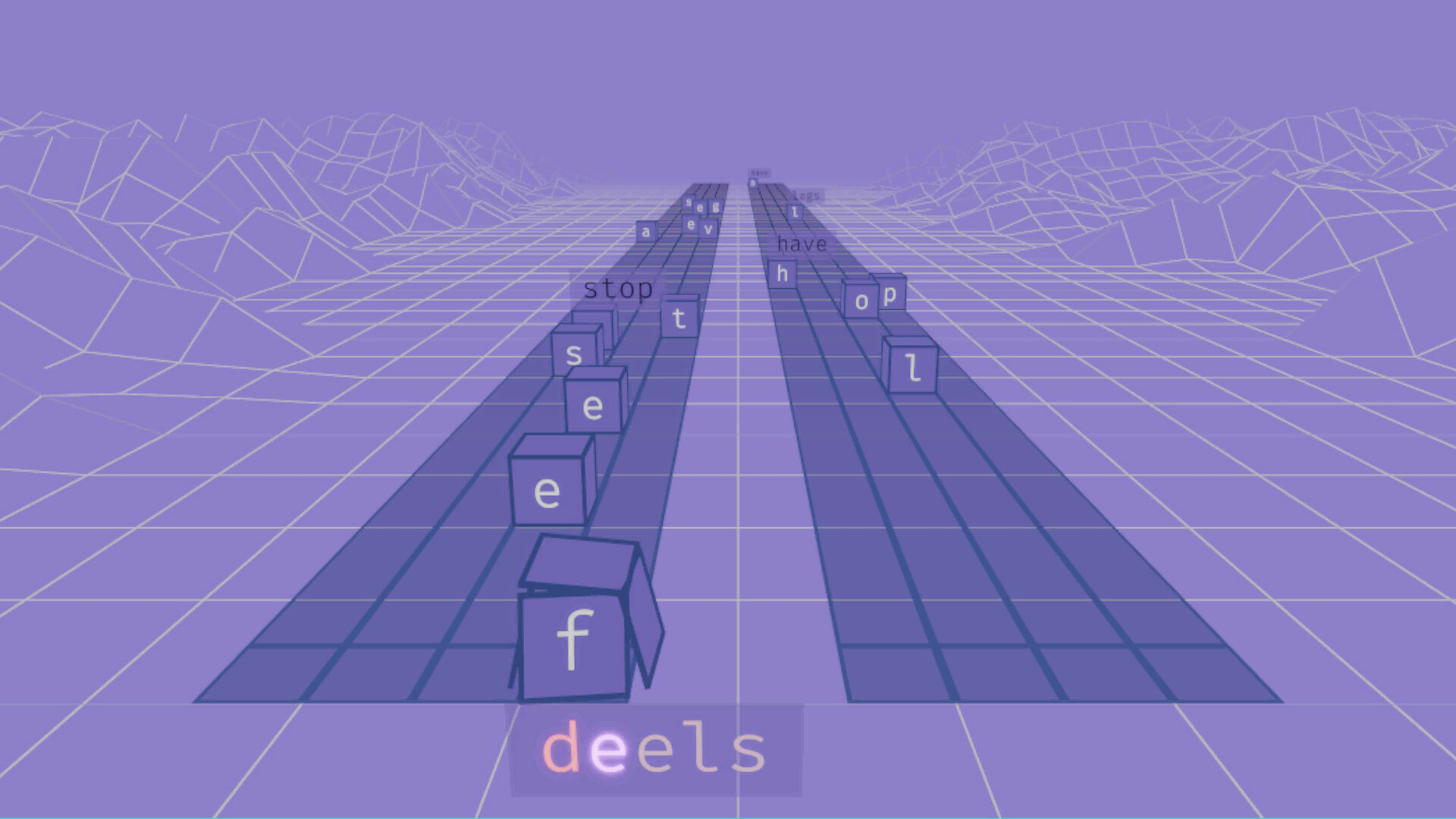
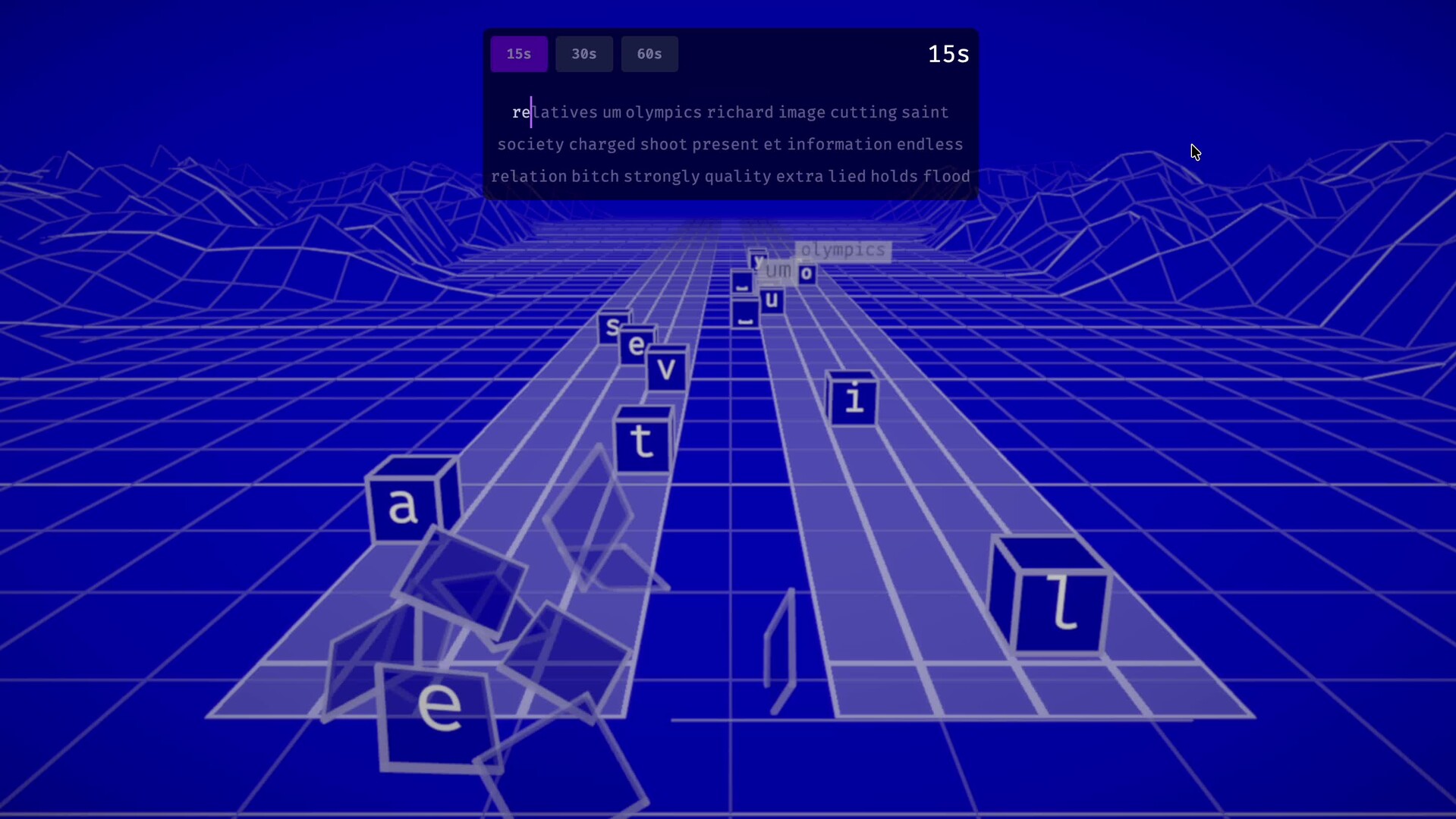
Words race toward you in a 3D space, synchronized to the beat. Like Guitar Hero or Beat Saber, but for your keyboard. Type each word as it lands—hit the timing window to keep your combo going and your score climbing.
The game shows you which finger should press each key, reinforcing correct 10-finger technique with every letter. It's difficult to fix bad habits when you're typing at full speed, and it's boring to practice when you're not being challenged. Rhythm-based gameplay keeps you engaged while slowing you down just enough to actually change your technique.
Pick your own style
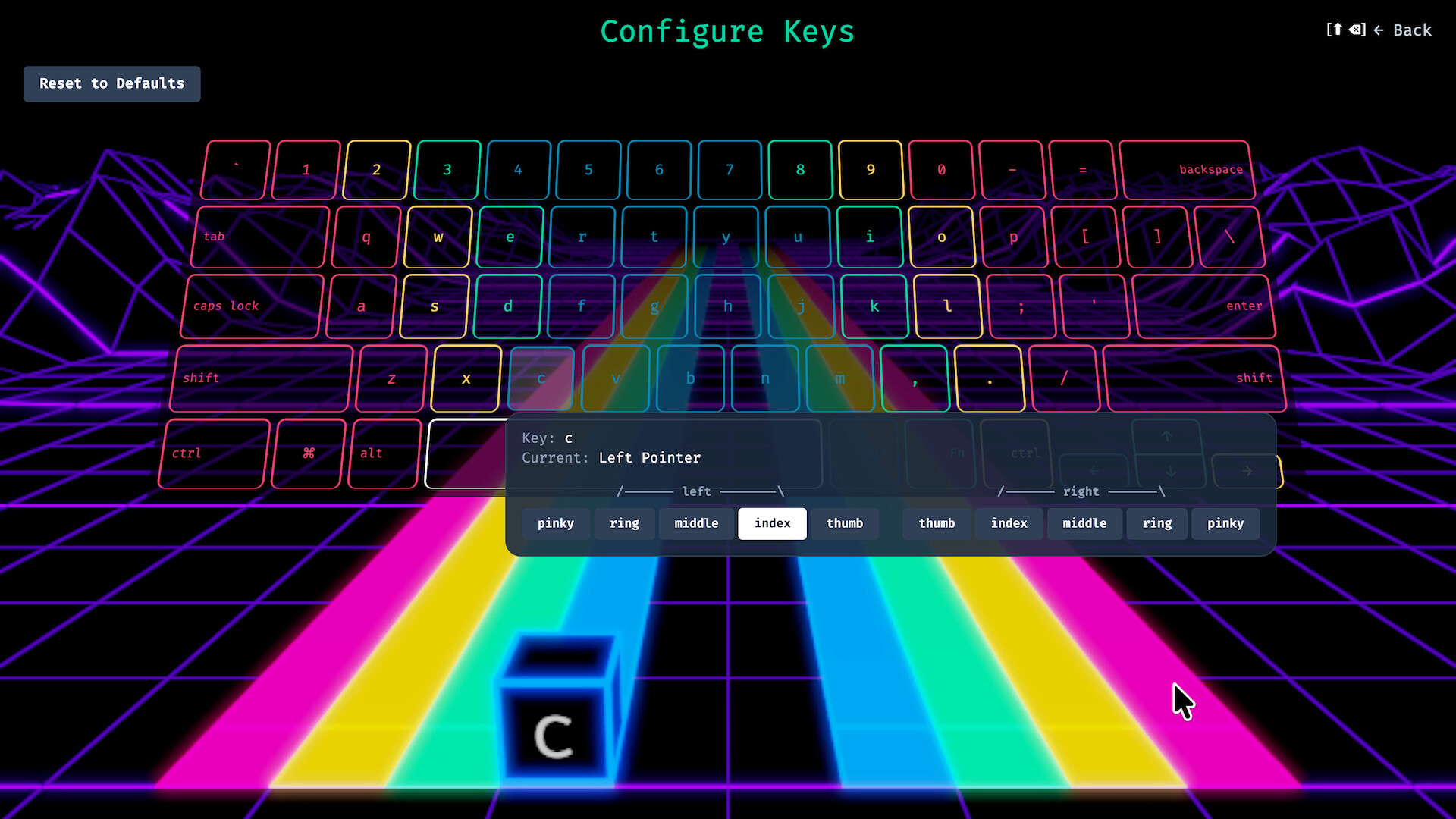
Have an injured finger? Prefer Dvorak or Colemak? Remap letters and fingers however you see fit. Forget "proper" typing, we empower efficient typing. It's up to you to decide how to make the most of the fingers you've got.
Learn (or relearn) letters gradually
Instead of throwing the whole keyboard at you, Type the Rhythm uses a progressive letter discovery system. You start with just your pinkies (Q, A, Z, P if you're on qwerty) and unlock more as you play. Every word you type is a real(ish) English word, matched to the rhythm and melody using a layout and finger-aware dictionary system.
Freetype Mode
Want to practice without the music? We also have a standalone typing trainer where you can work on your technique at your own pace without the pressure of rhythm, but still augmented with our per-finger cues.
The Soundtrack
Flow through a variety of genres, everything from funk to folk, classical to R&B trance.
试玩版与发售信息
上次检查时发现了 Steam 试玩版。下载前,请在 Steam 上确认您所在地区是否仍可使用。
信息与图片:Steam · 最后检查 UTC