
Adventurer’s Guild Manager
À venir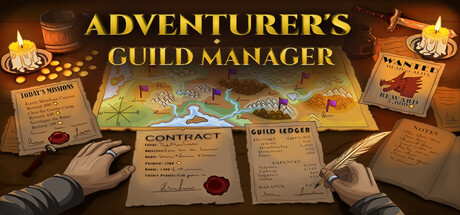


About the game
Prenez les rênes de votre propre guilde d'aventuriers dans un monde chaleureux en low poly. Rédigez des contrats, fabriquez des parchemins, commercez avec les aventuriers et aidez votre guilde à prospérer.
Description d’origine sur Steam
Take charge of your own adventurers' guild in a cozy low-poly world. Write contracts, get to know the adventurers who stop by, and help your guild grow.
How It Works
Clients and organizations come to you with work that needs doing.
You turn each job into a contract and put it up on the board.
Adventurers look over the board and take the jobs that suit them.
When they return, they bring back loot and tell you how it went. Not everyone makes it back, so choosing the right person for each job matters.
Create Contracts
Each contract is yours to shape. You set the reward, the rank, the tone and the terms, and adventurers decide whether the job is right for them. When someone wants to take it, you have the final say.
Write Scrolls
Some adventurers will ask your guild to make scrolls for them. Once you have the materials, you trace the runes yourself at the workbench. The more care you put into tracing, the better the scroll turns out.
Use the Communication Crystal
The communication crystal keeps you connected to the world outside your guild. Organizations send you missions through it, adventurers let you know how their journey went, and you can use it to order supplies from the city.
Also in the Game
Trading: Buy and sell gear with adventurers, and haggle for a better price.
Visitors: Chat with the people who visit your guild and learn more about them over time.
Guild Charter: Welcome your regular adventurers into the guild as members.
World Map: Follow your adventurers' journeys and discover new places along the way.
Guild Growth: Expand your guild and build its reputation.
Gold: Keep an eye on your finances and try to stay out of debt.
Informations sur la démo et la sortie
Aucune démo n’est confirmée dans les données de vérification actuelles. Cela ne signifie pas que le jeu n’a jamais eu de démo ; consultez sa page Steam pour connaître sa disponibilité actuelle.
Démo Steam, playtest et accès anticipé : quelle est la différence ?
Informations et visuels : Steam · Dernière vérification UTC