
BUZZ QUIZ
Em breve

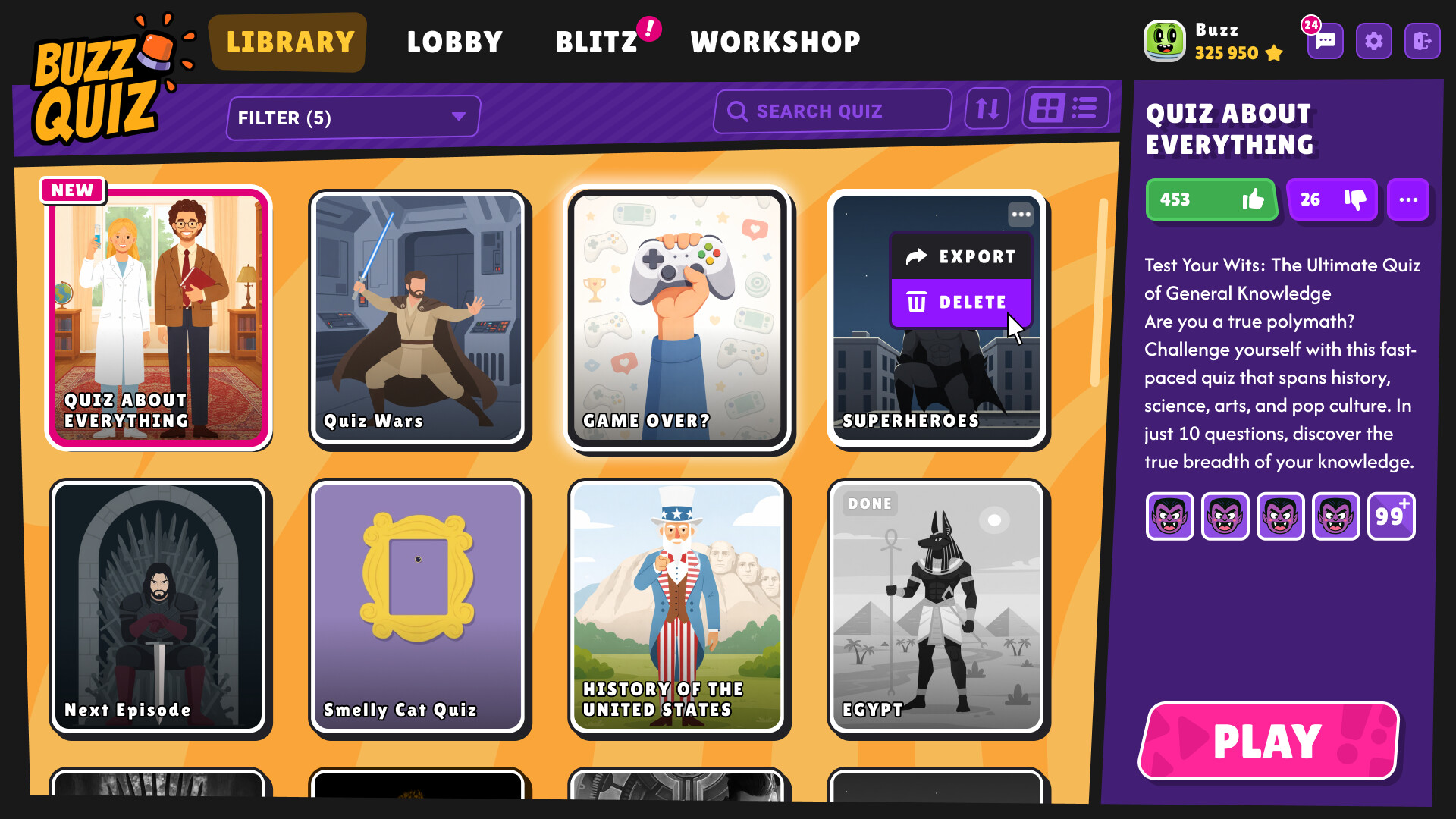
About the game
Buzz Quiz é a melhor maneira de animar qualquer encontro: jogue sozinho ou com amigos, crie seus próprios quizzes com fotos e vídeos, compartilhe-os na Oficina e transforme-os em vídeos incríveis ou festas offline. Rápido, divertido e sempre do seu jeito!
Descrição original no Steam
🎉 What is Buzz Quiz?
Buzz Quiz is your personal quiz world: play, create, share, and host the most exciting intellectual parties!
🎮 Play alone or with friends!
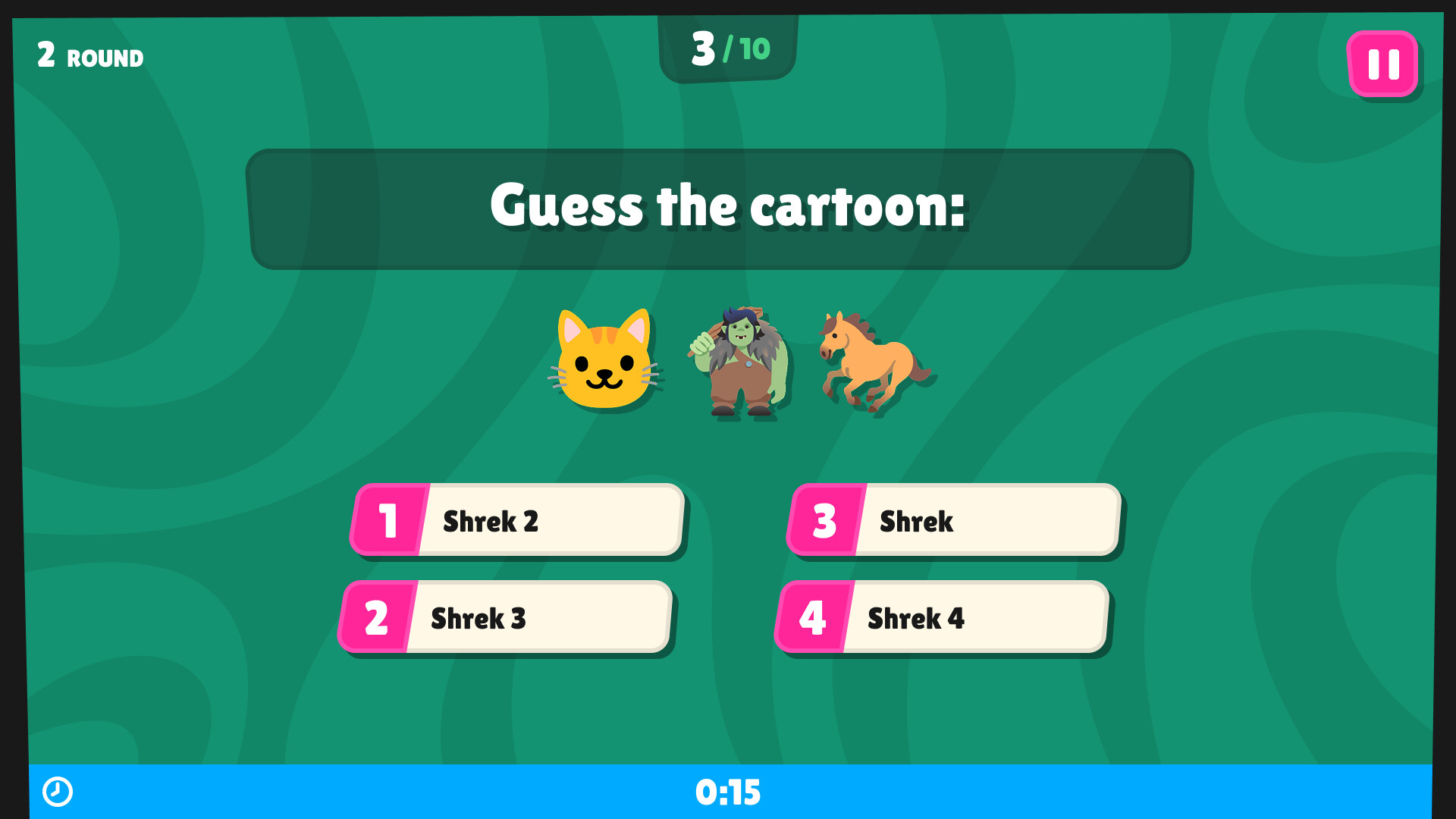
SOLO - Want to flex your brain muscles? Launch any quiz and play alone. Perfect when you want to chill and take on an easy challenge.
MULTIPLAYER - Invite your friends or connect with random players — the atmosphere of a real quiz show is guaranteed. It will be noisy, fun, and very competitive.
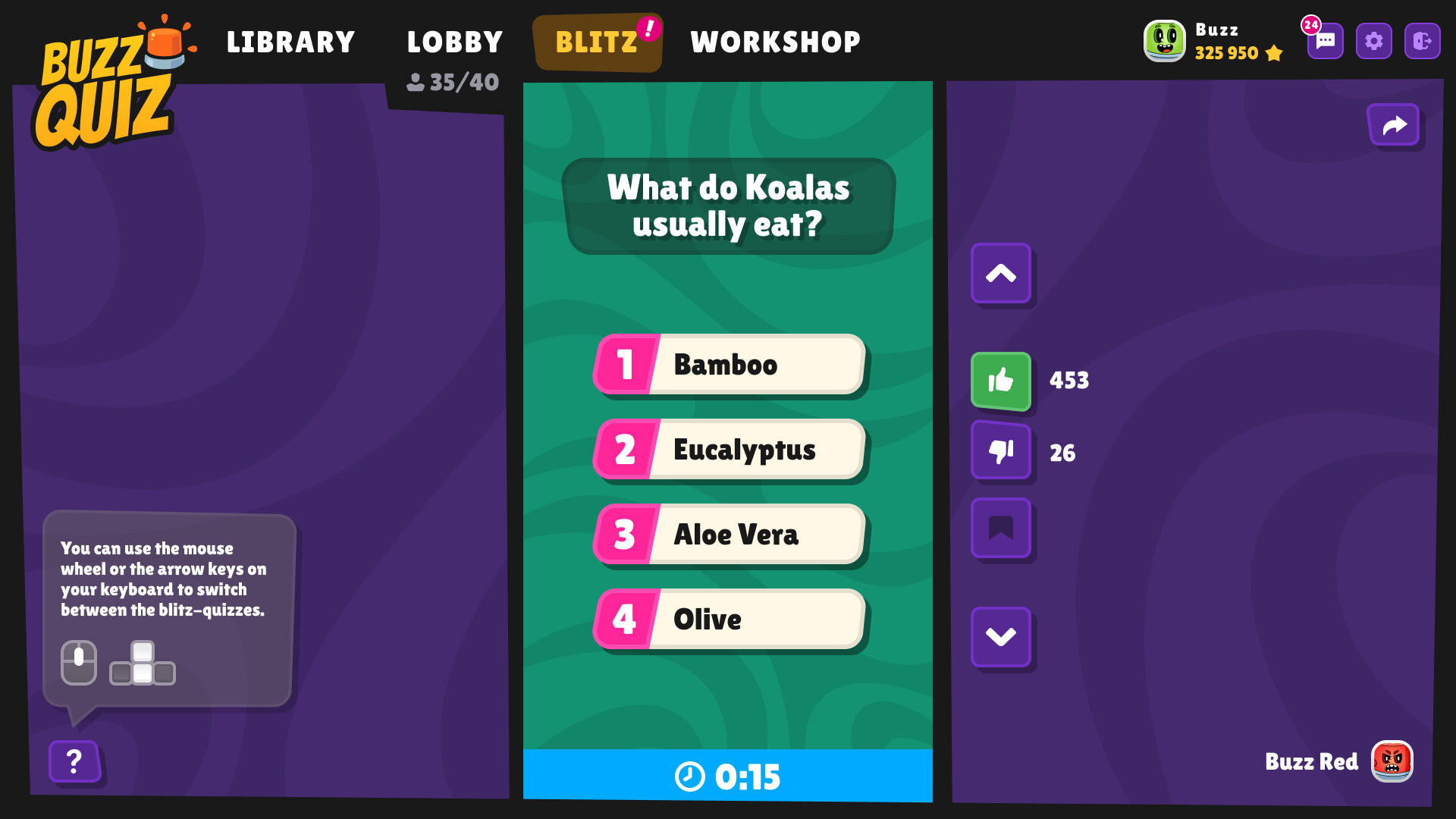
BLITZ - No time? Take a short quiz with one question selected by the recommendation system. It's fast, sharp, and more invigorating than coffee.
✏️ Create your own quizzes!
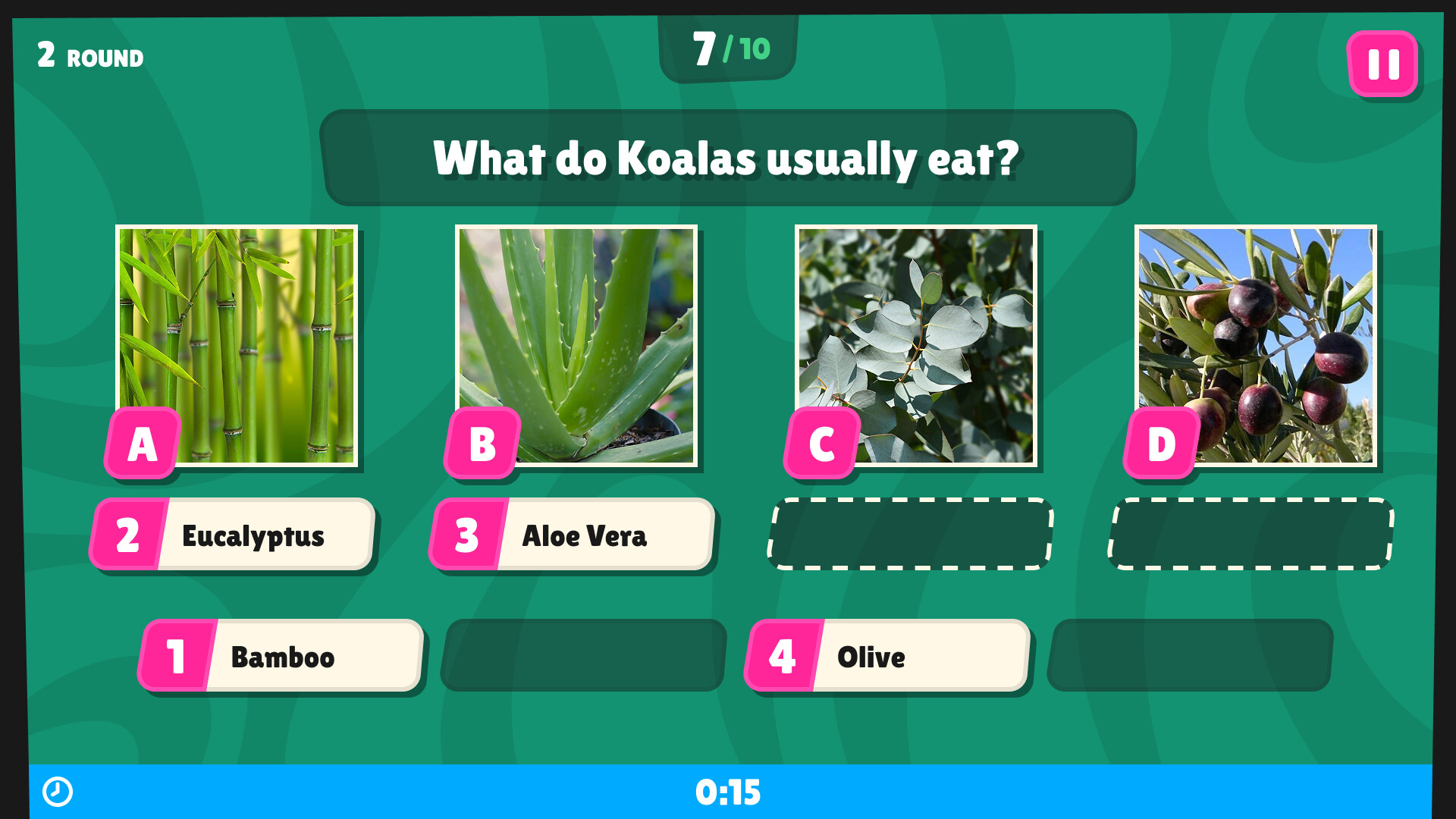
EDITOR - Create cool quizzes with photos, videos, music, and your own style. Customise the design, choose the sound, add mood — make quizzes the way you want them.
PUBLISH — Ready? Publish to Steam Workshop and watch people around the world play your quiz.
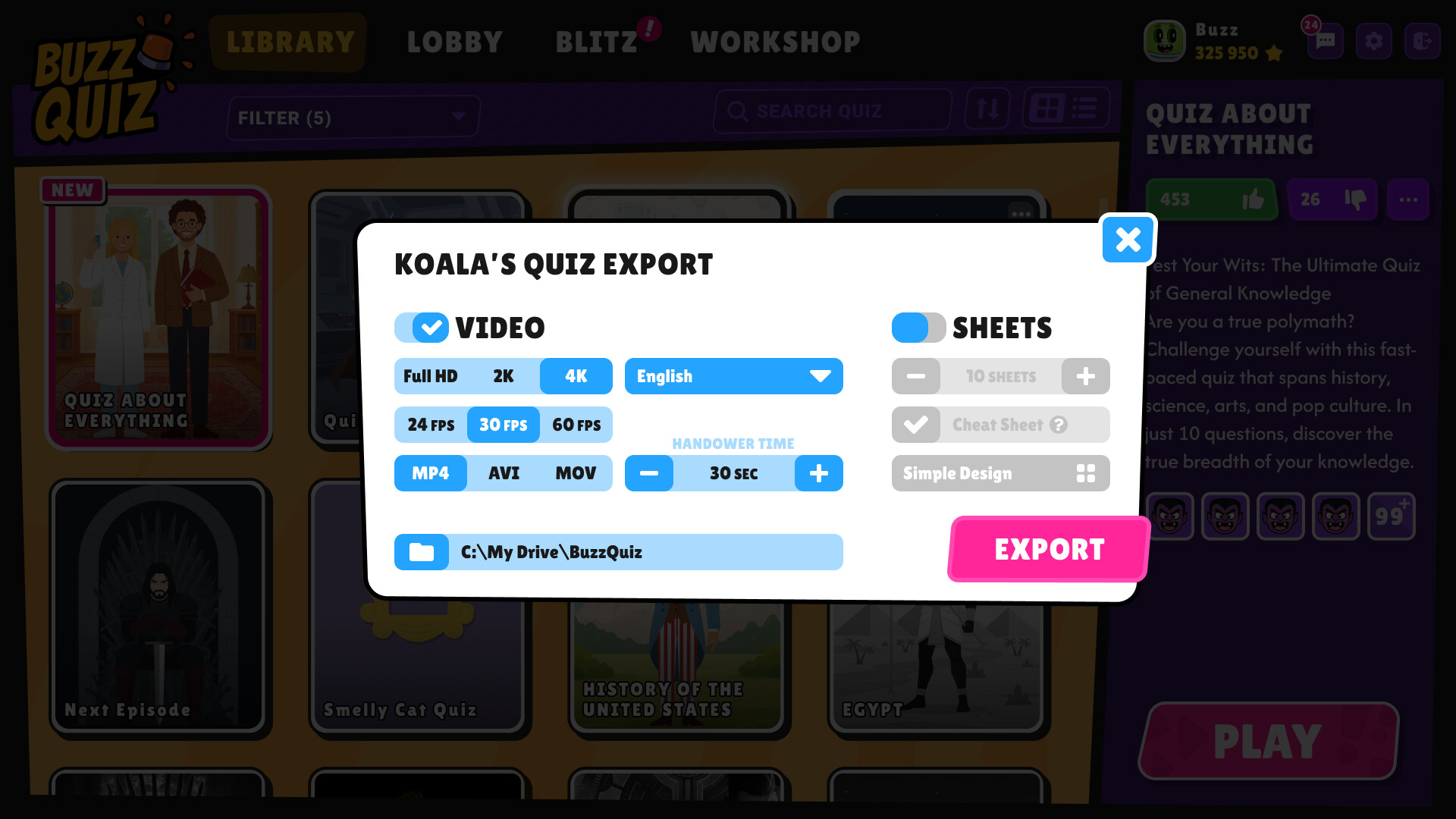
🎥 Export your quiz to video format!
HORIZONTAL - Play video quizzes on your TV and gather your friends — your home show is about to begin! You can also upload to YouTube and share your content with the world.
VERTICAL - Short videos for one question — perfect for TikTok, Reels, and Stories. Fast, stylish and very shareable.
BLANK QUIZ SHEETS - Playing offline? Export the answer sheet, print it out and hand it out to your guests. Collect, check, choose the winner — the full effect of a real quiz party.
🧨 Play with your subscribers!
Get your subscribers involved in the game! Stream mode picks up comments from the chat and adds viewers to the leaderboard — the perfect way to liven up your stream and host a real live quiz show!
Informações sobre a demo e o lançamento
Os dados da verificação atual não confirmam nenhuma demo. Isso não significa que o jogo nunca teve uma; consulte a página dele no Steam para verificar a disponibilidade atual.
Demo do Steam, teste de jogo e acesso antecipado: qual é a diferença?
Informações e imagens: Steam · Última verificação UTC