
YoloX - Crosshair System
有试玩版


About the game
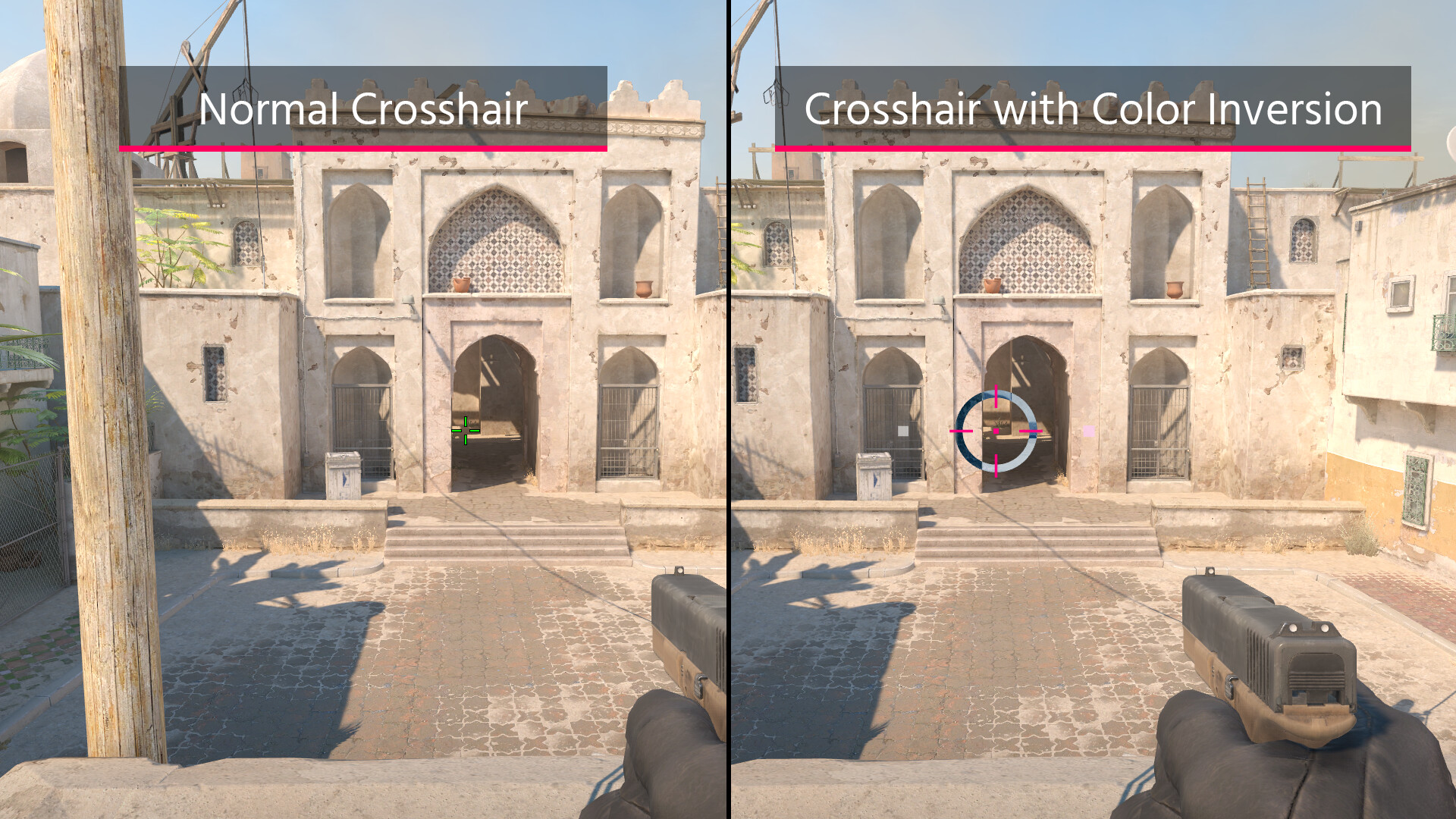
YoloX 是一套完整的 FPS 瞄准工具。添加自定义准星、缩放、声纳、移动反馈、颜色反转等功能。全面可编辑,支持创意工坊,并以反作弊安全性为设计重点。
Steam 原始说明
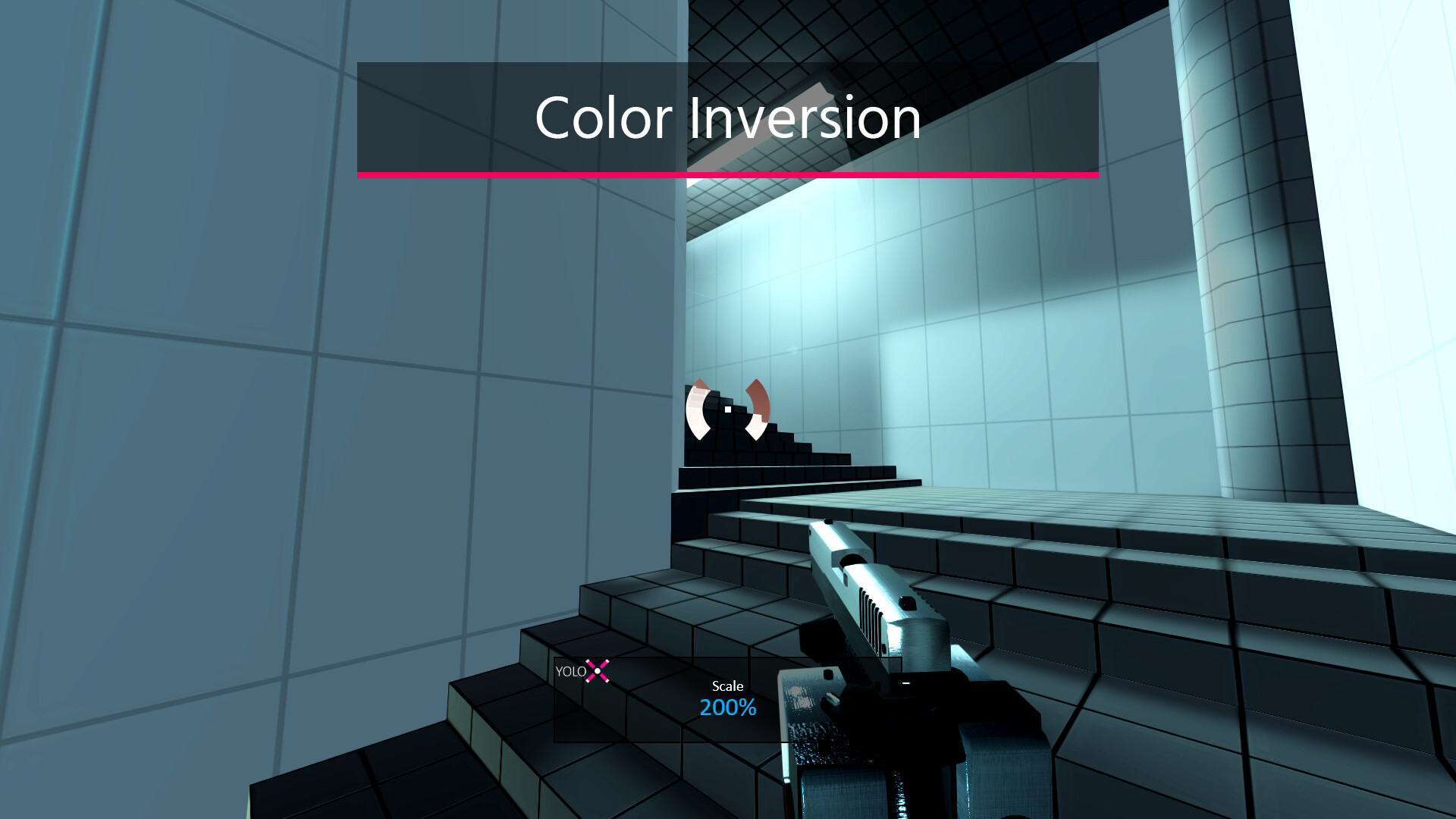
YoloX adds a complete set of aim tools to your game. Use high visibility crosshairs with effects like color inversion, zoom with mouse sensitivity reduction, and Sonar to visualize footstep and gunshot direction.
YoloX runs as an overlay without hooks and includes Game Bar support for maximum anti-cheat safety.
YoloX runs as an overlay without hooks and includes Game Bar support for maximum anti-cheat safety.
Inverted Color
Zoom
Sonar
Features
- Crosshairs: Animated crosshairs with effects like inverted color and blur.
- Zoom: Add your own scope with mouse sensitivity reduction and synchronized crosshair scaling.
- Sonar: Visualize the direction of important sounds like footsteps and gunshots.
- Motion Feedback: Visual effects that react to your movement.
- Actions: Trigger separate animations for actions like firing, jumping, and crouching.
- Anti-Cheat Safety: Overlay only (no hooks), Game Bar support, whitelisting, and code signing.
- Fullscreen: Works in exclusive fullscreen.
- Fast: Highly optimized for minimal performance impact.
- Profiles: Per-game crosshair, zoom, sonar, size, offset, and hotkeys.
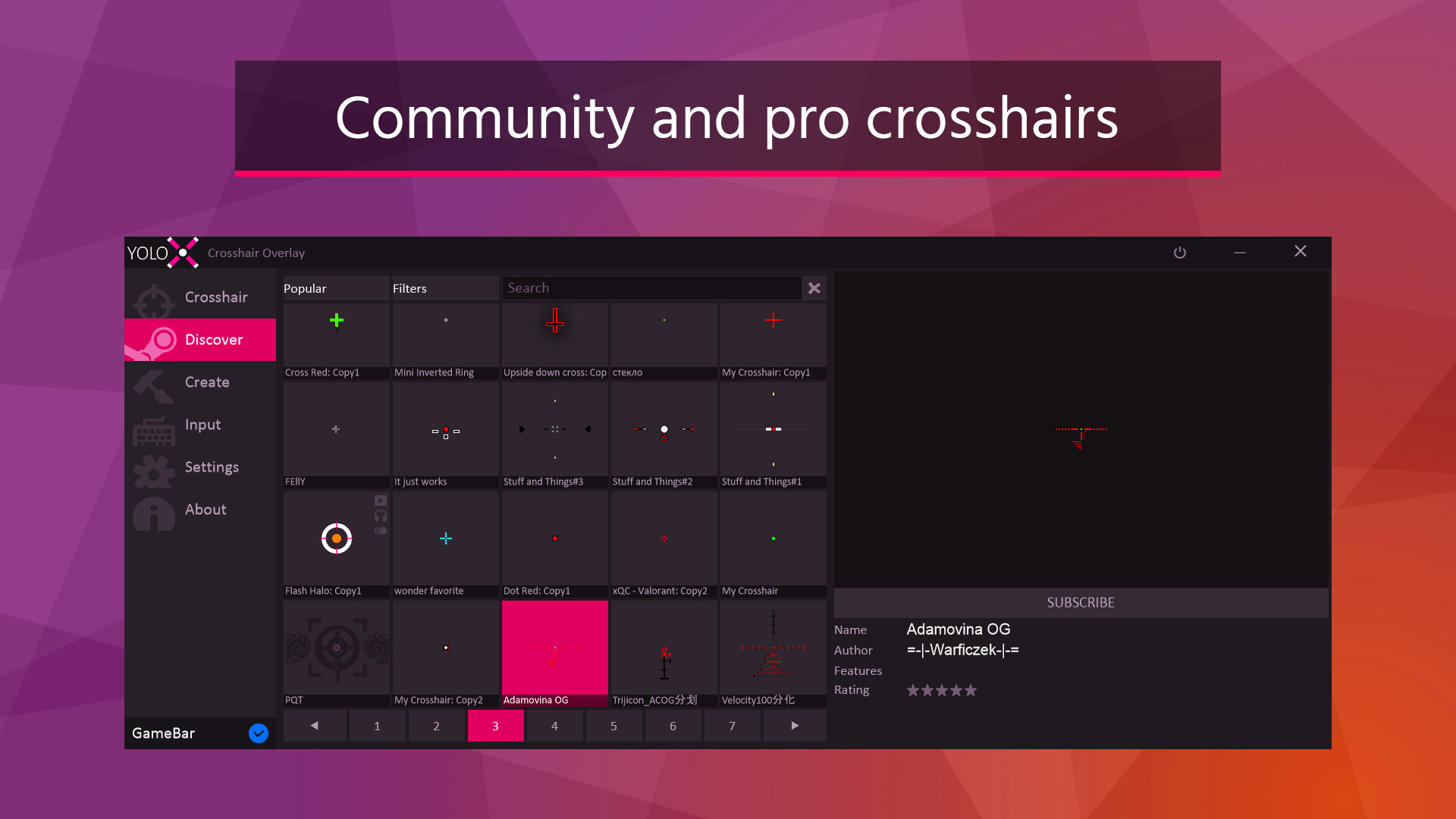
- Variety: Includes many crosshairs, zooms, and sonars with more available via Steam Workshop.
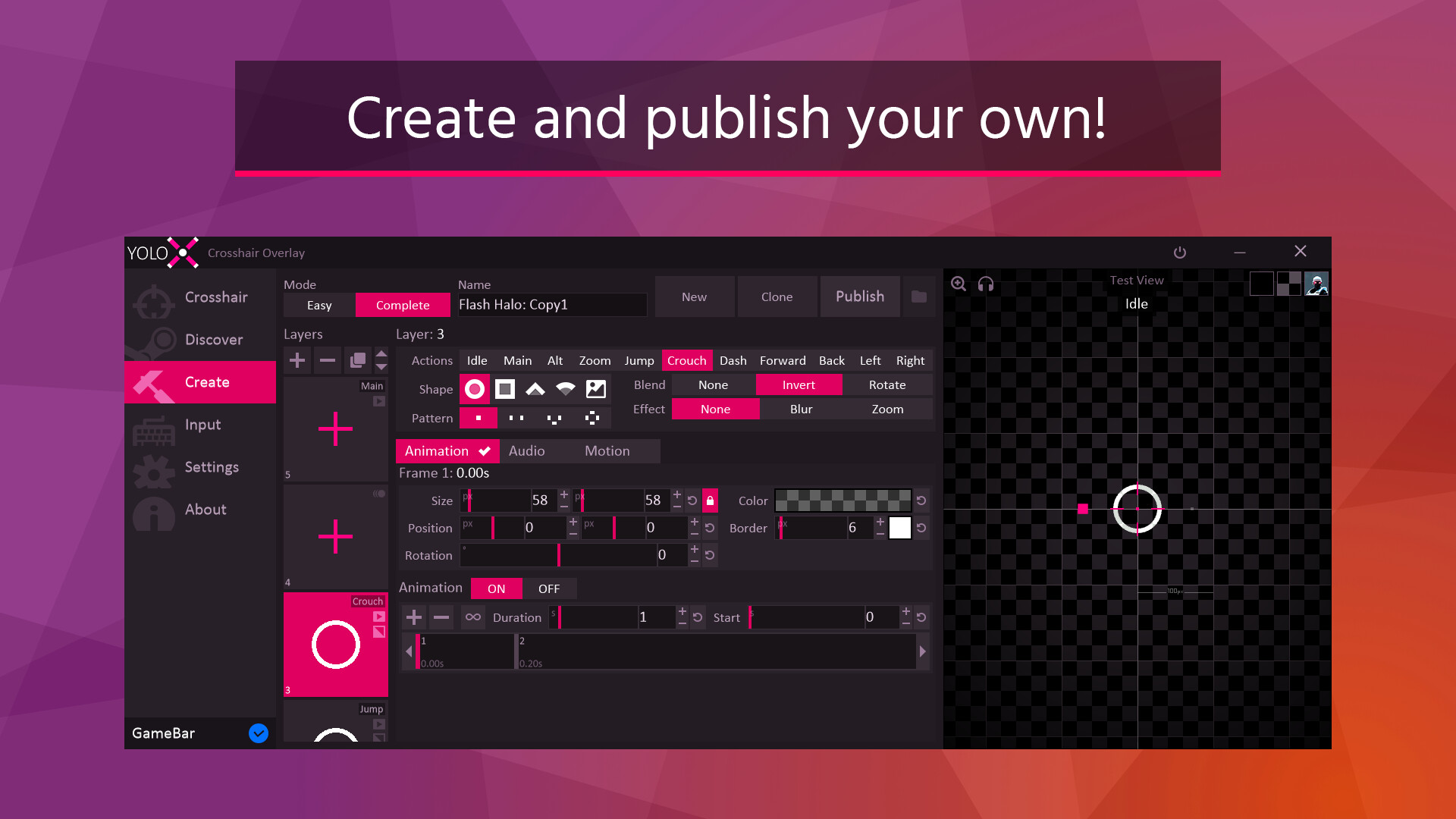
- Create: Editor includes multi-layer control, keyframe animation, and a pixel editor. Any crosshair is possible!
- Hotkeys: Switch crosshairs, adjust scale and offset, toggle visibility, change zoom power, and more.
- Settings: Includes autohide, autostart, and desync from Steam (hide playing status).
- Input: Xbox controller support.
Getting Started
Open your game and press CTRL+SHIFT+P to assign a crosshair. For the full menu, use CTRL+SHIFT+X.Notes
- Anti-Cheat Safety: YoloX operates like other widely accepted game overlays and includes multiple safety and compliance measures. It is routinely tested with major FPS titles. Always verify compatibility with a specific game’s ToS before use.
- Exclusive Fullscreen: When not using Game Bar, this may require enabling the NVIDIA setting: Vulkan/OpenGL Present Method: prefer DXGI swapchain
试玩版与发售信息
上次检查时发现了 Steam 试玩版。下载前,请在 Steam 上确认您所在地区是否仍可使用。
信息与图片:Steam · 最后检查 UTC