
YoloX - Crosshair System
体験版あり


About the game
YoloXは、FPSのエイムに必要な機能を網羅したツールキットです。カスタムクロスヘア、ズーム、ソナー、モーションフィードバック、色の反転などを追加できます。すべて自由に編集でき、Workshopにも対応。アンチチートに配慮して設計されています。
Steamの原文説明
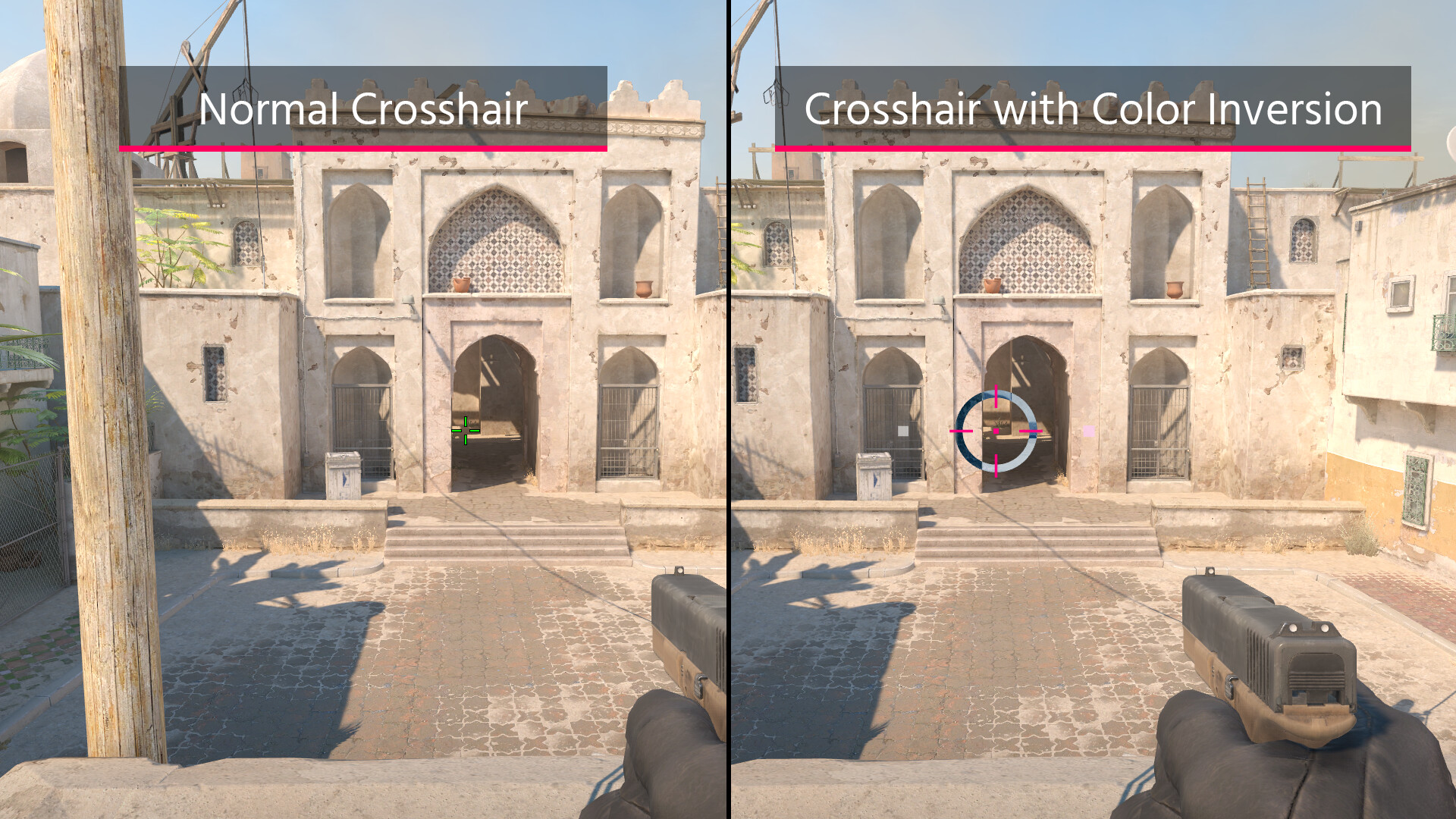
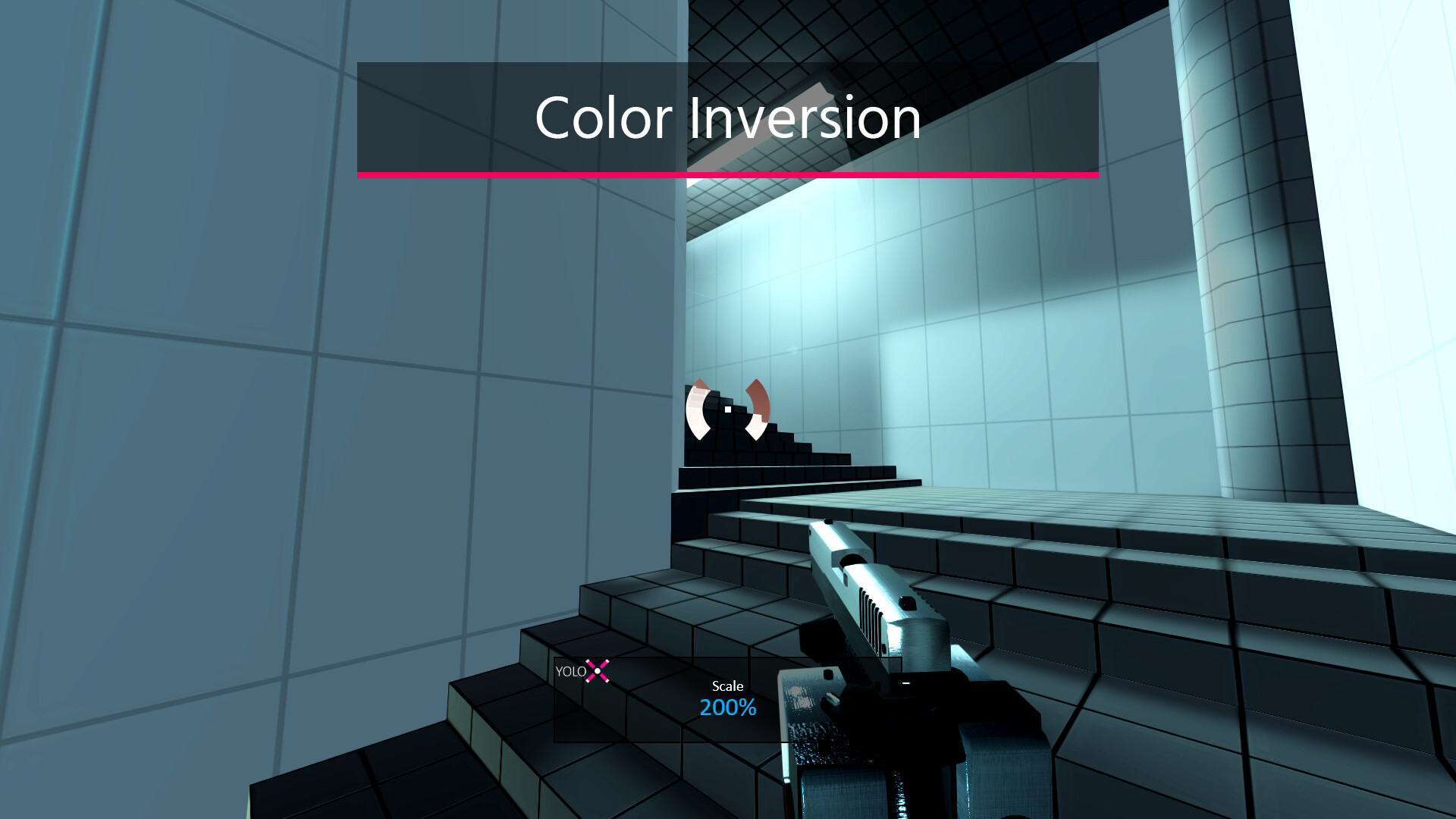
YoloX adds a complete set of aim tools to your game. Use high visibility crosshairs with effects like color inversion, zoom with mouse sensitivity reduction, and Sonar to visualize footstep and gunshot direction.
YoloX runs as an overlay without hooks and includes Game Bar support for maximum anti-cheat safety.
YoloX runs as an overlay without hooks and includes Game Bar support for maximum anti-cheat safety.
Inverted Color
Zoom
Sonar
Features
- Crosshairs: Animated crosshairs with effects like inverted color and blur.
- Zoom: Add your own scope with mouse sensitivity reduction and synchronized crosshair scaling.
- Sonar: Visualize the direction of important sounds like footsteps and gunshots.
- Motion Feedback: Visual effects that react to your movement.
- Actions: Trigger separate animations for actions like firing, jumping, and crouching.
- Anti-Cheat Safety: Overlay only (no hooks), Game Bar support, whitelisting, and code signing.
- Fullscreen: Works in exclusive fullscreen.
- Fast: Highly optimized for minimal performance impact.
- Profiles: Per-game crosshair, zoom, sonar, size, offset, and hotkeys.
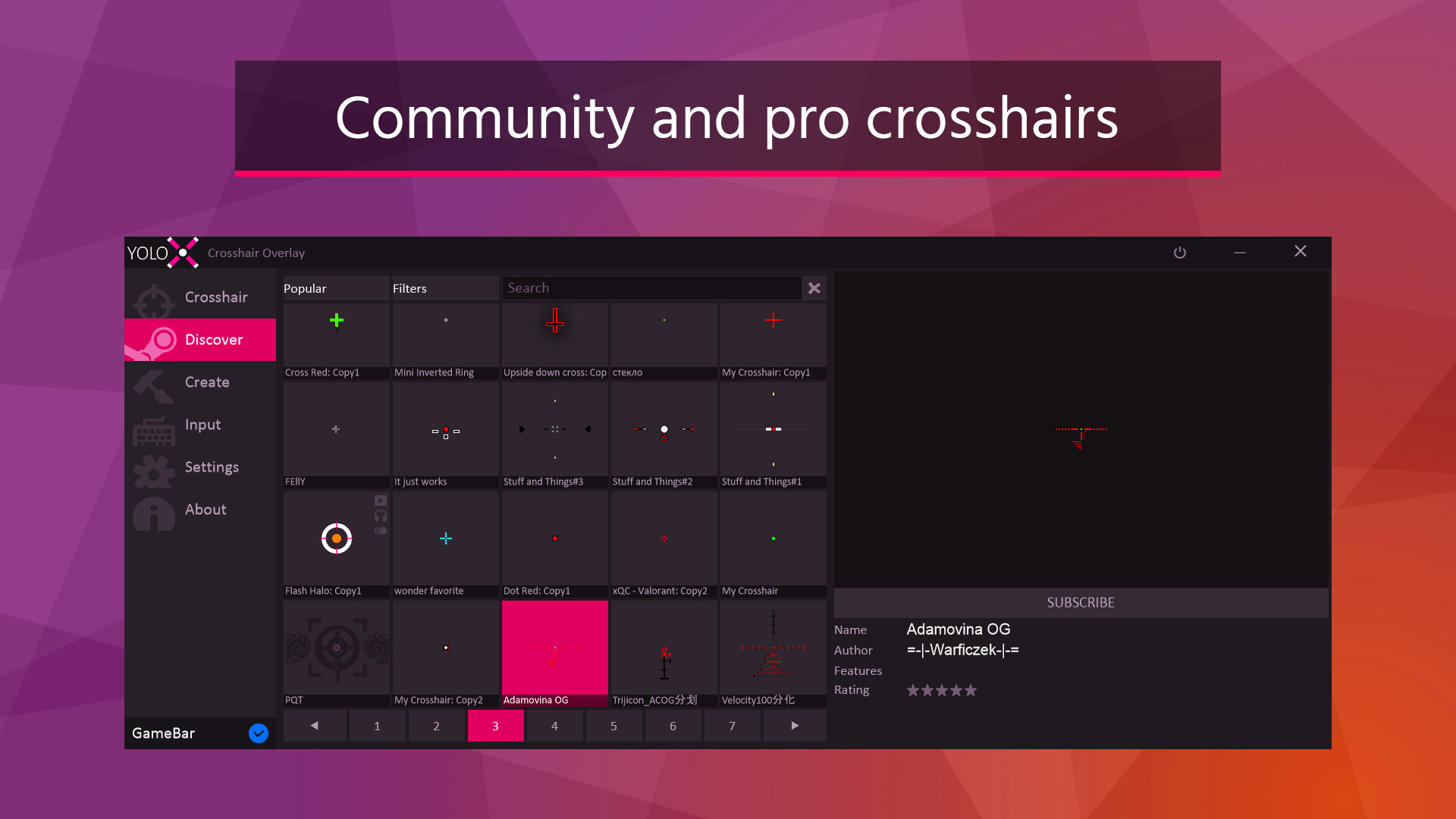
- Variety: Includes many crosshairs, zooms, and sonars with more available via Steam Workshop.
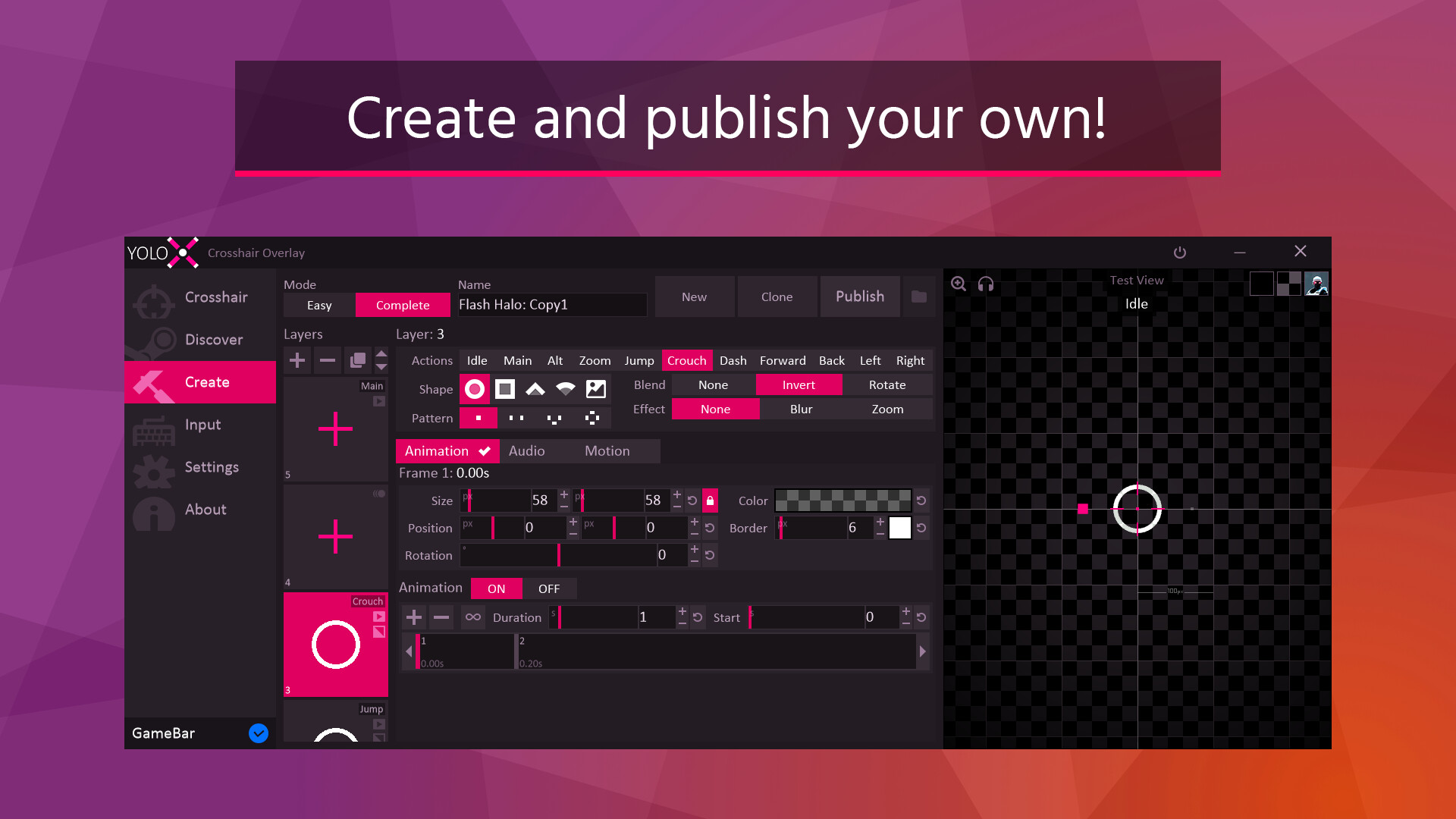
- Create: Editor includes multi-layer control, keyframe animation, and a pixel editor. Any crosshair is possible!
- Hotkeys: Switch crosshairs, adjust scale and offset, toggle visibility, change zoom power, and more.
- Settings: Includes autohide, autostart, and desync from Steam (hide playing status).
- Input: Xbox controller support.
Getting Started
Open your game and press CTRL+SHIFT+P to assign a crosshair. For the full menu, use CTRL+SHIFT+X.Notes
- Anti-Cheat Safety: YoloX operates like other widely accepted game overlays and includes multiple safety and compliance measures. It is routinely tested with major FPS titles. Always verify compatibility with a specific game’s ToS before use.
- Exclusive Fullscreen: When not using Game Bar, this may require enabling the NVIDIA setting: Vulkan/OpenGL Present Method: prefer DXGI swapchain
体験版と発売について
前回の確認時にSteamの体験版が見つかりました。ダウンロードする前に、お住まいの地域で引き続き利用できるかSteamで確認してください。
情報・画像:Steam · 最終確認 UTC