
Craftomation 101: Programming & Craft
有试玩版
About the game
编程指挥一群小机器人,把冰封星球变成生机盎然的世界。连接可视化代码块,实现制造自动化,打造一支能自行补充燃料的机器人队伍。让热能持续流转,优化你的机器,亲眼见证创意化为现实。
Steam 原始说明
Start with one hungry robot on a frozen planet and build the crew that will bring it back to life. Craftomation 101 is a visual programming and automation game: design a routine, watch your robots carry it out, then improve the system when the cold exposes a weak link.
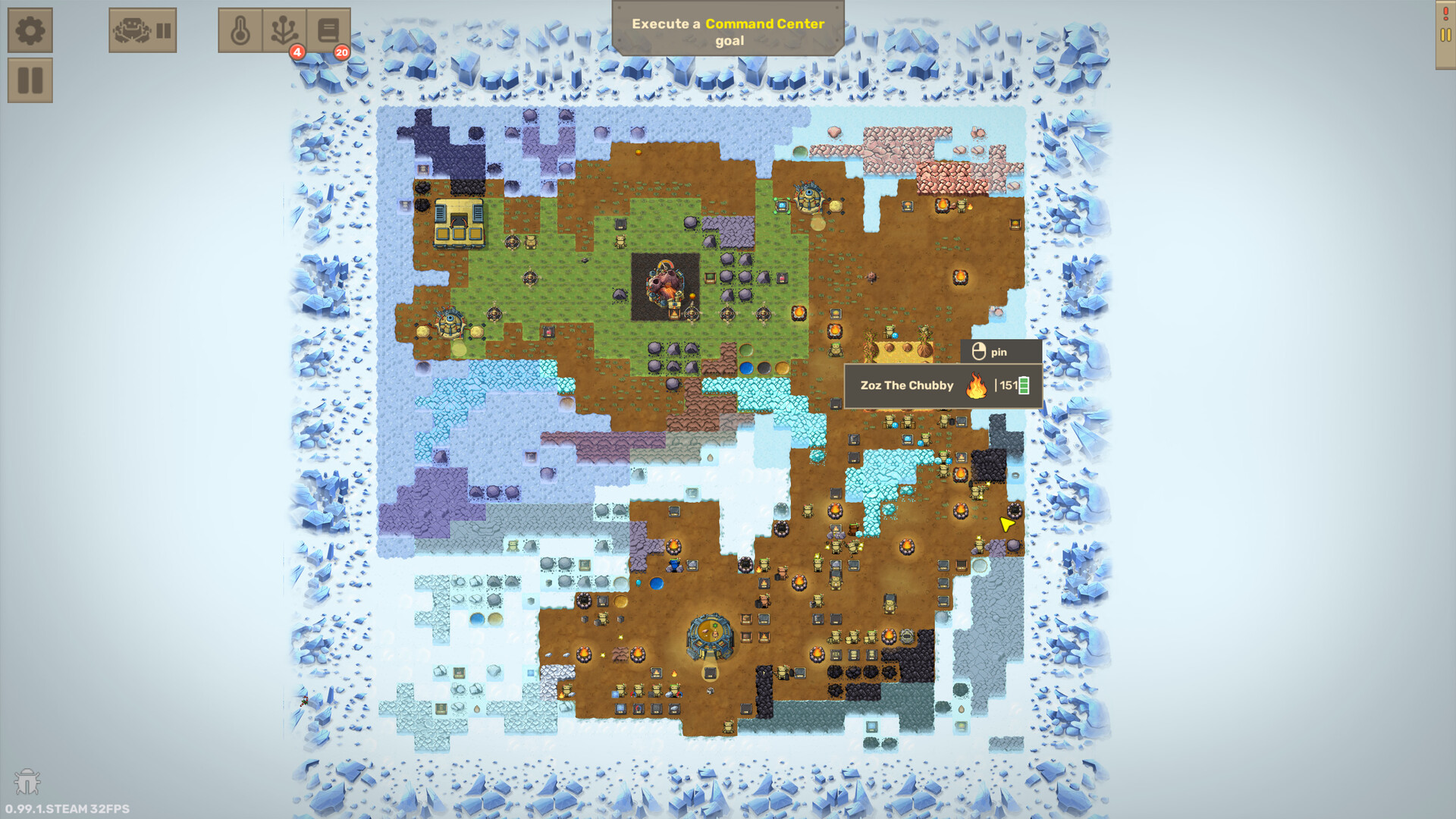
Your tiny rocket has delivered you to a planet that needs a new beginning. Harvest and combine materials, discover new recipes, and turn a frozen landing site into a growing robot base. Terraforming a whole planet sounds like a 9000-year job. Fortunately, you can make robots do it for you.
Give your robots a plan
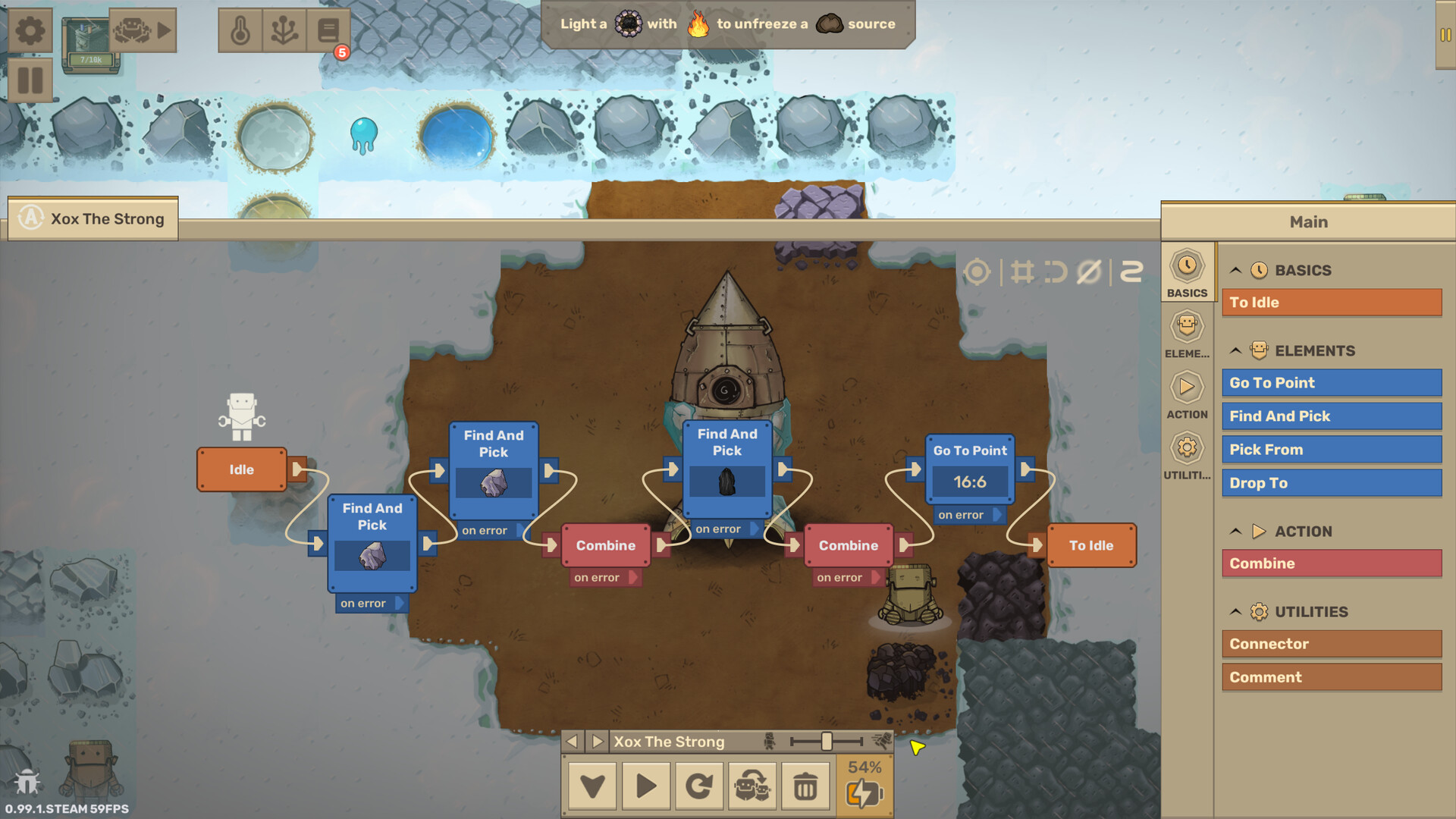
Connect visual blocks to make robots gather resources, combine materials, and deliver supplies. You decide what happens and in what order. Test an idea, spot the problem, and turn a manual chore into a working routine.
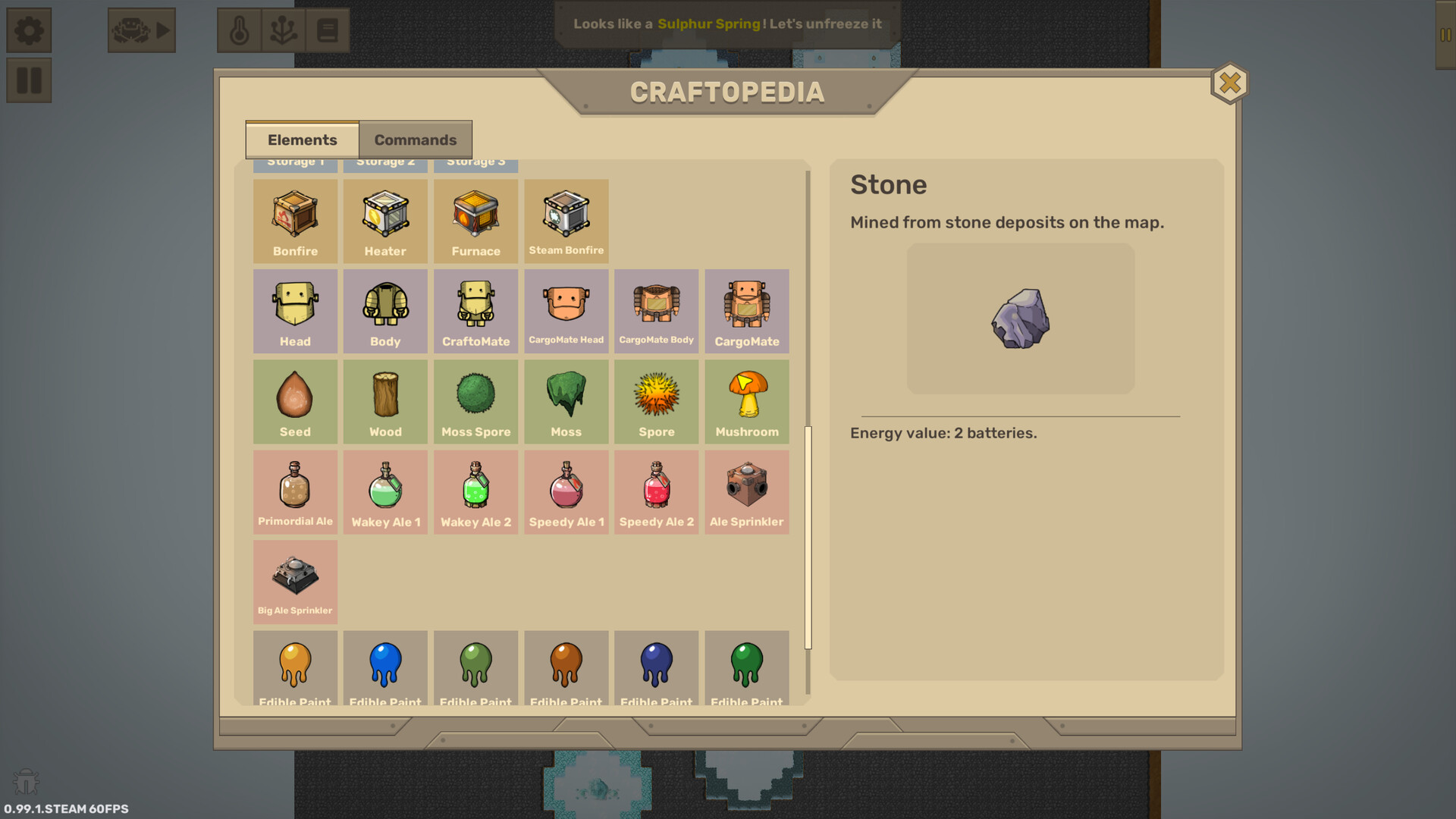
Meet your CraftoMates: tiny robots that can be assembled and upgraded using the materials around them.
Program your robots to harvest and craft those materials, then use them to expand your crew. Gradually build a self-sustaining workforce that can gather supplies, make more robots, and keep itself fed.
Build smarter systems
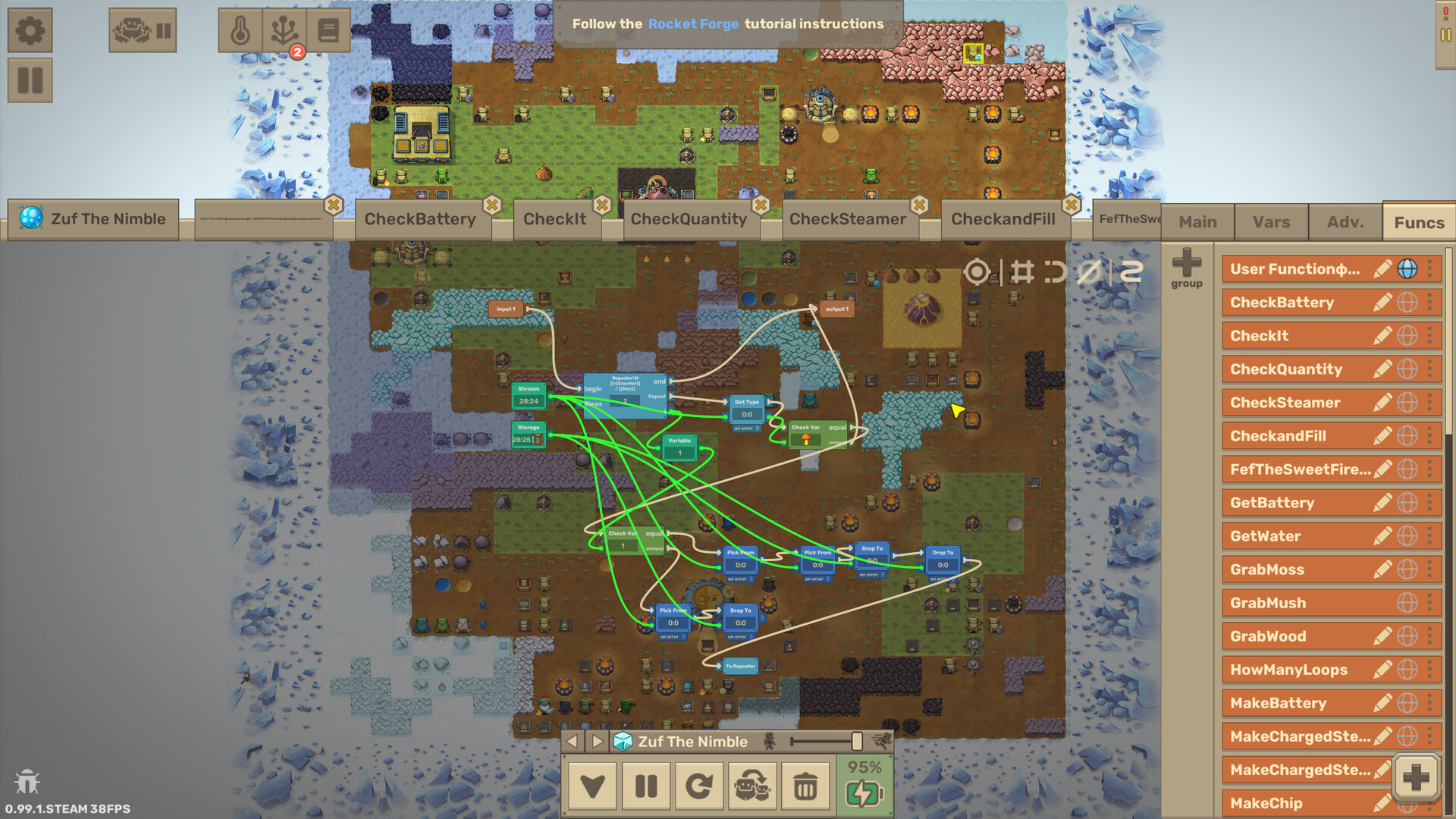
Develop reusable functions, work with variables and arrays, and coordinate a growing workforce. A useful program can become the foundation for your next machine and your next improvement.
Keep the warmth flowing
Your robots need fuel, and your growing base needs heat. Automate both, craft tools, light fires, and push back the ice. Plant trees, produce oxygen, and work toward terraforming the entire planet.
A new planet, a new puzzle
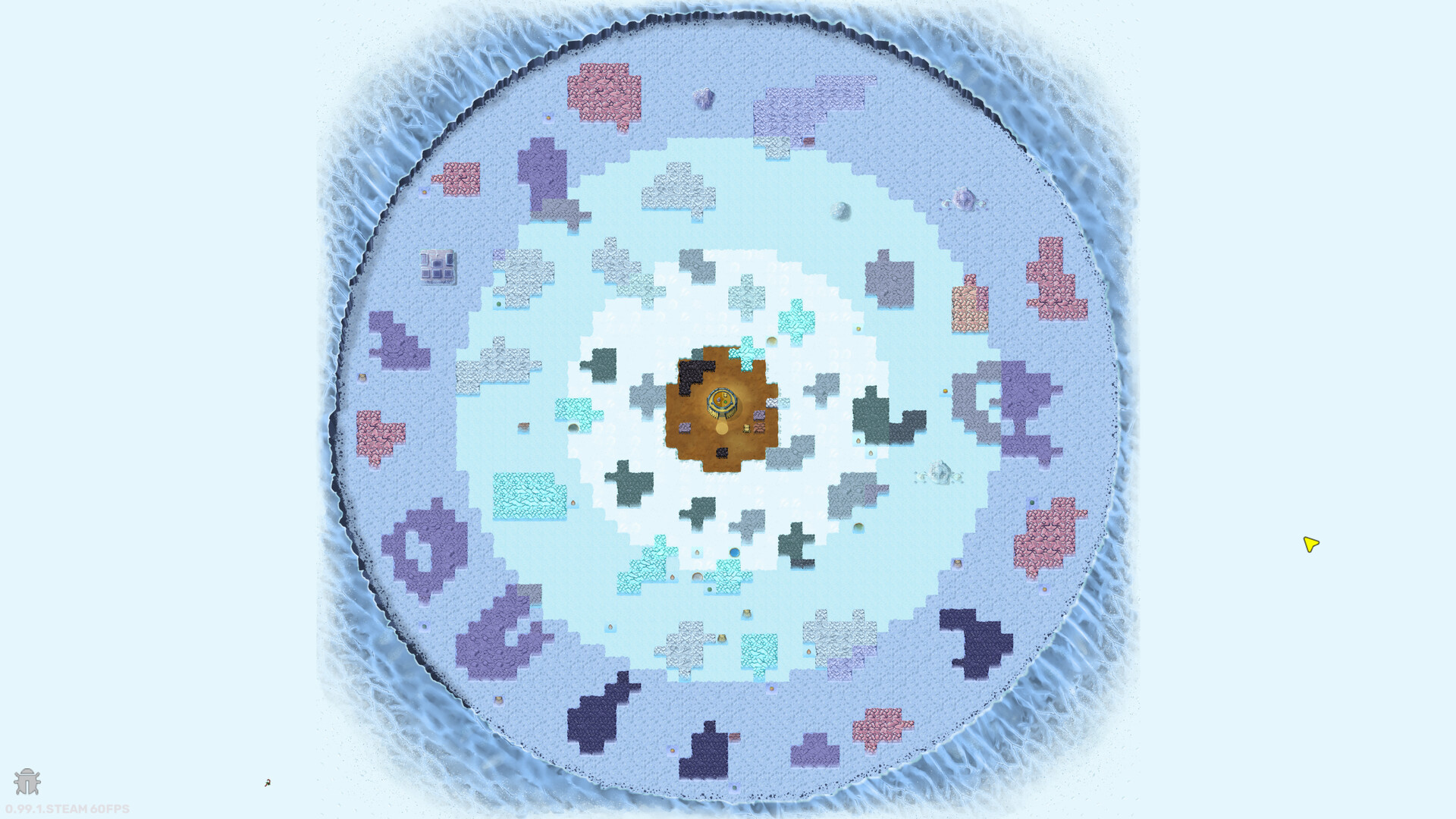
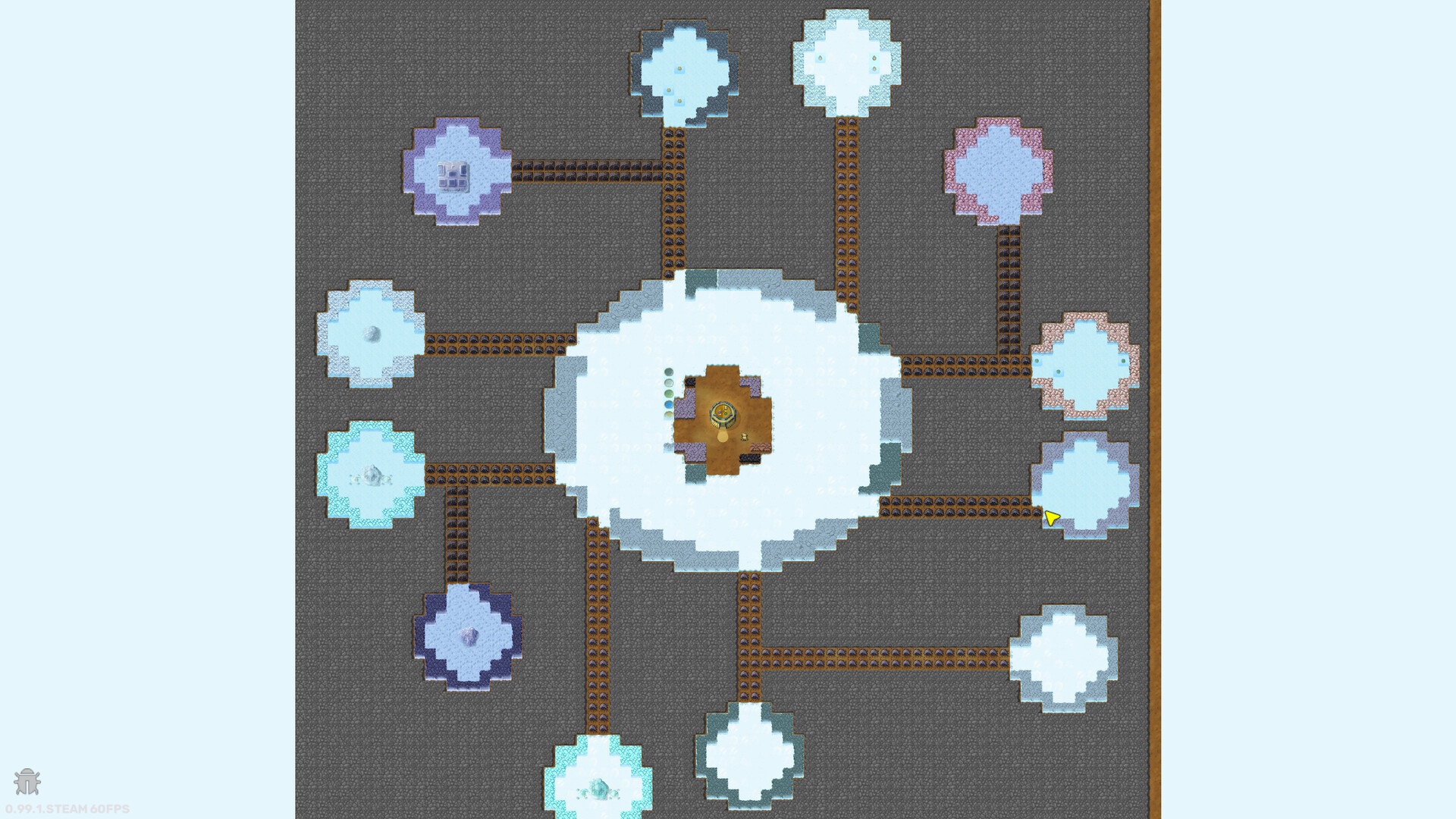
Try procedurally generated frozen planets with different layouts of resources, buildings, and volcanoes. Refine your approach on a new generation seed, or share a favorite seed with another robot engineer.
试玩版与发售信息
上次检查时发现了 Steam 试玩版。下载前,请在 Steam 上确认您所在地区是否仍可使用。
信息与图片:Steam · 最后检查 UTC